
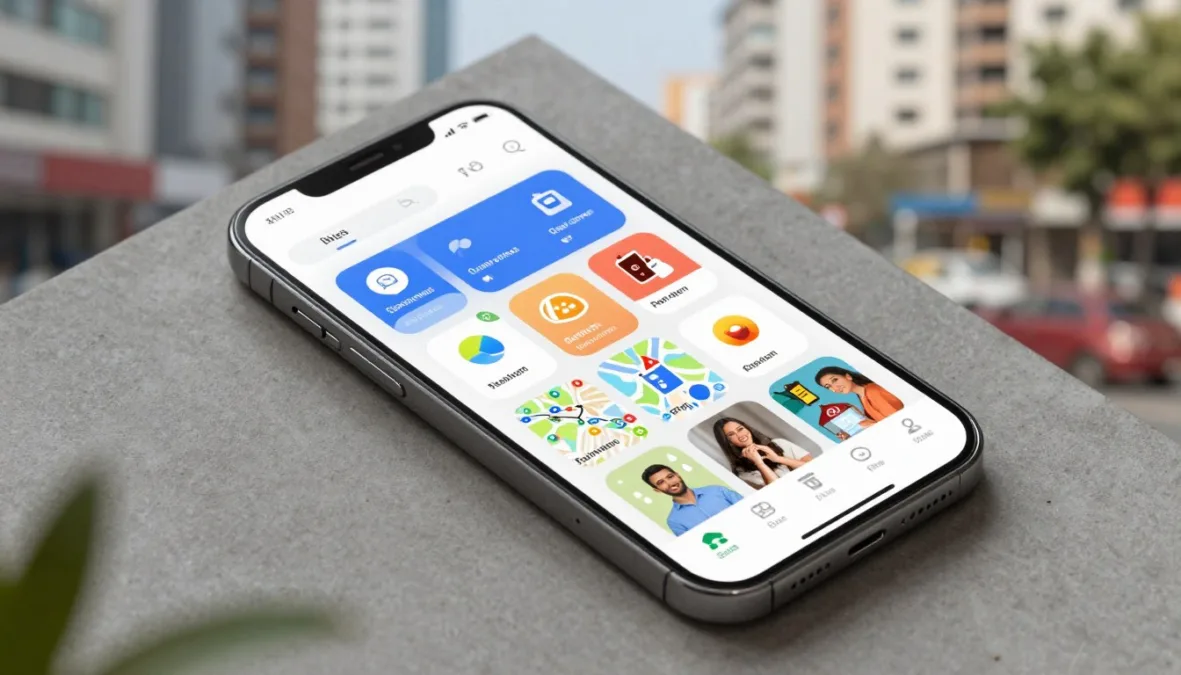
A few well-chosen apps can make daily life in India easier. They can help you send money, order food, reach work, shop, watch video, store documents, and access public services. Yet installing too many apps can create clutter, privacy risks, and repeated charges.
This guide ranks ten useful choices by daily value, frequency of use, reliability, broad access, and practical usefulness. It covers essential apps first and then adds convenience tools. Features, prices, language support, and service coverage can change, so check the current details in each official app store listing.
How We Chose the Top 10 Apps for Daily Use in India
The ranking is not based on one download figure or a short-term trend. It considers whether an app solves a common problem, works on widely used phones, offers dependable services, and provides clear value for regular users.
Daily usefulness
The app should support a task people perform often, such as communication, payments, travel, or access to documents.
- Frequent real-world use
- Clear purpose
- Useful across age groups
- Simple core features
Access and reach
Availability across Android and iOS, cities and towns, languages, networks, and service areas improves its practical value.
- Broad device access
- Indian payment support
- Regional usefulness
- Visible service limits
Trust and control
Good apps explain permissions, charges, privacy settings, account recovery, and customer support without hiding important details.
- Security controls
- Transparent pricing
- Account protection
- Useful support options
Start with the task you repeat most
Choose an app for a real need first. Then review its permissions, developer name, service area, and current user reviews before installing it.
1. WhatsApp: Best for Everyday Communication
WhatsApp is a practical communication app for one-to-one chats, family groups, work messages, voice calls, and video calls. It is also useful for sharing photos, locations, documents, and short updates. Many Indian businesses use it for customer contact, order notices, and appointment messages.

Key features and user fit
It supports text, voice, video, group chats, channels, status updates, document sharing, and linked devices. It suits families, students, small teams, and people who need a familiar communication platform.
- Advantages: Easy contact discovery, broad use, useful calls, and media sharing.
- Limitations: Group noise, forwarded scams, unwanted messages, and mobile data usage.
- Availability: Android, iOS, desktop, and web access, subject to device and network support.
- Privacy: Review group controls, linked devices, backups, profile visibility, and two-step verification.
2. Google Pay: A Convenient Digital Payments App
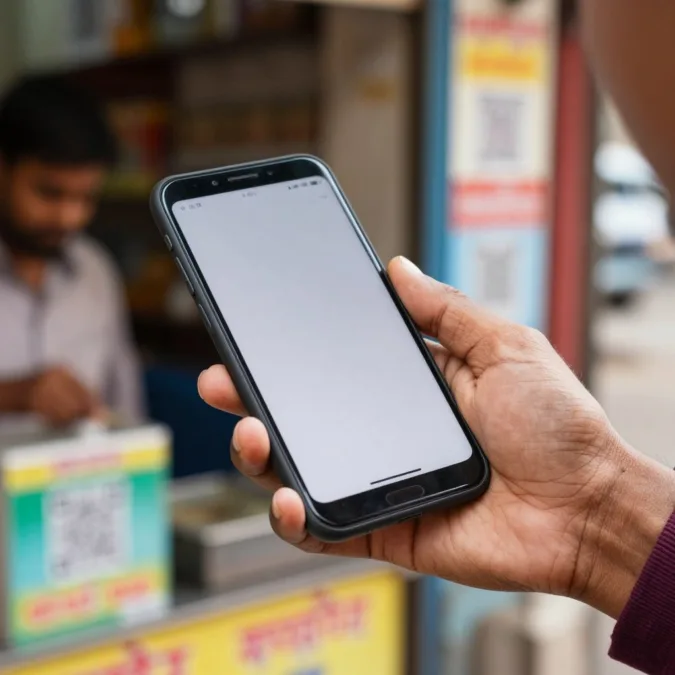
Google Pay helps users send and receive money through supported Indian payment rails, pay bills, recharge mobile connections, and make merchant payments. It is useful for regular small payments, but users should still confirm the recipient’s name before approving a transaction.
Key features and user fit
The app can support bank-linked payments, bill services, recharges, transaction history, and merchant QR use where available. It benefits users who want one familiar tool for routine payments.
- Advantages: Fast payment flow, transaction records, bill support, and wide merchant familiarity.
- Limitations: Bank, network, merchant, and service availability can affect transactions.
- Availability: Android and iOS availability should be checked in the official store for the user’s device.
- Security: Never share a UPI PIN, OTP, screen-sharing code, or remote-access permission.
Payment safety reminder
Receiving money does not require entering a UPI PIN. Treat urgent calls, refund requests, and unknown QR codes as possible fraud attempts.
3. PhonePe: Payments and Financial Services in One App
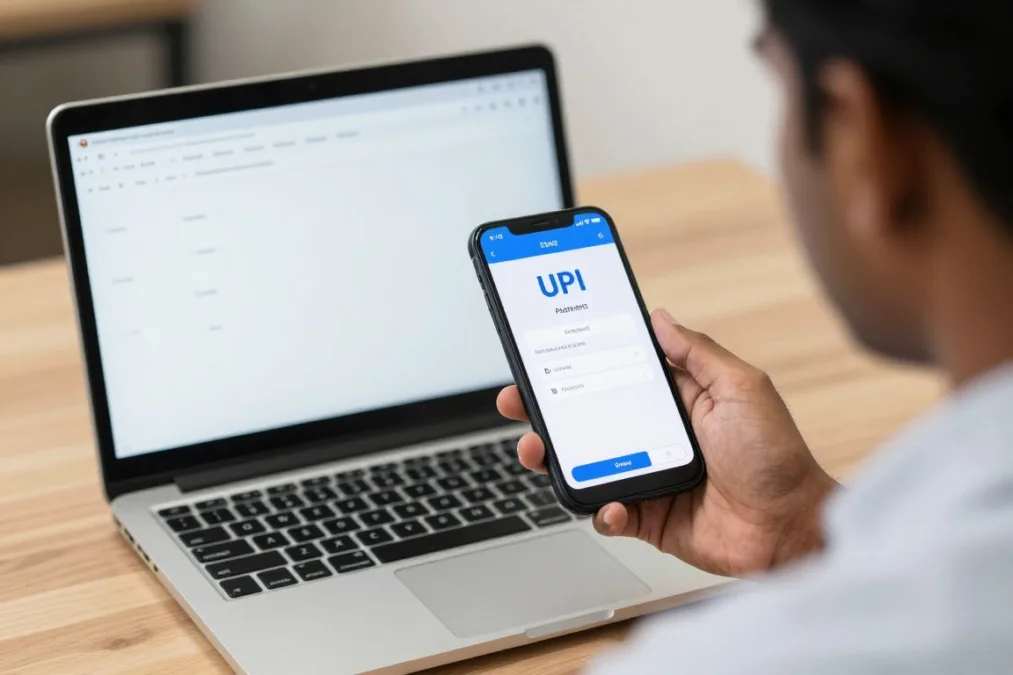
PhonePe is another widely recognised digital payments platform. It can support UPI transfers, recharges, bill payments, merchant payments, and selected financial services. Its broader menu can be useful, but users should open only the services they understand.
Key features and user fit
The app is suited to people who want payments, mobile recharges, bill services, and selected money tools in one place. It can be useful for households that manage many recurring services.
- Advantages: Broad payment options, transaction history, bill reminders, and merchant access.
- Limitations: Some features may involve separate terms, fees, eligibility, or partner services.
- Availability: Check current Android and iOS support and the services offered in your location.
- Privacy: Read consent screens and disable access that is not needed for the selected feature.
4. Amazon: Online Shopping and Household Delivery
Amazon is a major online shopping platform for electronics, home products, books, personal items, and daily supplies. Delivery speed, product selection, and seller quality vary by location and listing. Read reviews carefully because reviews may describe different versions or sellers.

Key features and user fit
The app offers search, product comparison, saved addresses, order tracking, returns, customer reviews, and optional membership plans. It helps busy households, students, and people who need products not found nearby.
- Advantages: Large catalogue, tracking, delivery options, and a visible review system.
- Limitations: Counterfeit risk, changing prices, packaging waste, and uneven seller quality.
- Availability: Service areas, delivery dates, payment methods, and returns depend on the product and address.
- Cost: Optional subscriptions should be judged against actual delivery and entertainment needs.
5. Swiggy: Food Delivery and Local Convenience
Swiggy connects users with restaurants and, in selected areas, grocery or local convenience services. It is useful when cooking is not practical or when a household needs quick delivery. The final price can include taxes, delivery charges, packaging charges, and platform fees.

Key features and user fit
Users can browse menus, compare ratings, track orders, save addresses, and contact support. It suits office workers, students, families, and visitors who want local food without calling several restaurants.
- Advantages: Menu discovery, tracking, digital payments, delivery updates, and local choice.
- Limitations: Fees, late delivery, availability gaps, food quality variation, and surge pricing.
- Availability: Restaurant coverage differs by city, neighbourhood, weather, and operating hours.
- Good practice: Check the complete total and delivery notes before placing an order.
Compare the complete food bill
Before paying, review the item total, taxes, delivery charge, packaging charge, tip, and cancellation rules. The lowest menu price may not be the lowest final price.
6. Uber: App-Based Transport for City Travel
Uber can help users request rides, view an estimated fare, share trip details, and access driver information. It is useful in cities with active coverage, but availability, prices, and vehicle types can change quickly during demand peaks.

Key features and user fit
The app supports ride requests, fare estimates, pickup details, trip sharing, digital payments, ratings, and support tools. It benefits commuters, visitors, and users who need a trackable city ride.
- Advantages: Location-based pickup, cashless options, trip records, and safety tools.
- Limitations: Surge pricing, cancellations, traffic delays, and uneven vehicle coverage.
- Availability: Coverage and ride categories differ by city and time.
- Safety: Match the vehicle and driver details before entering, and share the trip when appropriate.
7. YouTube: Video, Learning, and Entertainment
YouTube is a broad video platform for news, music, tutorials, education, reviews, and entertainment. It can support learning in English and many Indian languages. However, recommendations can lead users toward low-quality or misleading material, so source checking matters.

Key features and user fit
The platform offers channels, playlists, captions, speed controls, downloads in selected plans, live content, and creator subscriptions. It suits learners, families, music listeners, and people seeking how-to guidance.
- Advantages: Huge content range, regional-language access, free viewing, and learning tools.
- Limitations: Advertising, distracting recommendations, misinformation, and data usage.
- Availability: Android, iOS, web, and smart-TV access can vary by device and region.
- Cost: Optional premium plans should be compared with actual viewing and download needs.
8. Google Maps: Navigation and Local Discovery
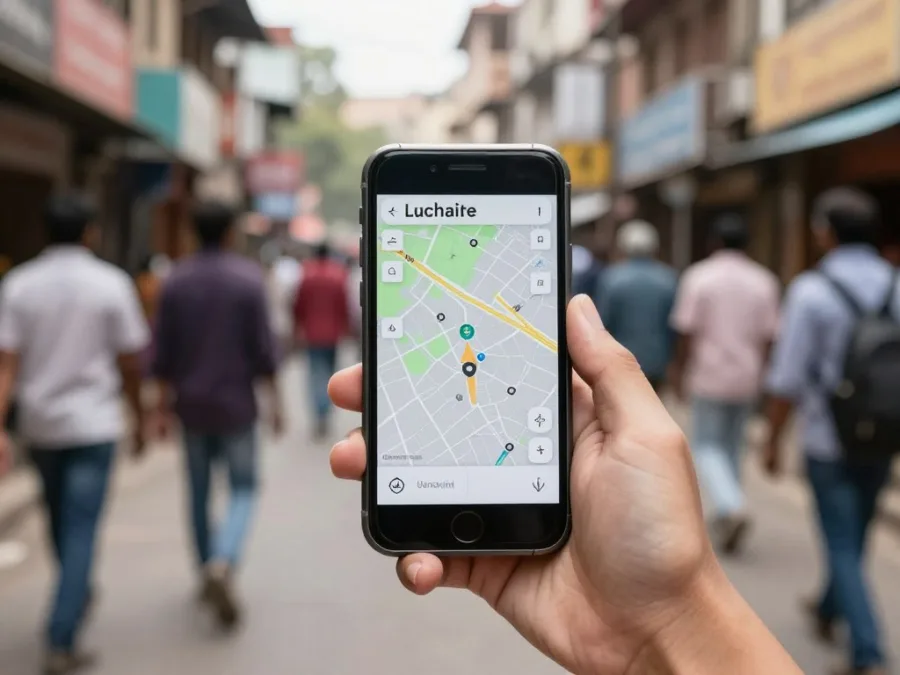
Google Maps helps users find routes, businesses, landmarks, public places, and transport information. It is especially useful for visitors, commuters, delivery workers, and people exploring a new neighbourhood. Map data is helpful but not perfect, so confirm unusual routes and opening times.
Key features and user fit
Users can search places, compare routes, save locations, share arrival times, read reviews, and download selected map areas. It benefits nearly anyone who travels, meets customers, or needs local services.
- Advantages: Route planning, place discovery, traffic information, and location sharing.
- Limitations: Incorrect pins, outdated listings, weak signals, and battery consumption.
- Availability: Android, iOS, web, and selected offline features.
- Privacy: Review location history, precise location, and location-sharing settings.
9. DigiLocker: Digital Documents and Essential Access
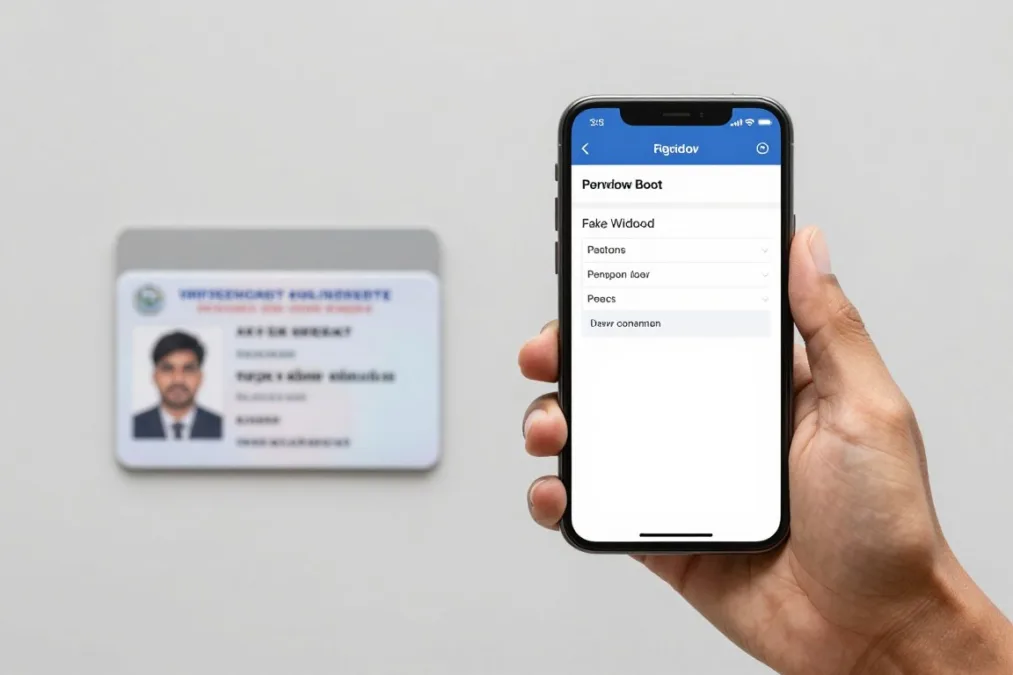
DigiLocker is an Indian digital document platform that can help users access documents issued by participating departments and organisations. It is useful for people who need a convenient way to view or present eligible records, but acceptance should be confirmed with the requesting authority.
Key features and user fit
The service can provide access to issued documents, document sharing, and account-based retrieval where supported. It may help students, job applicants, travellers, and citizens managing official records.
- Advantages: Less paper, convenient access, and a central document view.
- Limitations: Not every document or organisation may be available, and identity matching can fail.
- Availability: Use official government channels and verify the current sign-in process.
- Security: Protect account credentials and avoid uploading sensitive records to unknown services.
10. UMANG: Government Services in One Mobile App
UMANG brings selected government services into one digital platform. Depending on the service and current integration, users may find information, applications, status checks, or account tools. The exact options can change, so use the official listing and service instructions.
Key features and user fit
UMANG may help citizens locate services without visiting several websites. It can be useful for workers, students, pensioners, families, and people who prefer one mobile entry point.
- Advantages: Central access, service discovery, notifications, and reduced website switching.
- Limitations: Some services may require separate accounts, documents, or identity checks.
- Availability: Service coverage depends on department integration and user location.
- Good practice: Save official reference numbers and use only verified support channels.
Use essential services before convenience apps
Install payment, communication, navigation, and document tools only when they match your routine. Add food, shopping, and entertainment apps as optional extras.
How to Choose the Right Daily-Use Apps
The best app set depends on your work, location, phone, language, and budget. A student may need communication, payments, maps, learning video, and food delivery. A visitor may value maps, transport, translation, payments, and document access. A household may prioritise shopping, groceries, bill services, and family communication.
| Need | Useful app type | What to check | Main concern |
| Communication | Messaging and calling | Group controls and linked devices | Scams and unwanted contact |
| Payments | UPI and bill services | Bank support and transaction controls | Fraud and mistaken transfers |
| Shopping | E-commerce and grocery | Seller reviews, returns, and final price | Quality and hidden charges |
| Travel | Maps and ride booking | Local coverage and safety tools | Price changes and inaccurate locations |
| Documents | Government service platform | Official domain and acceptance | Privacy and identity access |
Check before installation
- Confirm the developer or organisation.
- Read recent reviews, not only the overall score.
- Check Android or iOS compatibility.
- Review permissions and privacy terms.
- Look for customer support details.
Control usage after installation
- Turn off unnecessary notifications.
- Use a screen lock and strong account password.
- Enable two-step verification where offered.
- Remove apps that you no longer use.
- Review subscriptions and payment history.
Final Guidance for Building Your Daily App Set
Start with communication, payments, navigation, and any government service you use. Add shopping, food delivery, transport, video, and other convenience tools based on real usage. This approach keeps your phone useful without filling it with duplicate apps like several shopping, food, or payment platforms.
For every service, compare the complete cost, check local availability, and protect your data. A popular app is not automatically the best choice for every user. The right selection is the one that meets your needs, works reliably in your area, and gives you enough control over money, privacy, notifications, and account access.

Priyanka Pandey
Senior Research Editor · Top10Sense
Priyanka specializes in tech, consumer products, and digital trends. She combines hands-on testing, vendor interviews, and database research to create trustworthy “Top 10” rankings. Her work has been referenced by industry blogs and brand report pages.