
Customer support teams face mounting pressure to deliver instant, personalized responses across multiple channels. Traditional support models struggle to keep pace with growing customer expectations.
AI chatbots have emerged as essential tools for businesses seeking to scale their support operations without compromising quality. These intelligent agents handle routine questions, route complex issues to human agents, and operate around the clock.
This comprehensive guide examines the top 10 AI chatbots for customer service in 2026. We analyze each platform’s features, pricing, strengths, and limitations to help you select the right solution for your business.
What Makes AI Chatbots Essential for Customer Service
Modern customer support requires immediate responses regardless of time zones or business hours. AI chatbots fulfill this need by providing instant assistance to customers seeking answers to common questions.
These tools reduce the workload on human agents by handling repetitive tasks and routine interactions. Support teams can then focus their attention on complex issues requiring empathy and nuanced problem-solving.
Natural language processing enables chatbots to understand customer intent across different phrasings. This technology allows automated systems to provide relevant responses without requiring exact keyword matches.
Key Benefits of AI Chatbots for Support Teams
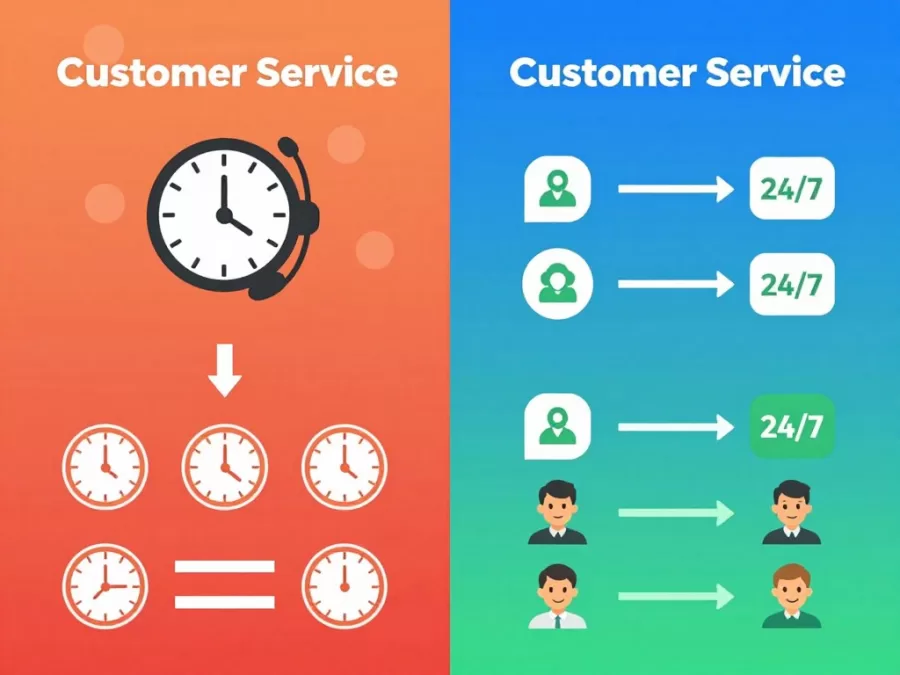
AI chatbots deliver measurable improvements to customer support operations. These platforms enhance both team efficiency and customer satisfaction through automation and intelligent routing.
24/7 Availability
Chatbots provide continuous support without breaks or shift changes. Customers receive assistance at any hour, eliminating wait times for basic questions.
- Instant responses during off-hours
- No staffing gaps or coverage issues
- Consistent service quality at all times
- Global customer support across time zones
Scalability
Automated chat agents handle unlimited simultaneous conversations. Businesses can manage traffic spikes without adding human resources.
- Manage thousands of concurrent chats
- Handle seasonal demand fluctuations
- Scale without proportional cost increases
- Maintain response times during peaks
Cost Efficiency
Automation reduces per-interaction costs while maintaining service quality. Companies lower operational expenses without sacrificing customer experience.
- Reduce staffing requirements for routine tasks
- Lower training costs for basic interactions
- Minimize overhead for simple inquiries
- Improve ROI on support operations
Data Collection
Every conversation generates valuable insights about customer needs and pain points. Support teams can identify trends and improve processes based on real data.
- Track common customer questions
- Identify product improvement opportunities
- Monitor sentiment across interactions
- Optimize knowledge base content
How AI Chatbots Transform Customer Interactions
Modern chatbots use advanced natural language models to understand context and intent. These systems can maintain coherent conversations across multiple exchanges.
Machine learning enables chatbots to improve over time through exposure to real customer interactions. The platform learns from successful resolutions and adapts responses accordingly.
Integration with business systems allows chatbots to access customer data and provide personalized assistance. These tools can retrieve order history, account details, and previous interactions to deliver relevant support.
Evaluation Criteria for AI Chatbots
Selecting the right chatbot platform requires careful assessment of multiple factors. Different solutions excel in specific areas while making tradeoffs in others.
We evaluated each platform based on critical features that impact real-world performance. Our analysis focuses on capabilities that directly affect customer satisfaction and team efficiency.
Essential Features to Consider
- Intent recognition accuracy
- Context retention across conversations
- Multi-language support
- Sentiment analysis
- Entity extraction
- Conversation flow management
Natural Language Capabilities
- CRM system connectivity
- Help desk platform integration
- E-commerce platform support
- Communication channel coverage
- API availability and documentation
- Third-party tool ecosystem
Integration Options
- Workflow builder functionality
- Conditional logic support
- Escalation to human agents
- Ticket creation and routing
- Automated task execution
- Custom scripting options
Automation Capabilities
Pricing Structure Analysis
Chatbot platforms employ diverse pricing models based on usage, features, and scale. Understanding cost structures helps businesses budget appropriately and avoid unexpected expenses.
Most platforms offer tiered pricing with escalating capabilities. Entry-level plans typically include basic automation, while enterprise tiers provide advanced features and dedicated support.
Common Pricing Models
- Per-conversation pricing based on monthly volume
- Per-agent licensing for team access
- Tiered plans with feature restrictions
- Usage-based billing for API calls
- Enterprise custom pricing for large deployments

Implementation and Setup Complexity
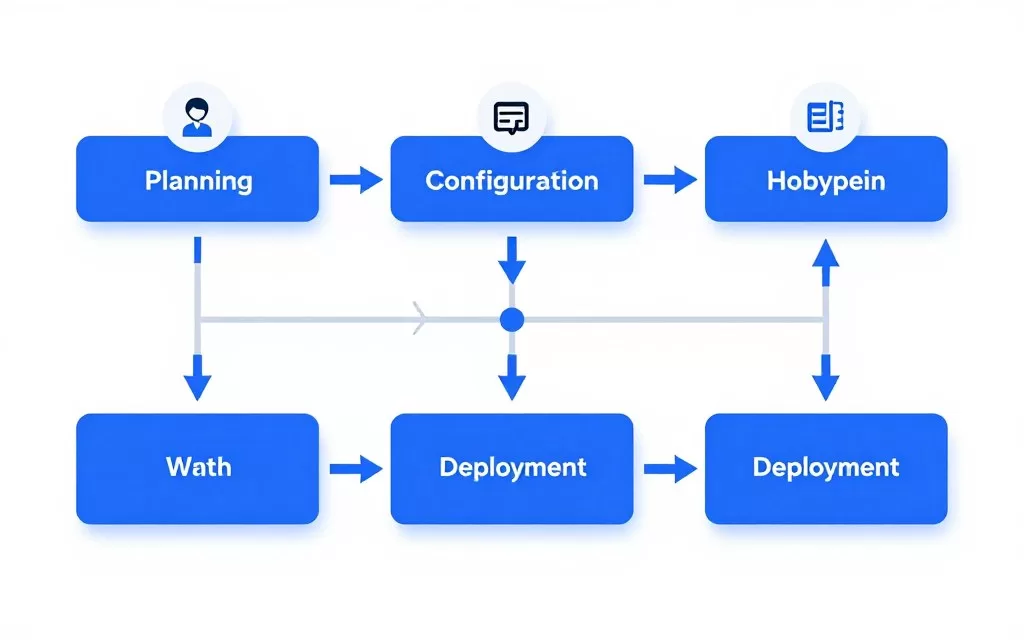
Time to deployment varies significantly across platforms. Some solutions offer pre-built templates for immediate use, while others require extensive configuration and training.
Technical requirements range from no-code visual builders to API-first platforms requiring developer resources. Consider your team’s technical capabilities when evaluating setup complexity.
Training requirements include building knowledge bases, defining conversation flows, and testing responses. Initial setup time typically ranges from hours for simple bots to weeks for sophisticated implementations.
Top 10 AI Chatbots for Customer Service 2026
We’ve analyzed the leading chatbot platforms based on features, performance, pricing, and user feedback. Each solution offers distinct advantages for specific use cases and business requirements.
The following reviews provide comprehensive assessments to help you identify the best fit for your organization. We examine real-world capabilities rather than marketing claims.
1. Intercom – Best for Growing SaaS Companies
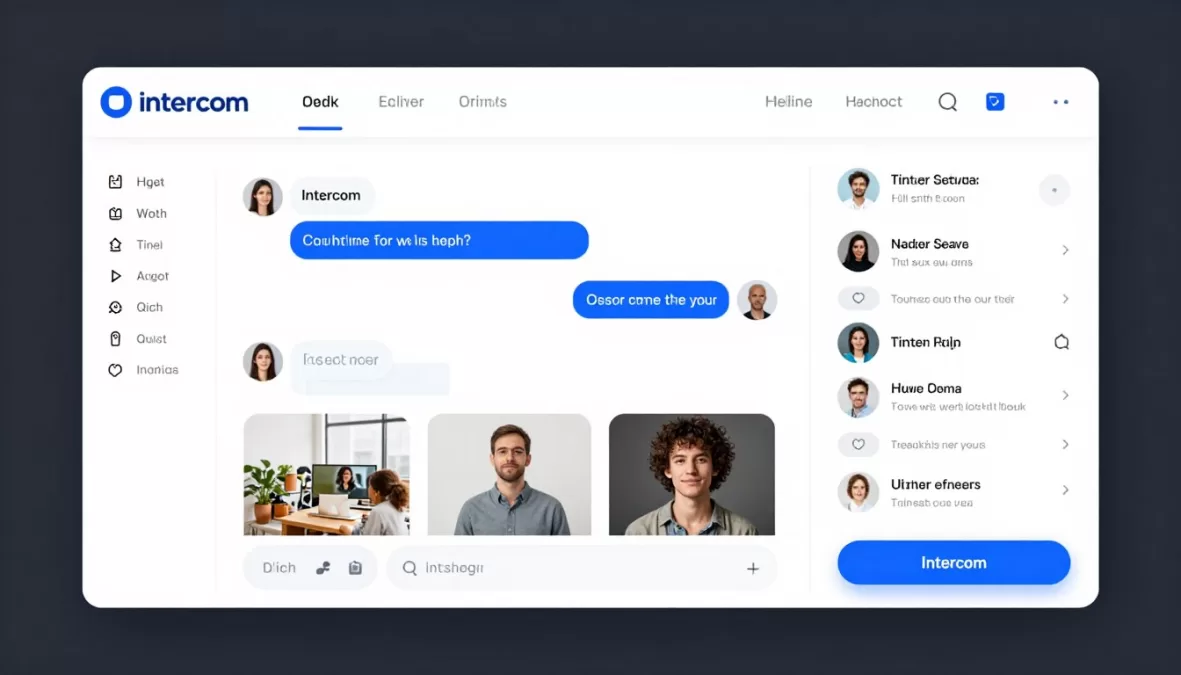
Intercom combines robust automation with human-centric design to create seamless customer experiences. The platform excels at qualifying leads and routing conversations to appropriate team members.
The Resolution Bot handles common questions using machine learning trained on your support content. Custom workflows trigger based on user behavior, conversation context, and customer data.
Key Features
- AI-powered resolution bot with natural language understanding
- Custom bot workflows with visual builder interface
- Seamless handoff to human agents with full context
- Multi-channel support across web, mobile, and email
- Proactive messaging based on user behavior triggers
- Advanced segmentation and targeting capabilities
- Real-time visitor data and conversation history
- Team inbox for collaborative support management
Pricing Structure
Intercom uses seat-based pricing with costs per support agent per month. The Starter plan begins at $74 monthly for basic features and two seats.
The Pro plan at $395 per month adds advanced automation and reporting. Enterprise pricing requires custom quotes based on volume and specific requirements.
| Plan | Monthly Cost | Seats Included | Key Features |
| Starter | $74 | 2 | Basic automation, shared inbox |
| Pro | $395 | 5 | Advanced bots, custom workflows |
| Enterprise | Custom | Unlimited | Dedicated support, SLAs, advanced security |
Performance Ratings
Strengths and Limitations
Pros
- Intuitive interface requires minimal training
- Powerful automation reduces agent workload
- Excellent integration ecosystem for SaaS tools
- Proactive messaging drives customer engagement
- Strong analytics and reporting capabilities
Cons
- Higher cost compared to basic chatbot tools
- Pricing scales quickly with team growth
- Advanced features locked behind enterprise tier
- Learning curve for complex workflow creation
- Limited customization on lower-tier plans
Best For
Intercom works best for SaaS companies with product-led growth models. Teams seeking to qualify leads while providing support will benefit from the combined sales and service capabilities.
Companies with 5-50 support agents find the pricing structure reasonable. Businesses requiring extensive customization should consider enterprise plans for full flexibility.
2. Zendesk AI – Best for Enterprise Support Operations
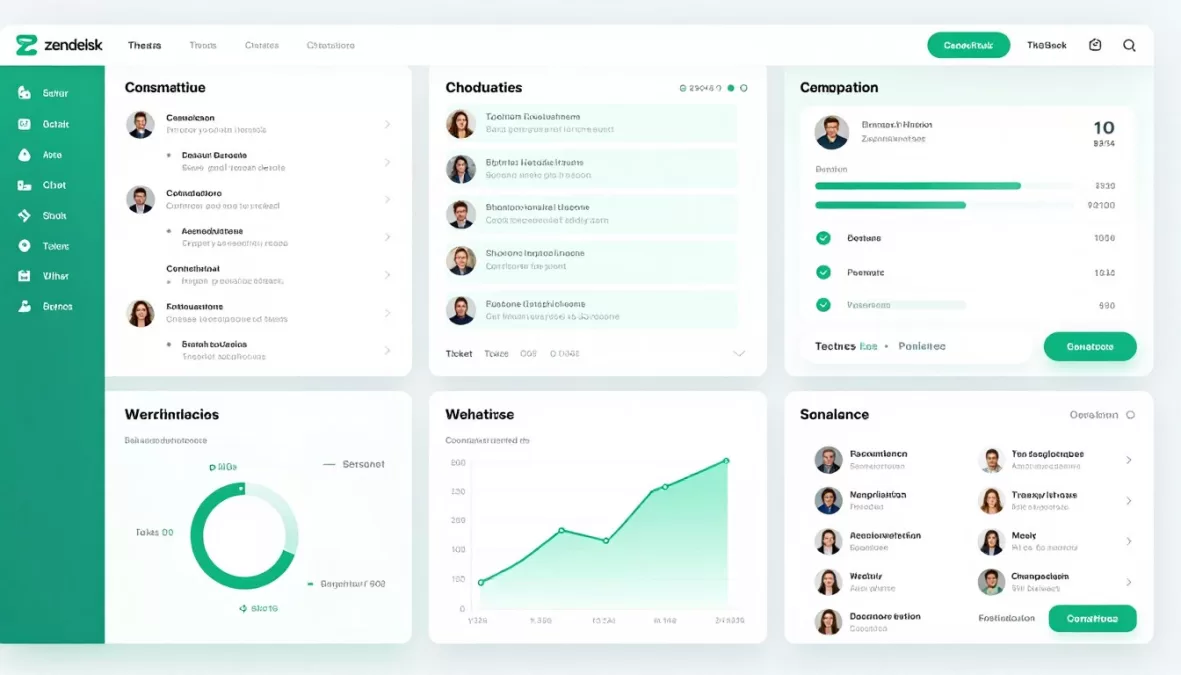
Zendesk offers a comprehensive customer service platform with integrated AI chatbot capabilities. The system combines traditional ticketing with modern conversational AI for hybrid support workflows.
Answer Bot leverages machine learning to suggest articles from your knowledge base during conversations. The platform analyzes past interactions to improve response accuracy over time.
Key Features
- Answer Bot with AI-powered article suggestions
- Omnichannel support across web, mobile, social, and messaging
- Advanced ticket routing and assignment automation
- Comprehensive knowledge base management system
- Workforce management and agent scheduling tools
- Customizable chatbot flows with conditional logic
- Deep integration with CRM and business systems
- Enterprise-grade security and compliance features
Pricing Structure
Zendesk employs per-agent monthly pricing across multiple product tiers. The Suite Team plan starts at $55 per agent per month with basic chatbot functionality.
Suite Growth at $89 per agent per month adds advanced automation. Enterprise plans begin at $115 monthly with custom pricing for large deployments.
| Plan | Cost per Agent/Month | Chatbot Features | Best For |
| Suite Team | $55 | Basic Answer Bot | Small teams |
| Suite Growth | $89 | Advanced automation, custom flows | Growing businesses |
| Suite Professional | $115 | Full AI capabilities, advanced routing | Large enterprises |
Performance Ratings
Strengths and Limitations
Pros
- Comprehensive enterprise support platform
- Extensive integration marketplace
- Robust reporting and analytics tools
- Strong security and compliance features
- Scales effectively for large teams
Cons
- Complex setup for advanced features
- Higher total cost of ownership
- Steep learning curve for new users
- Some features require additional add-ons
- Can be overwhelming for small teams
Best For
Zendesk suits enterprise organizations with established support operations. Companies managing high ticket volumes across multiple channels benefit from the comprehensive toolset.
Businesses with complex routing requirements and extensive integration needs will appreciate the platform’s flexibility. Teams with 20+ agents typically see the best return on investment.
3. Drift – Best for Sales and Marketing Teams
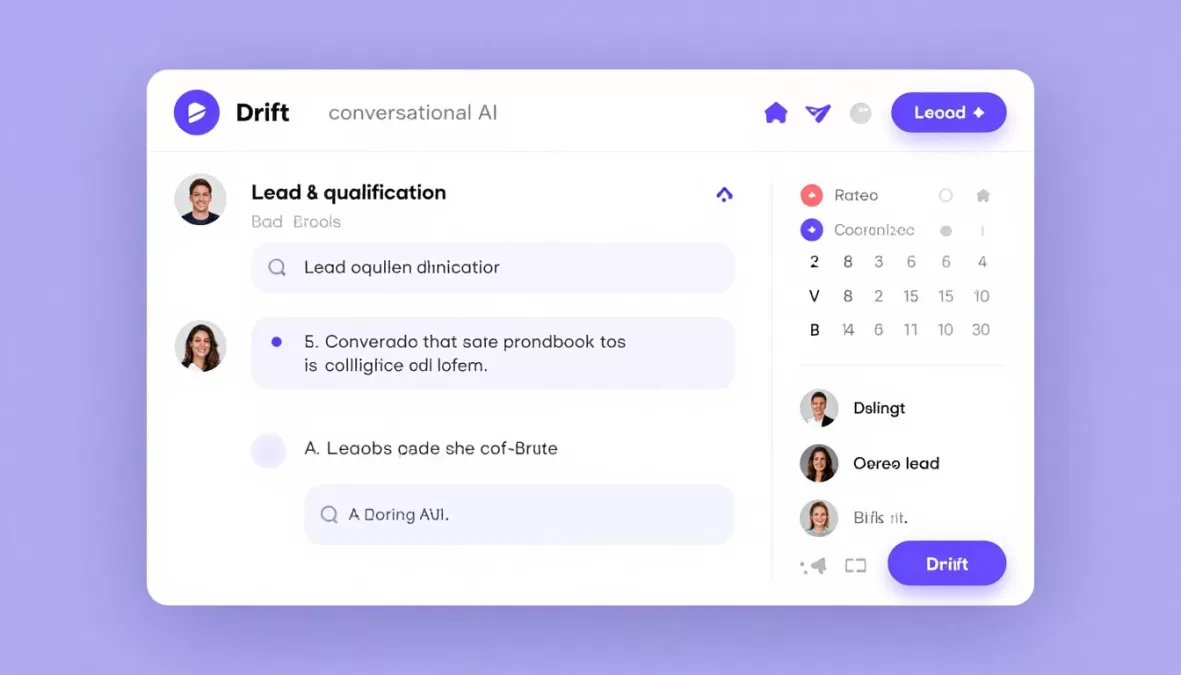
Drift focuses on conversational marketing and sales acceleration through AI-powered chat. The platform qualifies leads in real-time and books meetings directly from chat conversations.
Custom playbooks trigger based on visitor behavior, firmographics, and engagement signals. The system routes qualified prospects to sales reps while deflecting support questions to knowledge resources.
Key Features
- Conversational AI trained for sales and marketing use cases
- Real-time lead qualification and scoring
- Calendar integration for automated meeting booking
- Account-based marketing playbook automation
- Live view of website visitors and their activity
- Email and chat sequence automation
- CRM synchronization with Salesforce and HubSpot
- Revenue attribution and ROI tracking
Pricing Structure
Drift uses a tiered pricing model based on features and scale. The Premium plan starts at approximately $2,500 per month for core conversational marketing features.
Advanced and Enterprise tiers offer additional capabilities with custom pricing. All plans include unlimited conversations but limit seats based on tier.
Note: Drift does not publicly list detailed pricing. Contact their sales team for accurate quotes based on your specific requirements and company size.
Performance Ratings
Strengths and Limitations
Pros
- Excellent lead qualification capabilities
- Seamless calendar and CRM integration
- Strong account-based marketing features
- Intuitive playbook builder interface
- Detailed revenue attribution reporting
Cons
- High starting price point
- Primarily focused on sales rather than support
- Limited functionality for pure customer service
- Complex pricing structure
- Requires sales process alignment
Best For
Drift excels for B2B companies with sales-led growth strategies. Organizations prioritizing lead conversion over support automation will benefit most from this platform.
Marketing teams running account-based campaigns find the targeting and personalization features valuable. Companies with average deal sizes above $10,000 typically justify the investment.
4. Tidio – Best for Small Business Budgets
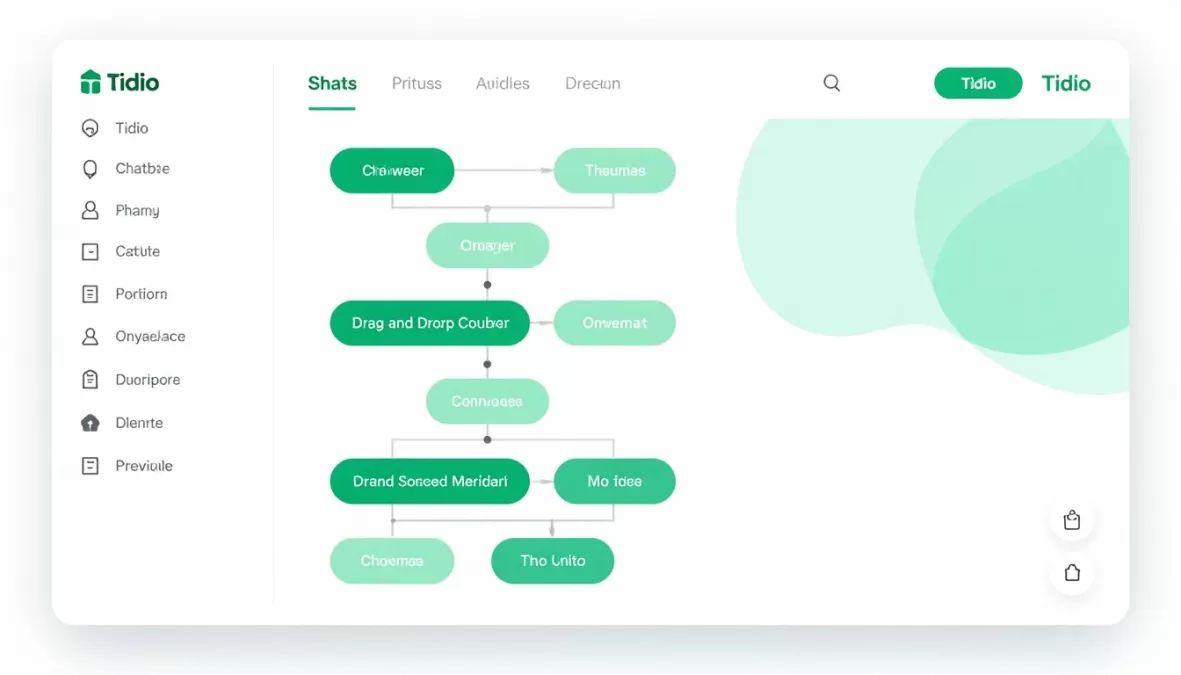
Tidio provides accessible AI chatbot functionality for small businesses and startups. The platform combines live chat with automated responses at an affordable price point.
Pre-built templates allow quick setup without technical expertise. The visual editor enables customization of conversation flows through drag-and-drop interface elements.
Key Features
- Visual chatbot builder with pre-made templates
- Live chat with automated response suggestions
- Email marketing automation integration
- Multi-language support for global businesses
- Mobile apps for iOS and Android
- E-commerce platform integrations
- Basic visitor tracking and analytics
- Simple ticketing system for follow-up
Pricing Structure
Tidio offers a free plan with limited features for up to 50 conversations per month. Paid plans start at $29 monthly for the Communicator package.
The Chatbots plan at $29 per month adds AI automation. The Tidio+ bundle combines all features for $394 monthly with higher volume limits.
| Plan | Monthly Cost | Conversations | Key Features |
| Free | $0 | 50 | Basic chat, 3 operators |
| Communicator | $29 | Unlimited | Live chat, email integration |
| Chatbots | $29 | Unlimited | AI automation, templates |
| Tidio+ | $394 | Unlimited | All features, priority support |
Performance Ratings
Strengths and Limitations
Pros
- Extremely affordable pricing structure
- Quick setup with minimal technical requirements
- Generous free plan for testing
- User-friendly interface for beginners
- Good e-commerce platform integrations
Cons
- Limited advanced AI capabilities
- Basic analytics and reporting
- Fewer integration options than enterprise tools
- Conversation limits on lower tiers
- Limited customization compared to advanced platforms
Best For
Tidio works well for small businesses with basic chatbot needs. E-commerce stores seeking to automate order tracking and common questions benefit from the straightforward setup.
Startups with limited budgets can start with the free plan and upgrade as needs grow. Companies requiring sophisticated AI or enterprise features should consider more advanced platforms.
5. Freshdesk Messaging – Best for Multi-Channel Support
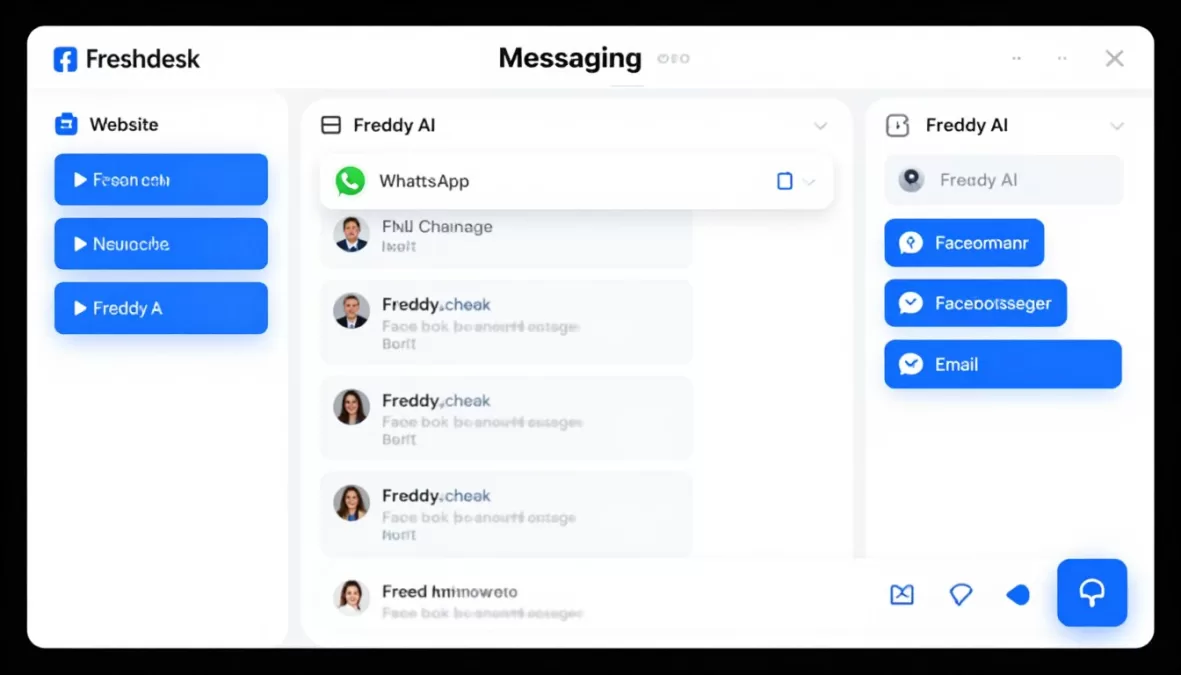
Freshdesk Messaging delivers omnichannel customer engagement across web, mobile, social media, and messaging apps. The unified inbox consolidates conversations from all channels into a single interface.
Freddy AI powers intelligent automation with natural language understanding. The system learns from agent responses to improve suggested replies and automated resolutions.
Key Features
- Freddy AI for intelligent response automation
- Unified inbox across all messaging channels
- WhatsApp Business API integration
- Facebook Messenger and Instagram support
- Proactive messaging campaigns
- Rich media support for images and files
- Agent collision detection for team collaboration
- Customizable chatbot workflows
Pricing Structure
Freshdesk Messaging follows per-agent pricing with a free plan for unlimited agents. The Growth plan costs $15 per agent monthly with basic automation features.
The Pro plan at $39 per agent adds advanced AI capabilities. Enterprise pricing at $69 per agent includes custom features and dedicated support.
| Plan | Cost per Agent/Month | AI Features | Channels |
| Free | $0 | Basic automation | Web, email |
| Growth | $15 | Freddy AI assistant | All messaging apps |
| Pro | $39 | Advanced automation | All + WhatsApp Business |
| Enterprise | $69 | Custom AI models | All + custom integrations |
Performance Ratings
Strengths and Limitations
Pros
- Comprehensive channel coverage
- Competitive pricing structure
- Generous free plan offering
- Strong WhatsApp Business integration
- Effective AI response suggestions
Cons
- Learning curve for advanced features
- Some features require higher tiers
- Mobile app limitations compared to web
- Reporting could be more detailed
- Custom bot building less intuitive than competitors
Best For
Freshdesk Messaging suits businesses supporting customers across multiple messaging platforms. Companies with international audiences benefit from the extensive channel support.
Teams transitioning from email-only support to modern messaging channels find the unified inbox valuable. The free plan works well for small teams testing omnichannel approaches.
Download Our Complete AI Chatbot Comparison Matrix
Get instant access to our detailed comparison spreadsheet featuring all 10 chatbots, pricing calculators, feature checklists, and implementation timelines. Make confident decisions backed by comprehensive data.
6. Ada – Best for Self-Service Automation
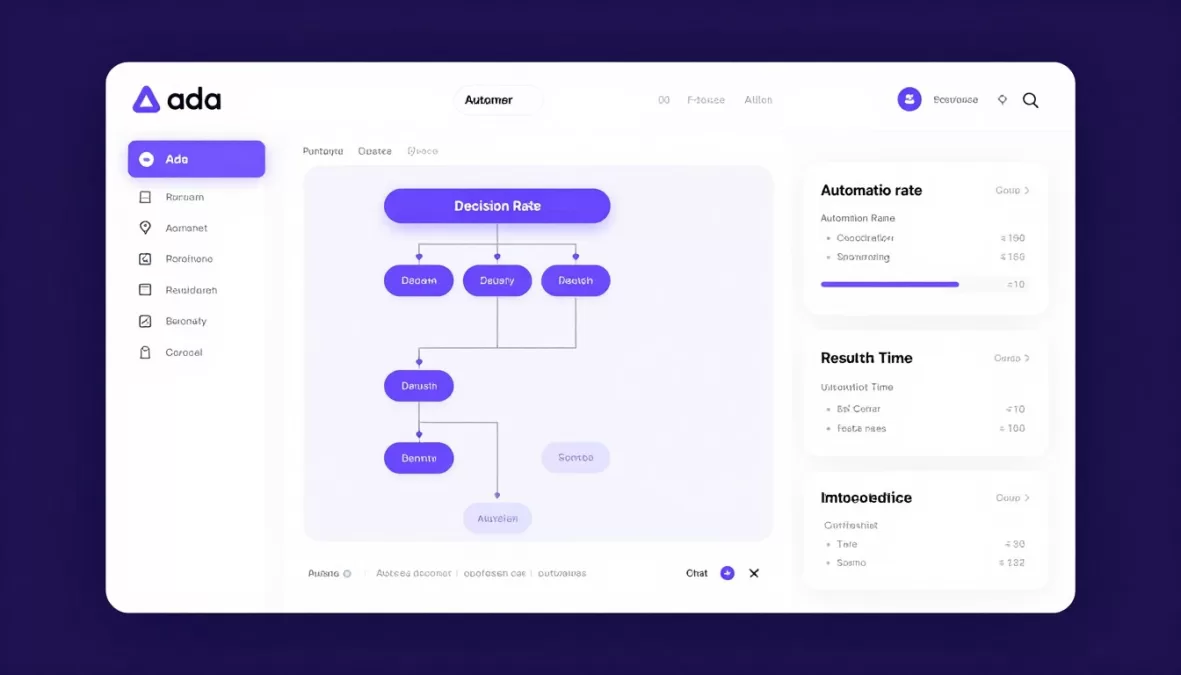
Ada specializes in automated customer service with minimal human intervention. The platform uses advanced AI models to resolve issues without escalating to support agents.
The no-code builder allows business users to create complex automation workflows. Machine learning continuously improves response quality based on customer interactions and outcomes.
Key Features
- No-code automation builder for business users
- Multilingual support across 100+ languages
- Proactive outreach campaigns
- Advanced analytics and resolution tracking
- API-first architecture for custom integrations
- A/B testing for conversation optimization
- Personalization based on customer data
- Seamless handoff to human agents when needed
Pricing Structure
Ada uses custom pricing based on conversation volume and features. No public pricing tiers are available.
The platform targets mid-market to enterprise customers with significant support volumes. Contact Ada directly for quotes based on your specific requirements.
Pricing Model: Ada calculates costs based on monthly conversation volume, required features, and level of support. Typical enterprise contracts start around $30,000 annually for mid-sized deployments.
Performance Ratings
Strengths and Limitations
Pros
- Exceptional automation capabilities
- True no-code interface for non-technical users
- Outstanding multilingual support
- High resolution rates without human escalation
- Excellent customer success support
Cons
- High price point for enterprise-focused solution
- No transparent public pricing
- Minimum contract commitments required
- Overkill for small support operations
- Initial setup requires significant time investment
Best For
Ada excels for companies prioritizing self-service resolution over agent-assisted support. Organizations with high-volume, repetitive support questions see the strongest ROI.
Global businesses requiring multilingual support benefit from the extensive language capabilities. Companies with dedicated customer success teams can maximize the platform’s sophisticated features.
7. HubSpot Chatbot Builder – Best for Inbound Marketing Integration
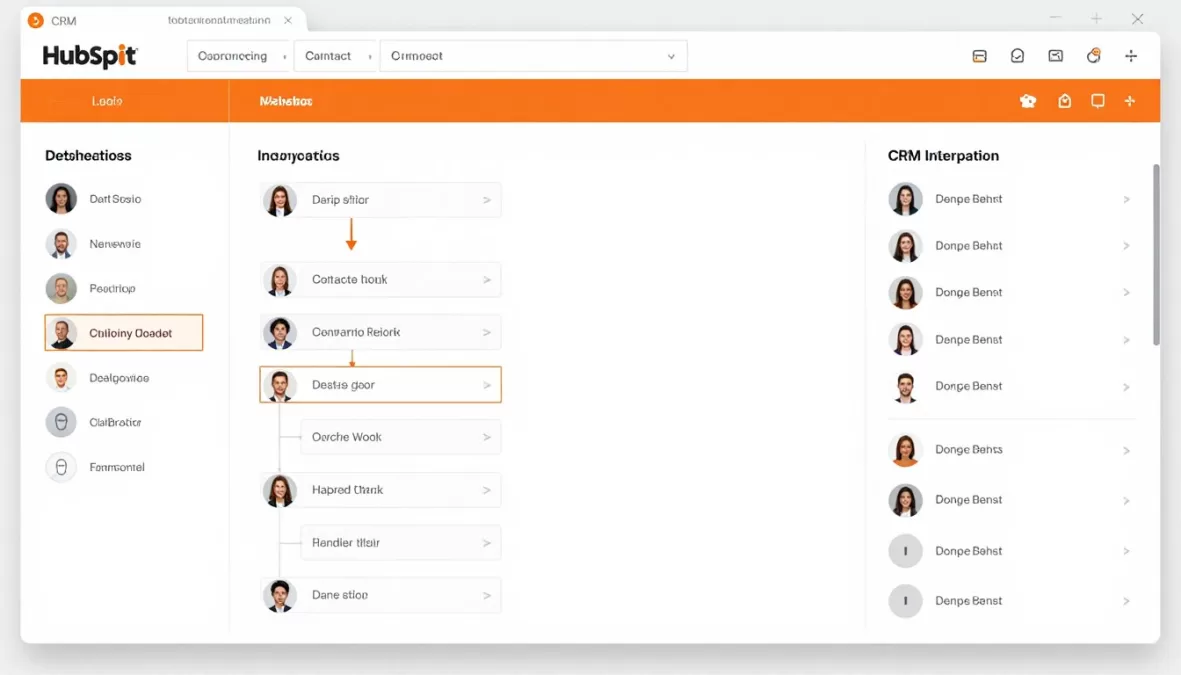
HubSpot’s chatbot builder integrates seamlessly with the broader HubSpot CRM ecosystem. The platform combines marketing automation, sales tools, and customer service in a unified system.
Chatbot conversations automatically sync with contact records and deal pipelines. This integration enables personalized messaging based on complete customer context and interaction history.
Key Features
- Native CRM integration with full contact history
- Marketing automation workflow triggers
- Meeting scheduler with calendar sync
- Lead qualification and scoring
- Ticket creation and routing to service teams
- Live chat handoff with agent context
- Email marketing integration
- Comprehensive reporting dashboard
Pricing Structure
HubSpot offers chatbot functionality within its tiered product bundles. The free HubSpot CRM includes basic chatbot features with limitations.
The Marketing Hub Professional at $800 per month adds advanced automation. Service Hub Professional at $450 monthly provides comprehensive support tools with unlimited chatbot functionality.
| Plan | Monthly Cost | Chatbot Features | Additional Tools |
| Free CRM | $0 | Basic chatbot, limited features | Core CRM |
| Marketing Hub Pro | $800 | Advanced automation, targeting | Marketing automation |
| Service Hub Pro | $450 | Unlimited chatbots, ticketing | Help desk, knowledge base |
| CRM Suite | $1,600 | All chatbot features | Complete platform access |
Performance Ratings
Strengths and Limitations
Pros
- Seamless integration across entire platform
- Complete customer context in conversations
- Robust marketing automation capabilities
- User-friendly interface for non-technical users
- Comprehensive analytics and reporting
Cons
- High cost for full platform access
- Limited value if not using other HubSpot tools
- Advanced features require professional tiers
- Can be complex for simple use cases
- Chatbot AI capabilities lag specialized platforms
Best For
HubSpot works best for businesses already using or planning to adopt the HubSpot ecosystem. Companies seeking unified marketing, sales, and service platforms gain maximum value.
Organizations prioritizing CRM integration over advanced AI capabilities will appreciate the seamless data flow. The free tier serves startups testing chatbot functionality before committing to paid plans.
8. LivePerson Conversational Cloud – Best for Enterprise Scale
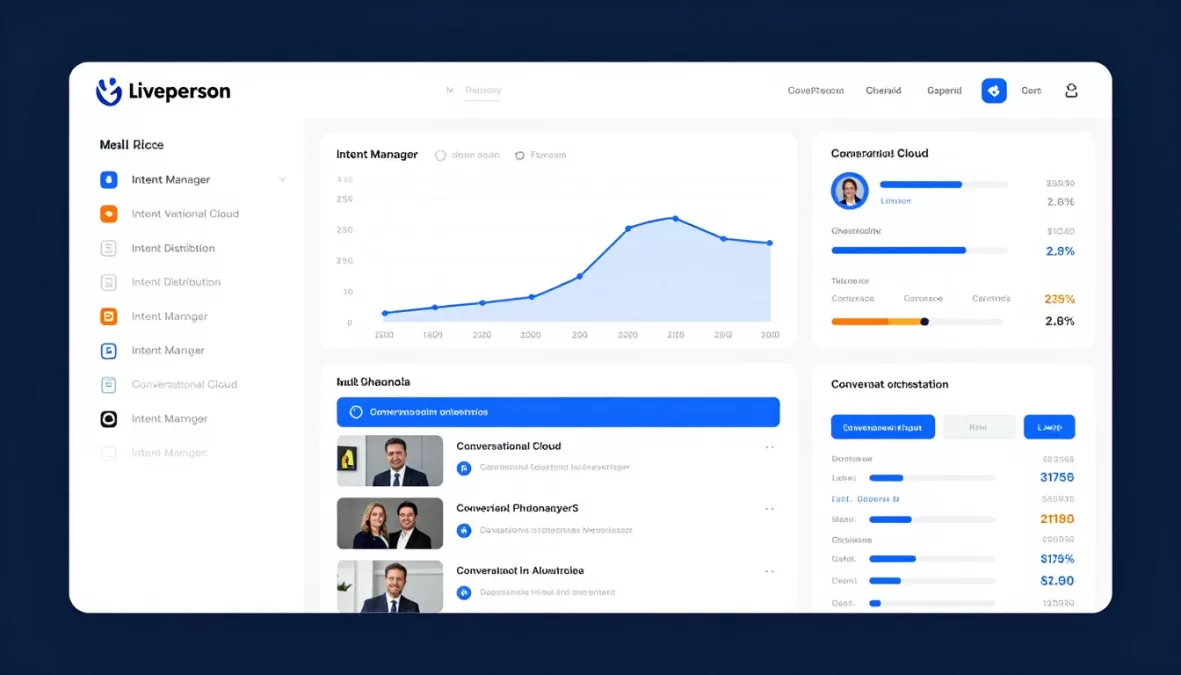
LivePerson delivers enterprise-grade conversational AI for large organizations managing millions of customer interactions. The platform supports voice and messaging across all major channels.
Intent Manager uses sophisticated natural language understanding to identify customer needs. The system routes conversations to specialized bots or human agents based on detected intent and complexity.
Key Features
- Intent Manager for sophisticated NLU capabilities
- Conversation orchestration across channels
- Voice AI integration for phone support
- Agent workspace with AI assistance
- Real-time sentiment analysis
- Conversation Builder with pre-built templates
- Enterprise security and compliance certifications
- Advanced analytics and business intelligence tools
Pricing Structure
LivePerson uses enterprise pricing tailored to conversation volume and requirements. Public pricing is not available.
Typical enterprise contracts include platform fees plus conversation-based usage charges. Implementation and professional services add to total cost of ownership.
Enterprise Investment: LivePerson targets large enterprises with substantial conversation volumes. Expect significant initial investment for platform setup, training, and ongoing management. Best suited for organizations handling 100,000+ conversations monthly.
Performance Ratings
Strengths and Limitations
Pros
- Industry-leading intent detection accuracy
- Massive scalability for enterprise volumes
- Comprehensive channel coverage including voice
- Advanced analytics and business intelligence
- Strong security and compliance features
Cons
- Complex platform with steep learning curve
- High total cost of ownership
- Requires dedicated implementation resources
- Overwhelming for mid-market companies
- Long implementation timelines
Best For
LivePerson serves Fortune 500 companies and large enterprises with complex conversational AI requirements. Organizations managing high volumes across multiple channels benefit from the sophisticated capabilities.
Companies in regulated industries appreciate the compliance features and enterprise-grade security. Businesses with dedicated AI teams can leverage the platform’s full potential.
9. Kustomer – Best for Unified Customer View
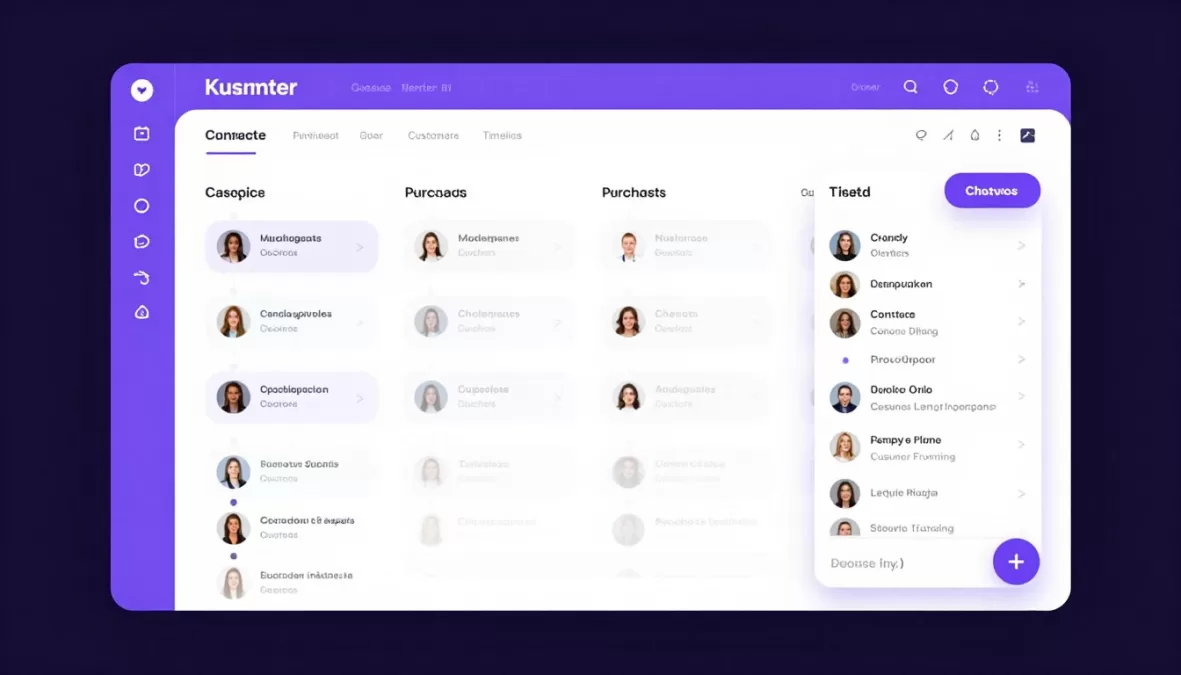
Kustomer organizes customer service around individual customer timelines rather than isolated tickets. The chatbot accesses complete customer history to provide contextual, personalized support.
The platform automatically surfaces relevant information from past interactions, purchases, and account details. Agents and automated systems work from the same comprehensive customer profile.
Key Features
- Customer timeline view with complete interaction history
- AI-powered chatbot with context awareness
- Omnichannel conversation management
- Automated workflow and routing engine
- CRM integration for customer data sync
- Self-service knowledge base
- Business intelligence and reporting
- Custom object creation for industry-specific data
Pricing Structure
Kustomer employs per-user monthly pricing across three primary tiers. The Enterprise plan starts at $89 per user per month with core features.
The Ultimate plan at $139 per user includes advanced AI and automation. Custom pricing available for large deployments with specific requirements.
| Plan | Cost per User/Month | AI Features | Best For |
| Enterprise | $89 | Basic chatbot, automation | Growing teams |
| Ultimate | $139 | Advanced AI, sentiment analysis | Large enterprises |
| Custom | Contact sales | Tailored AI capabilities | Complex requirements |
Performance Ratings
Strengths and Limitations
Pros
- Exceptional customer context visibility
- Intuitive timeline-based interface
- Strong automation and workflow capabilities
- Flexible data model for customization
- Good balance of features and usability
Cons
- Higher price point than some competitors
- Initial setup requires planning and configuration
- Advanced features need technical expertise
- Reporting could be more robust
- Mobile app functionality limited
Best For
Kustomer suits businesses prioritizing customer relationship continuity. Companies with repeat customers and ongoing relationships benefit from the timeline approach.
E-commerce, subscription services, and financial services find value in the comprehensive customer view. Teams of 10-100 agents typically find the pricing reasonable for the capabilities.
10. Chatfuel – Best for Social Media Commerce
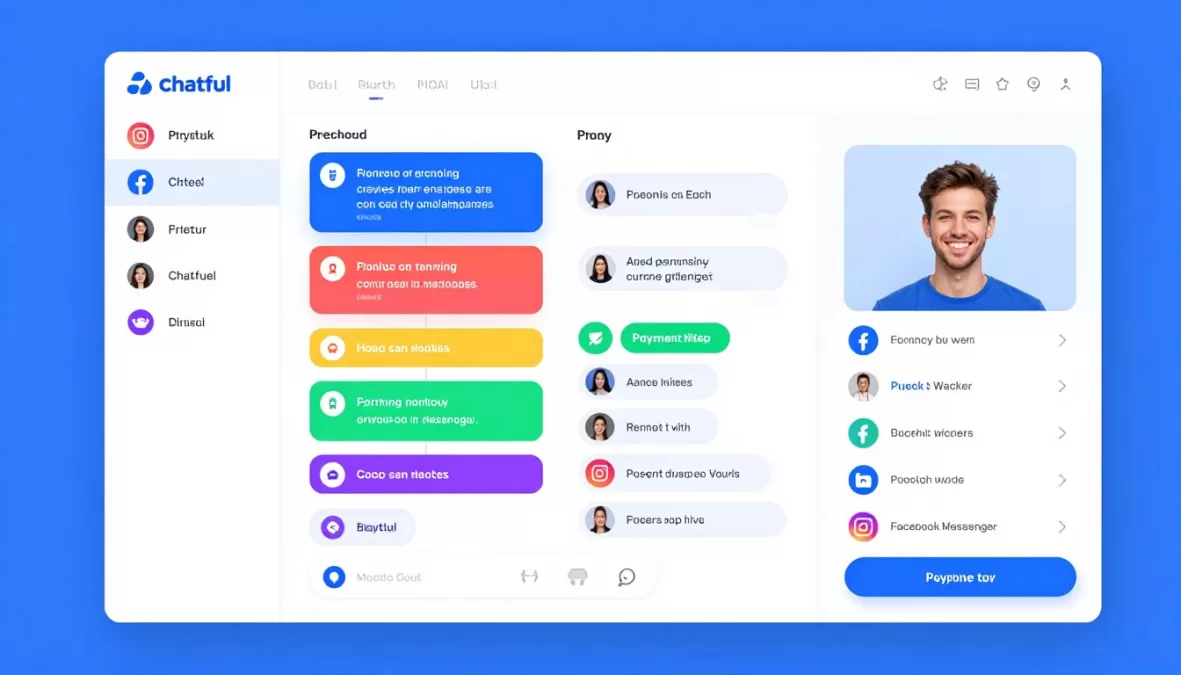
Chatfuel specializes in building chatbots for Facebook Messenger and Instagram. The platform focuses on social commerce, enabling businesses to sell products directly through chat conversations.
Visual bot builder allows non-technical users to create sophisticated conversation flows. Integration with e-commerce platforms enables order processing and payment collection within messaging apps.
Key Features
- Visual bot builder for Messenger and Instagram
- Product catalog integration for social commerce
- Payment processing within chat conversations
- Broadcast messaging to subscribers
- AI-powered intent recognition
- Customer segmentation and targeting
- Growth tools for subscriber acquisition
- E-commerce platform integrations
Pricing Structure
Chatfuel offers a free plan for up to 50 conversations per month. The Pro plan costs $14.99 monthly for 500 conversations.
The Premium plan at $24.99 per month supports 1,000 conversations. Enterprise pricing scales based on volume requirements beyond standard tiers.
| Plan | Monthly Cost | Conversations | Key Features |
| Free | $0 | 50 | Basic bot, limited features |
| Pro | $14.99 | 500 | AI, growth tools, analytics |
| Premium | $24.99 | 1,000 | Priority support, advanced features |
| Enterprise | Custom | Unlimited | Dedicated manager, custom limits |
Performance Ratings
Strengths and Limitations
Pros
- Extremely user-friendly interface
- Affordable pricing for small businesses
- Strong social commerce capabilities
- Quick setup and deployment
- Good for customer acquisition on social platforms
Cons
- Limited to Messenger and Instagram only
- Less sophisticated AI than enterprise platforms
- Conversation limits on lower tiers
- Limited integration with business systems
- Not suitable for comprehensive support operations
Best For
Chatfuel works best for businesses selling directly to consumers on social media. E-commerce brands with active Facebook and Instagram presences can drive sales through automated conversations.
Small to medium-sized businesses seeking affordable social commerce solutions benefit from the easy setup. Companies focused exclusively on social channels rather than omnichannel support find good value.
Side-by-Side Chatbot Comparison
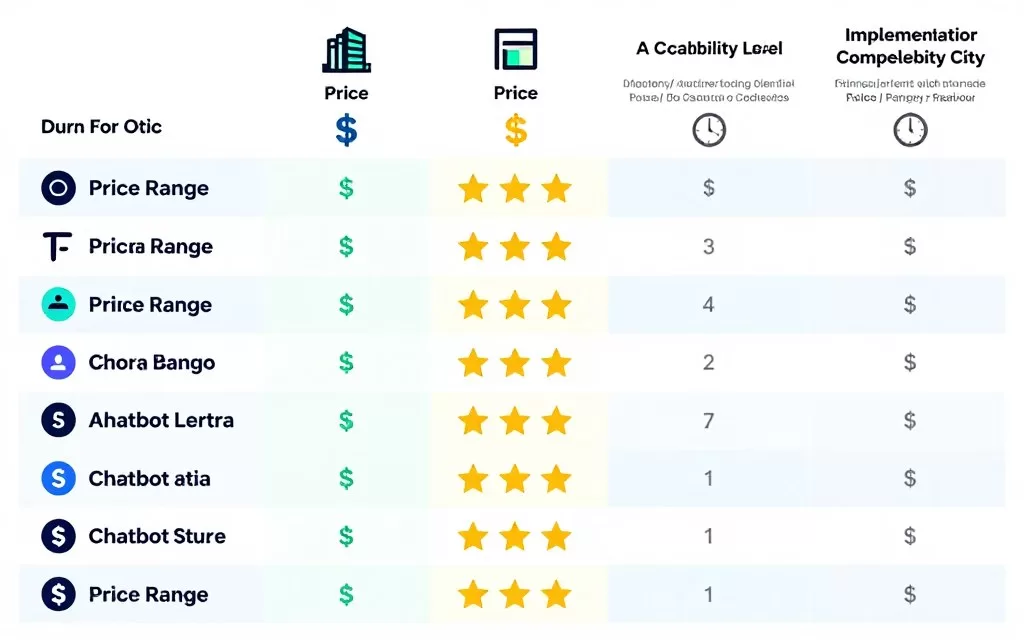
This comprehensive comparison table highlights key differences across all ten platforms. Use this reference to quickly assess which solutions meet your specific requirements.
| Platform | Starting Price | Best For | Key Strength | Primary Channel |
| Intercom | $74/month | SaaS companies | Lead qualification | Web, mobile, email |
| Zendesk | $55/agent/month | Enterprise support | Comprehensive platform | Omnichannel |
| Drift | $2,500/month | Sales teams | Revenue generation | Web chat |
| Tidio | Free – $29/month | Small businesses | Affordability | Web chat |
| Freshdesk | Free – $15/agent | Multi-channel support | Channel coverage | Messaging apps |
| Ada | Custom pricing | Self-service automation | Resolution rate | Web, messaging |
| HubSpot | Free – $800/month | CRM integration | Unified platform | Web, email |
| LivePerson | Custom enterprise | Large enterprises | Scalability | All channels + voice |
| Kustomer | $89/user/month | Customer timeline view | Context awareness | Omnichannel |
| Chatfuel | Free – $24.99/month | Social commerce | Messenger integration | Facebook, Instagram |
How to Choose and Implement Your AI Chatbot
Selecting the right chatbot requires careful analysis of your business needs and technical capabilities. A structured evaluation process helps avoid costly mistakes and ensures successful deployment.
Step 1: Define Your Requirements
Begin by documenting specific use cases and success criteria. Identify the primary goals your chatbot should accomplish.
- List the most common customer questions your team handles
- Calculate current support volume across all channels
- Determine acceptable resolution rates for automated responses
- Identify required integrations with existing tools
- Establish budget constraints and timeline expectations
- Define success metrics for measuring chatbot performance
Step 2: Evaluate Technical Capabilities
Assess your team’s technical expertise and available resources. This evaluation determines whether you need no-code solutions or can leverage more complex platforms.
No-Code Solutions Best For:
- Small teams without dedicated developers
- Quick deployment requirements
- Straightforward conversation flows
- Limited budget for implementation
- Standard integration needs
Developer-Required Platforms Best For:
- Complex business logic requirements
- Custom integration needs
- Advanced AI training and optimization
- Large-scale enterprise deployments
- Unique industry-specific workflows
Step 3: Calculate Total Cost of Ownership
Consider all costs beyond monthly subscription fees. Implementation, training, and ongoing optimization require time and resources.
| Cost Category | Small Business | Mid-Market | Enterprise |
| Platform Subscription | $0 – $100/month | $500 – $2,000/month | $5,000+/month |
| Implementation | $0 – $500 | $2,000 – $10,000 | $20,000 – $100,000+ |
| Training | Self-service | $1,000 – $5,000 | $5,000 – $20,000 |
| Ongoing Management | 2-5 hours/week | 20-40 hours/week | Full-time dedicated team |
Step 4: Start with a Pilot Program
Launch with a limited scope to test effectiveness before full deployment. Pilot programs reduce risk and provide valuable insights.
- Select 3-5 common use cases for initial automation
- Run parallel with human agents for quality comparison
- Collect feedback from both customers and support teams
- Measure key metrics against baseline performance
- Iterate on conversation flows based on real data
- Expand scope gradually after validating success
Not Sure Which AI Chatbot Fits Your Business Needs?
Schedule a free 30-minute consultation with our customer service technology experts. We’ll analyze your requirements and recommend the perfect solution for your team size, industry, and budget.
No sales pitch. Just honest guidance from professionals who’ve implemented hundreds of chatbot solutions.
Industry-Specific Chatbot Recommendations
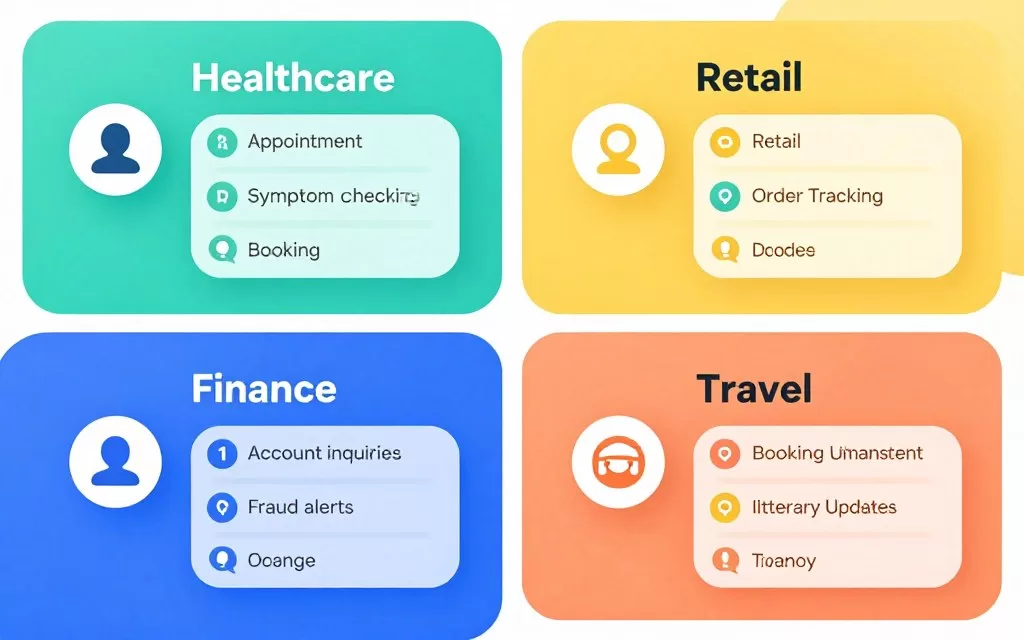
Different industries have unique customer service requirements. These recommendations consider common pain points and regulatory needs specific to each sector.
E-Commerce and Retail
Online retailers need chatbots that handle order tracking, product recommendations, and return processing. Integration with inventory and shipping systems is essential.
Best Choice: Tidio
Tidio’s e-commerce focus and affordable pricing suit online stores. Product catalog integration enables in-chat purchases and recommendations.
- Shopify and WooCommerce integration
- Order tracking automation
- Cart abandonment recovery
- Product recommendation engine
Runner-Up: Chatfuel
For brands with strong social media presence, Chatfuel enables direct sales through Instagram and Facebook Messenger.
- Social commerce optimization
- Payment processing in Messenger
- Broadcast promotions to subscribers
- Customer acquisition campaigns
Enterprise Option: Kustomer
Large retailers benefit from Kustomer’s customer timeline view, tracking purchases and support history in one interface.
- Complete purchase history access
- Personalized recommendations
- Loyalty program integration
- Advanced customer segmentation
SaaS and Technology
Software companies require chatbots that understand technical concepts and integrate with product usage data. Self-service troubleshooting reduces support costs while maintaining satisfaction.
Best Choice: Intercom
Intercom’s product-led approach aligns perfectly with SaaS business models. Behavior-based messaging drives feature adoption and reduces churn.
- In-app messaging for contextual help
- Feature announcement campaigns
- Trial conversion optimization
- Usage-based routing to success teams
Runner-Up: HubSpot
HubSpot works well for SaaS companies already using the CRM for marketing and sales. Unified data improves customer context.
- CRM data integration
- Lead qualification workflows
- Marketing automation connection
- Free tier for startups
Enterprise Option: Ada
Large SaaS companies with extensive documentation benefit from Ada’s sophisticated self-service capabilities and multilingual support.
- Knowledge base integration
- Global customer support
- Complex troubleshooting workflows
- High automation rates
Financial Services and Insurance
Regulated industries require strong security, compliance features, and careful handling of sensitive data. Chatbots must maintain audit trails and protect customer information.
- Enterprise security certifications
- Compliance with financial regulations
- Comprehensive audit logging
- Role-based access controls
- Data residency options
- Integration with banking systems
Top Choice: Zendesk
- Voice and messaging support
- Advanced security features
- Industry-specific compliance
- Fraud detection capabilities
- Secure document handling
- PCI DSS compliance
Alternative: LivePerson
- Customer financial history view
- Transaction tracking
- Secure authentication
- Policy management integration
- Claims processing automation
- Regulatory reporting tools
Mid-Market: Kustomer
Healthcare and Wellness
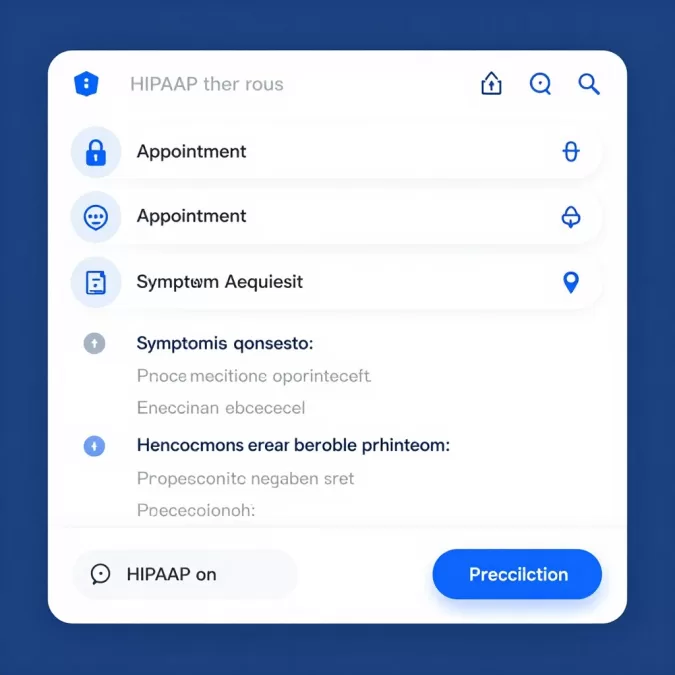
Healthcare providers need HIPAA-compliant solutions with appointment scheduling and secure messaging. Patient privacy is paramount in all interactions.
Healthcare chatbots must comply with HIPAA regulations and maintain strict data protection standards. Verify compliance certifications before implementation in medical settings.
— Healthcare IT Security Guidelines
Recommended Solutions:
- Zendesk: HIPAA compliance, secure messaging, appointment integration
- Ada: Symptom checker workflows, multilingual patient support
- Freshdesk: Multiple communication channels for patient outreach
Travel and Hospitality
Travel businesses benefit from chatbots handling booking modifications, itinerary questions, and real-time updates. Multi-language support is critical for international customers.
Best for Hotels: Freshdesk Messaging
Multi-channel support across WhatsApp, Messenger, and SMS helps hotels communicate with guests through preferred channels.
- Booking confirmation automation
- Check-in/check-out assistance
- Concierge service automation
- Guest feedback collection
Best for Airlines: LivePerson
High-volume travel brands need LivePerson’s enterprise scalability for handling millions of booking and status inquiries.
- Flight status updates
- Booking changes automation
- Baggage tracking
- Loyalty program integration
Best for Travel Agencies: HubSpot
Small to medium travel agencies benefit from HubSpot’s CRM integration for managing customer relationships and trip planning.
- Lead qualification for trip inquiries
- Itinerary sharing automation
- Follow-up campaigns
- Review collection workflows
Emerging Trends in AI Chatbots for 2026
The chatbot landscape continues evolving rapidly as AI technology advances. Understanding emerging trends helps businesses future-proof their customer service investments.
Multimodal AI Interactions
Next-generation chatbots process multiple input types simultaneously. These systems understand text, voice, images, and video to provide richer support experiences.
Customers can send photos of damaged products for instant visual analysis. Voice commands trigger actions while maintaining conversation context across modalities.
2026 Prediction: Over 60% of enterprise chatbots will support multimodal interactions, allowing customers to seamlessly switch between text, voice, and visual inputs within a single conversation.
Emotion and Sentiment Detection
Advanced natural language models now detect emotional states from text patterns. Chatbots adjust tone and response strategies based on detected customer sentiment.
Frustrated customers receive faster escalation to human agents. Satisfied customers get proactive upsell opportunities at appropriate moments in conversations.
- Real-time sentiment scoring during conversations
- Automatic tone adjustment based on customer mood
- Escalation triggers for negative sentiment detection
- Empathy modeling in automated responses
- Post-interaction satisfaction prediction
Proactive Customer Engagement
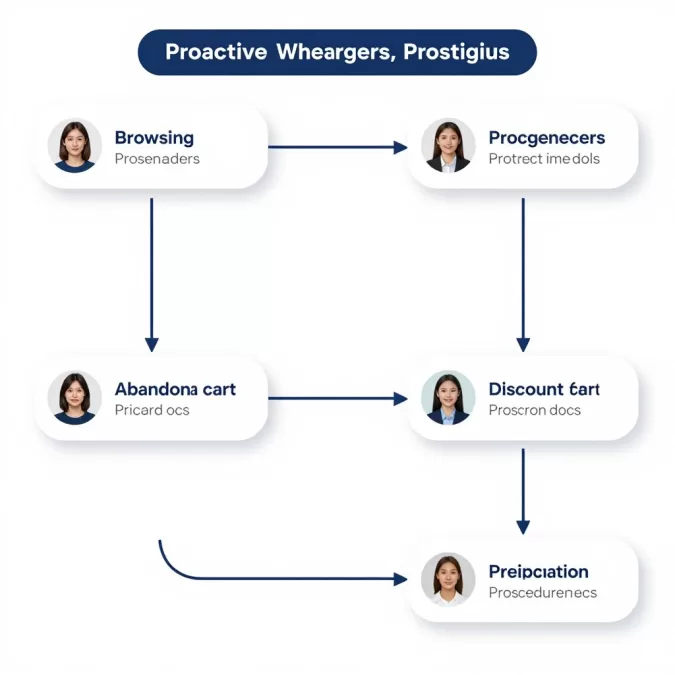
Modern chatbots initiate conversations based on behavioral triggers rather than waiting for customer questions. Predictive analytics identify when customers need assistance.
Systems detect struggling behaviors like repeated page visits or abandoned carts. Proactive messages offer help before customers become frustrated enough to leave.
Proactive Trigger Examples:
- Customer views pricing page multiple times without purchasing
- Shopping cart abandoned for 30+ minutes
- User spends excessive time on help documentation
- Account activity suggests confusion with new features
- Support ticket created but not yet responded to
- Subscription renewal approaching with low usage
Hyper-Personalization Through Data Integration
Chatbots access comprehensive customer data from multiple business systems to deliver individualized experiences. Every interaction reflects complete customer history and preferences.
Integration with CRM, analytics, and operational systems provides context. Responses reference specific past interactions, purchase patterns, and individual preferences.
| Data Source | Personalization Capability | Example Use Case |
| CRM System | Account history, preferences | Reference past purchases in recommendations |
| Product Analytics | Usage patterns, feature adoption | Suggest relevant features based on behavior |
| Support History | Previous issues, resolutions | Proactively prevent recurring problems |
| Marketing Data | Campaign engagement, interests | Align messaging with demonstrated interests |
| Transactional Data | Purchase timing, frequency | Time replenishment suggestions appropriately |
Advanced Workflow Automation
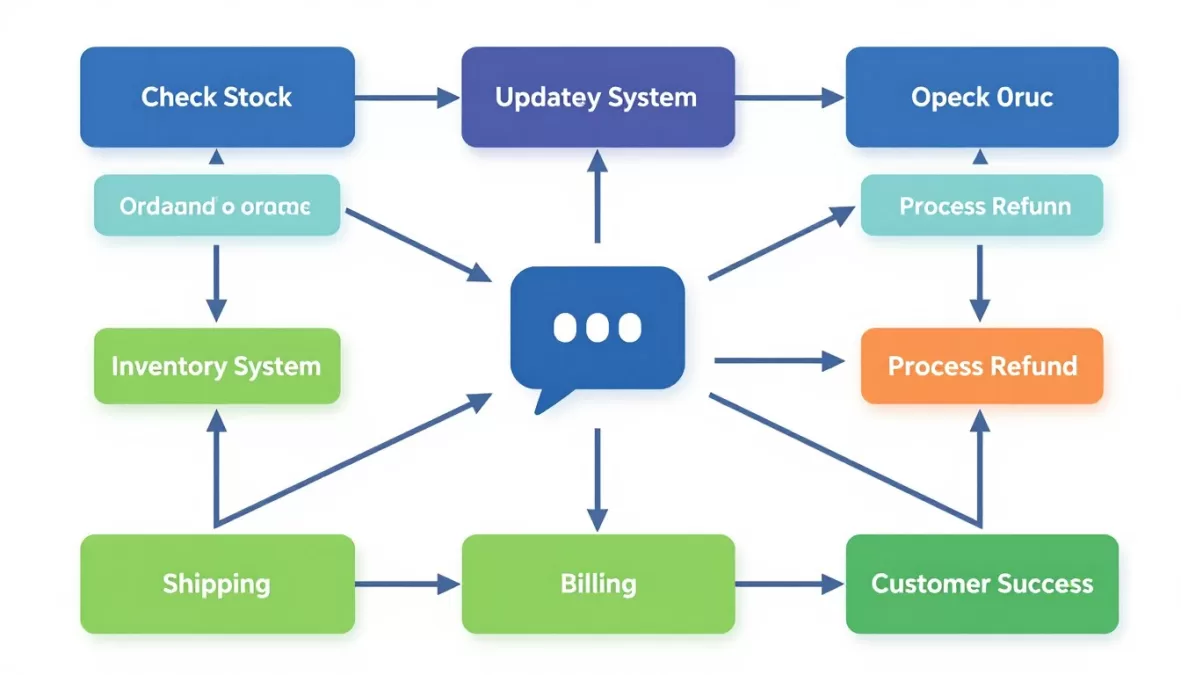
Chatbots now trigger complex business processes beyond simple responses. These systems execute multi-step workflows spanning multiple departments and systems.
A single customer request can initiate order modifications, inventory checks, shipping updates, and billing adjustments automatically. Human intervention occurs only when automation encounters exceptions.
Voice-First AI Assistants
Voice-enabled chatbots handle phone support with natural conversational abilities. Advanced speech recognition and synthesis create human-like phone experiences.
These systems manage entire phone conversations, including complex multi-turn dialogues. Seamless transfer to human agents occurs with full context when automation reaches its limits.
By 2026, voice-enabled AI will handle over 40% of routine phone support interactions, with customer satisfaction ratings matching or exceeding human agent performance for common inquiries.
— Gartner Customer Service Technology Forecast
Best Practices for Chatbot Success
Implementing a chatbot successfully requires more than selecting the right platform. Following proven practices ensures your automation delivers value to both customers and your business.
Design Conversations, Not Scripts
Effective chatbots handle natural conversation flows rather than rigid decision trees. Design for how customers actually communicate, not how you wish they would.
- Use natural language understanding instead of exact keyword matching
- Allow customers to ask questions in any order
- Handle conversation topic changes gracefully
- Provide clear options while accepting free-form input
- Maintain context across multiple message exchanges
- Offer easy ways to restart or change direction
Quick Tip: Test conversations with actual customers, not just internal teams. Real users reveal gaps in your conversation design that seem obvious in hindsight.
Set Clear Expectations
Customers should understand they’re interacting with automation from the first message. Transparent communication builds trust and sets appropriate expectations.
- Pretend the bot is a human agent
- Hide automation behind ambiguous greetings
- Make customers guess capabilities
- Trap users in automation loops
- Provide no escape route to humans
Don’t Do This
- Clearly identify as an automated assistant
- Explain what the bot can help with
- Provide examples of common questions
- Offer human escalation prominently
- Set realistic response time expectations
Do This Instead
Optimize for Common Use Cases
Focus automation efforts on the highest-volume, most routine customer questions. Analyze support data to identify prime automation opportunities.
- Review support ticket data for the past 6-12 months
- Categorize questions by frequency and complexity
- Identify top 10-20 most common inquiry types
- Prioritize questions with straightforward, consistent answers
- Build automation for high-volume, low-complexity issues first
- Measure automation success rates before expanding scope
Provide Smooth Human Handoffs
Seamless escalation to human agents is critical when automation cannot resolve issues. Poor handoffs frustrate customers and waste agent time.
Context Transfer
Pass complete conversation history to human agents. Agents should see everything the customer shared with the bot.
- Full chat transcript
- Detected intent and sentiment
- Customer information accessed
- Actions attempted by automation
Clear Triggers
Define specific conditions that warrant human escalation. Don’t trap frustrated customers in automation.
- Customer explicitly requests human agent
- Negative sentiment detected
- Bot confidence score falls below threshold
- Complex issue outside automation scope
Wait Time Management
Set accurate expectations for agent availability. Give customers options if wait times are long.
- Display estimated wait time
- Offer callback options
- Provide self-service alternatives
- Send updates during extended waits
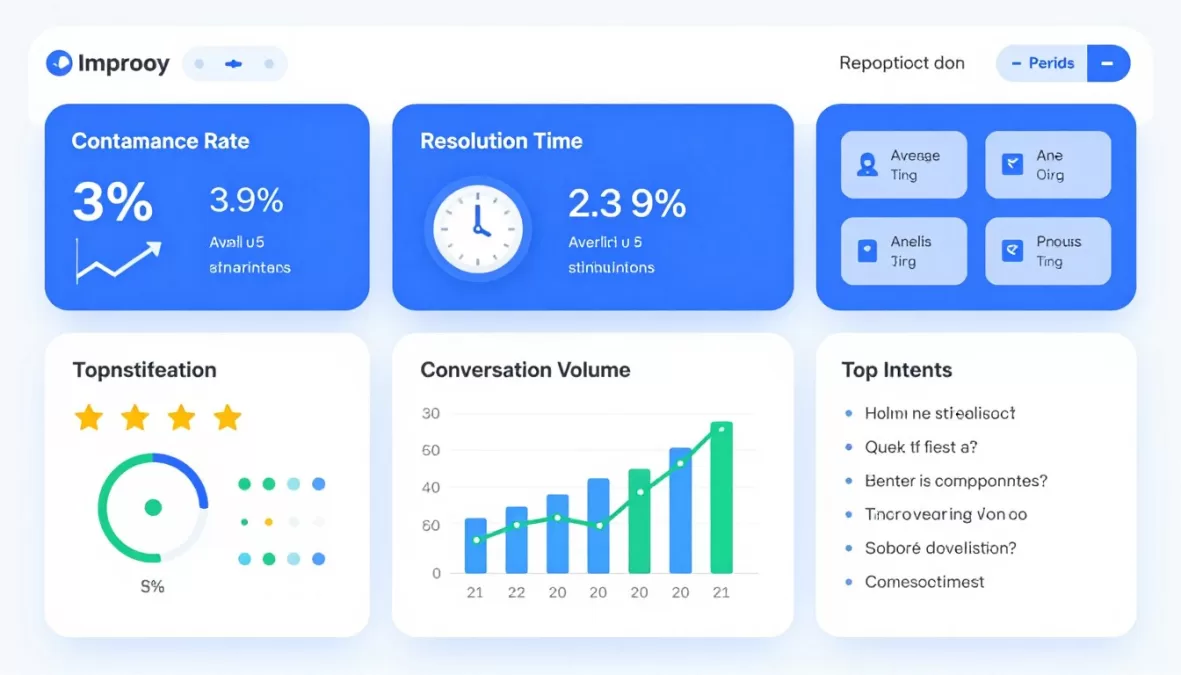
Continuously Improve Through Data
Chatbot optimization never ends. Regular analysis of performance data reveals improvement opportunities and changing customer needs.
| Metric | What It Measures | Target Range | Improvement Actions |
| Containment Rate | Issues resolved without escalation | 60-80% | Expand knowledge base, improve NLU |
| Resolution Time | Average time to resolve inquiry | Under 3 minutes | Streamline conversation paths |
| Customer Satisfaction | Post-interaction happiness rating | Above 4.0/5.0 | Improve response quality, add empathy |
| Fallback Rate | How often bot doesn’t understand | Below 10% | Train on unrecognized inputs |
| Engagement Rate | Visitors who interact with chatbot | 15-30% | Improve greeting, timing, placement |
Maintain Brand Voice and Personality
Chatbot responses should reflect your brand’s tone and values. Consistent personality creates cohesive customer experiences across all touchpoints.
Formal/Professional Brands
- Use complete sentences and proper grammar
- Avoid slang and casual expressions
- Maintain respectful, courteous tone
- Focus on efficiency and accuracy
- Example: Financial services, legal, healthcare
Casual/Friendly Brands
- Use conversational language and contractions
- Include appropriate humor and personality
- Show warmth and approachability
- Focus on relatability and connection
- Example: Lifestyle brands, entertainment, food
Frequently Asked Questions About AI Chatbots
What’s the difference between rule-based and AI-powered chatbots?
Rule-based chatbots follow pre-programmed decision trees with fixed responses. They work well for simple, predictable interactions but struggle with varied customer input.
AI-powered chatbots use natural language processing and machine learning to understand intent. They handle variations in phrasing and improve over time through exposure to real conversations.
Modern platforms typically combine both approaches. Simple, common questions follow rules for speed and consistency, while complex inquiries leverage AI capabilities.
How long does it take to implement an AI chatbot?
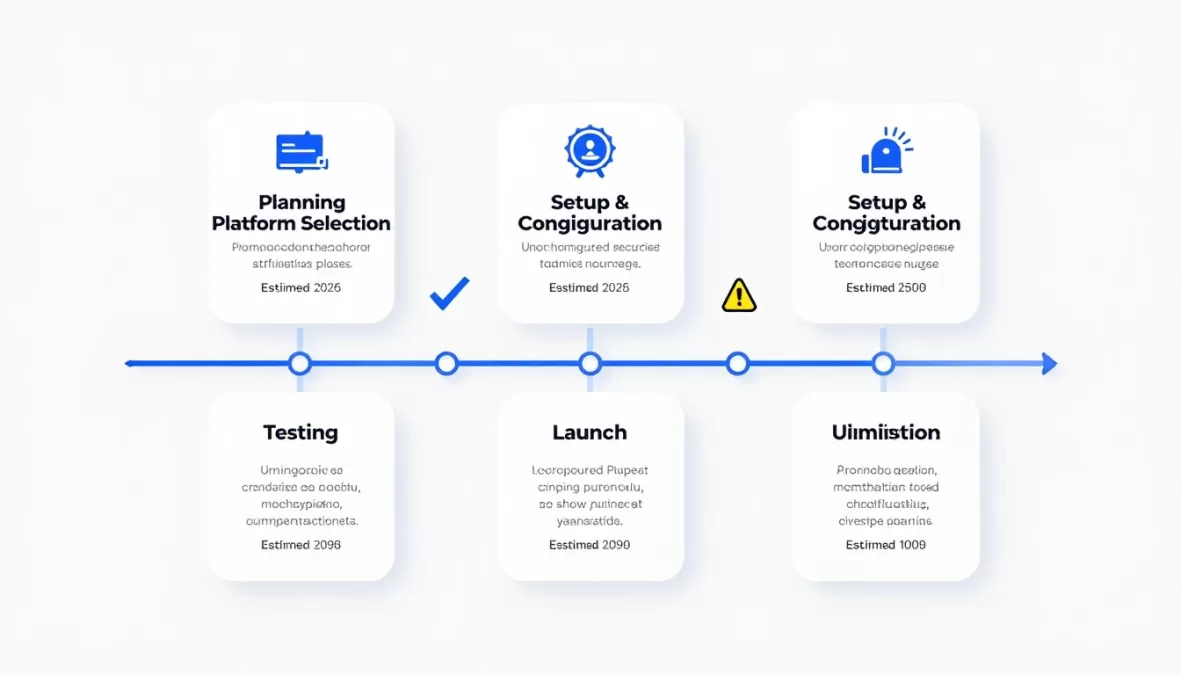
Implementation time varies widely based on complexity and platform choice. Simple chatbots using pre-built templates can launch in 1-2 weeks.
Mid-complexity deployments with custom workflows typically require 1-3 months. This includes planning, configuration, content creation, testing, and training.
Enterprise implementations with extensive integrations and custom AI training may take 3-6 months or longer. Factor in time for stakeholder alignment, data preparation, and phased rollout.
Do chatbots really improve customer satisfaction?
Well-implemented chatbots can improve satisfaction by providing instant responses and 24/7 availability. Customers appreciate immediate answers to simple questions without waiting in queue.
However, poorly designed bots frustrate customers and damage satisfaction scores. Success depends on proper use case selection, conversation design quality, and smooth escalation paths.
Research shows chatbots work best for routine inquiries representing 60-70% of support volume. Complex issues still benefit from human expertise and empathy.
What percentage of customer service can chatbots realistically handle?
Industry benchmarks show well-optimized chatbots resolve 60-80% of routine customer inquiries without human intervention. This percentage varies by industry and complexity of products or services.
E-commerce chatbots handling order tracking and simple product questions often achieve 70-80% containment rates. Complex B2B services typically see 40-60% automation rates.
The goal isn’t 100% automation. Focus on automating high-volume, straightforward tasks while preserving human expertise for complex, sensitive, or high-value interactions.
How much does a chatbot cost for a small business?
Small businesses can start with free plans from platforms like Tidio, HubSpot, or Freshdesk. These typically limit monthly conversations but provide core chatbot functionality.
Paid plans for small businesses range from -100 per month depending on features and conversation volume. These tiers usually include basic AI, standard integrations, and reasonable usage limits.
Total cost includes platform subscription plus time investment for setup and ongoing management. Budget 5-10 hours monthly for optimization and content updates on basic plans.
Can chatbots integrate with my existing customer service tools?
Most modern chatbot platforms offer extensive integration options. Common integrations include CRM systems, help desk software, e-commerce platforms, and marketing automation tools.
Enterprise platforms like Zendesk, Intercom, and LivePerson provide pre-built connectors for hundreds of business applications. API access enables custom integrations with proprietary systems.
Before selecting a platform, verify it integrates with your critical business systems. Check integration documentation for data sync capabilities and any technical requirements.
What happens when a chatbot can’t answer a question?
Quality chatbots gracefully handle uncertainty rather than providing incorrect information. When confidence in a response falls below a threshold, the bot should acknowledge its limitation.
Common fallback strategies include offering to connect the customer with a human agent, suggesting related knowledge base articles, or collecting contact information for follow-up.
Track fallback patterns to identify gaps in your chatbot’s knowledge. Regularly update training data and conversation flows to reduce the frequency of “I don’t understand” responses.
Are chatbots secure for handling sensitive customer information?
Enterprise-grade chatbot platforms implement robust security measures including data encryption, access controls, and compliance certifications. However, security levels vary significantly across platforms.
For regulated industries, verify the platform maintains relevant compliance certifications such as SOC 2, HIPAA, PCI DSS, or GDPR depending on your requirements.
Design conversations to minimize collection of sensitive data when possible. For necessary sensitive information, use secure forms or human handoff rather than collecting through the chatbot interface.
Do I need technical skills to build and manage a chatbot?
No-code chatbot builders like Tidio, HubSpot, and Chatfuel enable non-technical users to create functional bots. These platforms use visual interfaces with drag-and-drop elements.
Basic implementations require no coding knowledge. You’ll need skills in conversation design, content writing, and basic workflow logic to create effective automation.
Advanced features like custom integrations, sophisticated AI training, or complex business logic may require developer involvement. Many platforms offer professional services for technical implementation support.
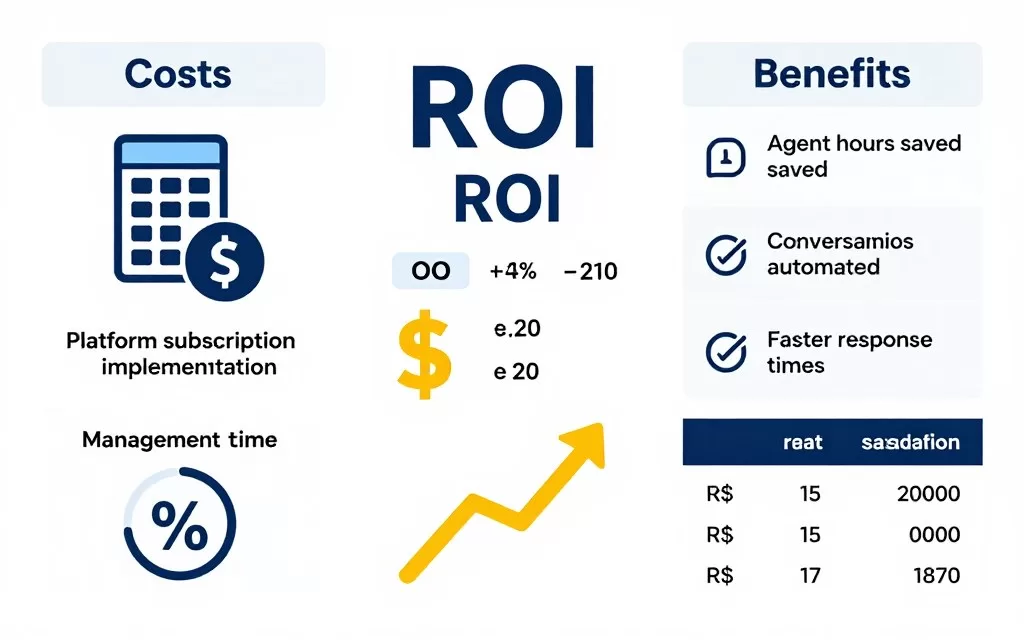
How do I measure chatbot ROI?
Calculate ROI by comparing automation cost savings against platform expenses. Track metrics like conversations handled, average resolution time, and agent hours saved.
Direct cost savings come from reduced staffing requirements for routine inquiries. Multiply conversations automated by average cost per agent-handled interaction to estimate savings.
Indirect benefits include improved response times, 24/7 availability, and increased customer satisfaction. While harder to quantify, these factors contribute to customer retention and lifetime value.
Making Your Final Chatbot Decision
Selecting the right AI chatbot platform requires careful consideration of your business needs, technical capabilities, and budget constraints. No single solution works perfectly for every organization.
Start by clearly defining your primary objectives. Are you focused on reducing support costs, improving response times, or scaling to handle growth? Your goals determine which platform features matter most.
Consider your current technology ecosystem and team skills. Platforms with strong integrations to your existing tools provide faster time to value. Assess whether your team can manage implementation independently or requires vendor support.
Quick Selection Guide
Choose Budget-Friendly Options If:
- You’re a small business with under 1,000 monthly conversations
- Your team lacks technical implementation resources
- You need basic automation for common questions
- You’re testing chatbots before larger investment
Best Platforms: Tidio, Chatfuel, Freshdesk (Free), HubSpot (Free)
Choose Enterprise Solutions If:
- You handle 10,000+ monthly support interactions
- You require advanced security and compliance
- You need sophisticated AI and automation
- You have dedicated implementation resources
Best Platforms: Zendesk, LivePerson, Ada, Kustomer
Remember that chatbot technology continues evolving rapidly. Choose platforms with strong development roadmaps and regular feature updates. Your selected solution should grow with your business needs over time.
Most importantly, maintain focus on customer experience throughout implementation. The best chatbot isn’t the one with the most features, but the one that effectively solves real customer problems while maintaining satisfaction.
Final Recommendation: Start with a pilot program using your top choice platform. Test with real customers on a limited set of use cases before full deployment. This approach minimizes risk while providing data to validate your selection and optimize configuration.
The AI chatbot landscape in 2026 offers unprecedented capabilities for customer service automation. By carefully evaluating your options and following implementation best practices, you can deliver faster, more efficient support that benefits both your customers and your business.

Priyanka Pandey
Senior Research Editor · Top10Sense
Priyanka specializes in tech, consumer products, and digital trends. She combines hands-on testing, vendor interviews, and database research to create trustworthy “Top 10” rankings. Her work has been referenced by industry blogs and brand report pages.