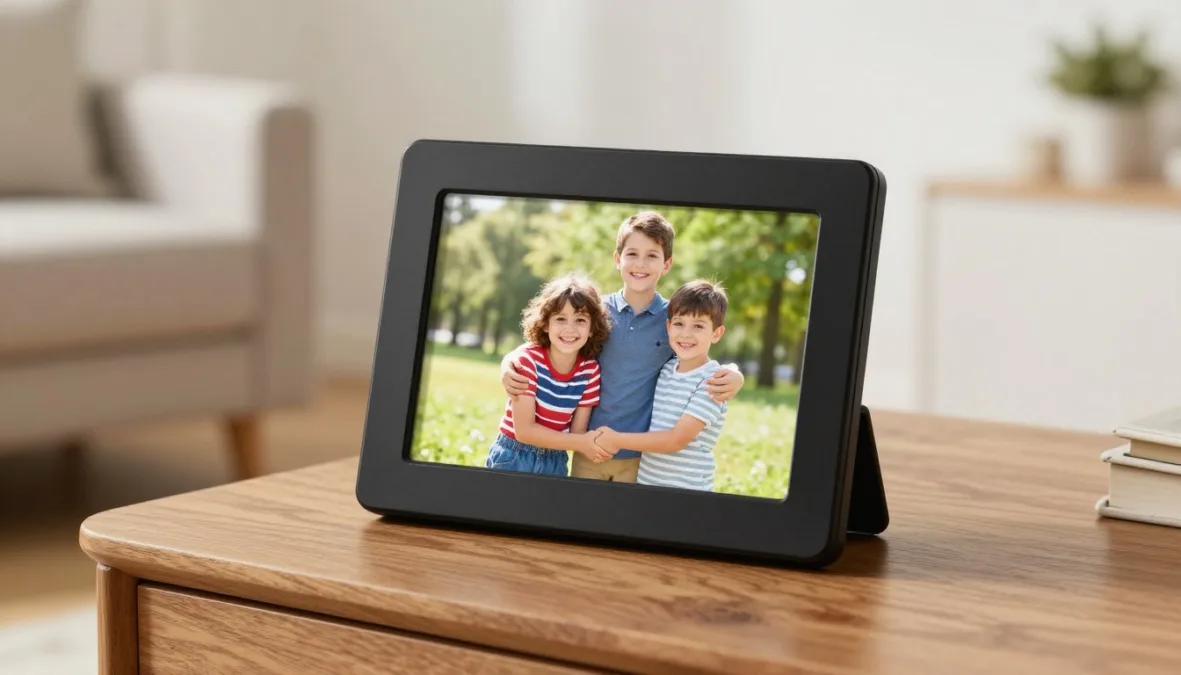
Modern digital photo frames for grandparents bridge generational distances by displaying family photos without requiring seniors to manage complex mobile apps or technical settings. The strongest models combine straightforward physical setup, effortless remote photo delivery from multiple family members, and transparent operation free from compulsory recurring subscriptions. Connecting older relatives to daily family milestones succeeds best when the hardware operates quietly in the background as a traditional photo frame.
Selecting the right digital photo frame depends primarily on home internet availability, technical comfort, and how relatives plan to send new photos. While some frames rely on dedicated email addresses or mobile companion apps, others function as full smart displays with automated cloud albums. Clear visibility into one-time hardware purchases versus recurring membership tiers prevents unexpected service interruptions down the road.
Ranking Methodology and Core Selection Factors
Evaluating digital photo frames designed for older relatives requires looking beyond raw screen specifications to focus on real-world usability. A frame with high display resolution delivers little joy if setting up Wi-Fi proves frustrating or if relatives cannot easily send photos from their phones. The 2026 evaluation framework places primary weight on setup simplicity, remote management, and clear long-term ownership costs.
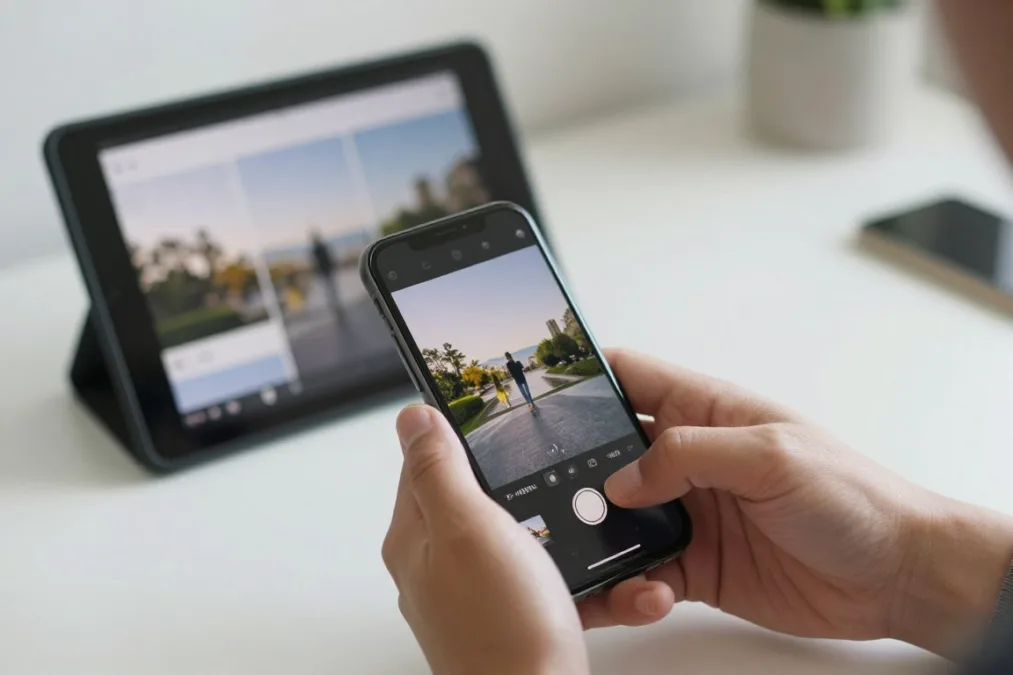
- Setup Simplicity and Independence: Assessment covers whether the device offers out-of-the-box gift pairing, clear on-screen instructions, and minimal ongoing menu navigation for the recipient.
- Remote Family Contribution: The ease with which multiple relatives can share images via mobile apps, dedicated email addresses, web portals, or messaging services without physically handling the frame.
- Subscription Model Transparency: Clear differentiation between frames offering full cloud functionality at zero ongoing cost versus those locking video uploads, playlists, or cloud storage behind paid recurring plans.
- Display Quality and Screen Comfort: Screen clarity, viewing angles, glare reduction, automated brightness adjustment, and physical touch screen responsiveness tailored for aging eyes.
- Privacy and Ongoing Reliability: Strict end-to-end data security, automated software updates, resilient Wi-Fi reconnection after power outages, and accessible customer support channels.
Devices that demand complex account management or continuous technical troubleshooting from seniors score lower than models functioning passively after an initial remote setup. Family members should handle the technical administration from afar so the recipient experiences only the warmth of incoming family pictures.
Top Standalone Frames with No Subscription Fees
Subscription-free digital photo frames deliver long-term value by eliminating recurring monthly or annual cloud storage fees. These models provide complete remote sharing functionality directly out of the box, making them reliable gift options that never risk service termination due to expired memberships.

Aura Carver (10.1-Inch)
The Aura Carver stands out as the premier subscription-free choice for grandparents who prefer a hands-off display experience. Family members use the intuitive Aura app on iOS and Android to send photos and short video clips directly to the frame from anywhere across the globe. Aura includes free, unlimited cloud storage, meaning families never encounter artificial storage caps or hidden recurring charges.
Setup is exceptionally simple thanks to Aura’s pre-pairing gift mode, which allows family members to configure Wi-Fi credentials and preload albums before handing the box over. The 10.1-inch landscape display features automatic color correction, ambient light adaptation, and an interactive touch bar along the top edge that avoids fingerprint smudges across the glass. The device requires continuous Wi-Fi access and does not support portrait orientation or external SD cards.
Advantages
- Completely free, unlimited cloud storage for photos and short video clips.
- Gift setup mode allows full configuration and photo preloading before physical gifting.
- Top touch bar lets viewers browse photos without leaving finger smudges on the screen.
Limitations
- Fixed landscape orientation prevents vertical placement on tables.
- Lacks physical memory card slots and onboard offline storage.
The Aura Carver is ideal for families seeking an elegant, zero-maintenance frame where multiple contributors want to send unlimited photos without managing subscriptions.
Pix-Star 10.4-Inch Wi-Fi Frame
The Pix-Star 10.4-Inch frame combines robust physical connectivity with comprehensive remote management designed specifically for older users. Each frame receives a dedicated email address, allowing relatives to send photos as standard email attachments directly from any computer or mobile device. A centralized web dashboard gives tech-savvy relatives complete remote control over display settings, slideshow timing, and folder organization.
The device features internal flash storage alongside full-size SD card and USB flash drive support, supporting photo playback even during home internet outages. In addition to photo playback, Pix-Star provides built-in internet radio stations and basic brain games accessible via the included physical remote control. The classic 4:3 aspect ratio displays standard smartphone photos with minimal edge cropping, though the interface aesthetics feel more functional than modern.
Advantages
- Dedicated frame email address enables photo sharing without requiring an app.
- Relatives can manage slideshow settings and playlists remotely via web browser.
- Local SD card and USB support allow full photo viewing without an active internet connection.
Limitations
- Menu interface uses an older visual layout compared to modern app-driven displays.
- Screen resolution is lower than premium competitors in the same display size.
Pix-Star is the top match for grandparents with unreliable home internet or for families who prefer sending pictures through basic email rather than downloading specialized apps.
PhotoSpring 10
PhotoSpring 10 prioritizes flexibility by offering a portable digital frame format equipped with an internal rechargeable battery. Grandparents can easily lift the frame from its charging stand to pass it around the living room like a physical photo album. The responsive touch screen presents a clean interface with intuitive browsing gestures, date-based album browsing, and automated video playback.
Relatives share pictures and video clips through the PhotoSpring companion app, a dedicated web browser portal, or direct email attachments. Cloud infrastructure is included without subscription fees, providing ample storage for multi-year family archives. The device features smart formatting that automatically centers human subjects to prevent awkward head cropping on vertical images.
Advantages
- Built-in rechargeable battery allows portable handheld viewing around the house.
- Comprehensive sharing support via mobile app, desktop web portal, and email.
- Smart subject-framing algorithms keep faces properly centered during playback.
Limitations
- Battery charge lasts only a few hours off the dock during active slideshows.
- Initial Wi-Fi setup requires on-screen touch typing by the user.
PhotoSpring 10 is best suited for seniors who enjoy sitting with photo albums in an armchair rather than keeping a display permanently stationary on a wall or dresser.
Family-Focused Frames with Optional Subscription Tiers
Several leading digital photo frames offer seamless consumer experiences while providing optional premium subscription tiers. Understanding what features work on the standard free tier versus what requires a recurring membership prevents unexpected limitations when sharing family photos.

Skylight Frame (10-Inch)
Skylight offers an effortless plug-and-play experience built around direct email photo sharing. Every frame receives a personal email address, and new photos appear on screen within seconds accompanied by visual notifications. The basic hardware works without ongoing fees, but full video playback, cloud album backups, and mobile app captioning require the optional Skylight Plus annual subscription.
Nixplay Touch 10.1-Inch
Nixplay combines a high-definition touch screen with deep playlist management through the Nixplay mobile app. The free tier supports sharing among linked family members, while the Nixplay Plus subscription unlocks extended video lengths, expanded cloud storage, and unified management across multiple frames. An integrated activity sensor puts the display to sleep when the room is empty to save electricity.
Frameo Smart Frame (10.1-Inch)
Frameo utilizes an open operating platform manufactured across trusted hardware brands like Akaso and Pexar. Relatives send pictures and short video snippets directly over Wi-Fi using the secure Frameo mobile application with one-time pairing codes. Basic direct photo transfers require no ongoing fees, while an optional Frameo+ cloud membership adds offsite backup and unlimited multi-frame distribution.
Evaluating the Optional Subscription Models
When selecting a frame with an optional subscription tier, families should assess their actual sharing frequency and media formats. If the primary objective is sending still photographs of children and grandchildren, standard free service tiers on Skylight, Nixplay, and Frameo deliver solid performance without extra payment. The base tiers allow continuous photo slideshows and multiple family contributors without recurring fees.
However, when extended video clips, spoken video greetings, or unlimited cloud backups are high priorities, recurring fees become relevant. For example, Skylight locks video playback behind its paid Plus membership, meaning short video greetings sent from smartphones will not play on an unsubscribed unit. Nixplay caps storage capacity and video durations on its free tier, making its Plus subscription necessary for families sharing extensive high-definition video archives.
Hardware gift buyers should clarify who will fund recurring fees if premium functionality is desired. Setting up an annual payment profile under a family member’s billing account protects grandparents from receiving payment renewal notices on their display screen. For families wanting complete video capabilities without any ongoing billing, subscription-free models like Aura Carver remain a more practical alternative.
Smart Displays and Multimedia Hybrid Frames
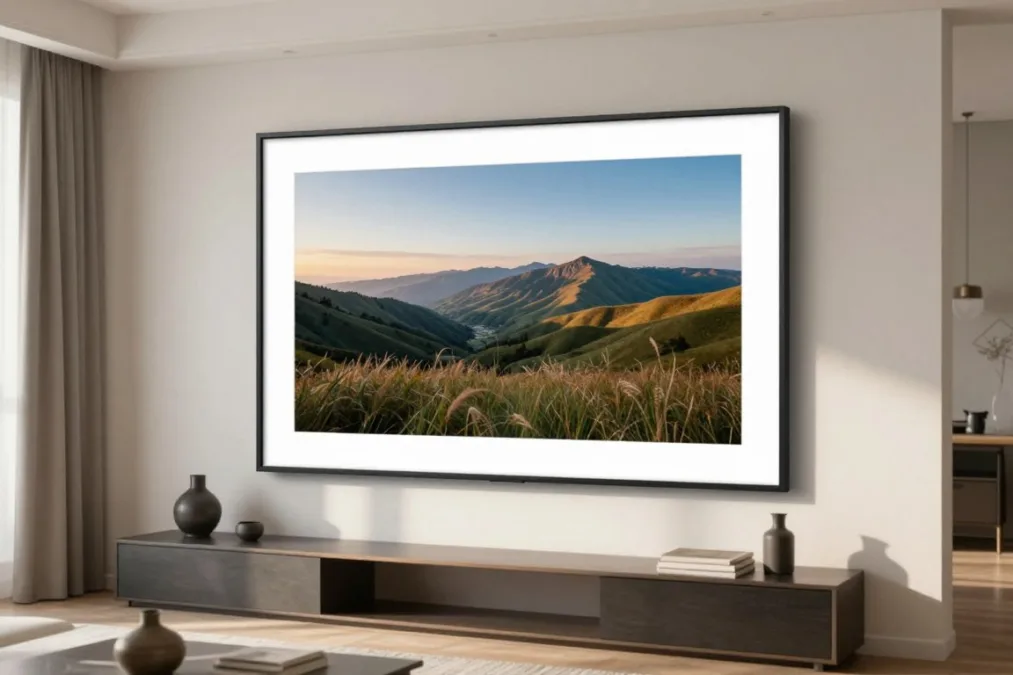
Beyond dedicated digital picture frames, smart home displays and wide-format multimedia screens offer compelling photo playback alongside voice assistant integration and automated cloud library syncing. These multipurpose devices suit seniors who appreciate voice commands, video calling, or museum-grade picture framing.
Google Nest Hub (2nd Gen)
Syncs directly with Google Photos shared albums, updating automatically without family members having to send photos individually. Includes voice commands, weather reports, and automated sleep sensing without mandatory subscriptions.
Amazon Echo Show 8
Integrates with Amazon Photos to showcase personal snapshots alongside hands-free Alexa video calling to relatives. High-definition stereo speakers and a vibrant touch screen provide excellent multimedia playback.
Netgear Meural WiFi Frame
Presents an expansive 15.6-inch anti-glare display with authentic wooden framing designed for art enthusiasts. Displays personal photos for free via the Meural app, with an optional subscription unlocking classic artwork libraries.
Aluratek 10.1-Inch Touchscreen Digital Frame
The Aluratek 10.1-Inch Touchscreen Frame represents a balanced hybrid solution blending modern wireless sharing with conventional physical media ports. Family members transfer photos remotely via an easy-to-use smartphone app, direct email forwarding, or desktop social channels. The frame runs on local internal memory and includes built-in slots for standard SD memory cards and USB thumb drives.
Aluratek operates entirely free from recurring membership subscriptions, storing all transmitted media locally on the physical device. The crisp touch screen interface allows seniors to pause slideshows, zoom in on intricate photo details, or switch between photo, music, and calendar views. The wide stand accommodates both vertical portrait and horizontal landscape orientations on living room shelves or nightstands.
Because the device relies on local on-device flash storage rather than an active cloud database, storage capacity is strictly limited by the installed hardware. When on-board storage fills up, older photos must be removed or an external memory card must be inserted. This operational architecture provides reliable data privacy, as personal family photographs are not hosted across third-party commercial cloud servers.
Feature Comparison and Editorial Scoring Table
Comparing hardware capabilities, remote transmission methods, and ongoing software costs side by side helps identify the ideal device for specific household setups. The scores below reflect our editorial evaluation weighted toward setup simplicity, remote sharing ease, and subscription transparency.
| Frame Model | Setup Ease | Remote Sharing | Subscription Status | Best For |
| Aura Carver | High | Mobile App | No Subscription | Hands-off operation and unlimited free cloud photo sharing |
| Pix-Star 10.4 | Medium | Email & Web | No Subscription | Households wanting email delivery and physical remote controls |
| Skylight 10 | High | Email & App | Optional Tier | Seniors wanting immediate email photo arrivals on screen |
| PhotoSpring 10 | Medium | App & Email | No Subscription | Portable couch viewing using the built-in battery pack |
| Nixplay Touch | Medium | Mobile App | Optional Tier | Detailed playlist organization and smart motion sensor sleep |
| Frameo 10.1 | High | Mobile App | Optional Tier | Direct mobile phone sharing using simple invite codes |
| Google Nest Hub | Medium | Google Photos | No Subscription | Automated shared Google album syncing and voice questions |
| Echo Show 8 | Medium | Amazon Photos | No Subscription | Combining family picture slideshows with simple video calling |
| Netgear Meural | Low | Mobile App | Optional Tier | Large wall display with high-end museum-quality framing |
| Aluratek 10.1 | Medium | App & Email | No Subscription | Local physical media playback with zero cloud storage reliance |
Each model presents a distinct balance between cloud connectivity and interface complexity. While smart home displays from Google and Amazon deliver remarkable multi-functional value, dedicated frames like Aura and Pix-Star eliminate distracting notification popups and home automation screens.
Buyer’s Guide: Selecting the Right Frame for Every Household
Choosing among the top digital photo frames comes down to matching the device’s technical personality with the recipient’s daily routines. Evaluating technical hurdles before buying prevents the frame from being unplugged and placed in a storage cupboard.
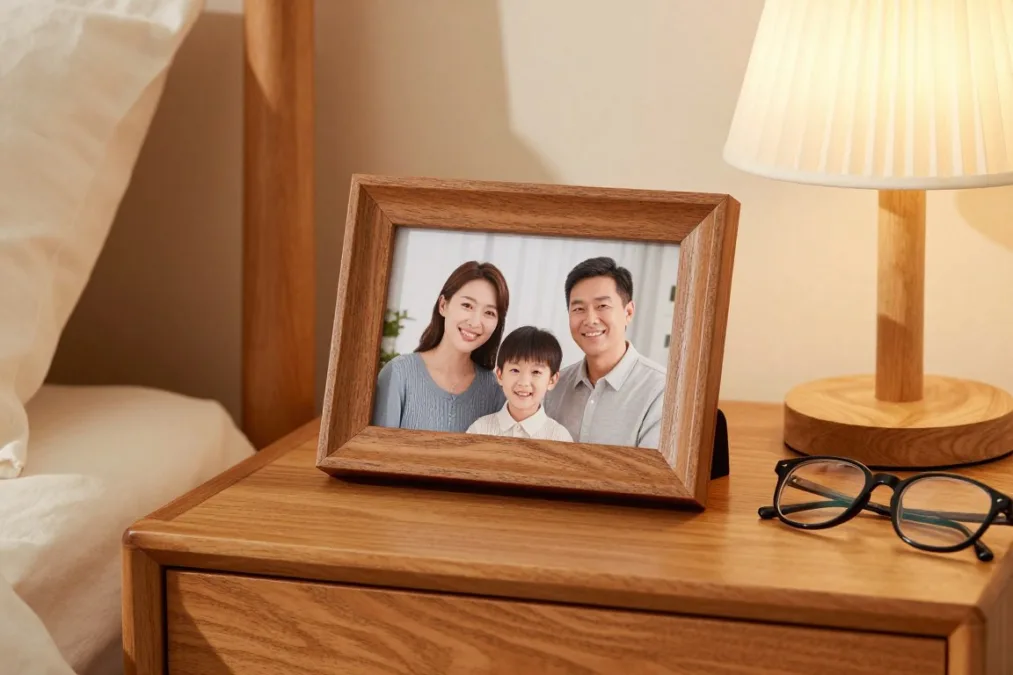
Pre-configuring a frame before gift wrapping is the single most effective way to eliminate technical frustration. Connect the device to a home smartphone hotspot labeled with the recipient’s Wi-Fi network name and password to ensure the frame connects automatically when plugged in at their home.
Evaluating Connectivity and Home Internet Requirements
Most modern digital photo frames rely on continuous 2.4 GHz Wi-Fi connectivity to receive incoming images from cloud servers. If the recipient lives in a senior living facility or community residence with captive-portal Wi-Fi (requiring a browser login or web approval page), setup can become challenging. In such living environments, models with physical SD card ports or units that support direct hotspot tethering provide more reliable operation.
For homes with dependable high-speed wireless networks, app-driven platforms like Aura and Frameo maintain stable background connections. These frames silently download new photos in the background and cache them locally, allowing the slideshow to continue seamlessly even during temporary broadband dropouts.
Balancing App Convenience Against Email Delivery
The method family members use to transmit photos determines how actively relatives will contribute to the frame. Mobile apps like Aura, Nixplay, and Frameo work smoothly for younger parents accustomed to snapping smartphone pictures and tapping a share button. The entire family can contribute to a single frame, turning photo sharing into an effortless daily habit.
In contrast, email-based transmission found on Skylight and Pix-Star offers universal accessibility without requiring contributors to install proprietary software. Extended family members, distant cousins, or older friends can simply attach a snapshot to an email message and hit send. Choosing a frame that supports both app and email channels ensures every generation of the family can participate comfortably.
Display Dimensions and Room Placement
Screen size should match the physical space where the frame will reside. Standard 10-inch displays with 16:10 or 4:3 aspect ratios fit naturally on bedside tables, living room sideboards, and kitchen counters without crowding existing furnishings. These dimensions offer sufficient surface area for clear visibility from across an average-sized room.
Larger format displays, such as the 15.6-inch Netgear Meural, command attention on open walls or wide hallway consoles but require nearby wall outlets and clean cable concealment. Matte screen coatings and anti-glare filters improve readability significantly in sunlit living rooms, while automated ambient light sensors lower the screen brightness at night to prevent sleep disruption.
Frequently Asked Questions
Can a digital photo frame work without home Wi-Fi?
Digital photo frames can display pictures without Wi-Fi if they support physical SD cards, USB thumb drives, or internal offline memory. However, receiving new photos remotely from distant family members over the internet requires an active Wi-Fi connection.
Do digital photo frames require monthly subscription fees to operate?
Many leading frames, including the Aura Carver and Pix-Star, operate completely free of ongoing subscription fees with unlimited photo uploads. Other models, such as Skylight and Nixplay, offer free base tiers for standard photos while reserving video playback or extended cloud backups for optional paid memberships.
Can multiple family members send photos to the same frame?
Yes, all top digital photo frames allow multiple approved family members to connect simultaneously. Relatives can upload pictures through a shared mobile application, a group web portal, or by sending direct messages to the frame’s personal email address.
What happens to the slideshow if the power goes out?
Modern digital frames save settings and photo albums in flash storage, so no data is lost during electrical outages. When power returns, the device restarts automatically, reconnects to the saved Wi-Fi network, and resumes the slideshow without manual adjustment.
Are photos sent to digital frames private and secure?
Reputable frame manufacturers use encrypted cloud connections to transmit and store family images securely. Access is strictly restricted to invited family contributors through unique pairing codes, verified email lists, or password-protected app accounts.
Choosing the Best Frame for Family Memories
Connecting older family members to daily milestones becomes simple and joyful when the hardware matches their living space and technical comfort. Prioritizing models with intuitive gift pre-configuration, versatile remote sharing, and zero mandatory subscription fees delivers a dependable display that brightens the home every day. Selecting a thoughtful digital picture frame bridges physical distances and keeps cherished family memories front and center.

Priyanka Pandey
Senior Research Editor · Top10Sense
Priyanka specializes in tech, consumer products, and digital trends. She combines hands-on testing, vendor interviews, and database research to create trustworthy “Top 10” rankings. Her work has been referenced by industry blogs and brand report pages.