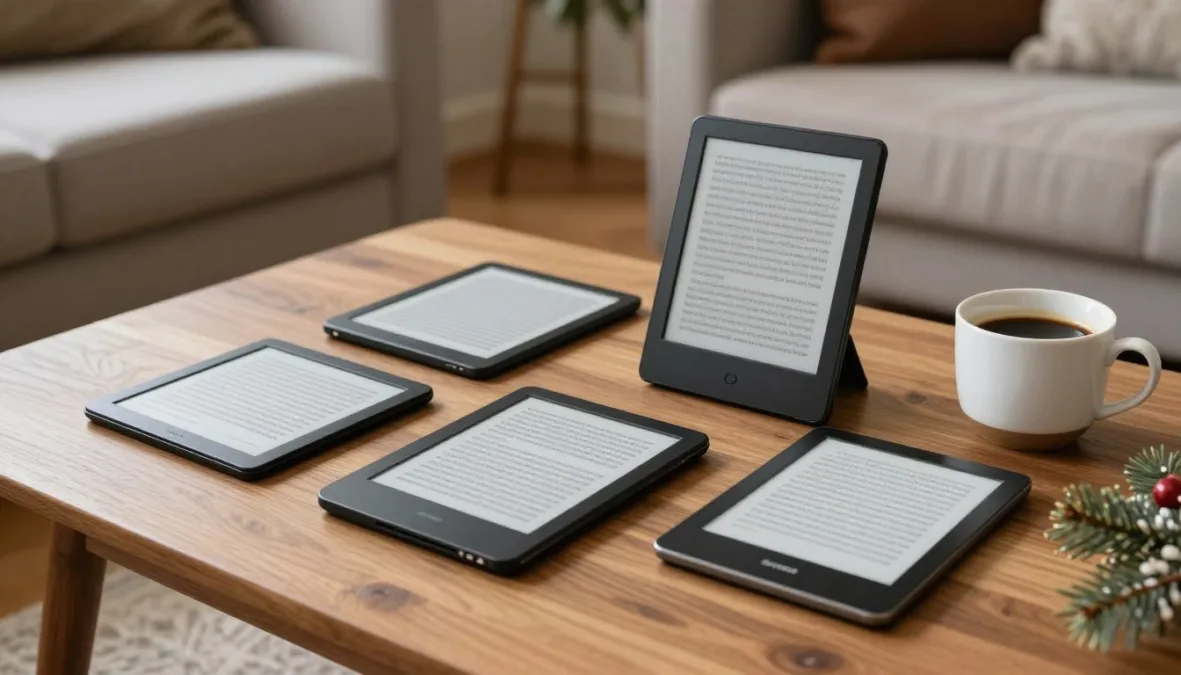
Modern electronic ink devices combine glare-free readability, weeks of battery life on a single charge, and specialized features tailored to specific reading habits. The strongest holiday picks balance crisp typography, responsive front lights, and seamless access to personal digital libraries without tablet distractions.
Selecting the right gift requires matching the recipient to an ecosystem, screen size, and software framework. Differences in public library lending, color rendering, digital notebook tools, and audiobook delivery determine which device delivers the most rewarding daily experience.
Comparing the Top E-Readers for Holiday Shoppers
Dedicated reading devices vary substantially across screen size, interface hardware, and digital bookstore integration. The table below outlines the primary specifications and ideal use cases across leading options.
| Model | Screen Size | Library Access | Audiobook Support | Best For |
| Kindle Paperwhite | 7 inches | US Libby only | Audible Bluetooth | Balanced everyday reading with waterproof durability |
| Amazon Kindle | 6 inches | US Libby only | Audible Bluetooth | Budget-conscious readers prioritizing lightweight portability |
| Kobo Libra Colour | 7 inches | Built-in OverDrive | Kobo Audio | Public library patrons wanting color and buttons |
| Kindle Colorsoft | 7 inches | US Libby only | Audible Bluetooth | Book cover art and graphic novels in Amazon catalog |
| Kindle Scribe | 10.2 inches | US Libby only | Audible Bluetooth | Large-format reading paired with daily digital journaling |
| Kobo Clara Colour | 6 inches | Built-in OverDrive | Kobo Audio | Pocket-friendly color reading with direct borrowing |
| reMarkable Paper Pro | 11.8 inches | Manual sideload | No audio | Distraction-free handwriting and long document review |
| Boox Go Color 7 | 7 inches | Google Play apps | Any Android app | Versatile readers using multiple store and library apps |
| Onyx Boox Palma | 6.13 inches | Google Play apps | Integrated speaker | Ultra-portable mobile reading on an ink display |
| PocketBook InkPad | 7.8 inches | Adobe DRM files | Bluetooth and audio | Broad file format compatibility without vendor lock-in |
Each device relies on distinct display layers and wireless capabilities that influence day-to-day usability. Assessing how the recipient sources books prevents gifting hardware that restricts access to preferred digital catalogs.
Key Considerations for Choosing a Reading Device
Choosing an electronic reader involves evaluating display quality, illumination mechanisms, and software limitations. Hardware specifications directly affect eye comfort across differing ambient lighting conditions.
Modern electronic ink screens simulate physical paper by reflecting light rather than projecting beams directly into the eyes. Adjustable warm front lights permit reading in dark rooms without sleep-disrupting blue light wavelengths.
Battery longevity remains a definitive advantage of monochrome and low-power color screens, which draw energy primarily when refreshing a page rather than maintaining an illuminated panel.
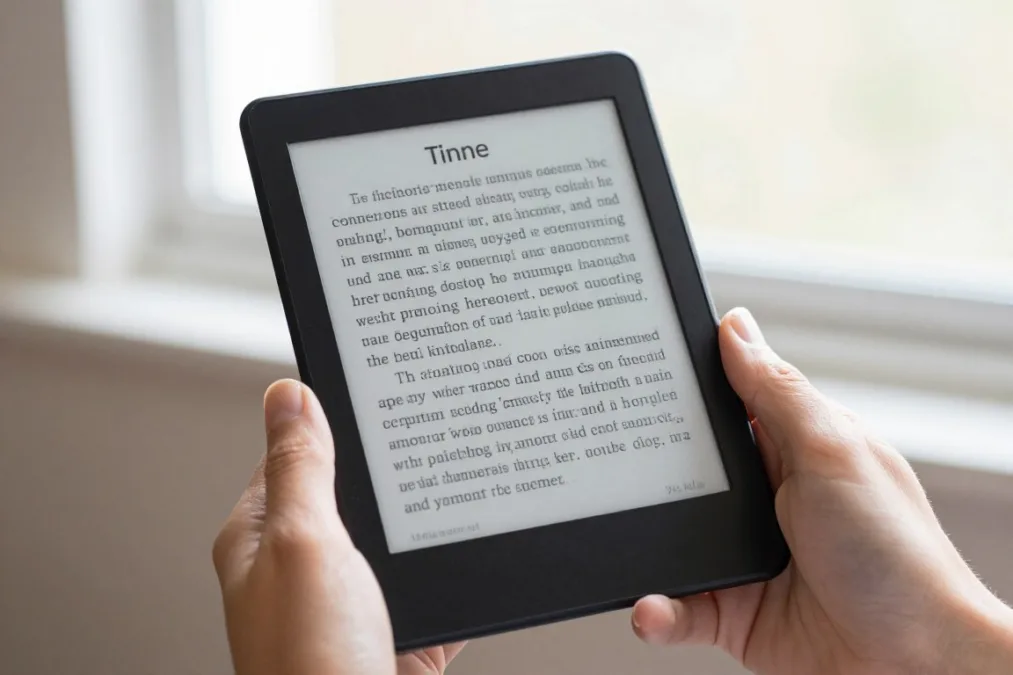
Ecosystem compatibility determines file flexibility. Devices tied directly to Amazon or Kobo simplify digital storefront purchases, while devices running open Android software accommodate multiple competing reading applications simultaneously.
Amazon Kindle Paperwhite for Everyday Reading
The Amazon Kindle Paperwhite remains the baseline recommendation for general reading demands. Its 7-inch screen provides sharp 300 ppi monochrome text resolution with rapid page transitions and balanced weight distribution.
Water resistance enables worry-free use around bathtubs, swimming pools, or beaches. The flush-front glass design houses an adjustable warm light system that shifts seamlessly from bright white to soothing amber hues.
Advantages
- Crisp 300 ppi display with fast page refreshes
- Waterproof construction suitable for damp settings
- Extensive Amazon Kindle bookstore integration
Limitations
- Public library loans through Libby restricted to the United States
- No physical page-turn buttons for tactile navigation
- Audiobook playback requires paired Bluetooth headphones
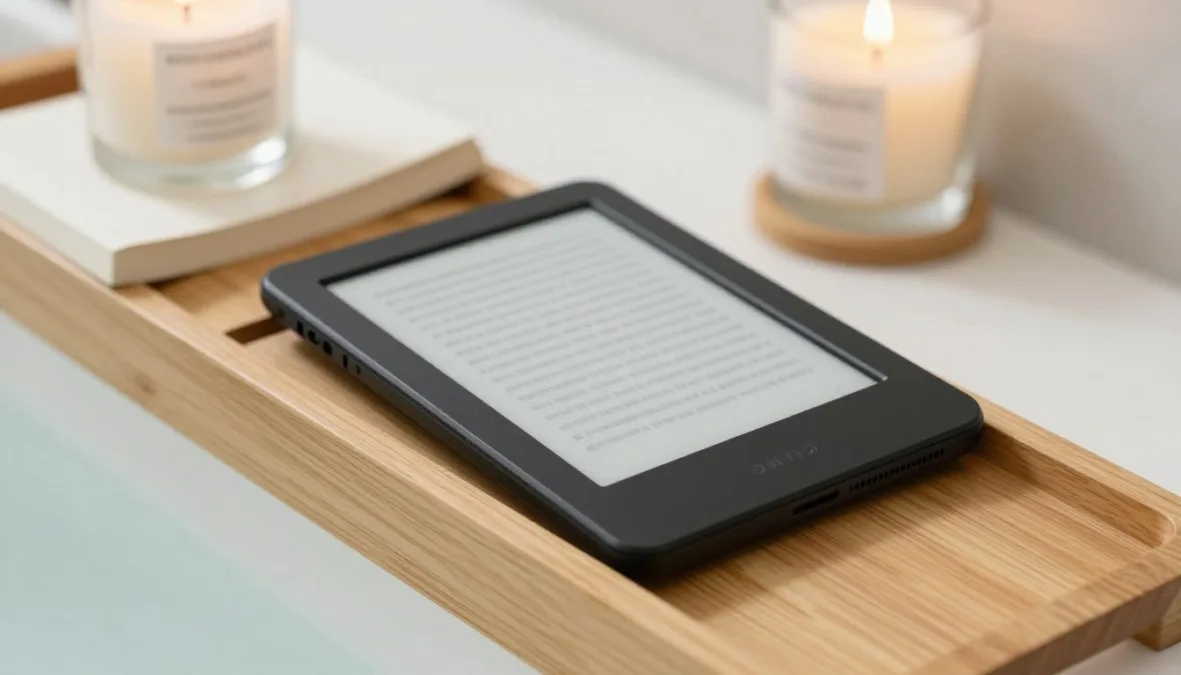
Content downloads quickly over dual-band Wi-Fi, and storage tiers hold thousands of novels. For readers embedded in the Kindle ecosystem, the device balances display clarity, battery life, and durability.
Amazon Kindle for Compact Budget Gifting
The standard Amazon Kindle offers essential electronic ink reading in a remarkably compact, pocketable frame. Its 6-inch screen matches the 300 ppi pixel density of pricier models, keeping font outlines crisp and readable.
A non-flush recessed bezel reduces glare along screen borders while lowering production complexity. The lightweight shell fits easily into small bags or jacket pockets for daily transit.
- Small footprint measuring six inches diagonally across the reading area
- Glared-free display readable under direct afternoon sunlight
- Sixteen gigabytes of internal storage for extensive book collections
- Reversible USB-C port for standardized charging convenience
The base model lacks warm light adjustment, offering only neutral white illumination for low-light environments. It also omits water resistance, requiring caution when reading near open water or during wet weather commutes.
Kobo Libra Colour for Library Borrowers and Color Notes
The Kobo Libra Colour integrates color electronic ink into an ergonomic chassis equipped with physical page-turn buttons. Its asymmetric side grip shifts the center of gravity comfortably into the palm during long reading sessions.
Public library borrowing operates natively through integrated OverDrive software in supported territories. Readers can browse catalog holdings, place holds, and check out digital titles directly on the device without intermediary computers.
Advantages
- Native OverDrive integration across multiple international regions
- Curved ergonomic spine featuring physical page-turn buttons
- Stylus support for marginalia and digital notebook pages
Limitations
- Color resolution operates at half the pixel density of monochrome text
- Slightly darker screen background requires more front light illumination
- Kobo audiobook store lacks the breadth of the Audible library
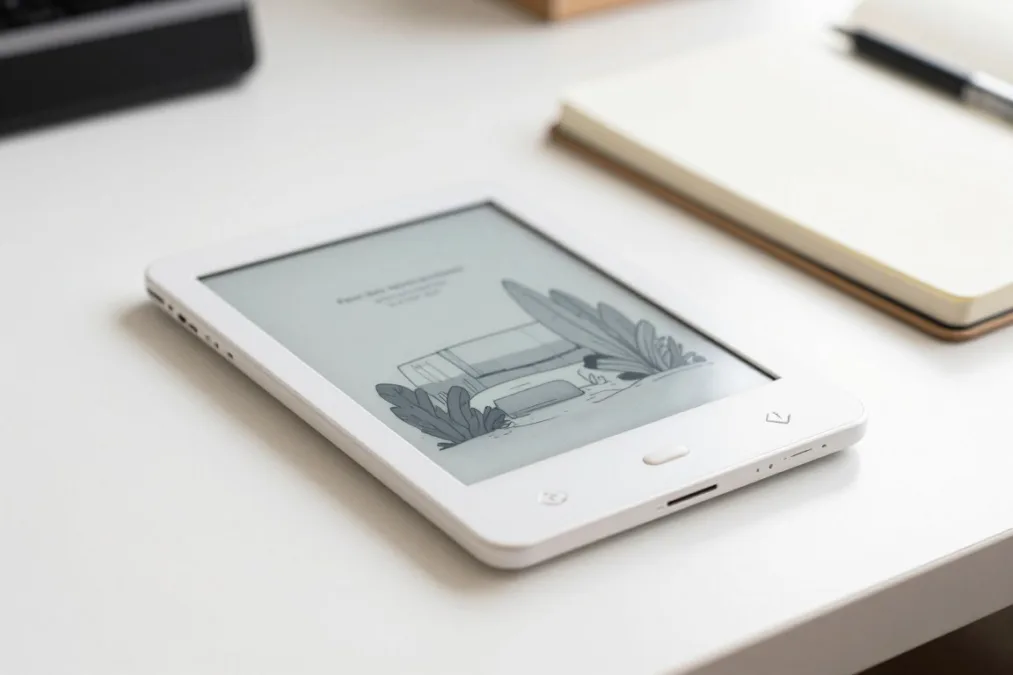
Optional stylus support allows handwritten annotations inside EPUB books and dedicated sketchbooks. The color screen renders book jackets, instructional graphics, and non-fiction diagrams with gentle, newspaper-like pastel tones.
Amazon Kindle Colorsoft for Vibrant Reading
The Amazon Kindle Colorsoft introduces color display technology into Amazon’s familiar hardware framework. Designed for readers who enjoy illustrated fiction, culinary guides, and graphic novels, it renders colored content while preserving Kindle software simplicity.
The custom light guide and specialized display stack maintain page turn responsiveness comparable to standard monochrome models. Book browsing gains immediate visual appeal, displaying original cover designs as publishers intended.
Color electronic ink relies on a filter layer placed above the monochrome ink capsule plane, which inherently reduces unlit background reflectivity compared to standard black-and-white displays.
Library borrowing follows standard Kindle limitations, allowing OverDrive and Libby loans exclusively within the United States. While battery life remains substantial, continuous color rendering draws more power than traditional monochrome page updates.
Amazon Kindle Scribe for Large Screen Reading and Writing
The Amazon Kindle Scribe pairs a sprawling 10.2-inch 300 ppi display with a battery-free digital pen for active reading workflows. The expansive reading surface accommodates large typography without forcing frequent page turns.
Document handling excels when reviewing complex PDF files, academic research, and technical manuals that appear cramped on standard handheld readers. Users can mark sticky notes inside books or export notebook pages to email.
Spacious Display
The 10.2-inch panel reproduces full document pages and multi-column layouts without requiring constant panning or zooming.
Stylus Precision
The passive pen provides natural friction against the textured glass, mimicking traditional ballpoint pen drag on heavy paper.
Notebook Software
Integrated templates support meeting notes, project checklists, and sketch journals organized into structured folders.
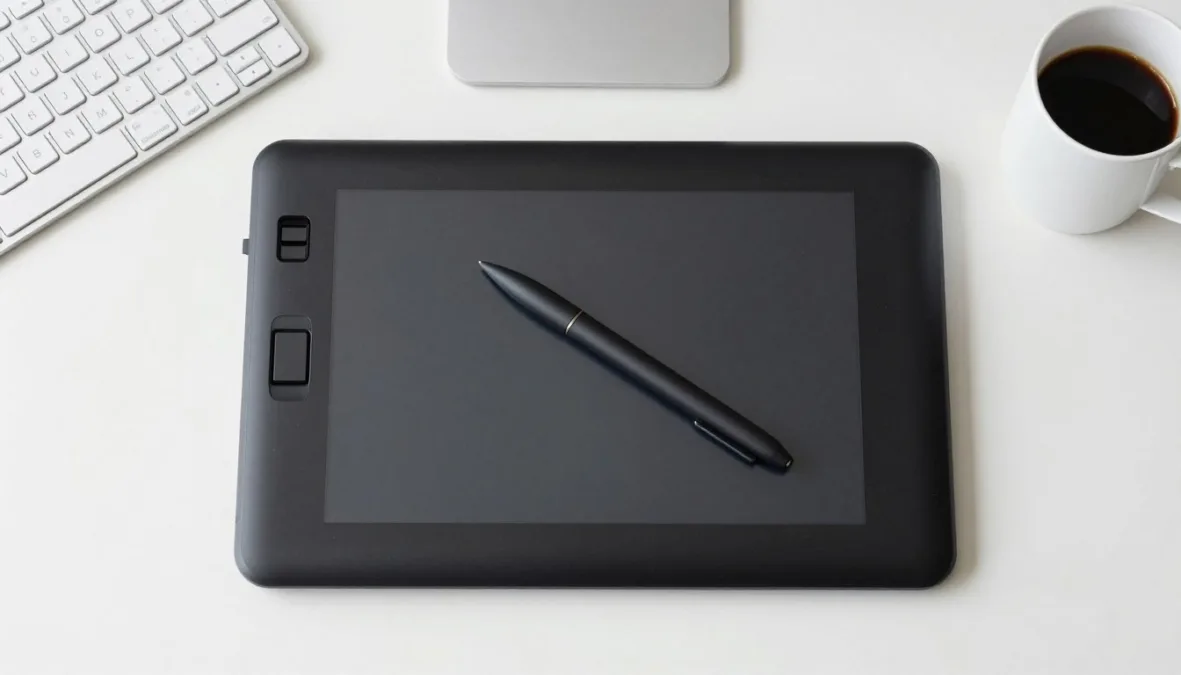
The substantial footprint diminishes one-handed reading comfort during commutes. It suits readers who spend hours at a desk annotating manuscripts, studying educational material, or maintaining daily planning logs.
Kobo Clara Colour for Pocket-Sized Color Reading
The Kobo Clara Colour packs color electronic ink technology into a compact, pocket-friendly 6-inch form factor. It delivers a modern alternative to monochrome travel readers for readers who prioritize portability.
Built with recycled ocean-bound plastics and full waterproof protection, the device handles outdoor commuting environments easily. Its ComfortLight PRO system adjusts brightness and color temperature automatically to reduce eye fatigue.
Advantages
- Highly portable 6-inch chassis that fits into small bags
- Full IPX8 water protection for reading near water
- Built-in OverDrive and Pocket article integration
Limitations
- Lacks physical page-turn buttons found on the Libra series
- Smaller display area makes reading graphic novels challenging
- Pen input and note-taking are not supported on this model
Readers access both the commercial Kobo store and participating municipal libraries directly over Wi-Fi. The compact display renders full-color book covers and charts without adding noticeable bulk to luggage.
reMarkable Paper Pro for Distraction-Free Note-Taking
The reMarkable Paper Pro represents a premium approach to digital paper, emphasizing tactile pen input and zero-distraction productivity. Its large 11.8-inch color display utilizes specialized Canvas Color technology designed specifically for handwriting responsiveness.
Unlike commercial e-readers, the software intentionally excludes web browsers, app stores, social media feeds, and email notifications. The platform concentrates exclusively on reading PDFs, reviewing EPUB documents, and handwriting notebooks.
The reMarkable Paper Pro lacks integrated commercial bookstores and OverDrive borrowing; reading materials must be imported manually via companion desktop applications or cloud sync tools.
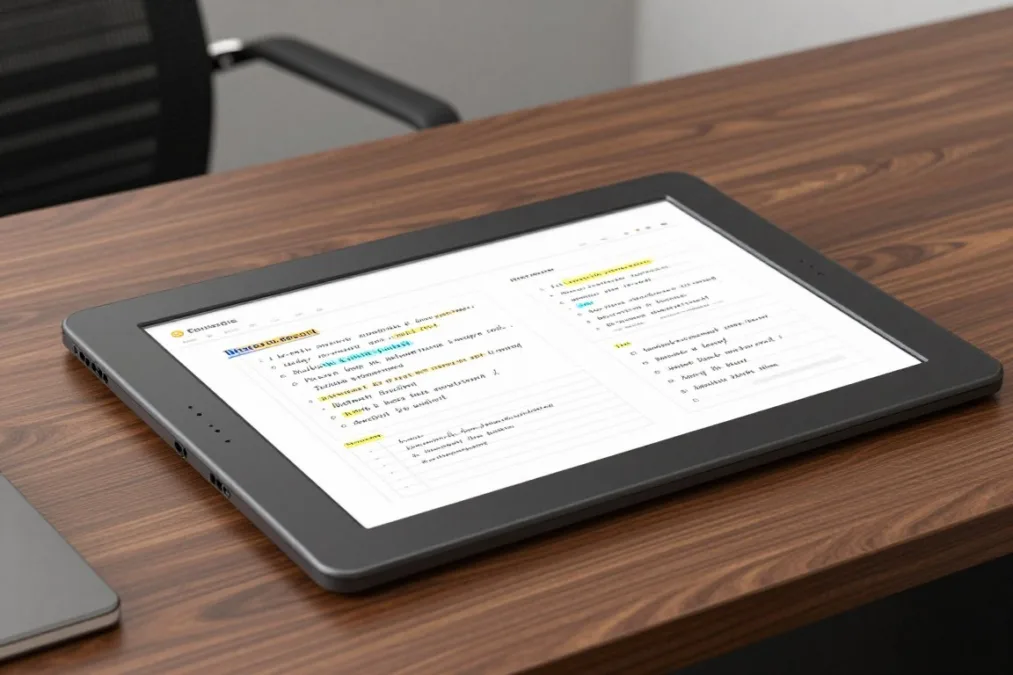
A built-in reading light illuminates the display evenly in low-light environments without compromising the paper-like texture. It suits professionals, writers, and academics who value tactile writing precision above consumer bookstore convenience.
Onyx Boox Go Color 7 for Open App Flexibility
The Onyx Boox Go Color 7 runs an open Android operating system backed by the official Google Play store. This architecture permits downloading Kindle, Kobo, Libby, Scribd, and audio applications onto a single device.
Physical page buttons on the side bezel enable mechanical page turns across various reading applications. Expandable microSD storage provides extensive room for high-resolution comic collections and downloaded audiobook tracks.
- Unrestricted access to competing digital bookstores
- Direct installation of municipal library applications
- Customizable refresh modes to optimize ghosting and speed
Open Platform Strengths
- Battery depletes faster than closed Linux systems
- Requires initial application tuning and configuration
- Android interface requires more tech familiarity to navigate
Operational Complexities
The versatile operating system accommodates readers who refuse vendor lock-in. Fine-tuning display refresh modes helps balance ink ghosting and page animation speeds based on the active application.
Onyx Boox Palma for Ultimate Smartphone-Sized Portability
The Onyx Boox Palma adopts a smartphone form factor designed strictly for one-handed mobile reading. Its 6.13-inch aspect ratio slips into any pocket, replacing distracting phone screens with an eye-friendly electronic ink panel.
Equipped with customizable side volume buttons that double as mechanical page turners, the device facilitates effortless thumb navigation. An integrated speaker and Bluetooth module allow immediate switching between text reading and audio playback.
Advantages
- Extremely lightweight smartphone-sized form factor
- Full Google Play support for versatile content feeds
- Crisp monochrome display with advanced refresh algorithms
Limitations
- Narrow aspect ratio requires more frequent page turns
- Lacks cellular connectivity, relying on Wi-Fi or tethering
- Higher cost compared to traditional basic e-readers
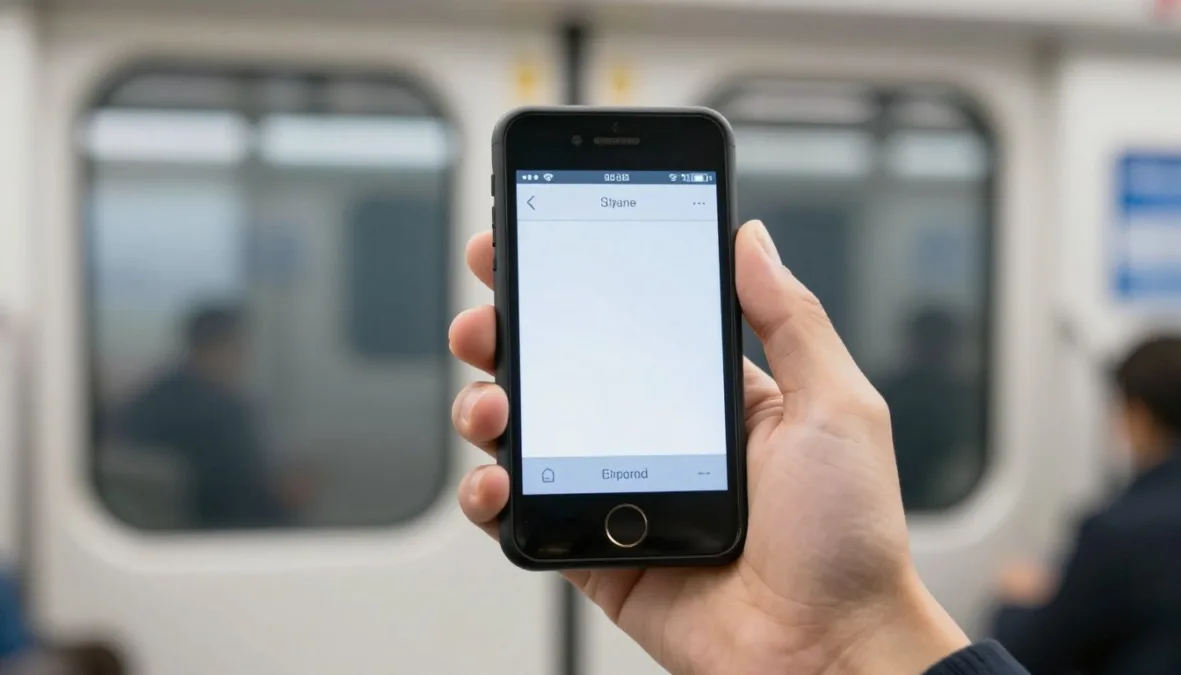
The snappy processor and proprietary refresh software minimize image lag when scrolling through news feeds or web articles. It excels for urban commuters seeking a pocket reader that eliminates intrusive app notifications.
PocketBook InkPad Color 3 for Broad Format Freedom
The PocketBook InkPad Color 3 features a generous 7.8-inch color screen that accommodates standard book pages and manga graphics comfortably. Built on an open Linux platform, it supports dozens of digital file formats without requiring format conversion.
Hardware buttons aligned along the lower bezel provide convenient navigation regardless of hand dominance. Audio capabilities include text-to-speech engine playback, standalone music files, and Bluetooth headphone pairing.
PocketBook hardware reads EPUB, MOBI, PDF, CBZ, and CBR files natively, simplifying content transfers from personal computer drives without proprietary conversion software.
Waterproof engineering ensures reliability during outdoor travels and poolside sessions. Readers who manage personal digital book archives rather than commercial cloud subscriptions benefit from its versatile file management tools.
Library Borrowing and Audiobook Access by Platform
Content access rules vary significantly depending on platform architecture and geographical location. Understanding these distinctions avoids disappointment when attempting to borrow local library books or listen to audio subscriptions.
Amazon Kindle devices handle public library borrowing strictly via OverDrive and Libby accounts registered within the United States. Readers outside the United States cannot borrow library titles directly through Amazon accounts due to regional licensing restrictions.
Kindle Ecosystem
Library borrowing requires an active US library card linked to Libby, sending loans via Amazon Whispersync. Audiobook support is tied strictly to Audible subscriptions via Bluetooth audio devices.
Kobo Ecosystem
Integrated OverDrive software enables direct catalogue browsing across the United States, Canada, the United Kingdom, and Australia. Audio playback functions through Kobo’s dedicated audiobook store catalogue.
Android-powered readers from Onyx Boox bypass ecosystem boundaries by running native Android applications. Users can install Libby, Hoopla, Audible, and Spotify simultaneously, eliminating geographical and vendor playback restrictions.
Frequently Asked Questions
Which e-reader is best for library books?
Kobo devices like the Kobo Libra Colour provide the smoothest library borrowing through direct on-device OverDrive integration in multiple countries. Kindle models support library loans exclusively within the United States via the Libby mobile app.
Can Kindles play audiobooks without a phone?
Kindles play Audible audiobooks directly over Bluetooth connections to wireless headphones or external speakers. The device requires an active Audible account and sufficient internal storage to download audio files over Wi-Fi.
Do color e-readers make regular text look blurry?
Color electronic ink maintains sharp 300 ppi black-and-white text resolution across current-generation panels. However, the underlying color filter array makes the unlit screen background slightly darker, requiring slightly higher front light levels.
Are physical page-turn buttons worth the extra cost?
Physical buttons provide tactile confirmation that prevents accidental page jumps while wearing winter gloves or reading one-handed. Readers who read for multiple hours continuously often prefer the ergonomic grip buttons provide.
Can e-readers work abroad without regional lockouts?
E-readers connect to international Wi-Fi networks without restrictions, but digital bookstore purchases depend on the country tied to the user account. Sideloaded EPUB or PDF files read normally regardless of international travel destinations.
Selecting the Ideal Reading Device
Matching an e-reader to the recipient involves weighing preferred book sources against physical screen requirements. The Kindle Paperwhite remains the most reliable all-around gift for everyday novel readers, while the Kobo Libra Colour stands out for dedicated public library patrons. For those who demand extensive digital note-taking or multi-platform app freedom, large slates and Android-based readers deliver versatile daily utility.

Priyanka Pandey
Senior Research Editor · Top10Sense
Priyanka specializes in tech, consumer products, and digital trends. She combines hands-on testing, vendor interviews, and database research to create trustworthy “Top 10” rankings. Her work has been referenced by industry blogs and brand report pages.