

The academic landscape is rapidly evolving with artificial intelligence transforming how students learn, research, and complete assignments. Today’s AI tools can help you draft essays, solve complex math problems, create presentations, and even learn new languages—all with remarkable efficiency. Whether you’re struggling with writer’s block, need help organizing research, or want to boost your productivity, these AI platforms can be game-changers for your educational journey.
In this comprehensive guide, we’ll explore the top 10 AI platforms specifically designed to enhance student learning and academic performance. From writing assistants to research tools, coding helpers to study aids, these platforms offer features that can help you work smarter, not harder. Let’s dive into the AI revolution that’s reshaping education in 2025.
How AI is Transforming Student Learning
Artificial intelligence has become an invaluable asset for students across all educational levels. These intelligent systems can analyze vast amounts of data, recognize patterns, and generate human-like responses that help streamline the learning process. For students, this means having access to personalized tutoring, instant feedback, and powerful tools that can adapt to individual learning styles.
The benefits of incorporating AI platforms into your academic routine include:
- Saving valuable time on repetitive tasks like research and formatting
- Receiving personalized learning experiences tailored to your pace and style
- Accessing instant help when you’re stuck on a problem
- Improving the quality of your written assignments
- Organizing and synthesizing complex information more effectively
Let’s explore the top AI platforms that are making a significant impact on student success in 2024.
Quick Comparison: Top 10 AI Platforms for Students
| Platform | Category | Best For | Free Plan | Paid Plans Start At |
| ChatGPT | General AI Assistant | Essay writing, research, brainstorming | Yes | $20/month |
| Grammarly | Writing Assistant | Grammar checking, writing improvement | Yes | $12/month |
| Quillbot | Paraphrasing Tool | Rewording text, avoiding plagiarism | Yes (limited) | $9.95/month |
| Google Gemini | Research Assistant | Research, data analysis, summaries | Yes | $19.99/month |
| ChatPDF | Document Analysis | Extracting information from PDFs | Yes (limited) | $8/month |
| Doctrina AI | Learning Platform | Creating notes, quizzes, and study materials | Yes | $39.99 (lifetime) |
| Tutor AI | AI Tutor | Personalized learning, explanations | Yes (limited) | $7/month |
| AskCodi | Coding Assistant | Programming help, code explanations | Yes | $15/month |
| Gamma AI | Presentation Creator | Creating professional presentations | Yes (limited) | $8/month |
| ElevenLabs | Text-to-Speech | Converting text to natural speech | Yes (limited) | $5/month |
1. ChatGPT – Your All-Purpose Academic Assistant
Key Features
- Natural language processing for human-like conversations
- Ability to generate essays, summaries, and creative content
- Helps solve complex problems across various subjects
- Can explain difficult concepts in simple terms
- Assists with brainstorming ideas for projects and assignments
How Students Can Use It
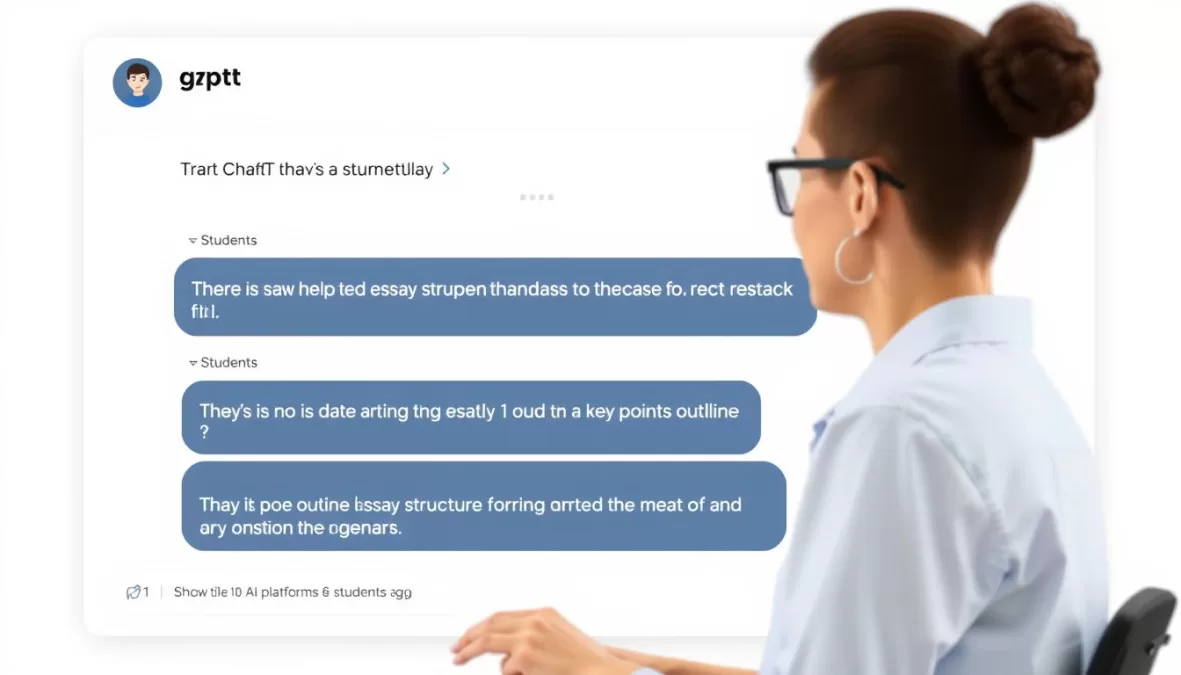
ChatGPT serves as a versatile academic companion that can assist with virtually any subject. When you’re stuck on an essay, it can help outline your thoughts, suggest improvements to your arguments, or even provide a starting draft. For research papers, it can summarize complex articles, generate relevant questions, and help you understand difficult concepts.
Math and science students can use ChatGPT to break down complex problems step-by-step. Language learners can practice conversations, get grammar explanations, or translate text. It’s also excellent for brainstorming project ideas, creating study guides, and preparing for exams.
Advantages
- Extremely versatile across all subjects
- Available 24/7 for instant help
- Robust free version with generous usage limits
- Can handle complex, multi-step questions
- Regular updates improve capabilities
Limitations
- May occasionally provide inaccurate information
- Knowledge cutoff means it lacks the most recent information
- Cannot access the internet in free version
- May not understand highly specialized academic terminology
- Responses need to be verified for academic accuracy
Pricing
ChatGPT offers a free plan with access to the GPT-3.5 model. For more advanced features, including the more capable GPT-4 model, faster response times, and web browsing capabilities, you can upgrade to ChatGPT Plus for $20 per month.
Ready to enhance your academic writing?
Join millions of students using ChatGPT to improve their essays, understand complex topics, and boost productivity.
2. Grammarly – Perfect Your Academic Writing
Key Features
- Advanced grammar, spelling, and punctuation checking
- Style and tone suggestions to improve writing quality
- Plagiarism detection to ensure academic integrity
- Browser extension works across websites and platforms
- Detailed explanations for suggested corrections
How Students Can Use It
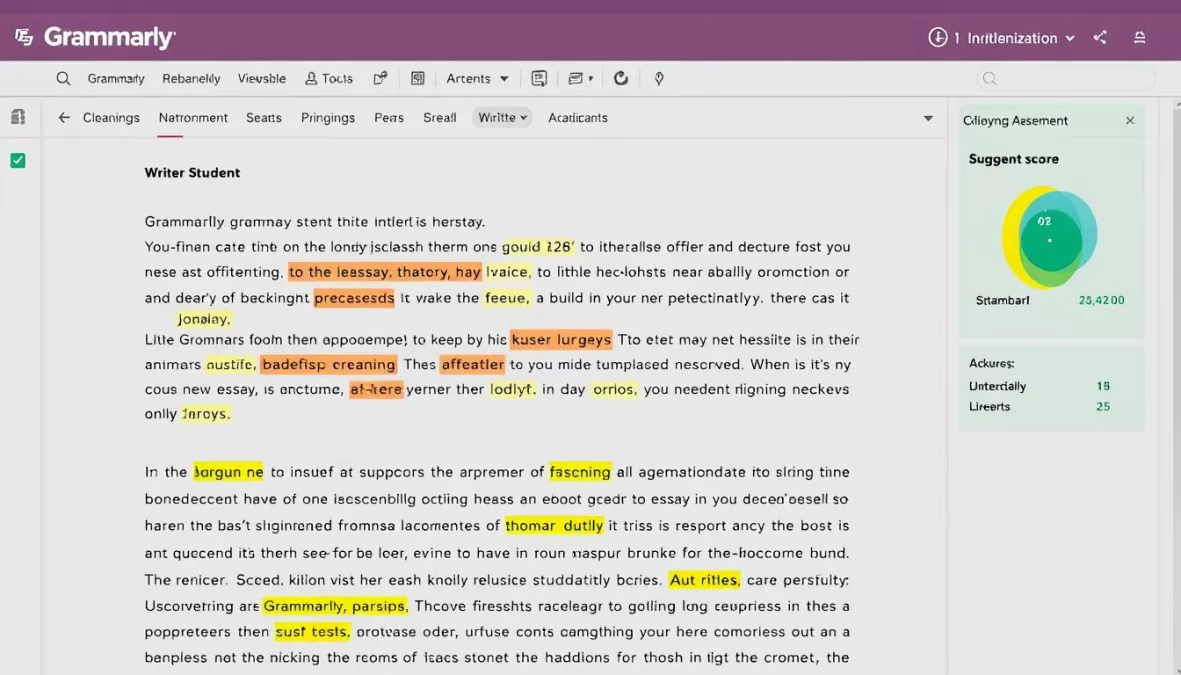
Grammarly is essential for any student who wants to submit polished, error-free writing. It works seamlessly with Google Docs, Microsoft Word, and most online platforms where you might be writing. Beyond just catching typos, Grammarly provides suggestions to improve clarity, engagement, and delivery in your writing.
For research papers and essays, Grammarly helps maintain a consistent academic tone and checks for unintentional plagiarism. When writing emails to professors, it ensures your communication is professional and clear. The detailed feedback helps you understand your common writing mistakes, allowing you to improve over time.
Advantages
- Works across multiple platforms and applications
- Provides explanations for corrections to improve writing skills
- Helps maintain consistent tone in academic writing
- Free version offers substantial functionality
- Plagiarism checker helps avoid academic integrity issues
Limitations
- Advanced features require a paid subscription
- May not understand highly specialized terminology
- Occasionally makes suggestions that don’t fit academic context
- Plagiarism checker only available in premium version
- Can be overly strict with certain grammar rules
Pricing
Grammarly offers a robust free plan that covers basic grammar and spelling checks. Premium plans start at $12 per month (billed annually) and include advanced features like tone adjustments, plagiarism detection, and fluency suggestions.
Elevate your academic writing
Join over 30 million students who use Grammarly to write with confidence and improve their grades.
3. Quillbot – Paraphrase and Enhance Your Content
Key Features
- Advanced paraphrasing with multiple modes (Standard, Fluency, Academic, etc.)
- Summarizer tool to condense long texts
- Grammar checker for error-free writing
- Citation generator for academic references
- Chrome extension for easy access across websites
How Students Can Use It
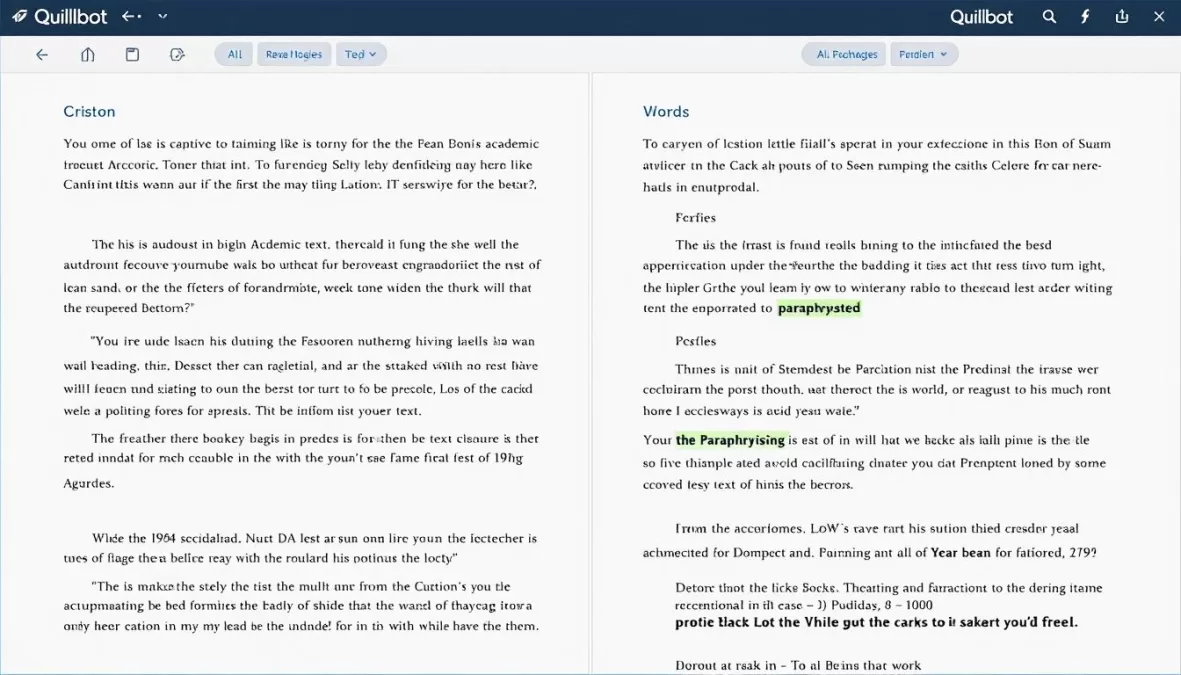
Quillbot is particularly valuable when you’re struggling to express ideas in your own words or need to rework content while maintaining its original meaning. The paraphraser offers multiple modes to match your needs—from simple rewording to complete restructuring with an academic tone.
When researching, use the summarizer to quickly digest long articles and extract key points. The citation generator helps you properly format references in APA, MLA, and Chicago styles. For collaborative projects, Quillbot can help ensure consistency in writing style across different team members’ contributions.
Advantages
- Multiple paraphrasing modes for different needs
- Helps avoid unintentional plagiarism
- Improves writing clarity and flow
- Summarizer saves time when researching
- Shows which words were changed (color-coded)
Limitations
- Free version limited to 125 words at a time
- Some paraphrasing modes only available in premium
- May occasionally alter the meaning of complex sentences
- Not a substitute for understanding the material
- Best results require some manual editing
Pricing
Quillbot’s free plan allows paraphrasing up to 125 words at a time with access to two modes. Premium plans start at $9.95 per month (with discounts for annual billing) and unlock all paraphrasing modes, increased word limits, and additional tools.
Transform your writing instantly
Join millions of students who use Quillbot to improve their writing, avoid plagiarism, and save time on assignments.
4. Google Gemini – Powerful Research and Learning Assistant
Key Features
- Access to real-time information and current events
- Multimodal capabilities (text, images, and voice)
- Integration with Google’s search and knowledge base
- Multiple export options for saving research
- Voice input for hands-free operation
How Students Can Use It
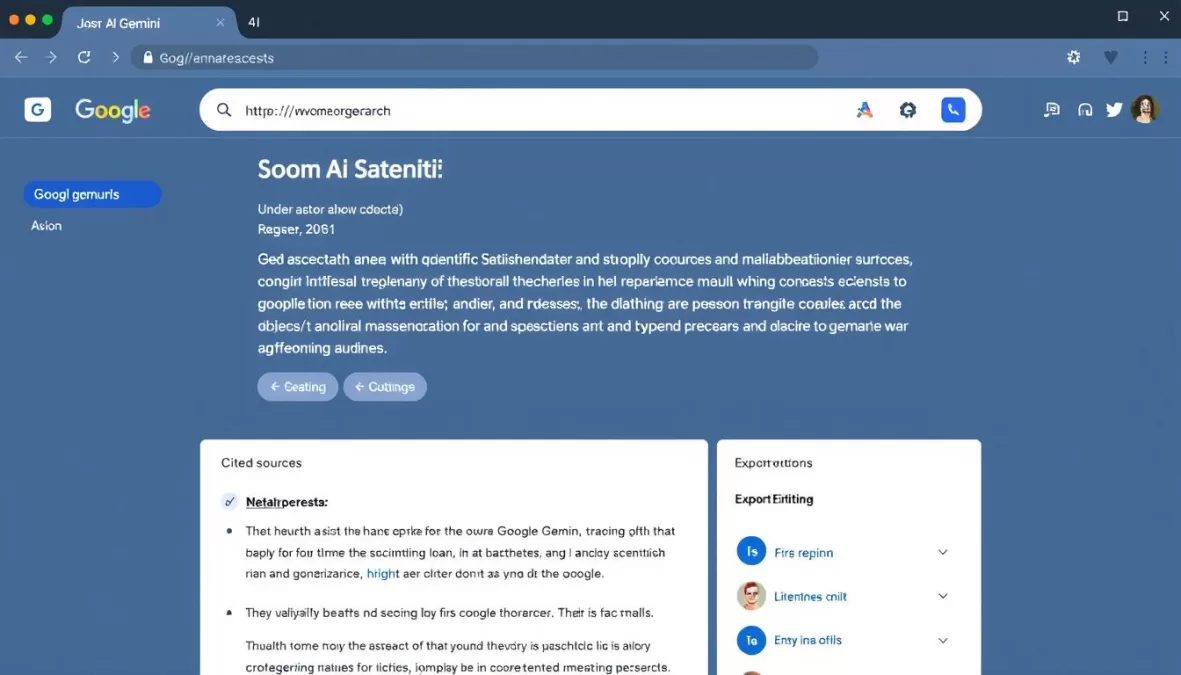
Google Gemini excels as a research companion, providing up-to-date information that other AI models might lack. When working on current events projects or topics that require the latest data, Gemini can retrieve and synthesize information from across the web.
Science and engineering students can use Gemini to explain complex concepts, solve equations, and analyze data. For research papers, it can help find relevant sources, summarize articles, and even suggest research questions. The ability to analyze images makes it useful for interpreting graphs, diagrams, and visual data in textbooks.
Advantages
- Access to current information and news
- Can analyze images and screenshots
- Integrates with Google’s vast knowledge base
- Strong math and science capabilities
- Completely free basic version
Limitations
- Advanced features require paid subscription
- May occasionally provide overly cautious responses
- Web search results can sometimes be irrelevant
- Less creative than some competitors for writing tasks
- Interface can be less intuitive than alternatives
Pricing
Google Gemini offers a free version with access to the basic model. For advanced features and the more powerful Gemini Advanced model, you can subscribe to Google One AI Premium for $19.99 per month.
Supercharge your research
Access the latest information and powerful AI assistance for all your academic projects with Google Gemini.
5. ChatPDF – Extract Knowledge from Academic Papers
Key Features
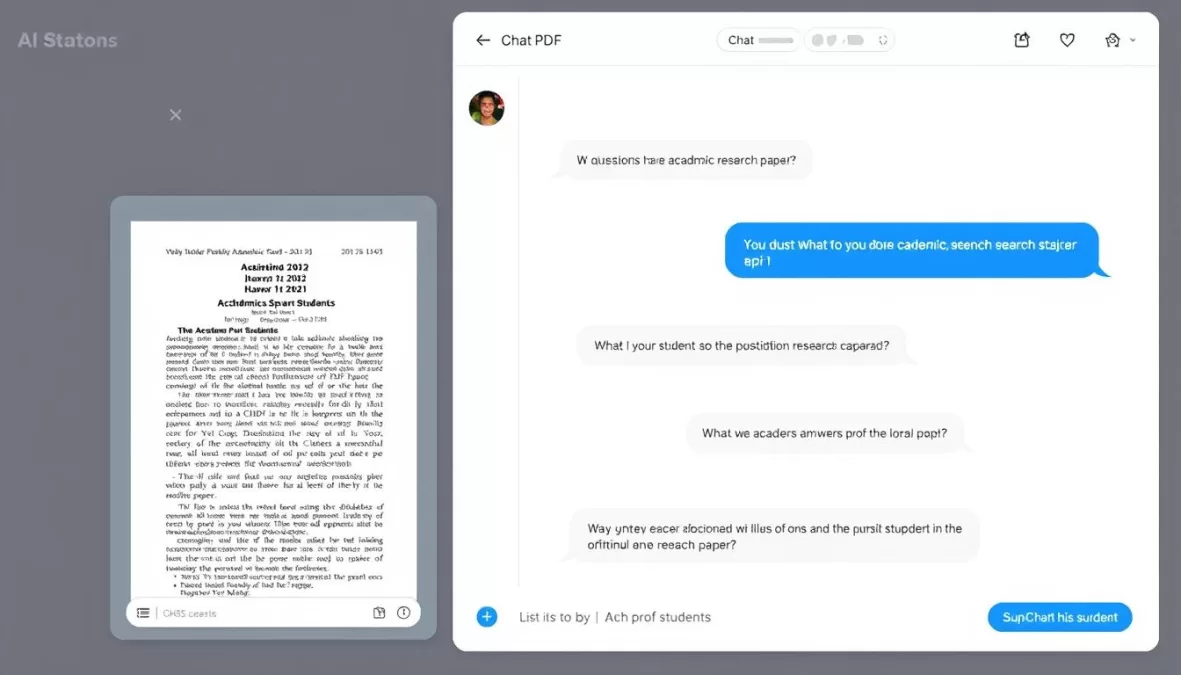
- Upload and analyze PDF documents up to 120 pages
- Ask specific questions about document content
- Extract key information from research papers
- Summarize entire documents or specific sections
- Works with academic papers, textbooks, and course materials
How Students Can Use It
ChatPDF is a game-changer for research and studying. When faced with dense academic papers or lengthy textbooks, simply upload the PDF and start asking questions. Instead of skimming through hundreds of pages, you can directly ask “What methodology was used in this study?” or “Explain the key findings in Chapter 3.”
For literature reviews, ChatPDF can help extract relevant information from multiple papers quickly. When studying for exams, upload your course materials and quiz the AI on important concepts. It’s also useful for quickly understanding assigned readings by asking for summaries and explanations of complex sections.
Advantages
- Saves hours of reading and searching through documents
- Works with scanned PDFs and various formats
- Helps understand complex academic language
- Can analyze multiple documents for comparison
- Extracts specific information without reading entire papers
Limitations
- Free plan limited to 2 PDFs per day and 20 questions
- May struggle with highly technical or specialized content
- Cannot analyze images or charts within PDFs
- 120-page limit per document
- Occasional misinterpretation of complex academic text
Pricing
ChatPDF offers a free plan that allows you to upload 2 PDFs per day (up to 120 pages each) and ask 20 questions. Paid plans start at $8 per month and provide higher limits and additional features.
Master complex academic papers
Save hours of reading time and extract exactly what you need from research papers, textbooks, and course materials.
6. Doctrina AI – Your Personal Study Material Generator
Key Features
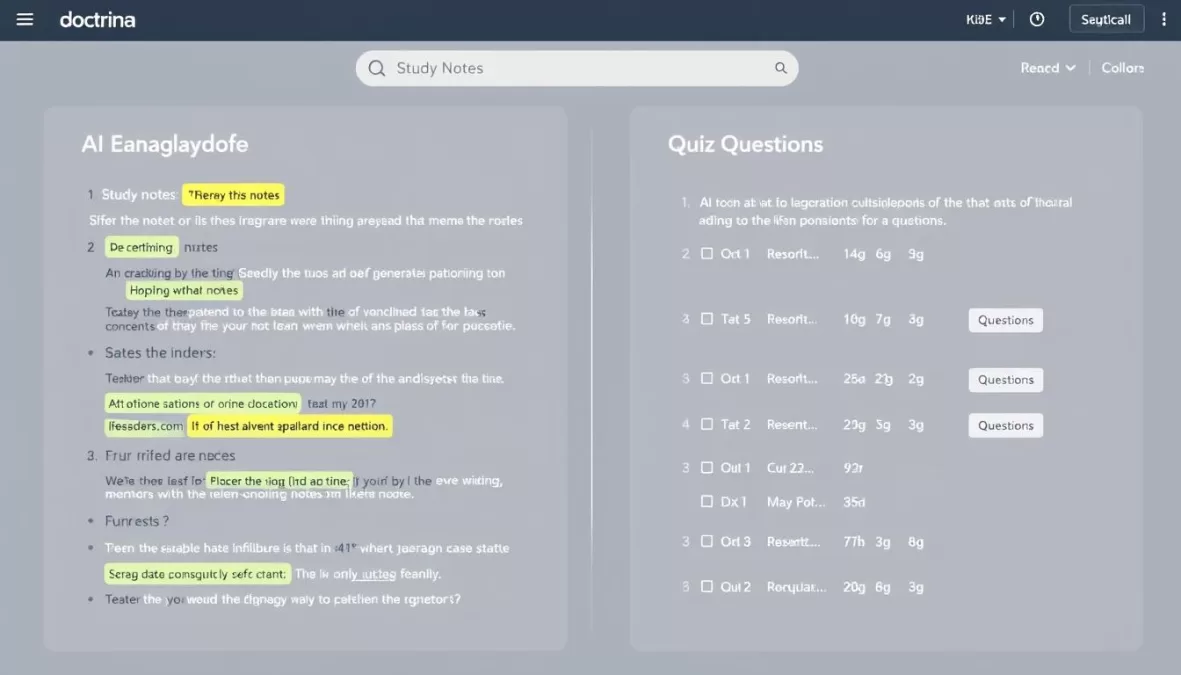
- Generates comprehensive notes on any topic
- Creates customizable quizzes with varying difficulty levels
- Recommends relevant books and resources
- Generates practice exams and study guides
- Provides explanations for quiz answers
How Students Can Use It
Doctrina AI is perfect for creating personalized study materials. When preparing for exams, enter your class name and topics to generate comprehensive notes that highlight key concepts. The platform organizes information logically, making it easier to understand and remember complex subjects.
The quiz generator is particularly valuable for test preparation. You can create quizzes on specific topics and set the difficulty level to match your current understanding. As you progress, increase the difficulty to challenge yourself. The platform also recommends relevant books and resources for deeper learning on each topic.
Advantages
- Creates unlimited notes and quizzes on the free plan
- Customizable difficulty levels for quizzes
- Provides book recommendations for further study
- Explains answers to help understand concepts
- One-time payment option for premium features
Limitations
- Advanced features like exam creation require premium
- Quality varies depending on topic specificity
- Book recommendations may not always be the most current
- Limited customization of note format in free version
- May not cover highly specialized academic subjects in depth
Pricing
Doctrina AI offers a free plan with unlimited access to notes and quiz generation. For advanced features like exam creation and AI chat, you can upgrade to the Premium plan for a one-time payment of $39.99 (lifetime access).
Create perfect study materials
Generate customized notes, quizzes, and study guides for any subject with Doctrina AI’s powerful learning tools.
7. Tutor AI – Your Personal AI Learning Companion
Key Features
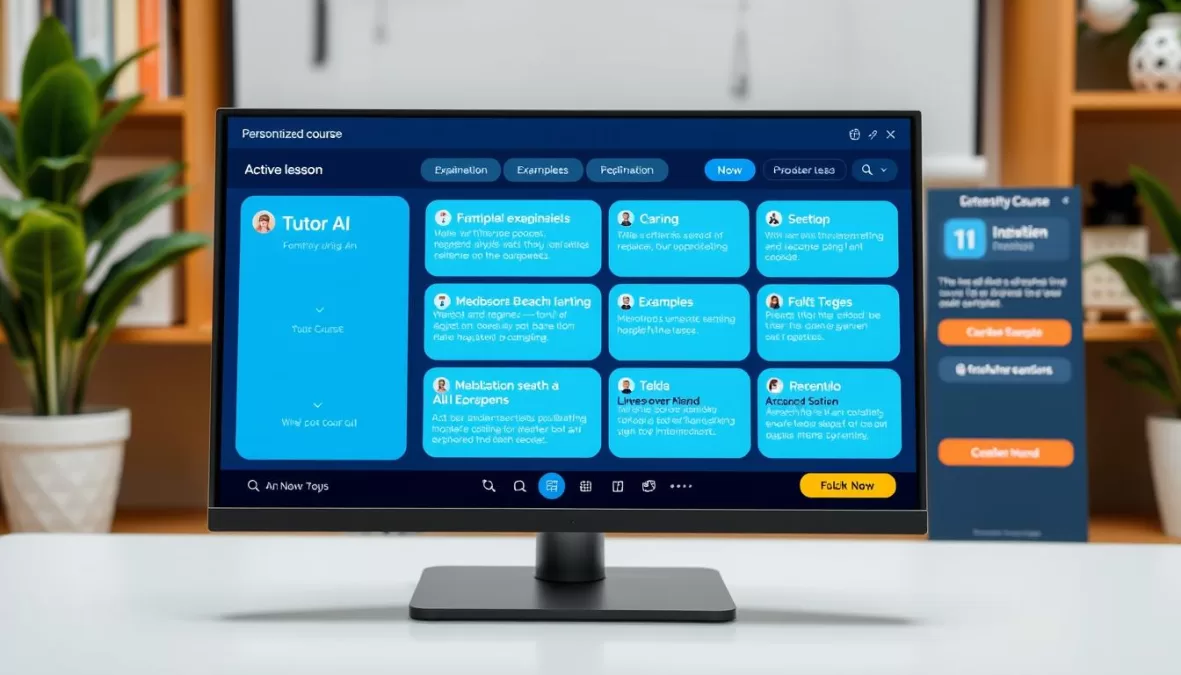
- Creates personalized courses with 10+ modules per topic
- Provides in-depth lessons with examples and explanations
- Offers simplification options for complex concepts
- Includes interactive quizzes to test understanding
- Allows students to ask questions about specific points
How Students Can Use It
Tutor AI functions as a personal tutor that adapts to your learning style and pace. When you’re struggling with a difficult subject, enter the topic to generate a complete course broken down into manageable modules. Each module contains multiple lessons that explain concepts clearly and provide relevant examples.
The platform’s interactive features make learning more engaging. If you don’t understand something, use the “simplify” option to get a clearer explanation. The “examples” feature provides practical applications of theoretical concepts. After completing a lesson, take the built-in quiz to test your understanding and identify areas that need more attention.
Advantages
- Creates structured, comprehensive learning paths
- Adapts explanations to your understanding level
- Provides practical examples to illustrate concepts
- Interactive quizzes reinforce learning
- Allows asking specific questions about the material
Limitations
- Free plan limited to just 3 queries
- May not cover highly specialized academic topics
- No offline access to generated courses
- Limited multimedia content in lessons
- Quality can vary depending on topic specificity
Pricing
Tutor AI offers a free plan with 3 queries. Paid plans start at $7 per month and provide unlimited queries, more advanced features, and priority support.
Learn any subject at your own pace
Get personalized courses, interactive lessons, and instant help with any academic subject.
8. AskCodi – Your AI Coding Assistant
Key Features
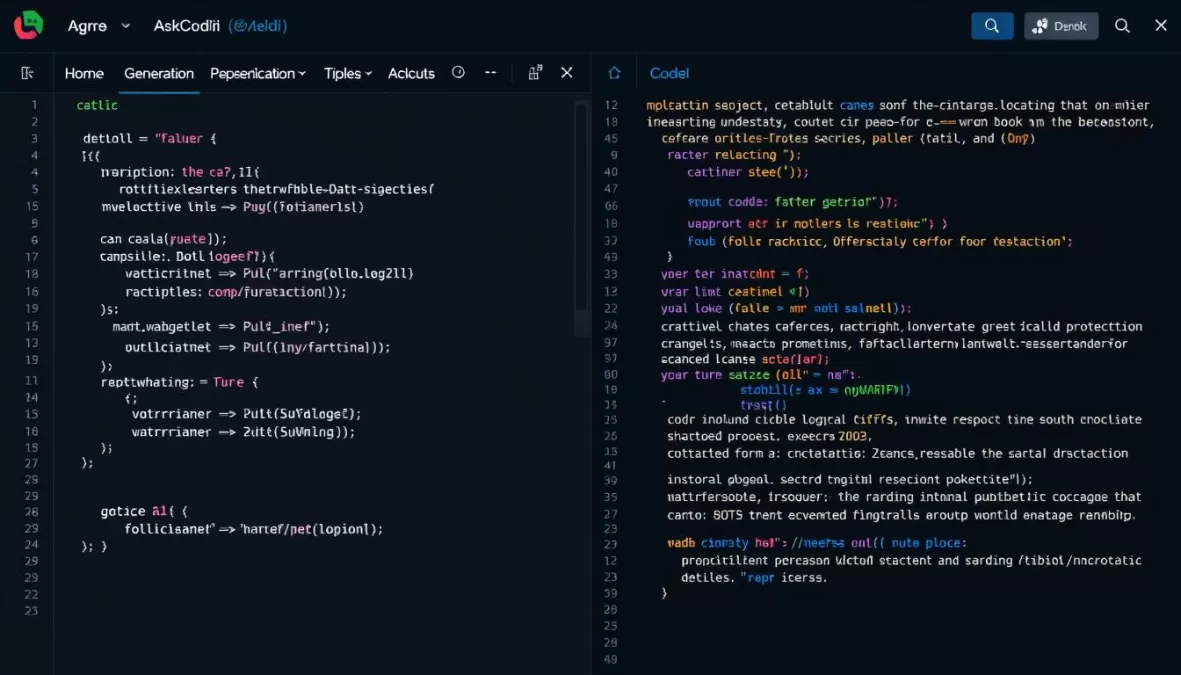
- Generates code in 55+ programming languages
- Explains code functionality in simple terms
- Translates code between different languages
- Debugs and fixes errors in existing code
- Supports multiple AI models (GPT, Claude)
How Students Can Use It
For computer science and engineering students, AskCodi is an invaluable learning tool. When working on programming assignments, you can ask it to generate code examples, explain algorithms, or help debug your existing code. The detailed explanations help you understand not just what the code does, but why it works that way.
Beginners can use AskCodi to learn programming concepts through practical examples. More advanced students can leverage it to explore efficient solutions to complex problems or translate code between languages. When stuck on a project, describe what you’re trying to accomplish, and AskCodi will suggest appropriate code structures and implementations.
Advantages
- Supports a wide range of programming languages
- Provides detailed explanations with code
- Helps debug and fix errors
- Choice of different AI models for different tasks
- Generous free tier with 50 monthly credits
Limitations
- May generate code that needs optimization
- Advanced features require paid subscription
- Limited context window in free version
- Occasionally produces deprecated syntax
- May struggle with very niche programming languages
Pricing
AskCodi offers a free plan with 50 monthly credits, which is sufficient for most student needs. Paid plans start at $15 per month and provide more credits, advanced features, and priority support.
Master programming faster
Get code examples, explanations, and debugging help in over 55 programming languages.
9. Gamma AI – Create Professional Presentations in Minutes
Key Features
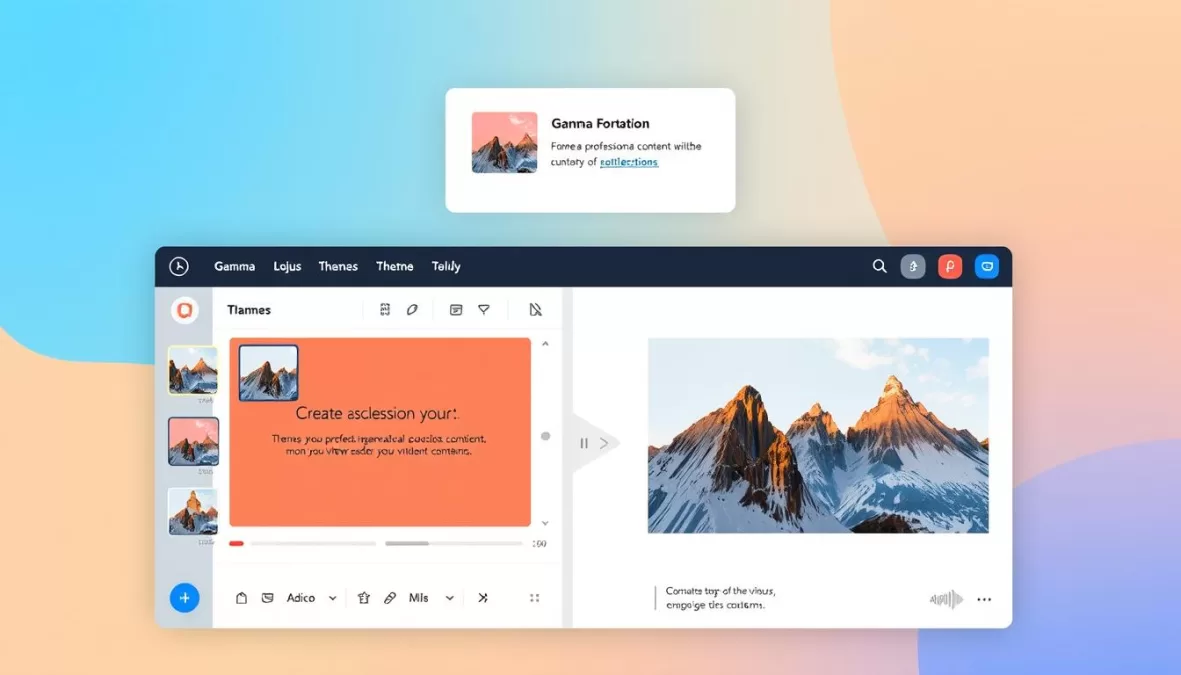
- Generates complete presentations from simple prompts
- Offers 75+ professionally designed themes
- Creates visually appealing slides with AI-generated images
- Allows customization of content and design
- Exports to PowerPoint and other formats
How Students Can Use It
Gamma AI transforms the often tedious process of creating presentations into a quick and simple task. When assigned a presentation, simply enter your topic, specify the number of slides needed, and select a theme. Gamma generates a complete presentation with organized content, professional design, and relevant images.
For group projects, Gamma ensures consistency across slides created by different team members. When preparing for oral presentations, use it to quickly generate visual aids that reinforce your key points. The ability to export to PowerPoint allows for further customization if needed, and the professional quality of the slides helps make a strong impression on professors and classmates.
Advantages
- Saves hours of presentation design time
- Professional-quality results with minimal effort
- Includes relevant AI-generated images
- Multiple export options including PowerPoint
- Free plan allows creating 8-10 presentations
Limitations
- Free plan limited to 400 AI credits and 10 slides per presentation
- Generated content may need fact-checking
- Limited customization options compared to PowerPoint
- May not handle highly technical content perfectly
- AI-generated images sometimes lack specificity
Pricing
Gamma AI offers a free plan with 400 AI credits (enough for 8-10 presentations) and up to 10 slides per presentation. The Plus plan costs $8 per month and provides unlimited AI credits, more slides, and advanced features.
Create stunning presentations instantly
Transform your ideas into professional-quality presentations in minutes, not hours.
10. ElevenLabs – Convert Text to Natural Speech
Key Features
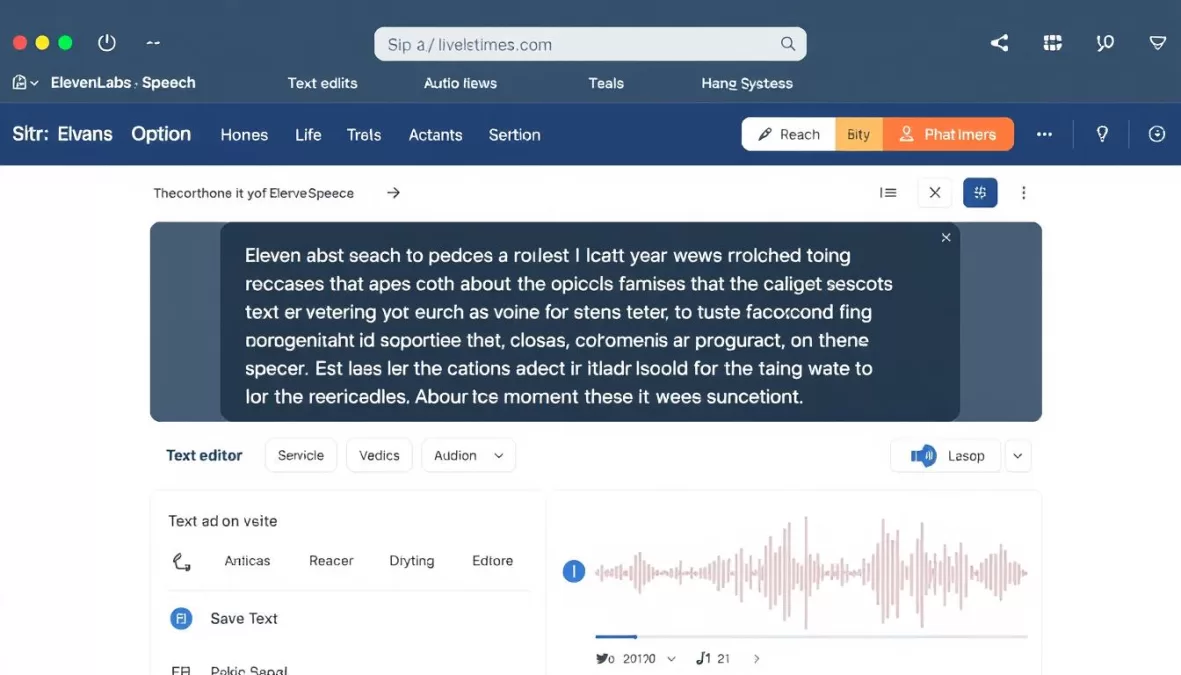
- Converts text to realistic, human-like speech
- Offers 240+ AI voices in 140+ languages
- Allows customization of voice tone and style
- Provides MP3 download of generated audio
- Supports voice cloning (premium feature)
How Students Can Use It
ElevenLabs is a powerful tool for creating audio content from text. When studying, convert your notes or textbook chapters into audio files that you can listen to while commuting or exercising. This is particularly helpful for auditory learners and those who want to maximize study time.
For language learning, use ElevenLabs to hear proper pronunciation in different accents and dialects. When creating presentations, generate professional voiceovers that can be added to slides or videos. For accessibility purposes, convert written assignments into audio format to accommodate different learning needs.
Advantages
- Exceptionally natural-sounding voices
- Supports multiple languages and accents
- Easy to use with simple interface
- Free plan offers 10,000 characters per month
- MP3 download for offline listening
Limitations
- Free plan limited to 10,000 characters (about 10 minutes of audio)
- Voice cloning requires premium subscription
- Some advanced voices only available in paid plans
- May struggle with technical terminology pronunciation
- Limited control over speech pacing in free version
Pricing
ElevenLabs offers a free plan with 10,000 characters per month (approximately 10 minutes of audio). Paid plans start at $5 per month and provide more characters, access to premium voices, and additional features like voice cloning.
Turn your study materials into audio
Convert notes, textbooks, and assignments into natural-sounding speech for learning on the go.
Ethical Use of AI in Academic Settings

While AI platforms offer tremendous benefits for students, it’s essential to use them ethically and responsibly. Here are some guidelines to ensure you’re leveraging AI as a learning aid rather than a shortcut:
Do’s
- Use AI to understand concepts and improve your learning
- Cite AI tools when they’ve contributed significantly to your work
- Verify information provided by AI with reliable sources
- Use AI to brainstorm ideas and overcome creative blocks
- Check your institution’s policies regarding AI use
Don’ts
- Submit AI-generated content as your own without substantial editing
- Rely solely on AI for factual information without verification
- Use AI to complete assignments meant to test your personal knowledge
- Share your AI-generated work with others to submit as their own
- Bypass academic integrity systems with AI tools
Pro Tip: When using AI for assignments, consider it a collaborative tool rather than a replacement for your own thinking. Use AI to help you understand concepts, organize your thoughts, and improve your work—but always add your own analysis, insights, and critical thinking.
Tips for Integrating AI Tools into Your Academic Workflow

To maximize the benefits of AI platforms while maintaining academic integrity, consider these practical tips for incorporating these tools into your study routine:
- Start with clear learning objectives. Before using any AI tool, define what you want to learn or accomplish. This helps you use the tool purposefully rather than as a shortcut.
- Use multiple AI tools in combination. Different platforms excel at different tasks. For example, use ChatGPT for initial research, ChatPDF to analyze sources, and Grammarly to polish your final draft.
- Verify and cross-check information. AI can make mistakes or present outdated information. Always verify important facts with reliable sources.
- Take time to understand the AI’s output. Don’t just copy what the AI produces. Take time to understand the reasoning, methodology, and concepts behind the answers.
- Use AI for feedback, not just creation. After writing a draft yourself, use AI tools to get feedback, suggestions for improvement, and alternative perspectives.
Academic Workflow Example: For a research paper, use Google Gemini to explore current research on your topic, ChatPDF to analyze relevant papers, ChatGPT to help organize your thoughts and outline, Quillbot to help rephrase complex ideas, Grammarly to polish your writing, and ElevenLabs to convert your paper to audio for review.
Recommendations Based on Student Needs
- ChatGPT – Powerful free version with broad capabilities
- Google Gemini – Free access to current information
- Doctrina AI – Unlimited free notes and quizzes
- Grammarly – Robust free grammar checking
- AskCodi – Generous free tier for coding help
For Budget-Conscious Students
- Google Gemini – Excellent for math and science
- AskCodi – Programming and coding assistance
- ChatPDF – Analyze technical papers quickly
- Tutor AI – Break down complex STEM concepts
- ChatGPT – Step-by-step problem solving
For STEM Students
- Grammarly – Polish essays and papers
- Quillbot – Paraphrase and enhance writing
- ChatGPT – Literary analysis and idea generation
- Gamma AI – Create engaging presentations
- ElevenLabs – Convert essays to audio for review
For Humanities Students
Conclusion: Embracing AI as Your Academic Partner
The AI platforms we’ve explored represent powerful tools that can transform your academic experience when used thoughtfully and ethically. From writing assistance and research help to personalized learning and presentation creation, these tools can help you work more efficiently, understand complex concepts more deeply, and produce higher-quality academic work.
Remember that AI tools are most valuable when they enhance your learning rather than replace it. Use them to overcome obstacles, expand your understanding, and free up time for deeper engagement with your studies. As AI continues to evolve, staying familiar with these platforms will not only benefit your academic performance but also prepare you for a future where AI literacy is increasingly important.
By integrating these top 10 AI platforms into your academic workflow, you can revolutionize how you learn, research, and create—making your educational journey more productive, engaging, and successful.
Ready to transform your learning experience?
Start with the AI platform that best matches your immediate academic needs, and gradually incorporate others as you become more comfortable with AI-assisted learning.
Frequently Asked Questions
Is it ethical to use AI for academic work?
Yes, when used properly. AI tools can ethically enhance your learning experience if you use them as assistants rather than replacements for your own work. Always follow your institution’s guidelines, cite AI assistance when appropriate, and use these tools to deepen your understanding rather than bypass learning. The key is to maintain academic integrity by using AI to support your learning process, not substitute for it.
Will professors know if I use AI tools?
Many institutions now use AI detection tools that can identify content generated by popular AI platforms. However, the goal shouldn’t be to hide AI use, but rather to use it appropriately. Many professors are embracing AI as a learning tool and may even encourage its use for specific purposes. The best approach is to be transparent about how you’ve used AI and ensure that your final work reflects your own understanding and analysis.
Which AI platform is best for beginners?
ChatGPT is generally the most user-friendly option for students new to AI tools. Its conversational interface makes it intuitive to use, and it can help with a wide range of tasks from answering questions to generating content. As you become more comfortable with AI, you can explore more specialized tools like Grammarly for writing, ChatPDF for research, or Gamma AI for presentations.
Are these AI platforms accurate and reliable?
While AI platforms have improved dramatically, they aren’t perfect. They can sometimes provide inaccurate information, especially about recent events or highly specialized topics. Always verify important information from reliable sources, especially for academic work. Treat AI outputs as a starting point rather than definitive answers, and apply critical thinking to evaluate the content they generate.
How can I afford premium AI tools on a student budget?
Many AI platforms offer substantial free tiers that are sufficient for most student needs. Additionally, look for student discounts—many services offer significant price reductions with a valid .edu email address. Consider pooling resources with classmates to share the cost of premium subscriptions, or prioritize paying for the one or two tools that will benefit you most while using free alternatives for other needs.

Priyanka Pandey
Senior Research Editor · Top10Sense
Priyanka specializes in tech, consumer products, and digital trends. She combines hands-on testing, vendor interviews, and database research to create trustworthy “Top 10” rankings. Her work has been referenced by industry blogs and brand report pages.