
Quality sleep is essential for overall health and wellbeing, yet according to the Centers for Disease Control and Prevention, 1 in 3 adults don’t get enough sleep each night. Fortunately, technology has evolved to help us track, analyze, and improve our sleep patterns. The best sleep apps of 2025 offer sophisticated features like sleep cycle tracking, guided meditations, and smart alarms that can transform your sleep quality. Whether you’re struggling with insomnia, want to track your sleep patterns, or simply need help unwinding before bed, there’s a sleep app designed to address your specific needs.
Quick Comparison: Top 10 Sleep Apps 2025
| App Name | Best For | Key Features | Platforms | Free Version | Premium Price |
| Sleep Cycle | Overall Sleep Tracking | Sleep analysis, Smart alarm, Snoring detection | iOS, Android | Yes, limited | $39.99/year |
| Calm | Meditation & Sleep Stories | Sleep stories, Guided meditation, Breathing exercises | iOS, Android | Limited content | $69.99/year |
| Sleep Reset | Personalized Sleep Coaching | Sleep coach access, Personalized plans, Video tutorials | iOS, Android | 7-day trial | $75/month |
| Headspace | Quieting Racing Mind | Meditation library, SOS sessions, Sleep soundscapes | iOS, Android | Limited access | $69.99/year |
| Stellar Sleep | Insomnia Relief | CBT-I techniques, Sleep tracking, Personalized advice | iOS, Android | 7-day trial | $63/month |
| Pillow | Apple Watch Users | Heart rate monitoring, Sleep stages, Snoring detection | iOS only | Basic tracking | $39.99/year |
| Rise Science | Sleep Debt Tracking | Sleep debt score, Energy forecasts, Personalized advice | iOS, Android | 14-day trial | $69.99/year |
| Muse | Meditation & Brain Tracking | EEG monitoring, Guided meditation, Sleep tracking | iOS, Android | No | $445 (device) + subscription |
| Chorus Sleep | User-Friendly Interface | CBT-I techniques, Sleep sounds, Relaxation exercises | iOS, Android | No | $40/month |
| Stella Sleep | Children’s Sleep | Bedtime stories, Lullabies, Relaxation techniques | iOS, Android | 7-day trial | $39.99/year |
1. Sleep Cycle – Best Overall Sleep App

Sleep Cycle earns our top spot for its comprehensive sleep tracking capabilities and intuitive interface. Using your smartphone’s accelerometer or microphone, it monitors your movements and sounds during sleep to determine your sleep quality and cycles.
Key Features:
- Smart alarm that wakes you during your lightest sleep phase
- Detailed sleep statistics and daily sleep graphs
- Snoring detection and recording
- Sleep aid sounds and stories to help you fall asleep
- Heart rate monitoring using your phone’s camera
Sleep Cycle stands out for its ability to differentiate between your snoring and your partner’s, making tracking far more accurate than competing apps. The premium version also includes long-term trend analysis and weather correlation to help you understand external factors affecting your sleep.
Pros
- Highly accurate sleep tracking
- Intuitive interface
- Excellent free version
- Works without a wearable device
Cons
- Some advanced features require premium
- Phone must be placed near bed
- Battery drain overnight
Ready to improve your sleep quality?
Sleep Cycle offers a free version with essential features, plus a premium subscription with advanced analytics.
2. Calm – Best for Meditation & Sleep Stories
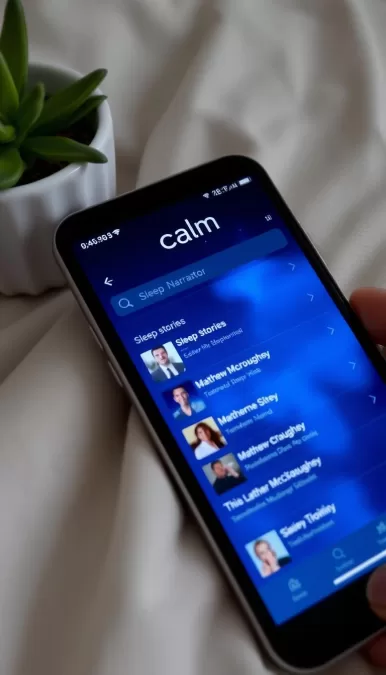
Calm has established itself as a leader in the meditation and sleep story space, earning Apple’s App of the Year award. While not primarily a sleep tracker, it excels at helping users fall asleep through guided meditations, sleep stories, and relaxing soundscapes.
Key Features:
- 100+ sleep stories narrated by celebrities like Matthew McConaughey
- Guided meditations for sleep and stress reduction
- Breathing exercises designed to promote relaxation
- Music and soundscapes specifically composed for sleep
- Daily Calm sessions for consistent mindfulness practice
What sets Calm apart is its extensive library of sleep content and the quality of its narrators. The sleep stories are particularly effective, with options for both adults and children. New content is added weekly, ensuring you’ll always have fresh material to help you drift off.
Pros
- High-quality audio content
- Celebrity narrators
- Regular content updates
- Options for both adults and children
Cons
- No sleep tracking features
- Limited free content
- Higher price point than some competitors
Experience better sleep through meditation
Calm offers a 7-day free trial so you can experience its premium features before committing.
3. Sleep Reset – Best for Personalized Sleep Coaching
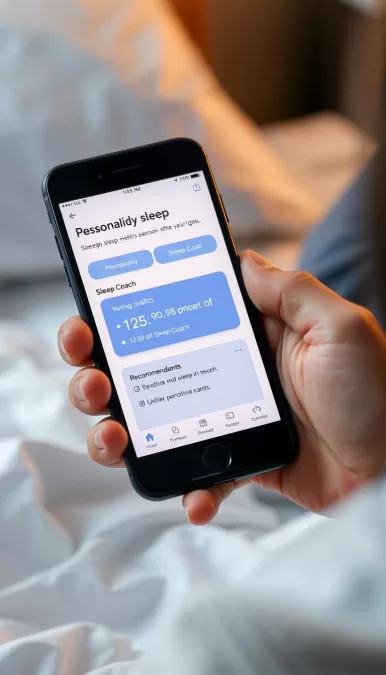
Sleep Reset takes a more personalized approach to sleep improvement by connecting users with certified sleep coaches. The app begins with a comprehensive sleep assessment to identify your specific issues before creating a tailored program.
Key Features:
- One-on-one access to certified sleep coaches
- Personalized sleep improvement programs
- Video tutorials on sleep science and techniques
- Guided meditation and breathing exercises
- Sleep tracking and pattern analysis
The standout feature of Sleep Reset is its human element. Rather than relying solely on algorithms, you get personalized advice from sleep experts who can adjust your program based on your progress and feedback. This makes it particularly effective for those with complex sleep issues.
Pros
- Human coaching element
- Highly personalized approach
- Based on clinical sleep science
- Adjusts to your progress
Cons
- Higher monthly cost
- No permanent free version
- Less focus on sleep tracking
Get personalized sleep coaching
Sleep Reset offers a 7-day free trial to experience their personalized coaching approach.
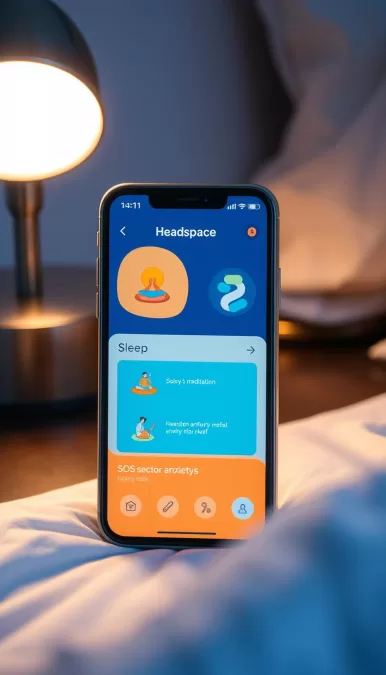
4. Headspace – Best for Quieting a Racing Mind
Headspace has evolved from a pure meditation app to include robust sleep features designed specifically for those who struggle with racing thoughts at bedtime. Its structured approach to mindfulness makes it particularly effective for anxiety-related sleep issues.
Key Features:
- Specialized “SOS” meditations for acute anxiety
- Sleepcasts – audio content designed specifically for bedtime
- Wind-down exercises to transition from day to night
- Sleep music and soundscapes
- Structured meditation courses for better sleep
What makes Headspace unique is its structured, course-based approach to meditation and sleep. Rather than offering one-off sessions, it provides progressive training that builds skills over time. The app’s “SOS” sessions are particularly valuable for those nights when anxiety is keeping you awake.
Pros
- Structured learning approach
- Excellent for anxiety management
- High-quality audio content
- Regular content updates
Cons
- No sleep tracking
- Limited free content
- Focus on meditation may not appeal to everyone
Calm your mind for better sleep
Headspace offers a 14-day free trial with their annual subscription.
5. Stellar Sleep – Best for Insomnia Relief
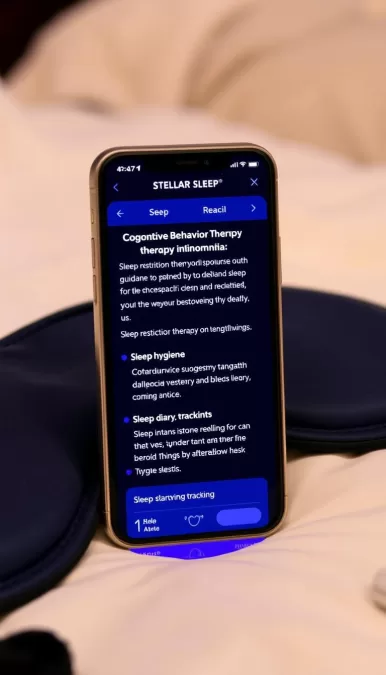
Stellar Sleep is specifically designed to address insomnia using clinically-proven Cognitive Behavioral Therapy for Insomnia (CBT-I) techniques. This makes it the top choice for those struggling with chronic sleep onset or maintenance issues.
Key Features:
- CBT-I techniques adapted for mobile use
- Sleep restriction therapy guidance
- Stimulus control exercises
- Sleep hygiene recommendations
- Thought challenging for sleep-related anxiety
Stellar Sleep stands out by focusing specifically on evidence-based insomnia treatment rather than general sleep improvement. The app walks users through a structured CBT-I program similar to what they would receive from a sleep specialist, making clinical treatment more accessible and affordable.
Pros
- Evidence-based clinical approach
- Specifically targets insomnia
- Structured program with clear progression
- More affordable than in-person therapy
Cons
- Higher monthly cost
- Less focus on general sleep tracking
- Program requires consistent commitment
Overcome insomnia with proven techniques
Stellar Sleep offers a 7-day free trial to experience their CBT-I program.
6. Pillow – Best for Apple Watch Users
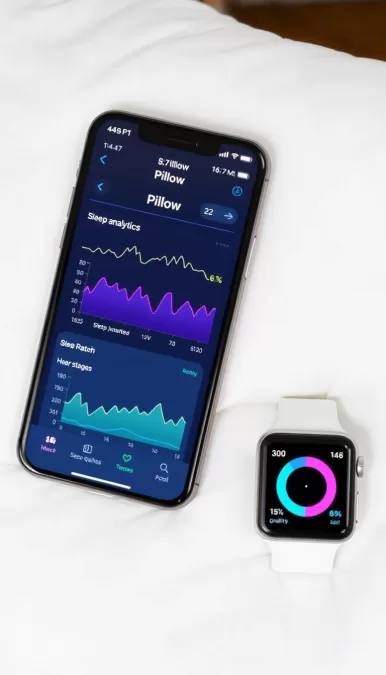
Pillow leverages the sensors in your Apple Watch to provide detailed sleep tracking without requiring your phone to be on your bed. This makes it the ideal choice for Apple ecosystem users who want accurate sleep data without disruption.
Key Features:
- Heart rate monitoring via Apple Watch
- Detailed sleep stage analysis
- Smart alarm function
- Audio recording for snoring and sleep talking
- Integration with Apple Health
What makes Pillow stand out is its seamless integration with the Apple ecosystem. The app can track your sleep automatically using your Apple Watch, and all data syncs directly to Apple Health. The interface is intuitive and follows Apple’s design language, making it feel like a native part of your devices.
Pros
- Seamless Apple integration
- No need for phone on bed
- Automatic sleep detection
- Detailed heart rate analysis
Cons
- iOS only
- Requires Apple Watch for best features
- May overestimate deep sleep
Perfect for Apple Watch users
Pillow offers basic features for free, with premium features available for $39.99/year.
7. Rise Science – Best for Sleep Debt Tracking
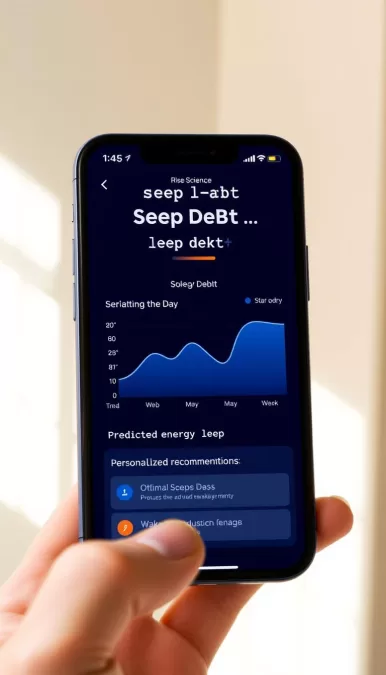
Rise Science takes a unique approach by focusing on sleep debt—the cumulative effect of not getting enough sleep over time. Rather than just tracking nightly sleep, it helps you understand and manage your overall sleep health.
Key Features:
- Sleep debt calculation and tracking
- Energy level forecasts throughout the day
- Personalized recommendations for optimal sleep times
- Caffeine consumption guidance
- Light exposure recommendations
Rise Science stands out by connecting your sleep patterns to your daytime energy levels and performance. The app provides specific recommendations about when to consume caffeine, when to seek light exposure, and when to start winding down based on your personal circadian rhythm.
Pros
- Unique focus on sleep debt
- Practical daytime recommendations
- Simple data collection method
- Science-based approach
Cons
- Less detailed sleep stage analysis
- No free version after trial
- Limited relaxation content
Manage your sleep debt for better energy
Rise Science offers a 14-day free trial to experience their sleep debt tracking system.
8. Muse – Best for Meditation & Brain Tracking
Muse combines a wearable EEG headband with a sophisticated app to provide real-time feedback on your brain activity during meditation and sleep. This hardware-software combination offers insights not possible with smartphone-only solutions.
Key Features:
- EEG monitoring during sleep and meditation
- Real-time feedback on brain activity
- Guided meditations optimized for sleep
- Detailed sleep stage analysis
- Heart rate and breathing monitoring
What sets Muse apart is its use of EEG technology to directly measure brain activity rather than inferring it from movement or heart rate. This provides a more accurate picture of your sleep quality and meditation effectiveness. The headband is designed to be comfortable for sleep, though it may take a few nights to adjust to wearing it.
Pros
- Direct brain activity measurement
- More accurate sleep stage analysis
- Real-time meditation feedback
- Works with CPAP machines
Cons
- Expensive hardware required
- May be uncomfortable for some sleepers
- Battery needs regular charging
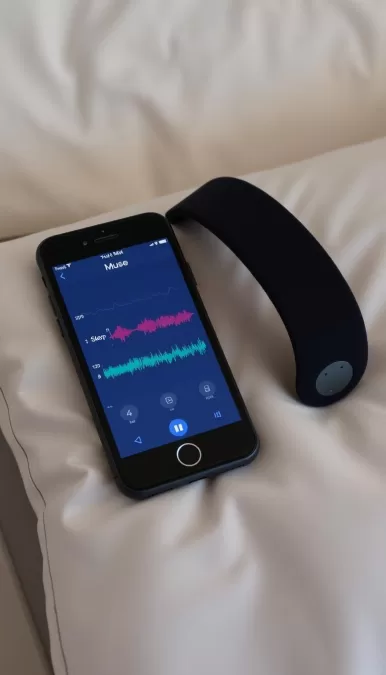
Experience advanced brain monitoring
Muse offers a 30-day satisfaction guarantee on their headband and app combination.
9. Chorus Sleep – Best for User-Friendly Interface
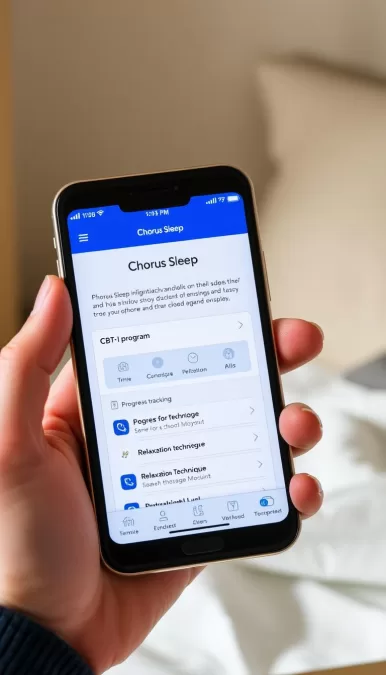
Chorus Sleep stands out for its exceptionally intuitive interface that makes complex sleep improvement techniques accessible to everyone. Based on Cognitive Behavioral Therapy for Insomnia (CBT-I), it presents clinical techniques in an approachable way.
Key Features:
- Simplified CBT-I techniques
- Library of relaxing soundscapes
- Guided breathing and relaxation exercises
- Sleep tracking with wearable integration
- Optional sleep coaching support
What makes Chorus Sleep special is how it simplifies complex sleep science into actionable steps anyone can follow. The app’s design prioritizes ease of use without sacrificing effectiveness, making it ideal for those who find other sleep apps overwhelming or too technical.
Pros
- Exceptionally user-friendly
- Evidence-based techniques
- Optional human coaching element
- Comprehensive approach
Cons
- No free version
- Less detailed analytics than some competitors
- Relatively new app with fewer reviews
Experience the most user-friendly sleep app
Chorus Sleep offers monthly and quarterly subscription options.
10. Stella Sleep – Best for Children’s Sleep
Stella Sleep is specifically designed to help children develop healthy sleep habits through engaging stories, lullabies, and age-appropriate relaxation techniques. Created with input from child psychologists, it addresses the unique sleep needs of kids.
Key Features:
- Age-appropriate bedtime stories
- Calming lullabies and music
- Child-friendly meditation exercises
- Character-based sleep education
- Parent dashboard for monitoring
What sets Stella Sleep apart is its focus on creating positive emotional associations with bedtime for children. The stories often feature recurring characters that children can bond with, and many address common childhood sleep concerns like fear of the dark or separation anxiety.
Pros
- Designed specifically for children
- Developed with child psychologists
- Engaging characters and stories
- Ad-free environment
Cons
- Not suitable for adults
- Limited sleep tracking features
- Requires parent management
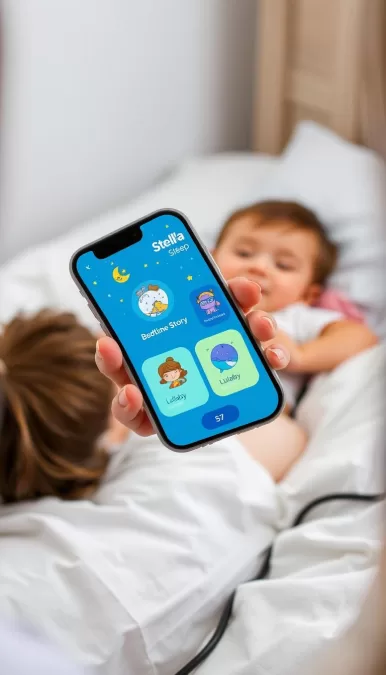
Help your child develop healthy sleep habits
Stella Sleep offers a 7-day free trial to experience their children’s sleep content.
How Sleep Tracking Technology Works
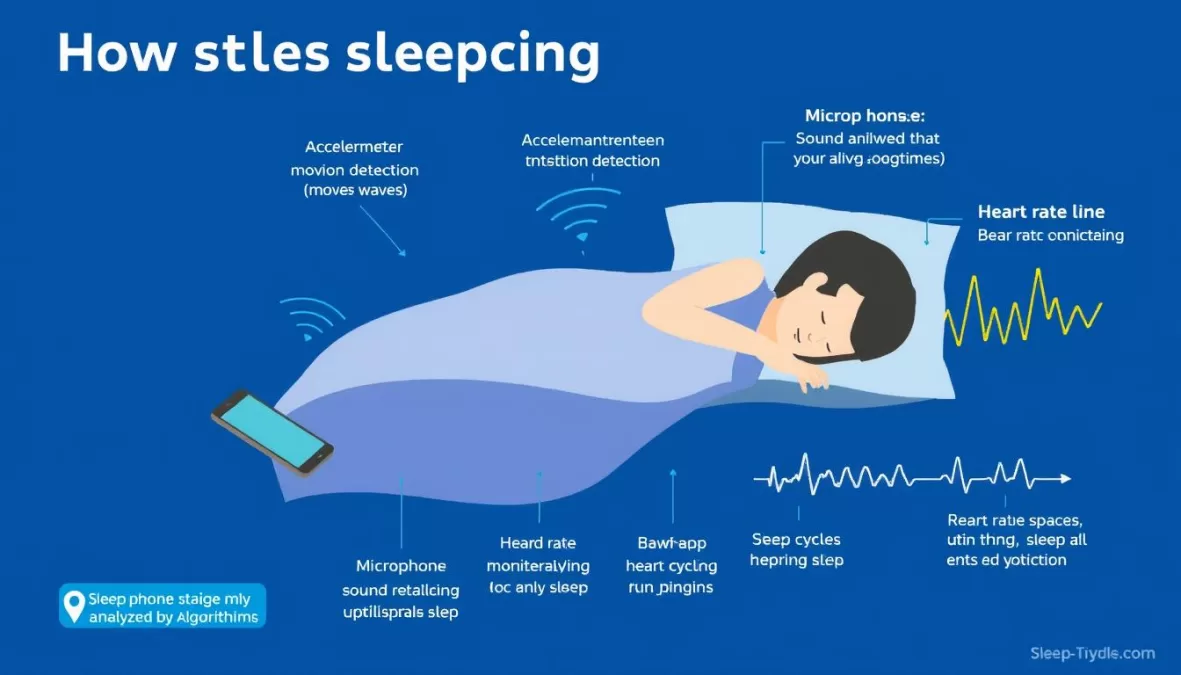
Sleep tracking apps use various technologies to monitor your sleep patterns and quality. Understanding how they work can help you choose the right app and interpret your data more effectively.
Smartphone Sensors
Most sleep apps use your smartphone’s built-in accelerometer to detect movement during sleep. When placed on your mattress, the phone can sense micro-movements that indicate restlessness or changes in sleep stages. Some apps also use your phone’s microphone to detect sounds like snoring or environmental noise that might disrupt sleep.
Wearable Integration
Apps that integrate with smartwatches or fitness trackers can collect additional data like heart rate and respiratory rate. These metrics provide more accurate insights into your sleep stages, as heart rate typically decreases during deep sleep and fluctuates during REM sleep.
Sleep Stage Analysis
Using the collected movement and physiological data, sleep apps apply algorithms to estimate your time spent in different sleep stages: light sleep, deep sleep, REM sleep, and awake periods. While not as accurate as a clinical sleep study, these estimates can help you understand your sleep patterns over time.
Smart Alarms
Many sleep apps feature smart alarms that monitor your sleep stages and wake you during light sleep within a set time window. This can help reduce sleep inertia—that groggy feeling when woken from deep sleep—and make mornings more pleasant.
It’s important to note that while sleep tracking apps have become increasingly sophisticated, they’re not medical devices. If you suspect you have a sleep disorder like sleep apnea or insomnia, consult with a healthcare professional who can recommend a clinical sleep study if necessary.
Benefits of Using Sleep Apps
Awareness
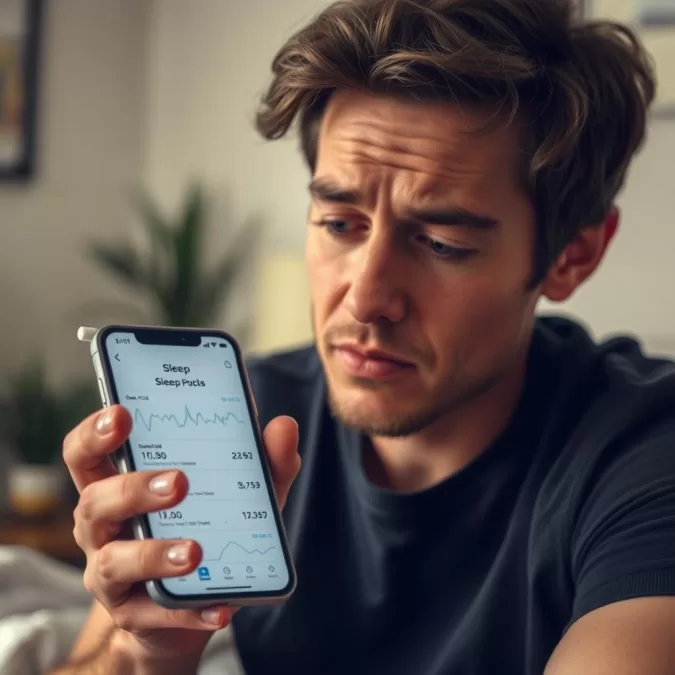
Sleep apps increase your awareness of sleep patterns and habits that may be affecting your rest. Simply tracking your sleep can highlight issues you weren’t conscious of, like frequent awakenings or inconsistent bedtimes.
Habit Formation
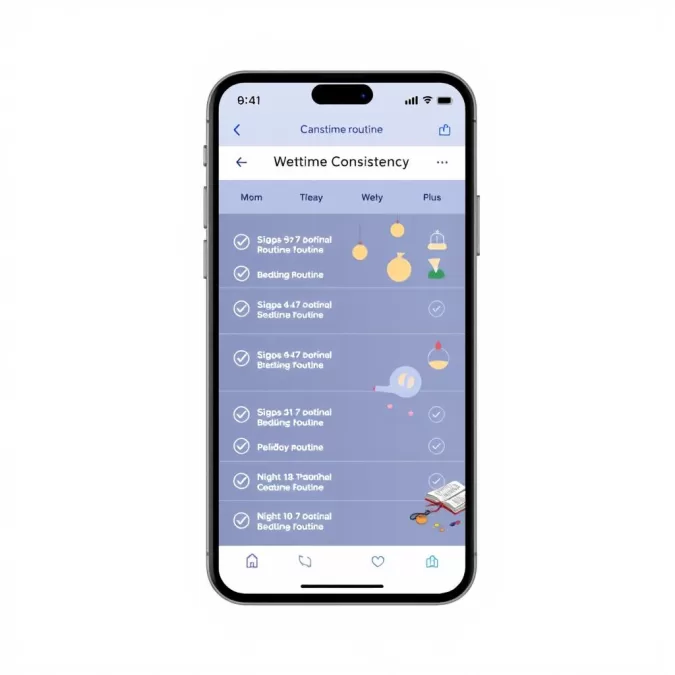
Many sleep apps include features that encourage consistent sleep schedules and bedtime routines. Regular reminders and progress tracking help reinforce healthy sleep habits that improve sleep quality over time.
Stress Reduction
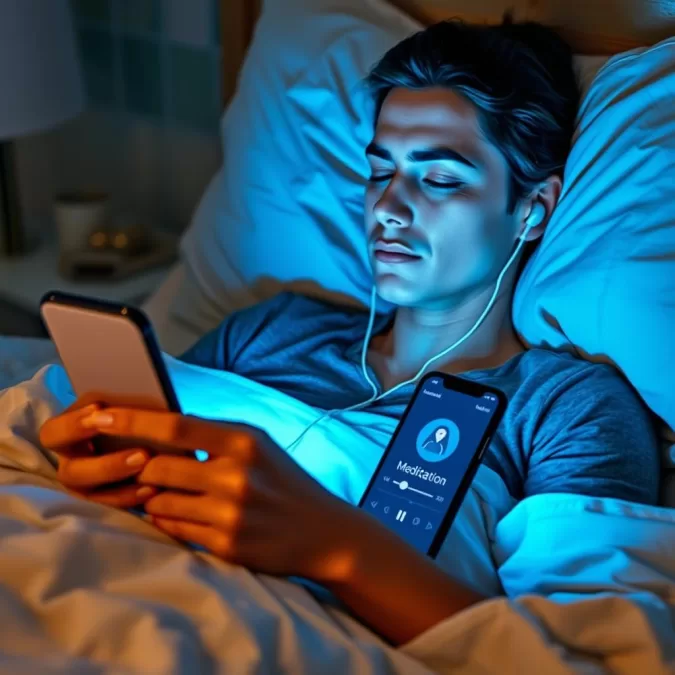
Guided meditations, breathing exercises, and sleep stories can help calm an active mind before bed. These features reduce the stress and anxiety that often interfere with falling asleep and staying asleep throughout the night.
Environmental Optimization
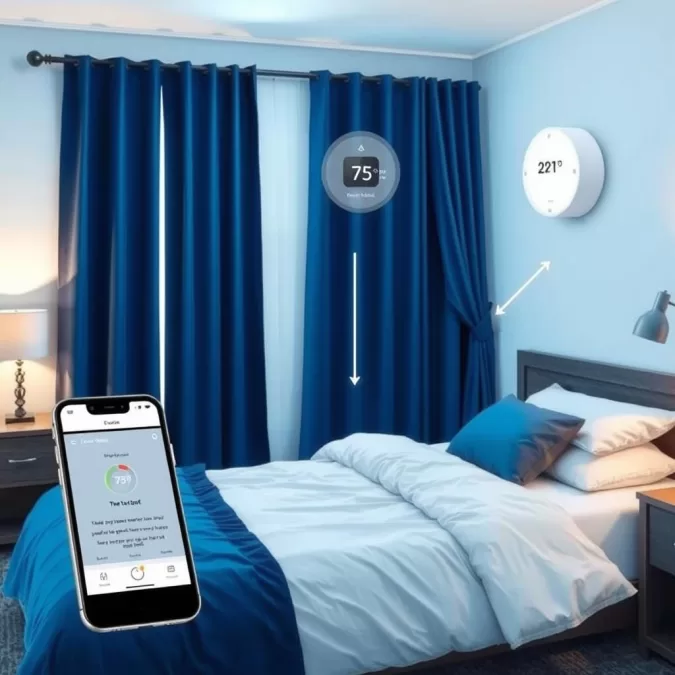
Some sleep apps analyze environmental factors like temperature, noise, and light to help you create optimal sleeping conditions. These insights allow you to make targeted improvements to your sleep environment.
Health Insights
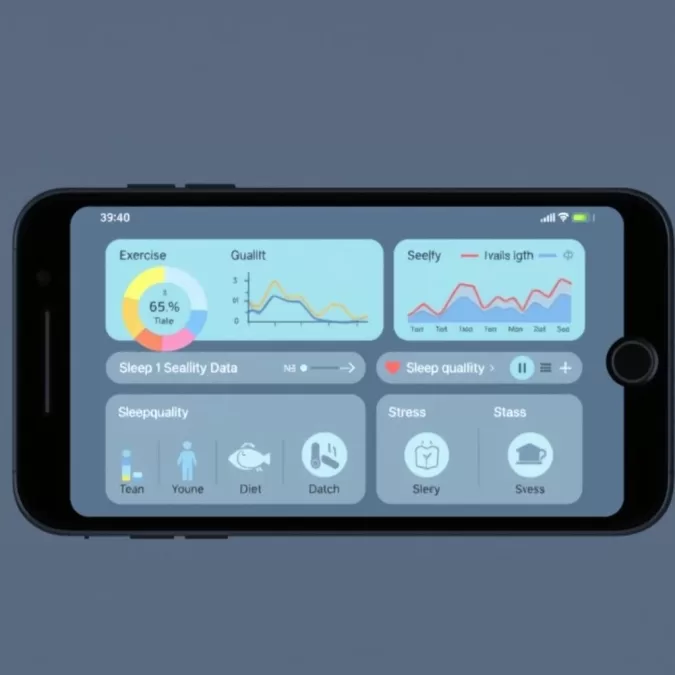
By tracking your sleep alongside other health metrics like exercise, diet, and stress levels, sleep apps can help you identify connections between your lifestyle choices and sleep quality, leading to more informed health decisions.
Accessibility
Sleep apps make evidence-based techniques like CBT-I more accessible and affordable than in-person therapy. They provide professional-level guidance that would otherwise require multiple specialist appointments.
What to Look for When Choosing a Sleep App
Your Primary Sleep Goal
Start by identifying your main sleep concern. Are you having trouble falling asleep? Staying asleep? Waking up refreshed? Different apps specialize in different aspects of sleep improvement. For insomnia, look for apps with CBT-I techniques. For general tracking, prioritize apps with comprehensive monitoring features.
Required Hardware
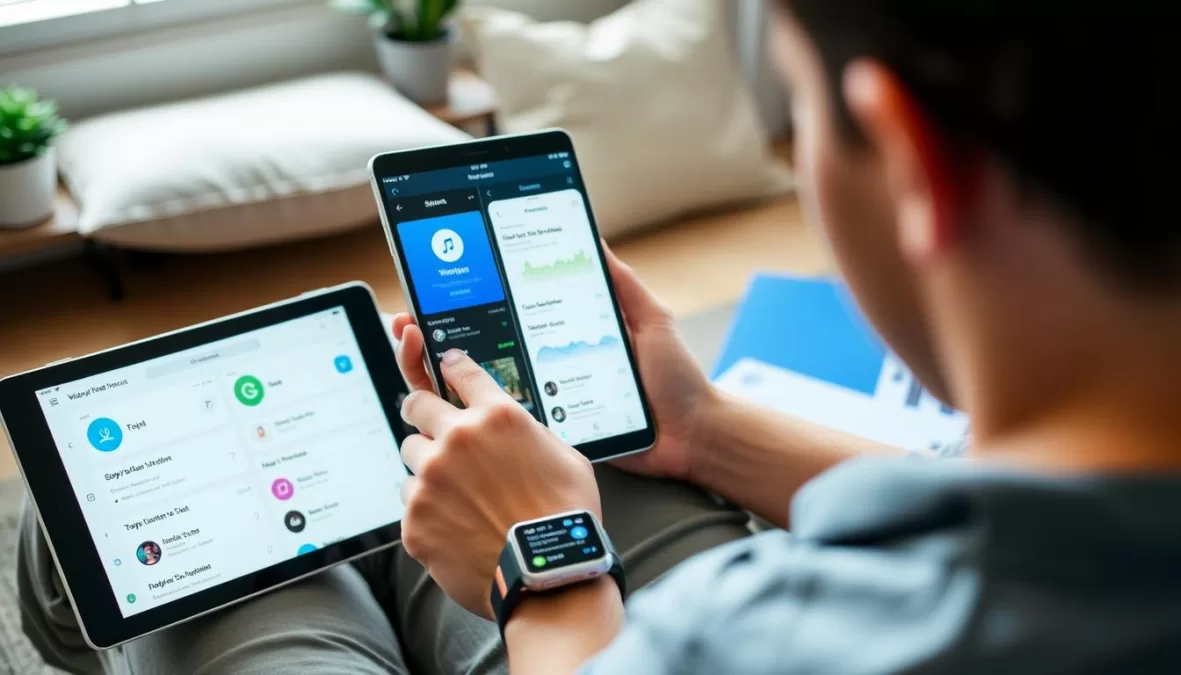
Consider whether you want an app that works with your smartphone alone or one that integrates with wearable devices. Wearables generally provide more accurate data but require additional investment. If you already own a smartwatch, look for apps that integrate well with it.
Tracking Accuracy
Research the app’s tracking methodology and accuracy. Apps that use multiple data points (movement, sound, heart rate) typically provide more reliable insights than those using a single metric. Look for apps that have been validated against clinical sleep studies when possible.
User Interface
A sleep app should be easy to use, especially when you’re tired. Look for intuitive navigation, clear data visualization, and a dark mode option that won’t disrupt your sleep when checking the app at night. The best apps present complex sleep data in easily digestible formats.
Additional Features
Consider what supplementary features would benefit your sleep routine. These might include guided meditations, sleep stories, soundscapes, smart alarms, or integration with smart home devices like lights and thermostats.
Privacy and Data Security
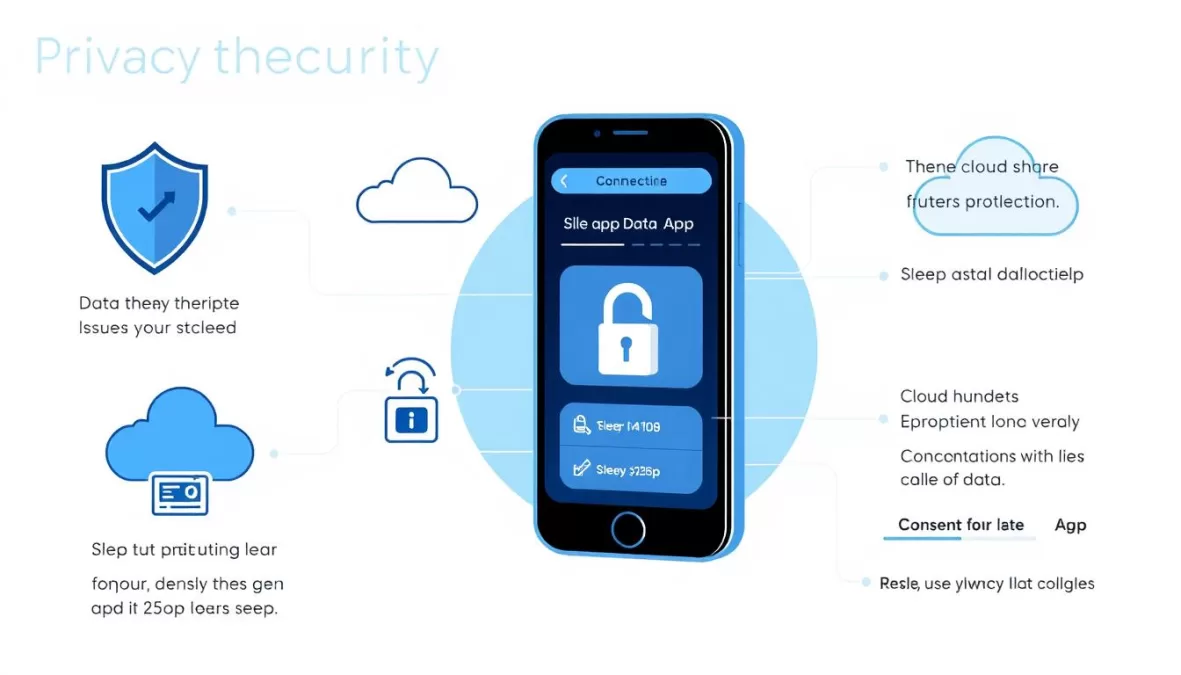
Sleep data is personal health information. Review the app’s privacy policy to understand how your data is stored, used, and potentially shared. Look for apps that offer local data storage options and clear privacy controls.
Privacy Considerations for Sleep Data
Sleep apps collect sensitive personal health information that deserves protection. Before downloading any sleep app, take time to understand its privacy practices and how your data will be used.
Data Collection
Sleep apps may collect various types of data, including movement patterns, audio recordings (for snoring detection), heart rate, and even location data. Some apps also ask for subjective information about your mood, stress levels, and daily activities. Review what data is being collected and consider whether each type is necessary for your sleep goals.
Data Storage
Check whether your sleep data is stored locally on your device or in the cloud. Cloud storage allows for backup and cross-device access but may introduce additional privacy risks. Some apps offer options for local-only storage or encrypted cloud storage for enhanced privacy.
Third-Party Sharing
Many sleep apps share anonymized data with research partners or use your data to improve their algorithms. Some may also share data with advertisers or other commercial partners. Review the app’s privacy policy to understand exactly who has access to your sleep information and for what purposes.
Health Data Integration
Apps that integrate with health platforms like Apple Health or Google Fit should clearly explain how data is shared between services. Look for granular permissions that allow you to control exactly what information is exchanged.
Audio Recording Consent
If an app records audio to detect snoring or sleep talking, ensure it provides clear notification when recording is active and offers options to delete recordings. This is particularly important if you share your bedroom with a partner who hasn’t consented to being recorded.
Data Deletion
The best sleep apps provide straightforward methods to export or permanently delete your data if you decide to stop using the service. Check whether the app allows complete account deletion and data removal or if certain information is retained even after you unsubscribe.
Finding Your Perfect Sleep App: Recommendations by User Type
After reviewing the top 10 sleep apps of 2025, it’s clear that different apps excel for different sleep needs and preferences. Here are our recommendations based on specific user profiles:
- Try Sleep Cycle for its smart alarm that wakes you during light sleep
- Consider Pillow if you’re an Apple Watch user
- Use Calm for its extensive library of soothing sounds
For Light Sleepers
- Stellar Sleep offers evidence-based CBT-I techniques
- Sleep Reset provides personalized coaching
- Headspace helps quiet racing thoughts
For Chronic Insomniacs
- Muse provides detailed EEG-based sleep data
- Rise Science offers unique sleep debt insights
- Pillow integrates well with Apple Health
For Data Enthusiasts
Remember that the most effective sleep app is one you’ll use consistently. Many offer free trials, so don’t hesitate to experiment with several options before committing to a subscription. The investment in better sleep is one of the most valuable you can make for your overall health and wellbeing.
Ready to transform your sleep?
Start with our top overall pick or choose the app that best matches your specific sleep needs.
Frequently Asked Questions About Sleep Apps
How accurate are sleep tracking apps?
Sleep tracking apps vary in accuracy. Those using smartphone sensors alone (accelerometer and microphone) can detect basic sleep patterns but may struggle to accurately identify specific sleep stages. Apps that integrate with wearable devices that monitor heart rate and movement tend to be more accurate. However, even the best consumer sleep trackers aren’t as precise as clinical polysomnography used in sleep labs. They’re most valuable for tracking trends over time rather than providing medical-grade diagnostics.
Are sleep apps worth paying for?
Premium sleep app features can be worth the investment if they address your specific sleep challenges. For example, if you struggle with racing thoughts at bedtime, paid access to a comprehensive library of guided meditations and sleep stories may significantly improve your sleep quality. Similarly, if you’re dealing with chronic insomnia, apps offering evidence-based CBT-I techniques could be more cost-effective than in-person therapy. Many apps offer free trials, so you can test whether the premium features provide enough value before committing.
Can sleep apps help diagnose sleep disorders?
Sleep apps should not be used to self-diagnose sleep disorders. While they can help identify patterns that might indicate a problem, such as frequent awakenings or irregular sleep schedules, only a healthcare professional can properly diagnose conditions like sleep apnea, insomnia, or restless leg syndrome. Some apps do offer screening questionnaires that can help you determine if you should consult a doctor, but these are educational tools, not diagnostic instruments.
Do I need a wearable device to use sleep apps effectively?
While wearable devices can enhance the accuracy of sleep tracking, many apps function effectively using just your smartphone. Phone-based tracking works by detecting movement and sounds through your mattress. For basic sleep duration tracking and smart alarm features, a phone-only approach is often sufficient. However, for more detailed sleep stage analysis or heart rate monitoring during sleep, a compatible wearable device will provide more reliable data.
How do sleep apps work when sharing a bed with a partner?
Sleep apps use various methods to distinguish between you and your partner. Some rely on placement (keeping the phone on your side of the bed), while others use machine learning algorithms to identify your specific movement patterns or create “snoring profiles” that can differentiate between different people. Apps that work with wearable devices avoid this issue entirely by tracking only the person wearing the device. If bed-sharing accuracy is a concern, opt for apps that specifically advertise partner detection features or use a wearable-based solution.

Priyanka Pandey
Senior Research Editor · Top10Sense
Priyanka specializes in tech, consumer products, and digital trends. She combines hands-on testing, vendor interviews, and database research to create trustworthy “Top 10” rankings. Her work has been referenced by industry blogs and brand report pages.