
As someone who’s been reviewing laptops for over a decade, I’ve seen the dramatic shift in what makes a great home computer. The laptops on this list represent the perfect balance of power, portability, and price for today’s connected households. Whether you need a budget-friendly option for everyday tasks, a powerhouse for creative work, or something in between, these expert picks will help you make the right choice for your home.
Quick Comparison: Top 10 Best Laptops 2025 for Home Use
| Model | Processor | RAM | Storage | Display | Battery Life | Best For | Price |
| Asus Zenbook 14 OLED | AMD Ryzen 7 8840HS | 16GB | 512GB SSD | 14″ 1920×1200 OLED | 16 hours | Overall home use | $849 |
| Lenovo Yoga 7i 2-in-1 | Intel Core Ultra 5 226V | 16GB | 512GB SSD | 14″ 1920×1200 OLED Touch | 15.8 hours | Versatility | $800 |
| Acer Aspire Go 15 | Intel Core i3 | 8GB | 256GB SSD | 15.6″ 1920×1080 | 12 hours | Budget option | $299 |
| Microsoft Surface Laptop 7 | Qualcomm Snapdragon X Elite | 16GB | 512GB SSD | 13.8″ 2304×1536 HDR | 19.8 hours | Long battery life | $1,200 |
| Samsung Galaxy Book5 Pro | Intel Core Ultra 7 256V | 16GB | 512GB SSD | 14″ 2880×1800 AMOLED | 13.5 hours | Premium experience | $1,150 |
| MacBook Air (M4) | Apple M4 (10-core) | 16GB | 512GB SSD | 13.6″ 2560×1664 Liquid Retina | 18 hours | Apple ecosystem | $1,399 |
| Asus ProArt P16 | AMD Ryzen AI 9 HX 370 | 32GB | 2TB SSD | 16″ 3840×2400 OLED | 10.8 hours | Creative work | $2,500 |
| Lenovo Legion 5i | Intel Core i9 | 16GB | 1TB SSD | 16″ 1920×1200 165Hz | 6 hours | Casual gaming | $1,399 |
| Framework Laptop 13 | AMD Ryzen AI 5 340 | 16GB | 512GB SSD | 13.5″ 2256×1504 | 14 hours | Upgradability | $1,099 |
| Samsung Galaxy Book5 360 | Intel Core Ultra 7 256V | 16GB | 512GB SSD | 15.6″ 1920×1080 AMOLED Touch | 17.5 hours | Large screen | $987 |
1. Asus Zenbook 14 OLED – Best Overall Laptop for Home Use
Key Specifications
- Processor: AMD Ryzen 7 8840HS
- RAM: 16GB LPDDR5
- Storage: 512GB SSD
- Display: 14″ 1920×1200 OLED
- Graphics: AMD Radeon
- Weight: 2.82 pounds
- Battery Life: 16 hours
- Ports: USB-C, USB-A, HDMI, audio jack
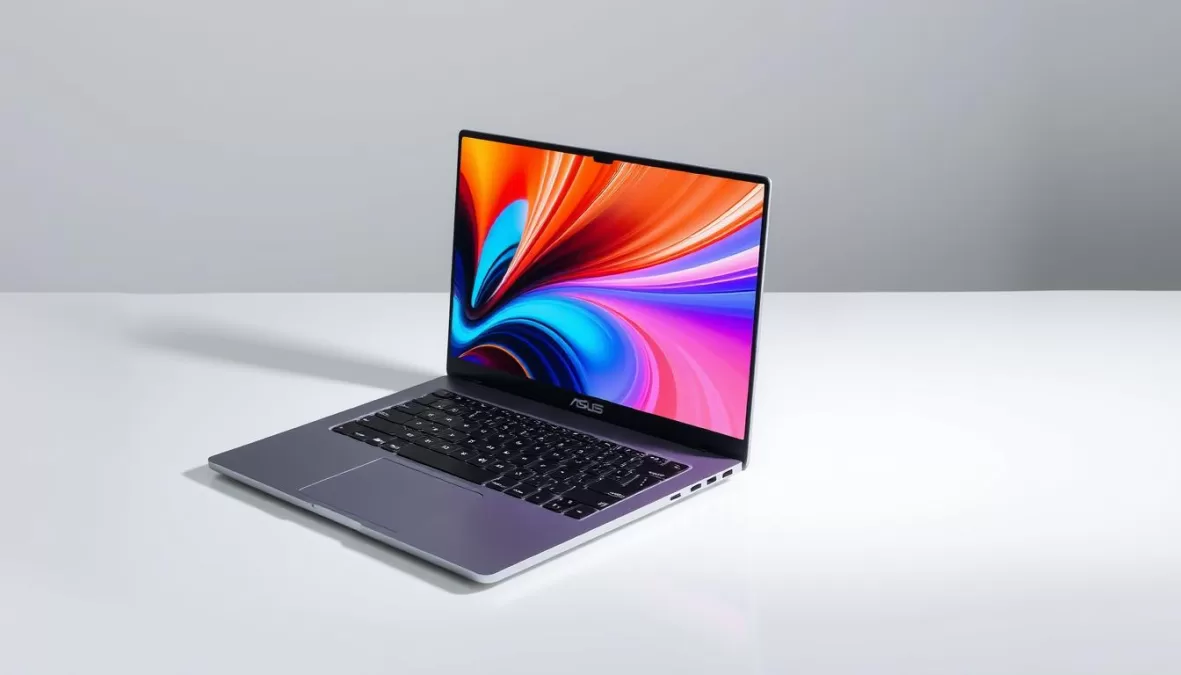
The Asus Zenbook 14 OLED easily earns our top spot for home use in 2025. This laptop strikes the perfect balance between performance, portability, and price, making it ideal for households where the computer needs to handle everything from work tasks to entertainment.
The 14-inch 1200p OLED screen is the real highlight—delivering crisp, vibrant colors that make everything from spreadsheets to Netflix shows look fantastic. The AMD Ryzen 7 8840HS processor provides impressive performance for everyday tasks, creative work, and even light gaming. At just under three pounds, it’s remarkably travel-friendly for those who need to move between rooms or take their laptop on occasional trips.
What truly sets this laptop apart for home use is its exceptional battery life. In our testing, it consistently delivered around 16 hours of real-world use, meaning you can work all day without hunting for an outlet. This is particularly valuable in busy households where the laptop might move from kitchen to living room to bedroom throughout the day.
Pros
- Stunning OLED display with excellent color accuracy
- Outstanding battery life (16 hours)
- Powerful performance for everyday tasks
- Lightweight and portable design
- Good port selection for connectivity
Cons
- Glossy screen can be reflective in bright rooms
- Limited port selection (no Ethernet)
- No dedicated graphics for serious gaming
- Fans can get audible under heavy load
“The Zenbook 14 OLED has won us over. Honestly, it’s one of those laptops that just feels right for most people. The combination of a beautiful display, strong performance, and all-day battery life makes it an easy recommendation for home users.”
Perfect for Everyday Home Computing
The Asus Zenbook 14 OLED offers the best balance of features for most households, with enough power for work, entertainment, and creative tasks.
2. Lenovo Yoga 7i 2-in-1 – Best Versatile Laptop for Home Use
Key Specifications
- Processor: Intel Core Ultra 5 226V
- RAM: 16GB
- Storage: 512GB SSD
- Display: 14″ 1920×1200 OLED Touch
- Graphics: Intel Arc
- Weight: 3.04 pounds
- Battery Life: 15.8 hours
- Ports: Thunderbolt 4, USB-A, HDMI, microSD
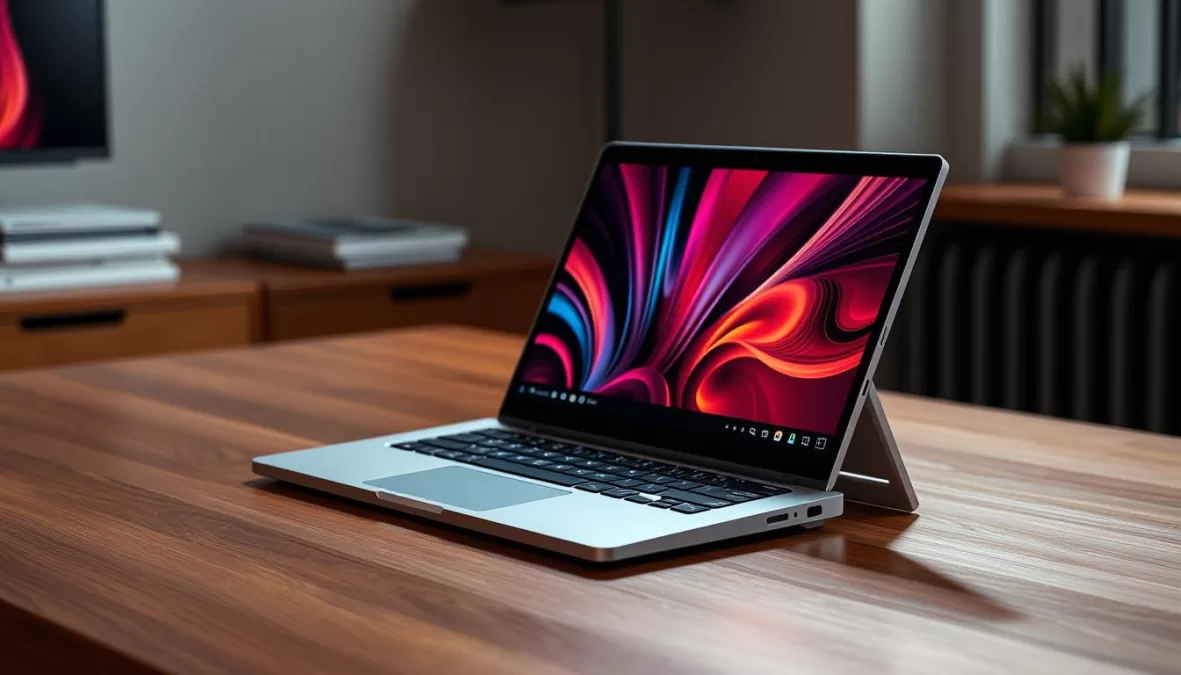
For families who need maximum flexibility from their home laptop, the Lenovo Yoga 7i 2-in-1 is our top recommendation. Its 360-degree hinge allows you to use it as a traditional laptop, a tablet for browsing or drawing, or in tent mode for watching movies—making it perfect for households with varied computing needs.
The 14-inch OLED touchscreen is a standout feature, offering vibrant colors and excellent touch response. The Intel Core Ultra 5 processor with its dedicated NPU (Neural Processing Unit) handles AI tasks efficiently, which is increasingly important for modern applications. The backlit keyboard is comfortable for long typing sessions, and the trackpad is responsive and accurate.
Battery life is exceptional at nearly 16 hours in our testing, meaning you can use it throughout the day without worrying about charging. The build quality is excellent, with a sturdy aluminum chassis that feels premium and durable enough to withstand the rigors of home use.
Pros
- Versatile 2-in-1 design with 360-degree hinge
- Beautiful OLED touchscreen
- Excellent battery life (15.8 hours)
- Comfortable keyboard and reliable trackpad
- Good port selection including Thunderbolt 4
Cons
- Slightly heavier than some competitors at 3.04 pounds
- Can run warm under heavy loads
- Stylus sold separately on most models
- Glossy screen is reflective in bright environments
“The Yoga 7i has fast performance, terrific battery life, and a spacious, vivid touchscreen. And because it has a 360-degree hinge, you can use it as a tablet, too. It’s a little heavy at just over 3 pounds, but otherwise this laptop has no major flaws.”
Perfect for Multi-Purpose Home Use
The Lenovo Yoga 7i 2-in-1 adapts to whatever your household needs—from productivity to entertainment to creative work.
3. Acer Aspire Go 15 – Best Budget Laptop for Home Use
Key Specifications
- Processor: Intel Core i3
- RAM: 8GB
- Storage: 256GB SSD
- Display: 15.6″ 1920×1080
- Graphics: Intel UHD
- Weight: 4.1 pounds
- Battery Life: 12 hours
- Ports: USB-A, USB-C, HDMI, audio jack
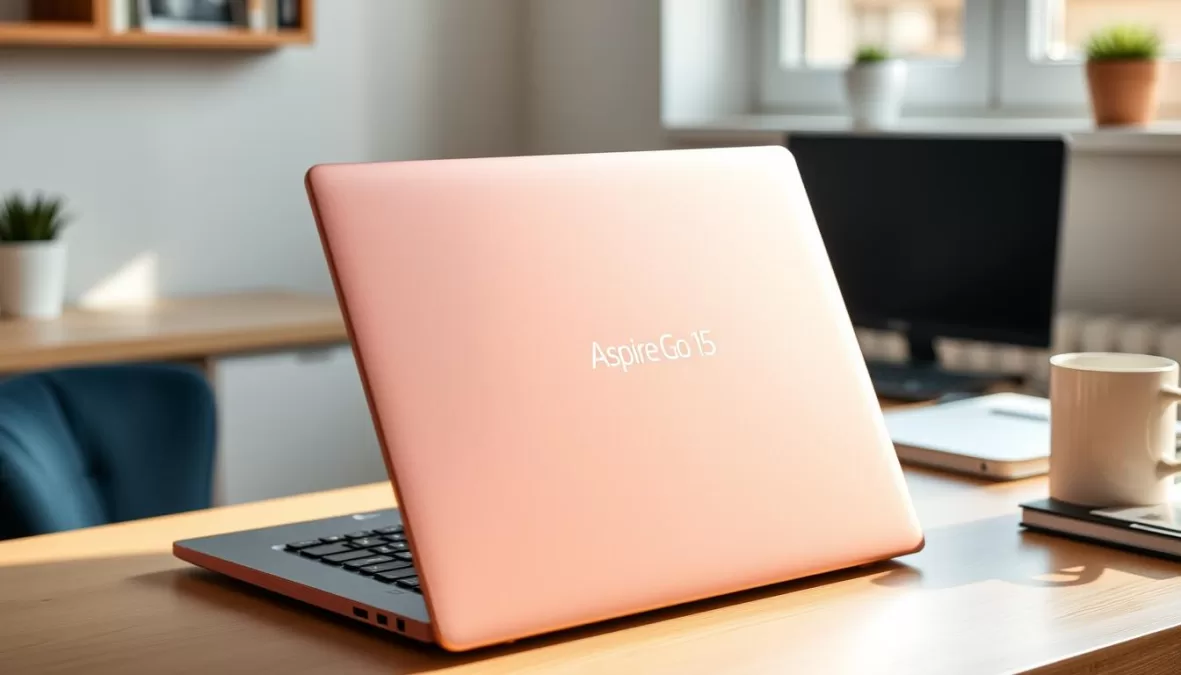
Not every household needs to spend a fortune on a laptop, and the Acer Aspire Go 15 proves you can get a capable machine for everyday tasks at an affordable price. At just $299, this is our top budget pick for families who need a reliable computer without breaking the bank.
Despite its low price, the Aspire Go 15 offers a surprisingly good experience. The 15.6-inch Full HD display provides plenty of screen real estate for browsing, email, and streaming shows. The Intel Core i3 processor handles everyday tasks smoothly, though you’ll want to keep multitasking modest. With 8GB of RAM and a 256GB SSD, it offers enough memory and storage for typical home use.
Battery life is impressive for a budget laptop, lasting about 12 hours in our testing—enough for a full day of work or school. The port selection is generous, with USB-A ports on both sides, USB-C, HDMI, and a headphone jack, giving you plenty of connectivity options without needing dongles.
Pros
- Exceptional value at $299
- Large 15.6-inch display
- Decent battery life (12 hours)
- Good port selection
- Adequate performance for everyday tasks
Cons
- Bulky and heavier than premium options
- Plastic build feels less premium
- Limited performance for demanding tasks
- Display isn’t very bright
“The Acer Aspire Go 15 is a cheap and easy laptop that does the basics. It’s good for browsing, emails, and streaming shows. Plus, with about 12 hours of battery, you won’t need to go searching for an outlet.”
Affordable Computing for Every Home
The Acer Aspire Go 15 delivers reliable performance for everyday tasks at a price that won’t strain your household budget.
4. Microsoft Surface Laptop 7 – Best Battery Life for Home Use
Key Specifications
- Processor: Qualcomm Snapdragon X Elite
- RAM: 16GB LPDDR5
- Storage: 512GB SSD
- Display: 13.8″ 2304×1536 HDR
- Graphics: Qualcomm Adreno
- Weight: 2.96 pounds
- Battery Life: 19.8 hours
- Ports: USB-C, USB-A, Surface Connect
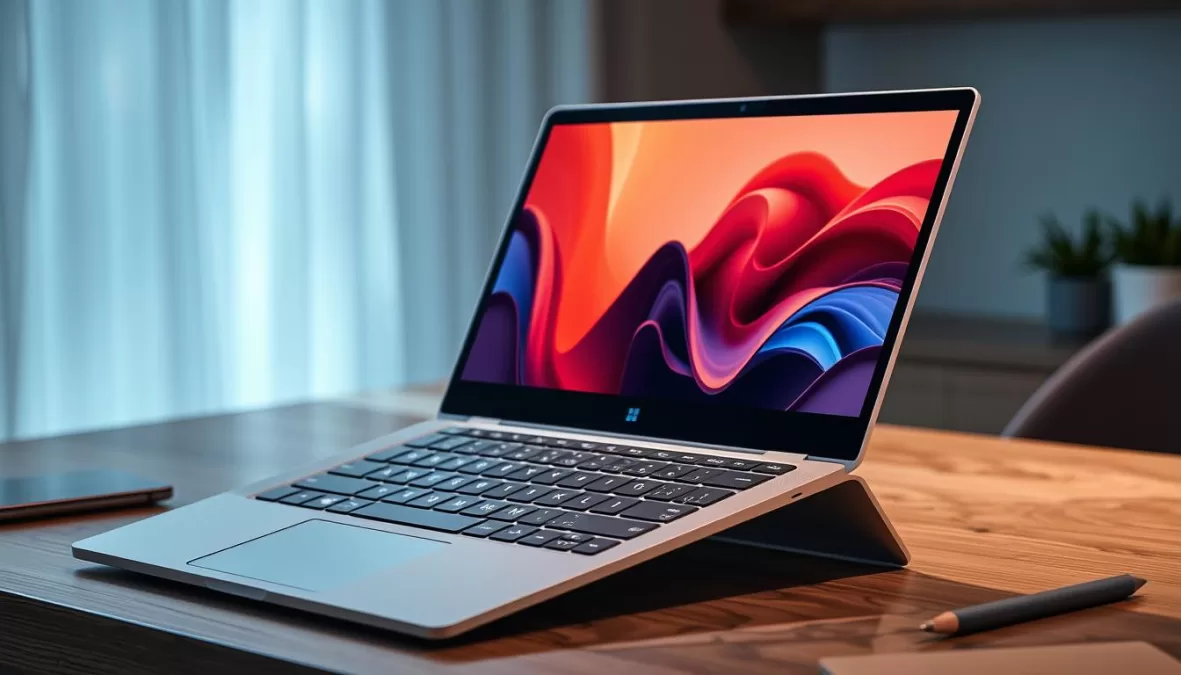
If you’re tired of being tethered to power outlets around your home, the Microsoft Surface Laptop 7 offers the most impressive battery life we’ve seen in a Windows laptop. With nearly 20 hours of real-world use in our testing, it easily outlasts most competitors and even edges out many MacBooks.
The Surface Laptop 7 is powered by Qualcomm’s Snapdragon X Elite processor, which delivers a great balance of performance and efficiency. For typical home computing tasks like web browsing, document editing, and video streaming, it feels responsive and capable. The 13.8-inch display offers excellent resolution and HDR support, making it great for both work and entertainment.
Beyond its marathon battery life, the Surface Laptop 7 impresses with its premium build quality and elegant design. The keyboard is comfortable for long typing sessions, and the haptic touchpad is among the best we’ve used on a Windows laptop. The audio quality from the speakers is also surprisingly good for a thin laptop.
Pros
- Exceptional battery life (19.8 hours)
- Beautiful, high-resolution display
- Premium build quality and design
- Excellent keyboard and haptic touchpad
- Good performance for everyday tasks
Cons
- No OLED display option
- Some Windows-on-Arm compatibility issues
- Limited port selection
- Higher price than some competitors
“The Surface Laptop 7 ran for nearly 20 hours in testing — that’s the longest runtime of any 13- or 14-inch laptop we’ve ever reviewed — including the M4 MacBook Air. The Surface Laptop 7 competes with the MacBook Air in performance and battery life and supplies a similarly sleek and solid build.”
All-Day Computing Without Compromise
The Microsoft Surface Laptop 7 frees you from constantly searching for power outlets, with nearly 20 hours of battery life in a premium package.
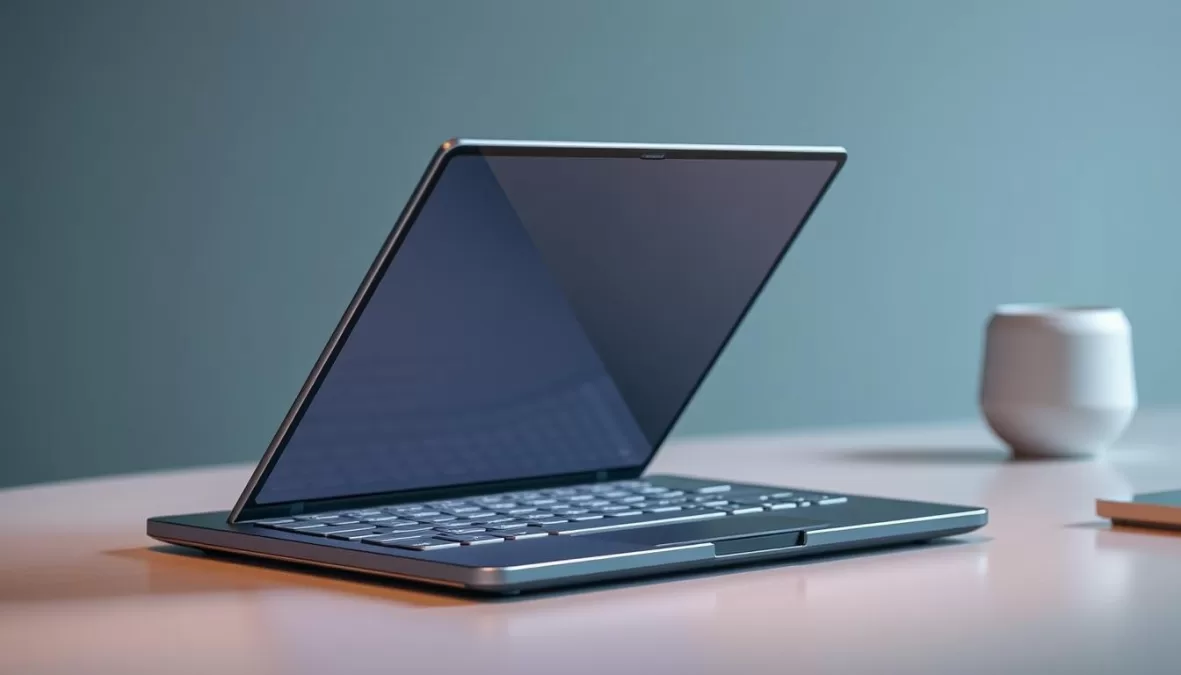
5. Samsung Galaxy Book5 Pro – Best Premium Laptop for Home Use
Key Specifications
- Processor: Intel Core Ultra 7 256V
- RAM: 16GB LPDDR5
- Storage: 512GB SSD
- Display: 14″ 2880×1800 AMOLED Touch
- Graphics: Intel Arc
- Weight: 2.71 pounds
- Battery Life: 13.5 hours
- Ports: Thunderbolt 4, USB-A, HDMI, microSD
For households willing to invest in a premium laptop experience, the Samsung Galaxy Book5 Pro delivers exceptional quality across the board. This sleek ultraportable combines high-end components with thoughtful design to create one of the most refined laptops available for home use in 2025.
The standout feature is the gorgeous 14-inch 2880×1800 AMOLED touchscreen with a 120Hz refresh rate. Colors are vibrant, blacks are truly deep, and the higher refresh rate makes everything from scrolling web pages to watching videos feel smoother. The Intel Core Ultra 7 processor provides plenty of power for demanding tasks, and the integrated NPU handles AI features efficiently.
At just 2.71 pounds, the Galaxy Book5 Pro is remarkably light for its capabilities, making it easy to move around the house. Battery life is solid at 13.5 hours, though not quite as impressive as some competitors. Build quality is excellent, with a sturdy aluminum chassis that feels premium in hand.
Pros
- Stunning AMOLED display with 120Hz refresh rate
- Ultra-thin and lightweight design
- Excellent build quality
- Strong performance for demanding tasks
- Good port selection including Thunderbolt 4
Cons
- Expensive compared to many alternatives
- Comes with unnecessary bloatware
- Battery life is good but not class-leading
- Webcam lacks Windows Hello face recognition
“The 14-inch Galaxy Book5 Pro is thin, light, and portable, and though its battery life falls a couple of hours short of our top pick, it still lasts long enough for a full day of work or classes. It also has a backlit keyboard and a reliable trackpad, as well as an excellent touch display and top-notch build quality.”
Premium Computing Experience
The Samsung Galaxy Book5 Pro delivers a no-compromise laptop experience with its stunning display, powerful performance, and premium build quality.
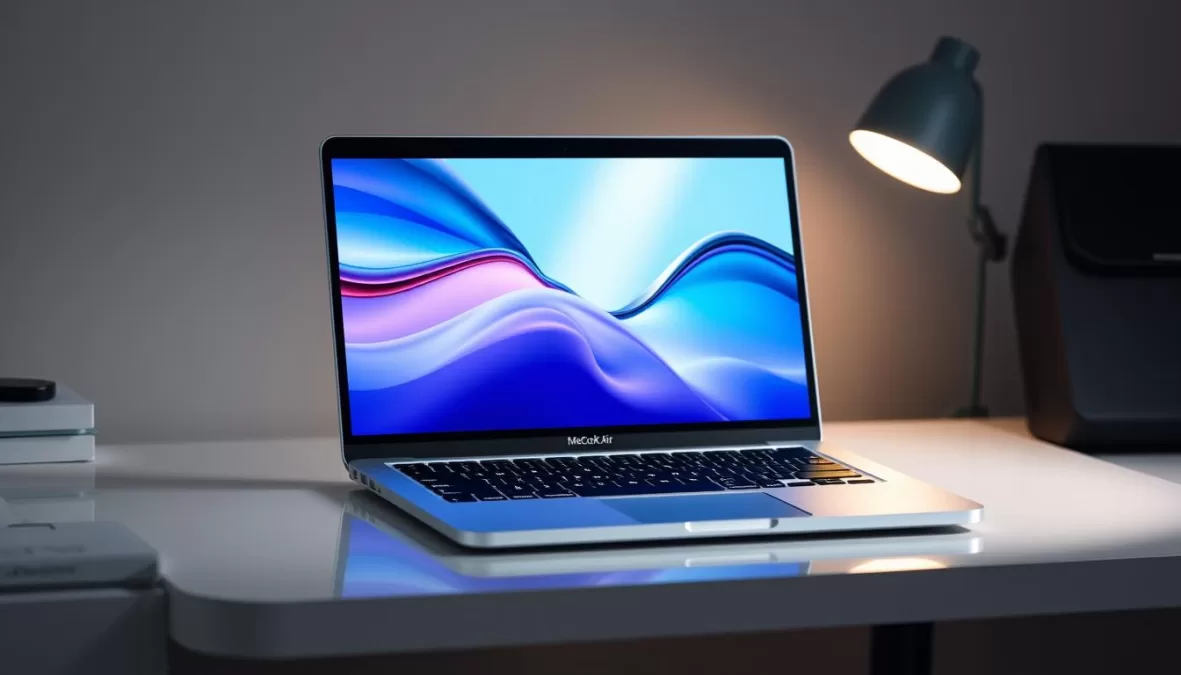
6. MacBook Air (M4) – Best Apple Laptop for Home Use
Key Specifications
- Processor: Apple M4 (10-core CPU, 10-core GPU)
- RAM: 16GB unified memory
- Storage: 512GB SSD
- Display: 13.6″ 2560×1664 Liquid Retina
- Graphics: 10-core integrated GPU
- Weight: 2.7 pounds
- Battery Life: 18 hours
- Ports: Two Thunderbolt 4, MagSafe, audio jack
For households already invested in the Apple ecosystem, the MacBook Air with M4 chip is the ideal home laptop. It seamlessly integrates with iPhones, iPads, and other Apple devices while delivering exceptional performance and battery life in a sleek, familiar package.
The M4 chip represents a significant upgrade over previous generations, with a 10-core CPU and 10-core GPU that handle everything from everyday tasks to creative work with ease. The base model now comes with 16GB of RAM, which is a welcome improvement that ensures smooth performance even with multiple applications running simultaneously.
The 13.6-inch Liquid Retina display offers excellent color accuracy and brightness, making it great for both productivity and entertainment. The improved 12MP Center Stage camera is perfect for video calls, automatically keeping you centered in the frame. Battery life is impressive at around 18 hours of real-world use, easily lasting through a full day of work or school.
Pros
- Powerful M4 chip handles most tasks with ease
- Excellent battery life (18 hours)
- Beautiful Liquid Retina display
- Improved 12MP Center Stage camera
- Seamless integration with other Apple devices
Cons
- Limited port selection
- No touchscreen option
- Higher starting price than many Windows alternatives
- Limited upgrade options after purchase
“The new MacBook Air M4 is a fantastic option if you want something light but still strong. Day-to-day stuff feels effortless, and when you need to push it harder, it holds its own way better than you’d expect from a MacBook Air.”
Perfect for Apple Households
The MacBook Air M4 delivers exceptional performance, battery life, and ecosystem integration for Apple-centric homes.
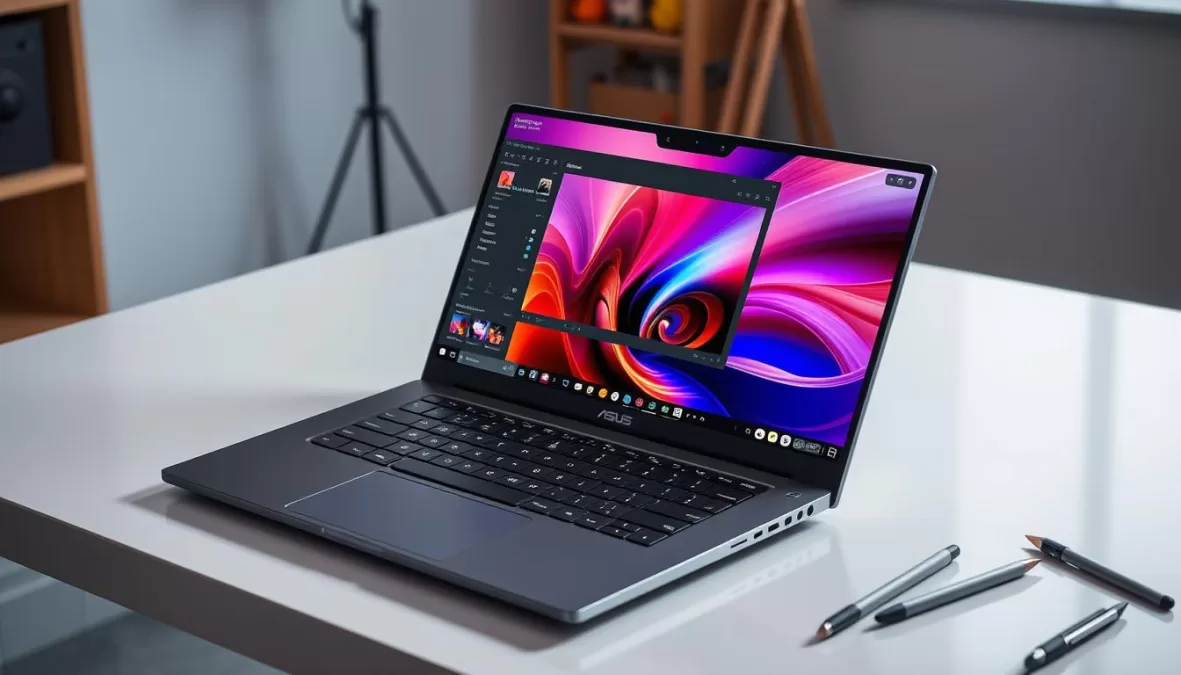
7. Asus ProArt P16 – Best Creative Laptop for Home Use
Key Specifications
- Processor: AMD Ryzen AI 9 HX 370
- RAM: 32GB LPDDR5
- Storage: 2TB SSD
- Display: 16″ 3840×2400 OLED Touch
- Graphics: NVIDIA RTX 5070
- Weight: 4.08 pounds
- Battery Life: 10.8 hours
- Ports: Thunderbolt 4, USB-A, HDMI, SD card reader
For households with creative professionals or serious hobbyists, the Asus ProArt P16 delivers desktop-class performance in a relatively portable package. This powerhouse is designed specifically for creative work like photo editing, video production, 3D modeling, and graphic design.
The star of the show is the gorgeous 16-inch 4K OLED touchscreen, which offers exceptional color accuracy (factory calibrated to Delta E < 1.5), 100% DCI-P3 coverage, and VESA DisplayHDR True Black 500 certification. This makes it perfect for color-critical work where accuracy is essential.
Under the hood, the AMD Ryzen AI 9 processor and NVIDIA RTX 5070 graphics card provide tremendous power for demanding creative applications. The 32GB of RAM and spacious 2TB SSD ensure you have plenty of memory and storage for large projects. Despite all this power, battery life is surprisingly good at nearly 11 hours for typical use (though it will be less when pushing the system with intensive tasks).
Pros
- Stunning 4K OLED display with excellent color accuracy
- Powerful performance for demanding creative work
- Generous RAM and storage configuration
- Useful DialPad controller on touchpad
- Comprehensive port selection including SD card reader
Cons
- Expensive compared to general-purpose laptops
- Heavier than ultraportables at 4.08 pounds
- Can run hot and loud under heavy loads
- Stylus not included despite touchscreen
“The ProArt P16 boasts a big, beautiful 16-inch 4K OLED alongside enough graphics horsepower to deliver the performance in Adobe and CapCut that creators crave inside a reasonably slender, lightweight chassis.”
Unleash Your Creativity
The Asus ProArt P16 provides professional-grade creative capabilities with its stunning display and powerful components.
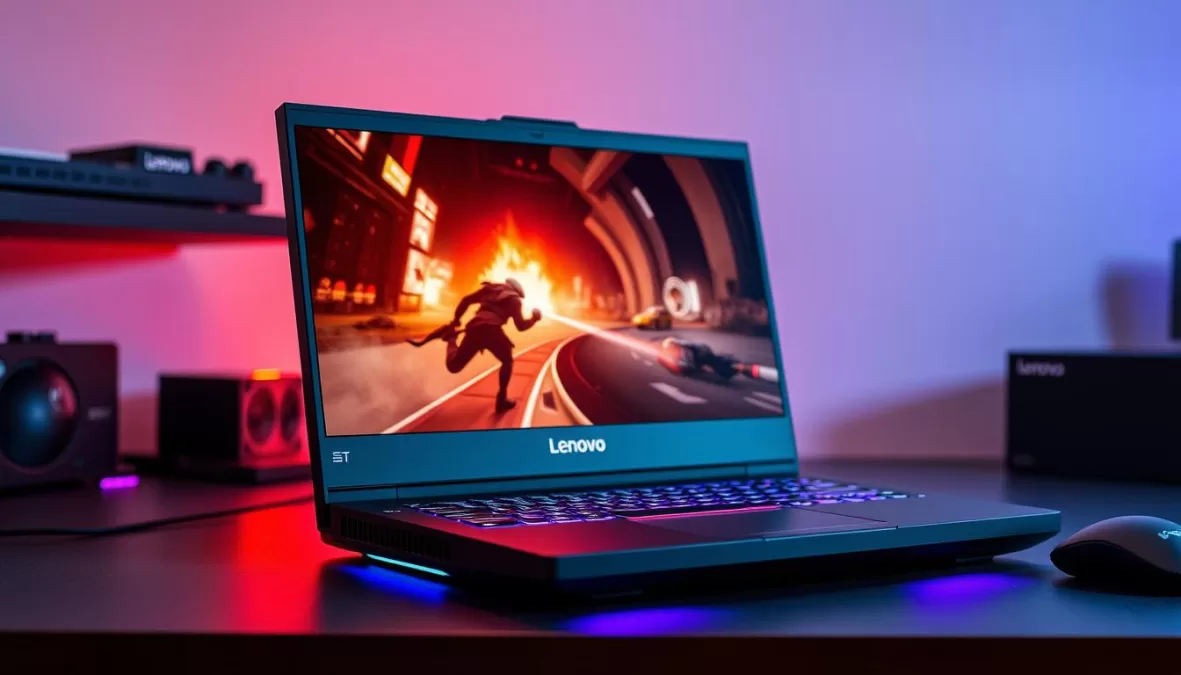
8. Lenovo Legion 5i – Best Gaming Laptop for Home Use
Key Specifications
- Processor: Intel Core i9
- RAM: 16GB DDR5
- Storage: 1TB SSD
- Display: 16″ 1920×1200 165Hz
- Graphics: NVIDIA RTX 4060
- Weight: 5.3 pounds
- Battery Life: 6 hours
- Ports: USB-C, USB-A, HDMI, Ethernet, audio jack
For households with gamers, the Lenovo Legion 5i strikes an excellent balance between gaming performance and everyday usability. Unlike many gaming laptops with aggressive styling, the Legion 5i features a relatively understated design that won’t look out of place in a living room or home office.
Gaming performance is excellent thanks to the combination of an Intel Core i9 processor and NVIDIA RTX 4060 graphics card. This configuration handles modern games at high settings with smooth frame rates on the 16-inch 165Hz display. The 16GB of RAM and 1TB SSD provide plenty of memory and storage for a substantial game library.
Beyond gaming, the Legion 5i is versatile enough for everyday tasks and even creative work. The full-sized keyboard includes a number pad and offers comfortable typing, while the cooling system efficiently manages heat during intense gaming sessions. Battery life is modest at around 6 hours for general use, but that’s typical for gaming laptops.
Pros
- Strong gaming performance with RTX 4060
- 165Hz display for smooth gameplay
- Relatively understated design for a gaming laptop
- Good build quality and cooling system
- Comprehensive port selection including Ethernet
Cons
- Heavier than non-gaming laptops at 5.3 pounds
- Limited battery life (6 hours)
- Fans can get loud during intense gaming
- Display is good but not OLED
“Want zippy gaming performance without dropping a ton of moolah? The Lenovo Legion 5i hits that sweet spot. It’s rocking an Intel Core i9 CPU and an RTX 4060 GPU, so expect high frame rates on modern games at 1080p. Plus, that 165Hz screen? Makes everything look sharp and buttery smooth.”
Level Up Your Gaming Experience
The Lenovo Legion 5i delivers excellent gaming performance in a design that fits comfortably in any home setting.
9. Framework Laptop 13 – Most Upgradable Laptop for Home Use
Key Specifications
- Processor: AMD Ryzen AI 5 340
- RAM: 16GB (user-upgradable)
- Storage: 512GB SSD (user-upgradable)
- Display: 13.5″ 2256×1504
- Graphics: AMD Radeon
- Weight: 2.9 pounds
- Battery Life: 14 hours (user-replaceable)
- Ports: Customizable expansion card system
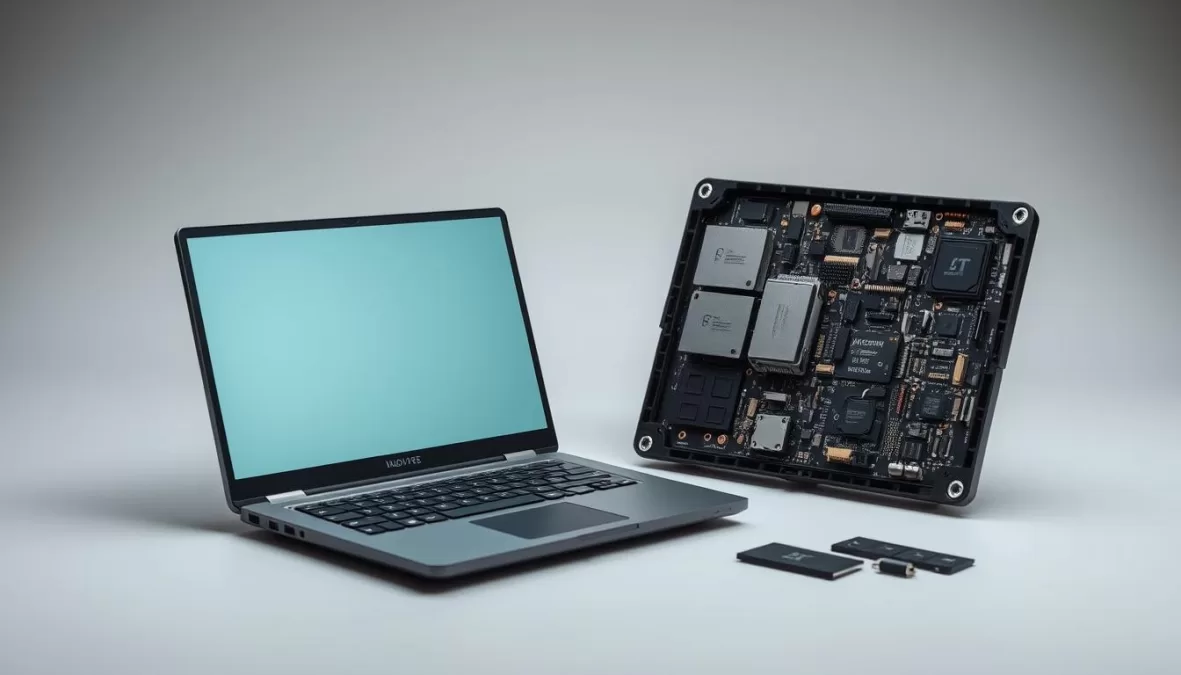
For environmentally conscious households or those who want a laptop that can grow with their needs, the Framework Laptop 13 offers a revolutionary approach to laptop design. Unlike virtually every other modern laptop, the Framework is designed to be easily repaired and upgraded by the user, potentially extending its useful life far beyond typical laptops.
The concept is simple but powerful: every major component—from the battery and storage to the memory, Wi-Fi card, and even the mainboard with the processor—can be replaced or upgraded using just a screwdriver. The laptop even ships with a tool and guide to help you get started. This modular approach means you can start with a more affordable configuration and upgrade specific components as your needs change.
Despite its upgradeability, the Framework doesn’t sacrifice performance or build quality. The AMD Ryzen AI 5 processor delivers strong performance for everyday tasks, and the 13.5-inch display offers a sharp 2256×1504 resolution. Battery life is solid at 14 hours, and the keyboard and trackpad are comfortable and responsive.
Pros
- Unparalleled repairability and upgradeability
- User-replaceable battery
- Customizable port selection via expansion cards
- Good performance for everyday tasks
- Solid build quality despite modular design
Cons
- Higher initial cost compared to similar-spec laptops
- Slightly thicker and heavier than non-modular alternatives
- Smaller ecosystem of upgrade parts compared to desktop PCs
- Display is good but not OLED
“The Framework Laptop 13 is especially easy to open, and upgrading parts feels more like following Lego instructions than wrestling with a complex electronics project. Inside, every part and screw is helpfully labeled, and handy QR codes near each part direct you to step-by-step replacement guides.”
A Laptop That Grows With You
The Framework Laptop 13 offers unprecedented repairability and upgradeability, potentially saving money and reducing e-waste over time.
10. Samsung Galaxy Book5 360 – Best Large-Screen Laptop for Home Use
Key Specifications
- Processor: Intel Core Ultra 7 256V
- RAM: 16GB LPDDR5
- Storage: 512GB SSD
- Display: 15.6″ 1920×1080 AMOLED Touch
- Graphics: Intel Arc
- Weight: 3.22 pounds
- Battery Life: 17.5 hours
- Ports: Thunderbolt 4, USB-A, HDMI, microSD
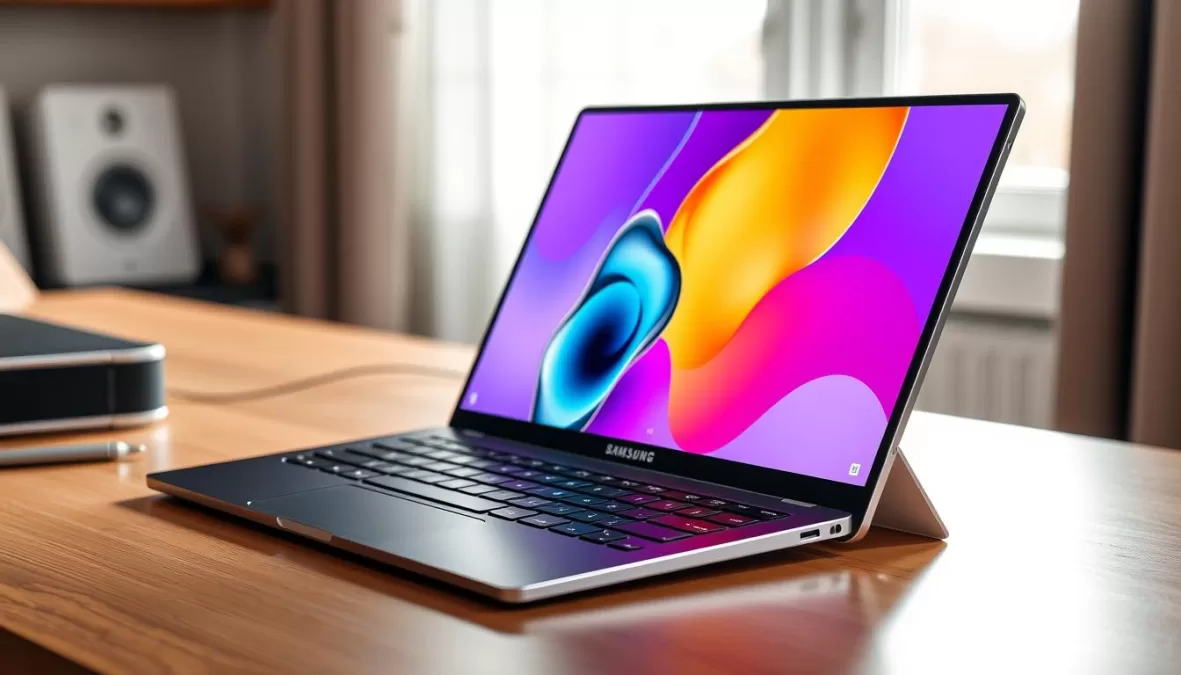
For households that want a larger screen without sacrificing portability or battery life, the Samsung Galaxy Book5 360 offers an excellent solution. Its 15.6-inch display provides significantly more screen real estate than our other picks, making it ideal for productivity, entertainment, and multitasking.
Despite the larger screen, the Galaxy Book5 360 remains surprisingly portable at just 3.22 pounds—lighter than many 15-inch laptops. Battery life is exceptional at 17.5 hours in our testing, easily lasting through a full day of work or school. The 360-degree hinge adds versatility, allowing you to use it as a traditional laptop, in tent mode for presentations or media consumption, or as a large tablet.
The AMOLED touchscreen delivers vibrant colors and deep blacks, making it excellent for both productivity and entertainment. The Intel Core Ultra 7 processor provides strong performance for most tasks, and the keyboard includes a numeric keypad—a useful feature for anyone who works with numbers regularly.
Pros
- Large 15.6-inch AMOLED touchscreen
- Excellent battery life (17.5 hours)
- Versatile 2-in-1 design with 360-degree hinge
- Includes numeric keypad on keyboard
- Relatively light for a 15.6-inch laptop
Cons
- Lower resolution than some competitors
- Comes with unnecessary bloatware
- Webcam lacks physical shutter
- Wider footprint may not fit in smaller bags
“The 15.6-inch screen is more spacious for working on documents and watching shows, but its 16:9 aspect ratio looks squat compared with our top pick’s taller 16:10 aspect ratio. The Galaxy Book5 360 isn’t much heavier than the Yoga 7i, and it lasted 17 hours 37 minutes in our battery-life test — both impressive feats, considering the larger display.”
More Screen Space Without Compromise
The Samsung Galaxy Book5 360 delivers a spacious 15.6-inch display without sacrificing portability or battery life.
Buying Guide: How to Choose the Best Laptop for Home Use in 2025

Key Factors to Consider When Buying a Laptop for Home Use
Performance Needs
For basic tasks (email, web browsing, streaming), an Intel Core i3/i5 or AMD Ryzen 3/5 processor with 8GB RAM is sufficient. For more demanding tasks like photo/video editing or gaming, look for Intel Core i7/i9, AMD Ryzen 7/9, or Apple M-series chips with 16GB+ RAM.
Display Quality
For home use, a 14-16″ screen offers a good balance of visibility and portability. Consider resolution (1080p minimum, 1440p or 4K for creative work), panel type (OLED for best colors, IPS for good value), and whether you need touch functionality.
Battery Life
Even for home use, good battery life matters—aim for 10+ hours for flexibility around the house. Arm-based processors (like Qualcomm Snapdragon or Apple M-series) typically offer the best battery life, followed by efficient Intel and AMD options.
Build Quality & Design
Look for solid construction with minimal flex, comfortable keyboards with good key travel, responsive trackpads, and adequate port selection for your peripherals. Consider weight if you’ll move the laptop around your home frequently.
Versatility
Consider whether a 2-in-1 convertible design would be useful for your household. These devices can function as both laptops and tablets, offering flexibility for different use cases from productivity to entertainment.
Future-Proofing
In 2025, look for AI capabilities (NPU), at least 16GB RAM, USB4/Thunderbolt ports, Wi-Fi 7 support, and upgradeable components where possible to ensure your laptop remains useful for years to come.
Budget Considerations for Home Laptops
| Price Range | What to Expect | Best For |
| $300-$500 | Basic processors, 8GB RAM, 256GB storage, plastic builds, adequate displays | Basic web browsing, email, streaming, document editing |
| $500-$800 | Mid-range processors, 8-16GB RAM, 512GB storage, better build quality, improved displays | Everyday productivity, light photo editing, casual gaming |
| $800-$1,200 | Premium processors, 16GB RAM, 512GB-1TB storage, metal builds, high-quality displays | Demanding productivity, moderate creative work, mid-range gaming |
| $1,200+ | High-end processors, 16-32GB RAM, 1TB+ storage, premium builds, OLED/high-res displays | Professional creative work, serious gaming, specialized tasks |
Special Considerations for Home Use in 2025
AI Integration
In 2025, AI features have become increasingly important for home laptops. Look for models with dedicated NPUs (Neural Processing Units) that can handle AI tasks locally for better privacy and performance. Windows Copilot+ PCs, Apple’s M-series chips, and Qualcomm Snapdragon X processors all offer strong AI capabilities that enhance productivity, creative work, and everyday tasks.
Sustainability
Consider laptops with repairable or upgradeable components (like the Framework Laptop) to reduce e-waste and extend your device’s lifespan. Many manufacturers now use recycled materials in their products and offer recycling programs for old devices. Energy efficiency is another important factor—laptops with better battery life typically consume less power overall.
Hybrid Work/Entertainment Needs
With more people working from home, look for laptops with good webcams (1080p minimum), quality microphones, and effective cooling systems for all-day use. Consider display quality and audio performance for entertainment during off-hours. A good balance of productivity features and entertainment capabilities ensures your laptop serves all your home needs.
Connectivity
Ensure your laptop has the connectivity options you need for your home setup. This might include Thunderbolt/USB4 for external displays and docks, HDMI for connecting to TVs, sufficient USB ports for peripherals, and an SD card slot if you work with cameras. Wi-Fi 7 support provides future-proofing for faster home networks.
Expert Tip: Consider Your Home Environment
When choosing a laptop for home use, consider where and how you’ll use it most often. If you’ll primarily use it at a desk, you might prioritize performance and display quality over weight and battery life. If you’ll move around the house frequently, portability and battery life become more important. For shared family laptops, durability and versatility should be key considerations.
Frequently Asked Questions About Home Laptops in 2025
How much RAM do I need for a home laptop in 2025?
For home use in 2025, we recommend at least 16GB of RAM for most users. While 8GB is still adequate for basic tasks like web browsing and document editing, modern applications and operating systems are becoming increasingly memory-hungry. With 16GB, you’ll have enough headroom for multitasking, running more demanding applications, and future-proofing your purchase. For creative work, gaming, or virtualization, consider 32GB or more.
Are Arm-based laptops (like those with Qualcomm Snapdragon) good for home use?
Yes, Arm-based laptops have become excellent options for home use in 2025. Models like the Microsoft Surface Laptop 7 with Qualcomm Snapdragon X processors offer exceptional battery life (often 18+ hours) and strong performance for everyday tasks. Compatibility issues that plagued earlier Windows-on-Arm devices have largely been resolved, though it’s still worth checking if any specialized software you need is fully compatible. For most home users focused on productivity, web browsing, and entertainment, Arm-based laptops now offer compelling advantages.
What display type is best for a home laptop?
For home laptops in 2025, OLED displays offer the best overall experience with vibrant colors, perfect blacks, and excellent contrast. However, they typically come at a premium price. High-quality IPS displays provide a good balance of performance and value for most users. Consider resolution based on screen size—1080p is sufficient for 13-14″ displays, while 1440p or higher is beneficial for 15-16″ screens. If you’ll use your laptop outdoors or in bright rooms, prioritize brightness (400+ nits). Touch functionality is valuable if you’ll use tablet mode or prefer touch navigation.
How important are AI features in a home laptop?
AI features have become increasingly valuable for home laptops in 2025. Dedicated NPUs (Neural Processing Units) enable faster photo and video editing with AI-powered tools, more efficient battery management, enhanced video conferencing with background blur and noise cancellation, and improved voice assistants. Windows Copilot+ features provide helpful automation for everyday tasks. While not essential for everyone, AI capabilities provide meaningful quality-of-life improvements and future-proofing as more applications leverage these technologies.
Should I choose a 2-in-1 convertible or traditional laptop for home use?
This depends on how you plan to use your laptop. 2-in-1 convertibles offer greater versatility, allowing you to use them as traditional laptops for productivity and as tablets for content consumption, drawing, or note-taking. They’re excellent for households with varied use cases or limited space for multiple devices. Traditional clamshell laptops typically offer better value for the specifications and may have better cooling for sustained performance. If you don’t anticipate using tablet functionality, a traditional laptop will likely provide better performance per dollar.
Conclusion: Finding Your Perfect Home Laptop in 2025
The best laptop for your home in 2025 ultimately depends on your specific needs, preferences, and budget. For most households, the Asus Zenbook 14 OLED offers an exceptional balance of performance, display quality, battery life, and value, making it our top overall recommendation. Families needing versatility should consider the Lenovo Yoga 7i 2-in-1, while budget-conscious shoppers will find the Acer Aspire Go 15 provides remarkable value.
When making your decision, prioritize the factors that matter most for your household—whether that’s battery life for flexibility around the home, display quality for entertainment, performance for demanding tasks, or versatility for different use cases. Consider how long you plan to keep the laptop and invest accordingly in specifications that will remain adequate throughout its lifespan.
With the rapid advancement of technology, particularly in AI capabilities and efficiency, 2025’s laptops offer more performance and features than ever before. By carefully considering your needs and the key factors outlined in our buying guide, you’ll be well-equipped to choose a laptop that will serve your home computing needs for years to come.
Ready to Find Your Perfect Home Laptop?
Compare the latest prices and availability for our top picks to find the best deal on your ideal laptop for home use.

Priyanka Pandey
Senior Research Editor · Top10Sense
Priyanka specializes in tech, consumer products, and digital trends. She combines hands-on testing, vendor interviews, and database research to create trustworthy “Top 10” rankings. Her work has been referenced by industry blogs and brand report pages.