
Chromebooks continue to evolve in 2025, offering impressive performance, versatility, and value that rival traditional laptops. With Google’s continued refinement of ChromeOS and manufacturers pushing hardware boundaries, today’s Chromebooks deliver exceptional battery life, sleek designs, and powerful features powered by the latest AI capabilities. Whether you’re a student, professional, or casual user, the Chromebook landscape has never been more exciting. In this comprehensive guide, we’ll explore the top 10 Chromebooks of 2025, helping you find the perfect match for your needs and budget.
Why Chromebooks Remain Popular in 2025
Chromebooks have cemented their place in the computing world by offering streamlined experiences that focus on what most users actually need. The 2025 lineup builds on this foundation with several key improvements:
- Extended software support with Google now guaranteeing 10 years of updates
- Enhanced AI capabilities through Google’s Gemini integration
- Improved Android app compatibility and performance
- Better offline functionality with automatic Google Drive syncing
- Competitive pricing compared to equivalent Windows laptops
ChromeOS continues to evolve with new AI features and improved performance in 2025
Quick Comparison: Top 10 Chromebooks of 2025
| Model | Processor | RAM | Storage | Display | Battery Life | Weight | Price |
| Lenovo Chromebook Plus 14 | MediaTek Kompanio Ultra 910 | 16GB | 256GB UFS 4.0 | 14″ 1920×1200 OLED Touch | 14 hours | 2.78 lbs | $749 |
| Samsung Galaxy Chromebook Plus | Intel Core 3 Series 1 | 8GB | 256GB SSD | 15.6″ 1920×1080 AMOLED | 12+ hours | 2.6 lbs | $550 |
| Acer Chromebook Plus 514 | Intel Core 3 N355 | 8GB | 512GB SSD | 14″ 1920×1200 Touch | 12 hours | 3.09 lbs | $345 |
| Acer Chromebook Plus Spin 514 | MediaTek Kompanio Ultra 910 | 12GB | 256GB | 14″ 1920×1200 Touch, 120Hz | 11 hours | 2.99 lbs | $599 |
| Lenovo IdeaPad Flex 5i Chromebook Plus | Intel Core i3-1315U | 8GB | 128GB eMMC | 14″ 1920×1200 Touch | 11 hours | 3.6 lbs | $350 |
| Acer Chromebook Plus 516 GE | Intel Core 5 Series 1 | 8GB | 256GB SSD | 16″ 2560×1600, 120Hz | 10+ hours | 3.75 lbs | $649 |
| HP Chromebook Plus x360 | Intel Core i3-N305 | 8GB | 128GB UFS | 14″ 1920×1200 Touch | 8+ hours | 3.32 lbs | $329 |
| Lenovo Chromebook Duet 11 | MediaTek Kompanio 838 | 8GB | 128GB eMMC | 10.95″ 1920×1200 Touch | 12 hours | 1.09 lbs (with keyboard) | $399 |
| ASUS Chromebook CX14 | Intel Celeron N4500 | 8GB | 128GB eMMC | 14″ 1920×1080 | 10+ hours | 3.06 lbs | $249 |
| ASUS Chromebook Detachable CM3001 | MediaTek Kompanio 520 | 4GB | 64GB eMMC | 10.5″ 1900×1200 Touch | 12 hours | 1.92 lbs | $299 |
Chromebook Buying Guide for 2025
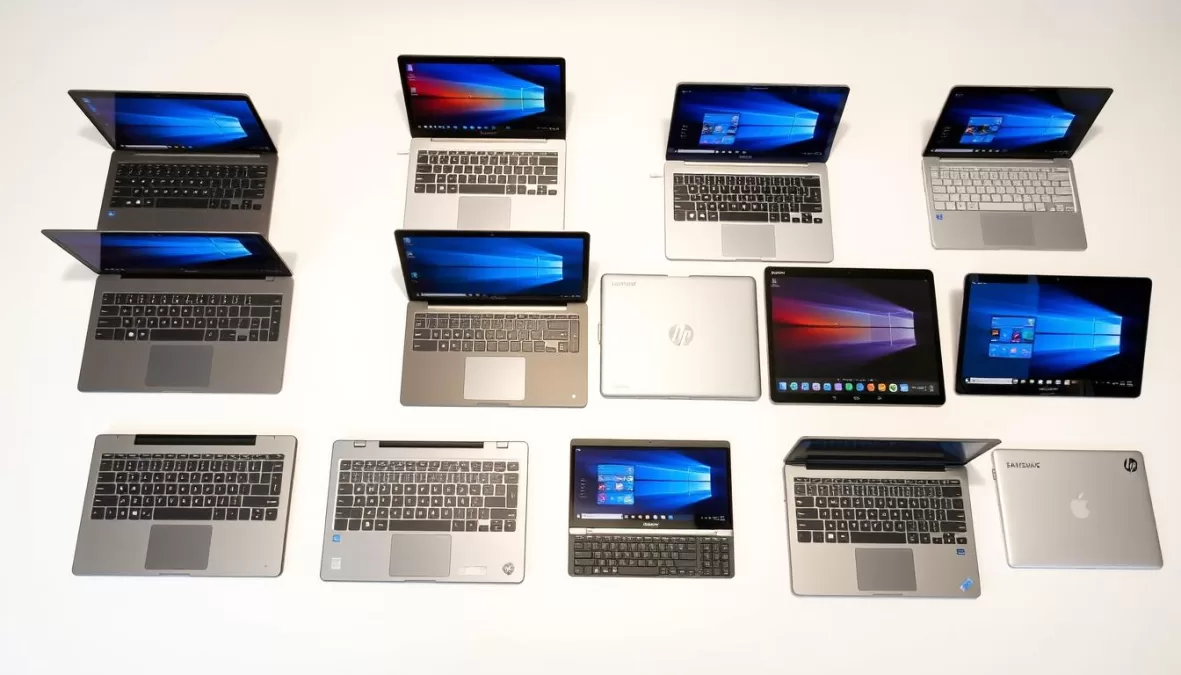
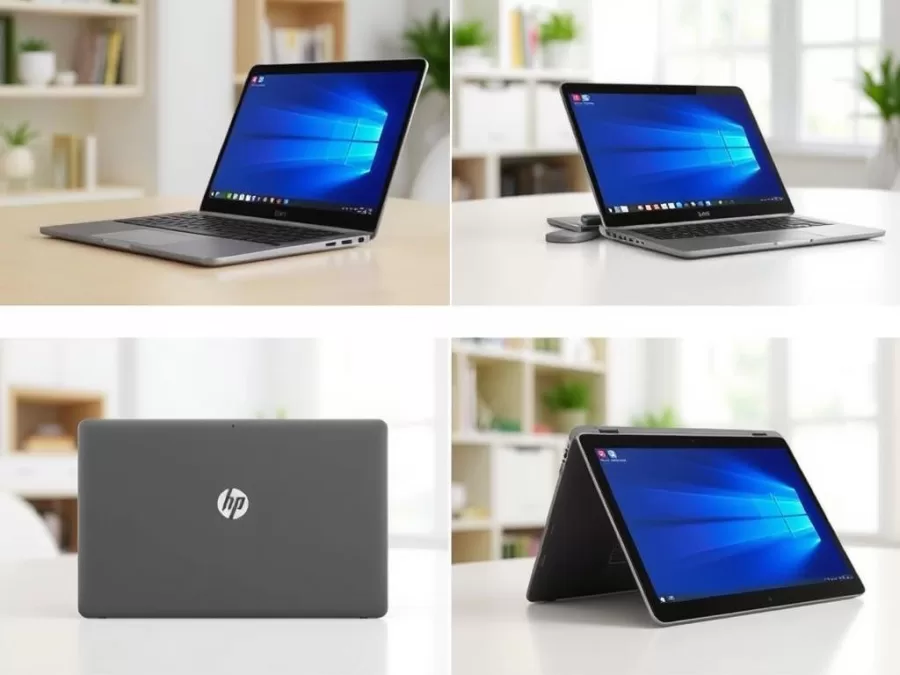
Chromebooks now come in various form factors to suit different needs
Key Specifications to Consider
Processor & RAM
For smooth performance in 2025, look for Chromebooks with at least 8GB of RAM and newer processors like Intel Core 3/5 Series 1 or MediaTek Kompanio Ultra. Avoid older Celeron or Pentium processors for better multitasking capabilities.
Display Quality
A minimum resolution of 1920×1080 (Full HD) ensures crisp text and images. Consider touchscreen options if you plan to use Android apps. OLED displays offer better colors but typically come at a premium price point.
Battery Life
Most premium Chromebooks now offer 10+ hours of battery life. Consider your usage patterns – students and travelers should prioritize models with 12+ hours for all-day use without charging.
Choosing the Right Chromebook for Your Needs
- Prioritize battery life (10+ hours)
- Lightweight design (under 3 lbs)
- Durable construction
- At least 8GB RAM for multitasking
- Touchscreen for note-taking
- Budget-friendly options available
For Students
- Higher-end processors (Core 5 or Kompanio Ultra)
- Minimum 8GB RAM, 16GB preferred
- Larger, higher-resolution displays
- Premium build quality
- USB-C connectivity with display output
- Biometric security features
For Professionals
- Focus on value and simplicity
- Adequate performance for web browsing
- Good display for media consumption
- Long battery life for occasional use
- Lightweight for portability
- Budget-friendly pricing
For Casual Users
1. Lenovo Chromebook Plus 14 – Best Overall Chromebook of 2025
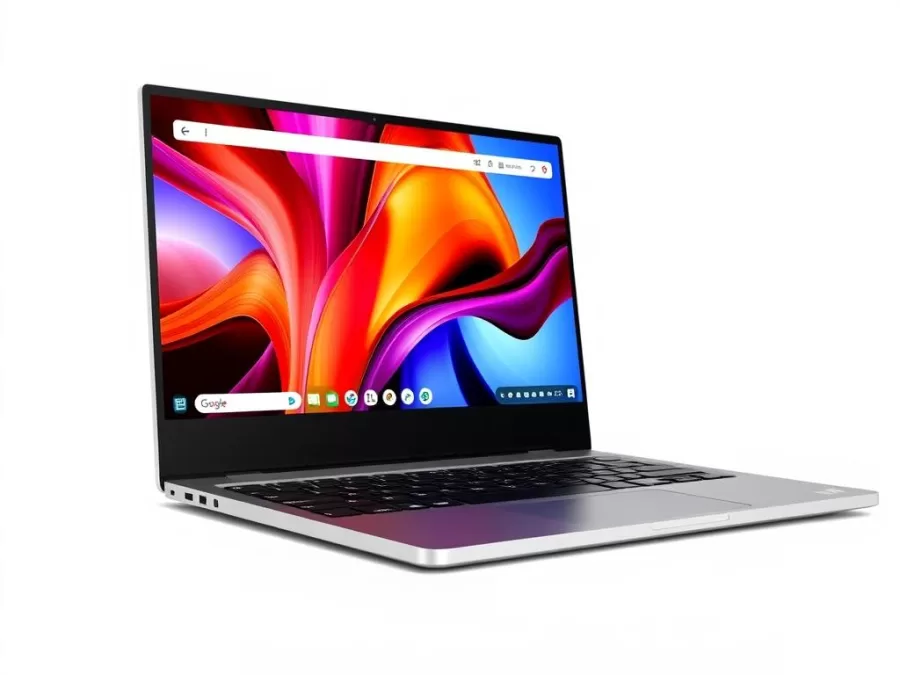
The Lenovo Chromebook Plus 14 stands as the pinnacle of Chromebook excellence in 2025, combining premium hardware with exceptional performance. Powered by the MediaTek Kompanio Ultra 910 processor and a generous 16GB of RAM, this Chromebook handles multitasking with ease, even with demanding applications and numerous browser tabs open simultaneously.
What truly sets this Chromebook apart is its stunning 14-inch 1920×1200 OLED touchscreen display, which delivers vibrant colors, deep blacks, and excellent brightness. The 16:10 aspect ratio provides more vertical space for documents and web browsing compared to traditional 16:9 displays.
Key Specifications:
- Processor: MediaTek Kompanio Ultra 910
- RAM: 16GB LPDDR5X
- Storage: 256GB UFS 4.0
- Display: 14″ 1920×1200 OLED touchscreen
- Battery Life: Up to 14 hours
- Weight: 2.78 pounds
- Ports: 2x USB-C, 1x USB-A, headphone jack
- Special Features: Fingerprint reader, Wi-Fi 7, Bluetooth 5.4
Pros
- Exceptional OLED display quality
- Premium aluminum build with rounded edges
- Impressive 14-hour battery life
- Powerful performance for any task
- Lightweight design at just 2.78 pounds
- Convenient fingerprint reader
Cons
- Premium price point
- No 360-degree hinge for tablet mode
- Webcam quality could be better for the price
The Ultimate Chromebook Experience
Experience the best ChromeOS has to offer with the Lenovo Chromebook Plus 14’s stunning OLED display and all-day battery life.
2. Samsung Galaxy Chromebook Plus – Best Premium Design
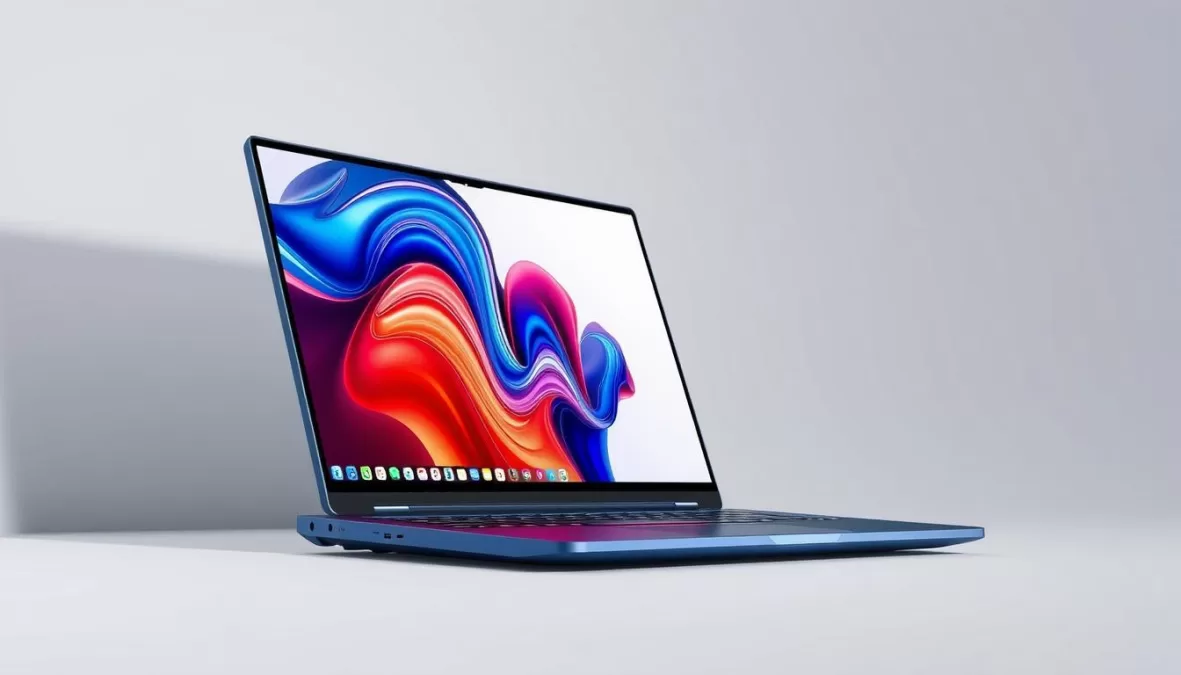
Samsung continues its tradition of creating premium Chromebooks with the Galaxy Chromebook Plus, which combines an ultra-thin design with a stunning 15.6-inch AMOLED display. Weighing just 2.6 pounds despite its larger screen size, this is one of the most portable 15-inch Chromebooks available in 2025.
The Intel Core 3 Series 1 processor paired with 8GB of RAM provides smooth performance for everyday tasks, while the 256GB SSD offers ample storage for documents, photos, and Android apps. The standout feature is undoubtedly the vibrant AMOLED display, which makes everything from documents to videos look exceptional.
Key Specifications:
- Processor: Intel Core 3 Series 1
- RAM: 8GB LPDDR5X
- Storage: 256GB SSD
- Display: 15.6″ 1920×1080 AMOLED
- Battery Life: Up to 12 hours
- Weight: 2.6 pounds
- Ports: 1x HDMI, 2x USB-C, 1x USB-A, microSD, headphone jack
- Special Features: Quick Insert key, backlit keyboard
Pros
- Stunning AMOLED display
- Incredibly thin and lightweight design
- Excellent battery life
- Premium build quality
- Generous port selection
Cons
- No touchscreen option
- Speakers could be better
- Webcam is merely adequate
Premium Design Meets ChromeOS
Experience Samsung’s premium craftsmanship with the ultra-thin Galaxy Chromebook Plus and its stunning AMOLED display.
3. Acer Chromebook Plus 514 – Best Value Chromebook
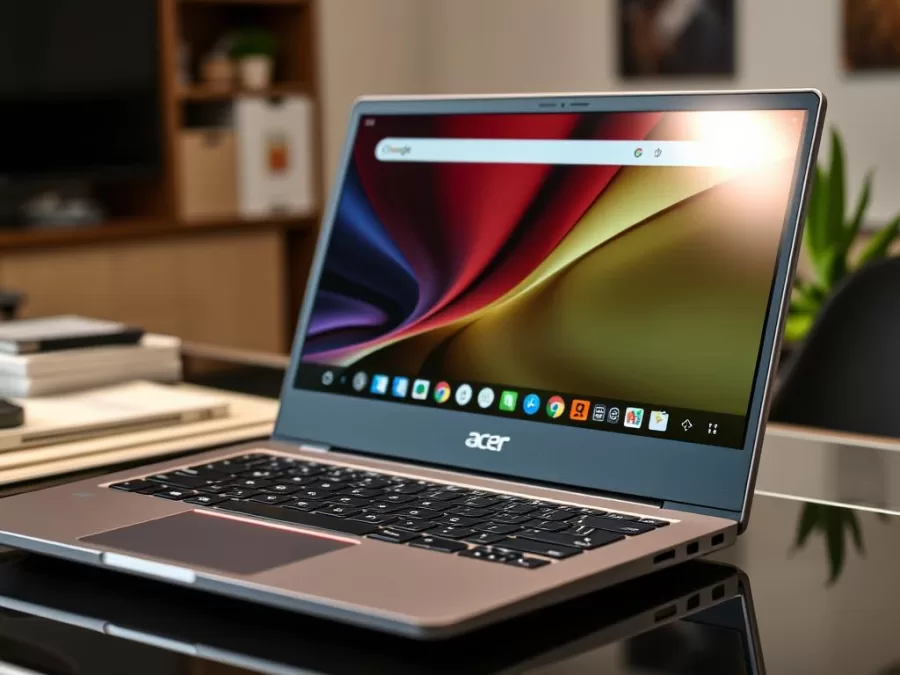
The Acer Chromebook Plus 514 offers exceptional value, delivering premium features at a mid-range price point. Powered by the Intel Core 3 N355 processor and 8GB of RAM, this Chromebook provides reliable performance for everyday tasks, from document editing to video streaming and light multitasking.
What makes this model stand out is its generous 512GB SSD storage – significantly more than most Chromebooks in this price range – and its crisp 14-inch 1920×1200 touchscreen display with a productivity-friendly 16:10 aspect ratio. The matte coating helps reduce glare, making it suitable for use in various lighting conditions.
Key Specifications:
- Processor: Intel Core 3 N355
- RAM: 8GB
- Storage: 512GB SSD
- Display: 14″ 1920×1200 touchscreen
- Battery Life: Up to 12 hours
- Weight: 3.09 pounds
- Ports: 2x USB-C, 1x USB-A, headphone jack
- Special Features: Backlit keyboard, privacy shutter for webcam
Pros
- Excellent value for the specifications
- Generous 512GB SSD storage
- Responsive touchscreen with 16:10 aspect ratio
- Solid 12-hour battery life
- Backlit keyboard for low-light environments
Cons
- No 360-degree hinge for tablet mode
- Mediocre webcam quality
- Speakers lack bass and sound harsh
Exceptional Value, Premium Experience
Get more for your money with the Acer Chromebook Plus 514’s generous storage and all-day battery life.
4. Acer Chromebook Plus Spin 514 – Best Convertible Chromebook
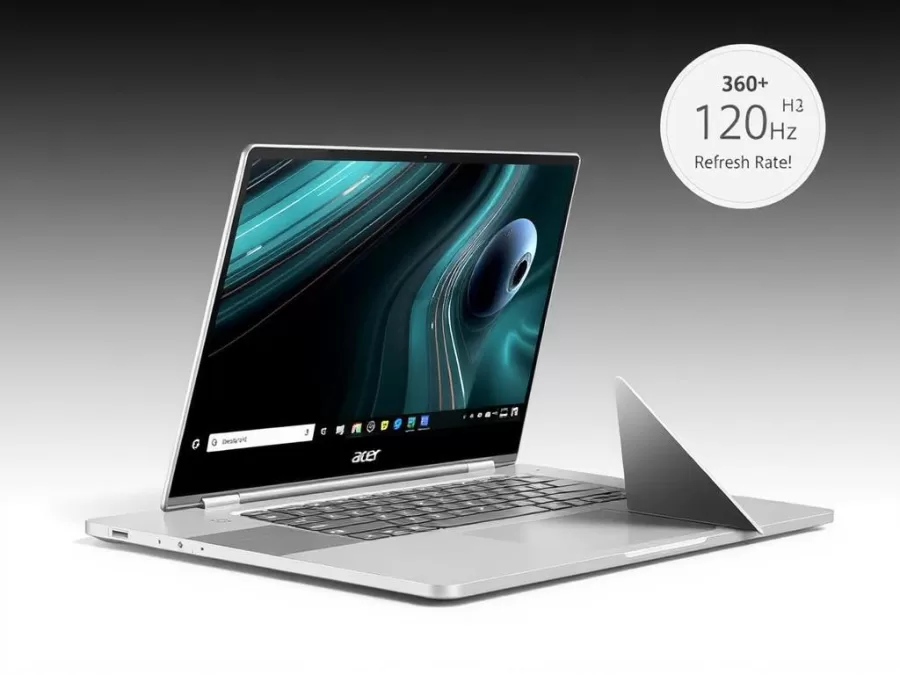
The Acer Chromebook Plus Spin 514 stands out as the premier convertible Chromebook of 2025, offering versatility without compromising on performance. Powered by the same MediaTek Kompanio Ultra 910 processor found in our top pick, this 2-in-1 Chromebook delivers exceptional speed and efficiency for all your computing needs.
What sets this model apart is its 360-degree hinge, allowing you to use it as a traditional laptop, tablet, or in tent mode for presentations or media consumption. The 14-inch touchscreen display features a smooth 120Hz refresh rate – rare in the Chromebook market – making scrolling and animations noticeably more fluid.
Key Specifications:
- Processor: MediaTek Kompanio Ultra 910
- RAM: 12GB LPDDR5X
- Storage: 256GB
- Display: 14″ 1920×1200 IPS touchscreen, 120Hz
- Battery Life: Up to 11 hours
- Weight: 2.99 pounds
- Ports: 2x USB-C, 2x USB-A, headphone jack, Kensington lock
- Special Features: 360-degree hinge, 120Hz refresh rate, webcam privacy shutter
Pros
- Versatile 360-degree hinge design
- Smooth 120Hz display refresh rate
- Powerful Kompanio Ultra 910 processor
- Excellent build quality
- Generous port selection
Cons
- No fingerprint scanner
- Higher-spec model is expensive
- Slightly heavier than non-convertible alternatives
Versatility Meets Performance
Experience the flexibility of a 2-in-1 design with the power of a premium Chromebook in the Acer Chromebook Plus Spin 514.
5. Lenovo IdeaPad Flex 5i Chromebook Plus – Best for Students
The Lenovo IdeaPad Flex 5i Chromebook Plus is an ideal choice for students, offering a perfect balance of performance, versatility, and affordability. With its Intel Core i3-1315U processor and 8GB of RAM, this Chromebook handles everyday academic tasks with ease, from research and writing to video conferencing and multimedia consumption.
The 360-degree hinge allows students to adapt the device to different learning environments – use it as a traditional laptop for typing assignments, fold it into tablet mode for reading or note-taking, or set it up in tent mode for presentations or watching instructional videos.
Key Specifications:
- Processor: Intel Core i3-1315U
- RAM: 8GB
- Storage: 128GB eMMC
- Display: 14″ 1920×1200 touchscreen
- Battery Life: Up to 11 hours
- Weight: 3.6 pounds
- Ports: 2x USB-C, 1x USB-A, microSD card slot, headphone jack
- Special Features: 360-degree hinge, privacy shutter for webcam
Pros
- Versatile 2-in-1 design for different learning scenarios
- Responsive touchscreen with 16:10 aspect ratio
- Solid performance for academic tasks
- Good battery life for full day of classes
- Surprisingly good speakers
Cons
- Heavier than other 14-inch options
- Limited storage with eMMC
- Dim webcam image
Perfect for Campus Life
Tackle assignments, research, and presentations with the versatile Lenovo IdeaPad Flex 5i Chromebook Plus.
6. Acer Chromebook Plus 516 GE – Best for Gaming and Entertainment
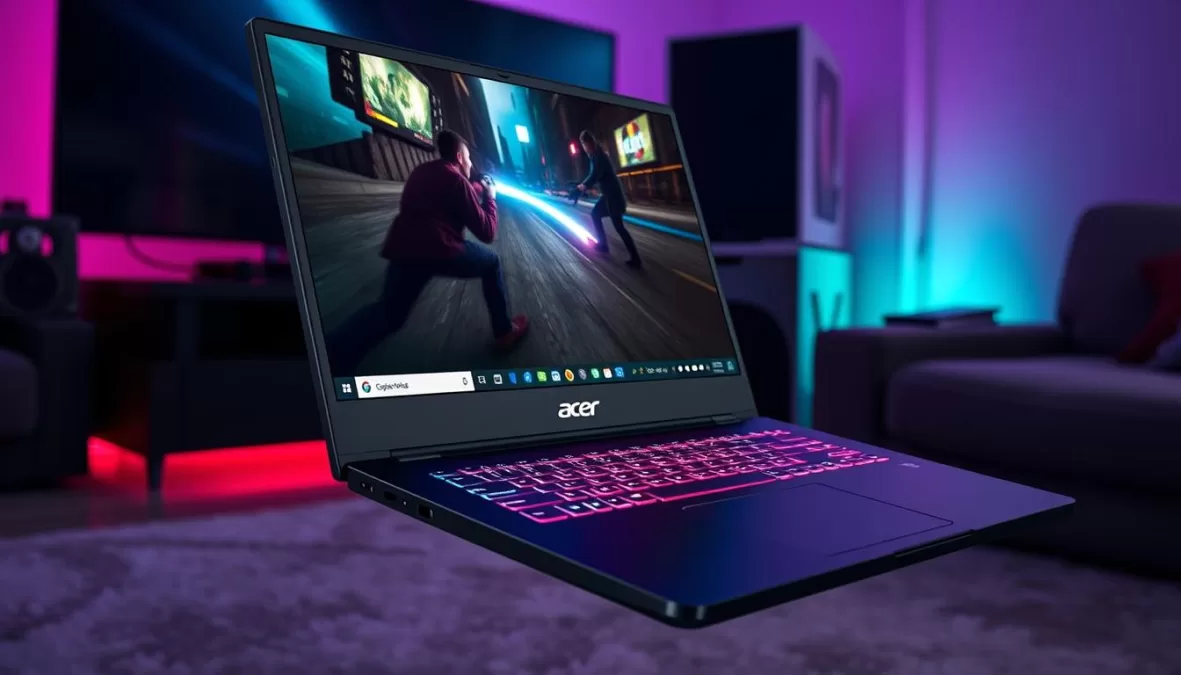
The Acer Chromebook Plus 516 GE breaks new ground as a Chromebook specifically designed with gaming and entertainment in mind. Featuring a large 16-inch display with a 120Hz refresh rate and 2560×1600 resolution, this Chromebook delivers a visual experience that’s rare in the ChromeOS ecosystem.
Powered by the Intel Core 5 Series 1 processor and 8GB of RAM, this Chromebook handles cloud gaming services like GeForce NOW and Xbox Cloud Gaming with impressive smoothness. The RGB anti-ghosting keyboard adds to the gaming aesthetic while providing responsive input for both gaming and productivity.
Key Specifications:
- Processor: Intel Core 5 Series 1
- RAM: 8GB
- Storage: 256GB SSD
- Display: 16″ 2560×1600, 120Hz
- Battery Life: Up to 10 hours
- Weight: 3.75 pounds
- Ports: 2x USB-C, 1x USB-A, HDMI 2.1, Ethernet, headphone jack
- Special Features: RGB backlit keyboard, quad force-canceling speakers, Ethernet port
Pros
- Excellent 16-inch display with 120Hz refresh rate
- Dedicated Ethernet port for stable gaming
- RGB keyboard with anti-ghosting
- Powerful processor for cloud gaming
- Great speakers for entertainment
Cons
- Larger and heavier than most Chromebooks
- No touchscreen
- Not convertible
Level Up Your ChromeOS Experience
Enjoy cloud gaming and entertainment on the go with the Acer Chromebook Plus 516 GE’s large 120Hz display and gaming-focused features.
7. HP Chromebook Plus x360 – Best 2-in-1 Value
The HP Chromebook Plus x360 offers excellent 2-in-1 functionality at a competitive price point, making it perfect for users who want versatility without breaking the bank. With its 360-degree hinge, this Chromebook transitions seamlessly between laptop, tablet, tent, and stand modes to adapt to your changing needs throughout the day.
Powered by the Intel Core i3-N305 processor and 8GB of RAM, this Chromebook delivers reliable performance for everyday tasks. The 14-inch touchscreen display with a 16:10 aspect ratio provides a comfortable viewing experience and extra vertical space for documents and web browsing.
Key Specifications:
- Processor: Intel Core i3-N305
- RAM: 8GB
- Storage: 128GB UFS
- Display: 14″ 1920×1200 touchscreen
- Battery Life: Up to 8 hours
- Weight: 3.32 pounds
- Ports: 2x USB-C, 1x USB-A, microSD card slot, headphone jack
- Special Features: 360-degree hinge, Photoshop on the web support
Pros
- Affordable 2-in-1 design
- Solid performance for everyday tasks
- Good keyboard with comfortable typing experience
- Supports Photoshop on the web
- Premium build quality for the price
Cons
- Mediocre display brightness
- Battery life is shorter than competitors
- Heavier than some alternatives
Versatility on a Budget
Get the flexibility of a 2-in-1 Chromebook without the premium price tag with the HP Chromebook Plus x360.
8. Lenovo Chromebook Duet 11 – Best Tablet Experience
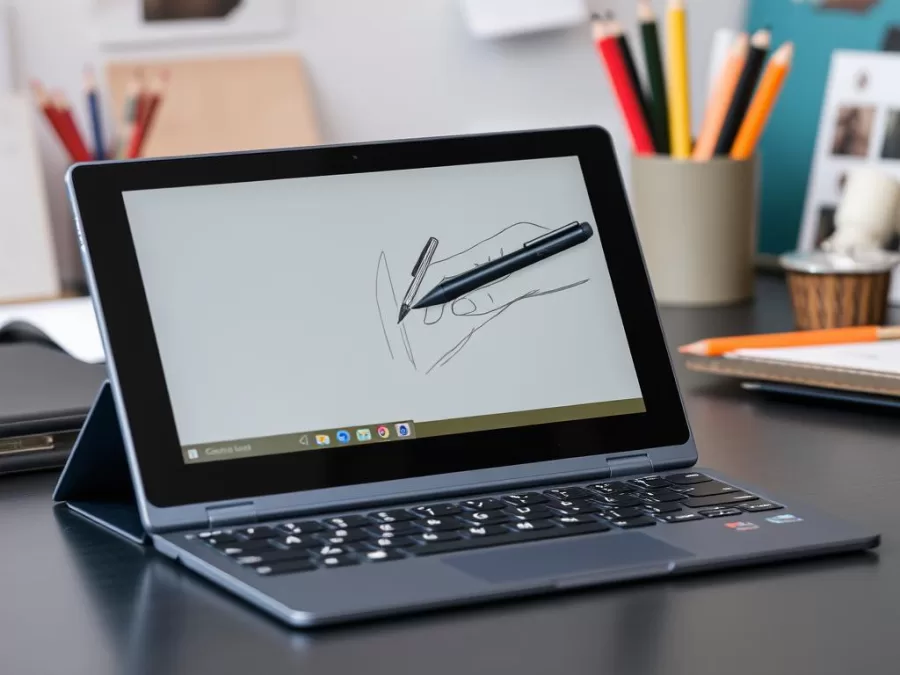
The Lenovo Chromebook Duet 11 offers the most tablet-like experience in the ChromeOS ecosystem, with a detachable design that provides true versatility. This 2-in-1 device includes both a kickstand case and a detachable keyboard in the box, allowing you to use it as a laptop for productivity or as a pure tablet for content consumption and creativity.
What sets the Duet 11 apart is the included Lenovo USI Pen 2, making it perfect for note-taking, sketching, and precise input. The MediaTek Kompanio 838 processor and 8GB of RAM provide smooth performance for everyday tasks, while the compact size makes it ideal for on-the-go use.
Key Specifications:
- Processor: MediaTek Kompanio 838
- RAM: 8GB LPDDR4X
- Storage: 128GB eMMC
- Display: 10.95″ 1920×1200 IPS touchscreen
- Battery Life: Up to 12 hours
- Weight: 1.09 pounds (tablet + keyboard: 1.93 pounds)
- Ports: 2x USB-C
- Special Features: Included USI Pen 2 stylus, detachable keyboard, kickstand case
Pros
- True tablet experience with detachable keyboard
- Included stylus for note-taking and drawing
- Extremely portable at just over 1 pound (tablet only)
- Bright and vibrant display
- Excellent battery life
Cons
- Small keyboard can feel cramped
- Limited port selection
- No expandable storage
The Ultimate Portable ChromeOS Experience
Enjoy the flexibility of a tablet with the productivity of ChromeOS in the compact Lenovo Chromebook Duet 11.
9. ASUS Chromebook CX14 – Best Budget Chromebook
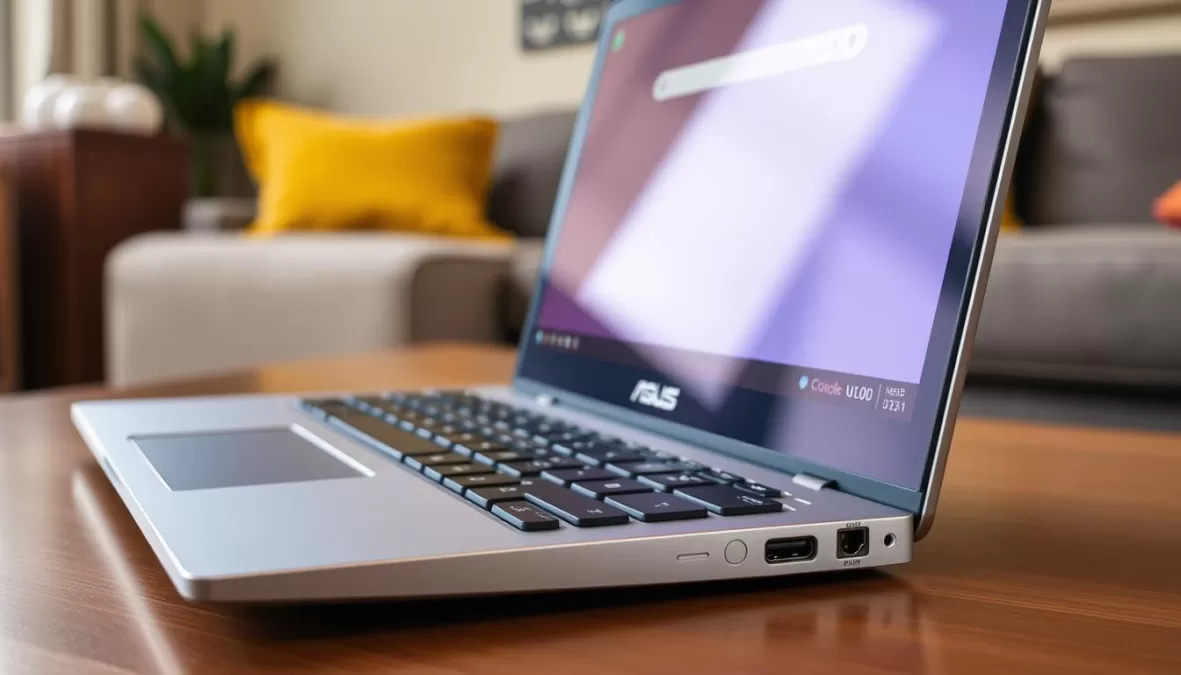
The ASUS Chromebook CX14 proves that you don’t need to spend a fortune to get a capable Chromebook in 2025. This budget-friendly option offers a solid combination of features that cover the essentials for everyday computing, making it perfect for students on a tight budget or as a secondary device.
Despite its affordable price, the CX14 doesn’t cut corners on display quality, featuring a Full HD (1920×1080) screen that’s uncommon in this price range. The anti-glare coating makes it suitable for use in various lighting conditions, and the Intel Celeron N4500 processor provides adequate performance for basic tasks like web browsing, document editing, and media consumption.
Key Specifications:
- Processor: Intel Celeron N4500
- RAM: 8GB LPDDR4X
- Storage: 128GB eMMC
- Display: 14″ 1920×1080, anti-glare
- Battery Life: Up to 10 hours
- Weight: 3.06 pounds
- Ports: 2x USB-C, 2x USB-A, HDMI, headphone jack
- Special Features: 180-degree lay-flat hinge
Pros
- Excellent value for money
- Full HD display with anti-glare coating
- Generous port selection
- Good battery life
- 8GB RAM configuration available
Cons
- Entry-level processor performance
- No touchscreen
- No backlit keyboard
Affordable ChromeOS Experience
Get all the essential Chromebook features without breaking the bank with the ASUS Chromebook CX14.
10. ASUS Chromebook Detachable CM3001 – Best Budget Tablet
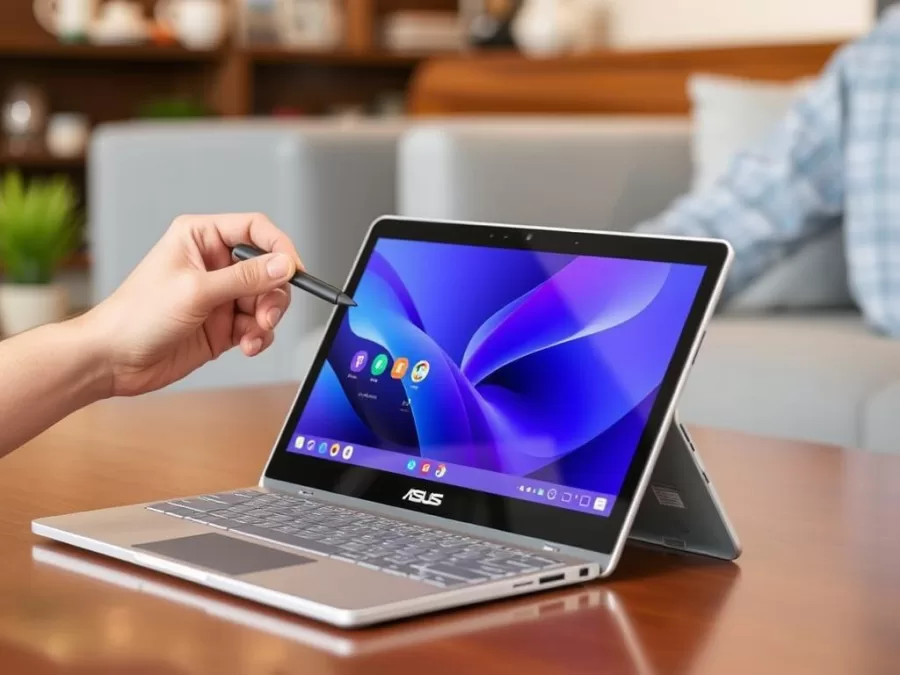
The ASUS Chromebook Detachable CM3001 offers a tablet-first ChromeOS experience at an affordable price point. Similar to the Lenovo Duet 11 but at a lower cost, this detachable Chromebook includes both a kickstand case and a keyboard cover in the box, providing versatility for different use cases.
What makes the CM3001 stand out is its built-in USI stylus that stows away in the tablet’s body when not in use, ensuring you’ll never lose it. The 10.5-inch Full HD display is bright and vibrant, making it perfect for content consumption, while the detachable keyboard allows for productivity when needed.
Key Specifications:
- Processor: MediaTek Kompanio 520
- RAM: 4GB LPDDR4X
- Storage: 64GB eMMC
- Display: 10.5″ 1900×1200 IPS touchscreen
- Battery Life: Up to 12 hours
- Weight: 1.92 pounds (with keyboard)
- Ports: 1x USB-C, headphone jack
- Special Features: Built-in USI stylus, detachable keyboard, magnetic kickstand
Pros
- Affordable tablet experience
- Included stylus with built-in storage
- Keyboard and kickstand included
- Good display quality
- Excellent battery life
Cons
- Limited performance with entry-level processor
- Only 4GB of RAM in base model
- Limited port selection
- No expandable storage
Affordable Tablet Flexibility
Experience the versatility of a ChromeOS tablet with the budget-friendly ASUS Chromebook Detachable CM3001.
Important Considerations When Buying a Chromebook in 2025

Consider your specific needs when choosing the right Chromebook for you
Software Support and Updates
Google now guarantees 10 years of software updates for all new Chromebooks, which is a significant improvement over previous policies. This means your 2025 Chromebook will receive security updates and new features until at least 2035, making them a more sustainable long-term investment than before.
Android and Linux App Support
All modern Chromebooks support Android apps through the Google Play Store, but performance can vary. Higher-end models with more RAM and powerful processors will provide a smoother experience with demanding Android applications. Additionally, Linux app support continues to improve, making Chromebooks viable options for developers and power users who need specific Linux tools.
Cloud vs. Local Storage
While Chromebooks are designed with cloud storage in mind, local storage remains important for Android apps, offline files, and media. Most 2025 Chromebooks come with at least 128GB of storage, but the type matters too – eMMC storage is more common in budget models, while faster SSD or UFS storage is found in premium options.
When choosing a Chromebook in 2025, consider not just your current needs but how you might use the device over the next several years. With 10 years of guaranteed updates, today’s Chromebooks are designed to last longer than ever before.
Frequently Asked Questions About Chromebooks
Can Chromebooks run Microsoft Office?
Chromebooks can run the web-based versions of Microsoft Office applications through Microsoft 365 online. Additionally, you can install the Android versions of Office apps from the Google Play Store, though they may have limited functionality compared to the full desktop versions. For most users, Google’s own productivity suite (Docs, Sheets, Slides) provides similar functionality and integrates seamlessly with ChromeOS.
Do Chromebooks work offline?
Yes, modern Chromebooks have significantly improved offline capabilities. Many Google apps like Docs, Sheets, and Drive can work offline, automatically syncing changes when you reconnect to the internet. You can also download content from streaming services like Netflix and YouTube for offline viewing. Additionally, Android apps installed from the Google Play Store typically work offline just like they would on a phone or tablet.
What’s the difference between a regular Chromebook and a Chromebook Plus?
Chromebook Plus is Google’s certification program for higher-end Chromebooks that meet specific hardware requirements. To qualify as a Chromebook Plus in 2025, a device must have at least 8GB of RAM, 128GB of storage, a 1080p webcam, and a relatively powerful processor (Intel Core i3/AMD Ryzen 3 or better). Chromebook Plus models also come with additional AI features and premium software benefits, including a three-month trial of Adobe Photoshop on the web and Gemini Advanced.
Can I play games on a Chromebook?
Gaming on Chromebooks has improved significantly in 2025. You can play Android games from the Google Play Store, browser-based games, and even stream more demanding titles through cloud gaming services like NVIDIA GeForce NOW, Xbox Cloud Gaming, and Amazon Luna. Some higher-end Chromebooks, like the Acer Chromebook Plus 516 GE, are specifically designed with gaming in mind, featuring 120Hz displays and RGB keyboards.
How do Chromebooks compare to Windows laptops in 2025?
In 2025, the gap between Chromebooks and Windows laptops has narrowed considerably. Chromebooks offer advantages in simplicity, security, battery life, and often provide better hardware at lower price points. Windows laptops still excel in software compatibility, especially for specialized professional applications and AAA gaming. For most everyday computing tasks, however, a good Chromebook can match or exceed the experience of a similarly priced Windows laptop while offering better battery life and a more streamlined experience.
Final Thoughts: Choosing the Best Chromebook in 2025
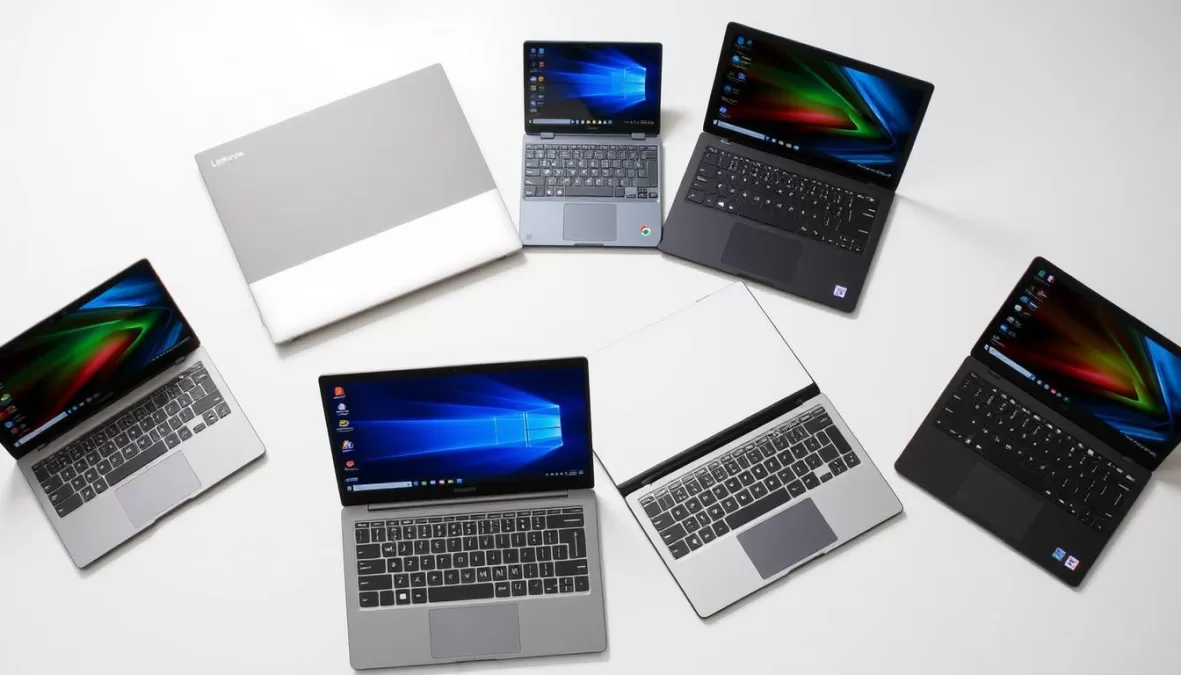
The Chromebook landscape in 2025 offers more variety and power than ever before
The Chromebook market in 2025 offers more variety and capability than ever before, with options ranging from budget-friendly basics to premium powerhouses. When choosing the right Chromebook for your needs, consider how you’ll primarily use the device, your budget constraints, and which features matter most to you.
For those seeking the absolute best ChromeOS experience regardless of price, the Lenovo Chromebook Plus 14 stands out with its stunning OLED display, powerful performance, and premium build quality. Budget-conscious shoppers will find exceptional value in the Acer Chromebook Plus 514, which delivers a great all-around experience without breaking the bank.
Students should consider the Lenovo IdeaPad Flex 5i Chromebook Plus for its versatility and solid performance, while those who prioritize portability might prefer the tablet-like experience of the Lenovo Chromebook Duet 11. For entertainment and gaming enthusiasts, the Acer Chromebook Plus 516 GE offers the best display and performance for media consumption.
Regardless of which model you choose, today’s Chromebooks offer a compelling combination of performance, security, and simplicity that makes them excellent choices for a wide range of users. With Google’s commitment to 10 years of software updates, a Chromebook purchased in 2025 represents not just a purchase for today, but an investment in your computing future for years to come.
Find Your Perfect Chromebook Today
Compare prices and availability of our top Chromebook picks across major retailers.

Priyanka Pandey
Senior Research Editor · Top10Sense
Priyanka specializes in tech, consumer products, and digital trends. She combines hands-on testing, vendor interviews, and database research to create trustworthy “Top 10” rankings. Her work has been referenced by industry blogs and brand report pages.