The landscape of video creation has undergone a remarkable transformation in recent years, with artificial intelligence emerging as the driving force behind this revolution. In 2025, AI video tools have evolved from simple automation assistants to sophisticated creative partners, capable of generating stunning visuals, streamlining complex editing processes, and even producing entire videos from text prompts. For content creators, marketers, and businesses, these tools represent an unprecedented opportunity to produce high-quality video content faster and more efficiently than ever before.
Whether you’re a solo YouTuber, a marketing team lead, or a business owner looking to enhance your video strategy, navigating the expanding universe of AI video tools can be overwhelming. That’s why we’ve meticulously researched, tested, and ranked the top 10 AI video tools available in 2025, evaluating them based on features, pricing, ease of use, and output quality. From text-to-video generators to AI-powered editing suites, this comprehensive guide will help you find the perfect tool to elevate your content creation process.
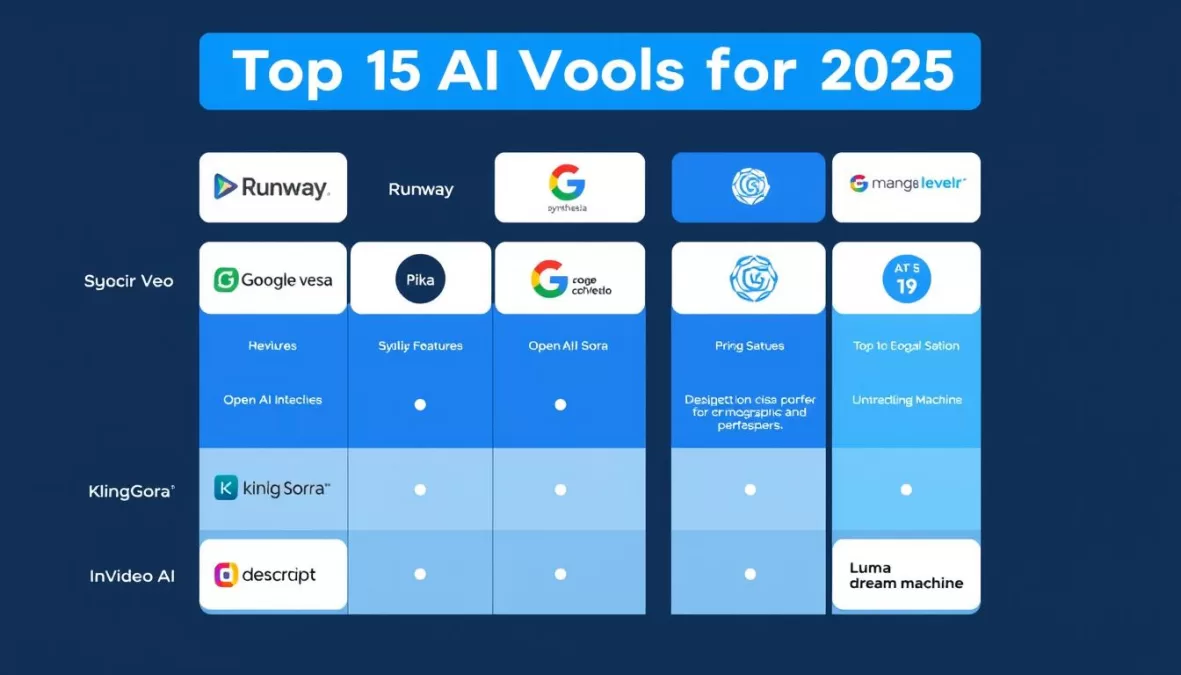
AI Video Tools 2025: Quick Comparison
| Tool | Best For | Starting Price | Free Trial | Max Resolution |
| Runway Gen-4 | Advanced AI video generation | $15/month | Yes (limited) | 1080p |
| Google Veo 3 | End-to-end video creation | $19.99/month | Limited credits | 4K |
| Synthesia | AI avatar videos | $29/month | Yes | 1080p |
| OpenAI Sora | Community-driven inspiration | $20/month (ChatGPT Plus) | No | 1080p |
| HeyGen | Interactive AI avatars | $29/month | Yes (limited) | 1080p |
| Kling AI | High-quality AI generation | $10/month | Yes | 1080p |
| Descript | Text-based video editing | $24/month | Yes (limited) | 1080p |
| InVideo AI | Social media videos | $35/month | Yes (limited) | 1080p |
| Pika | Image-to-video conversion | $35/month | Yes | 1080p |
| Luma Dream Machine | Creative brainstorming | $9.99/month | Yes (image only) | 1080p |
1. Runway Gen-4: Best for Advanced AI Video Generation
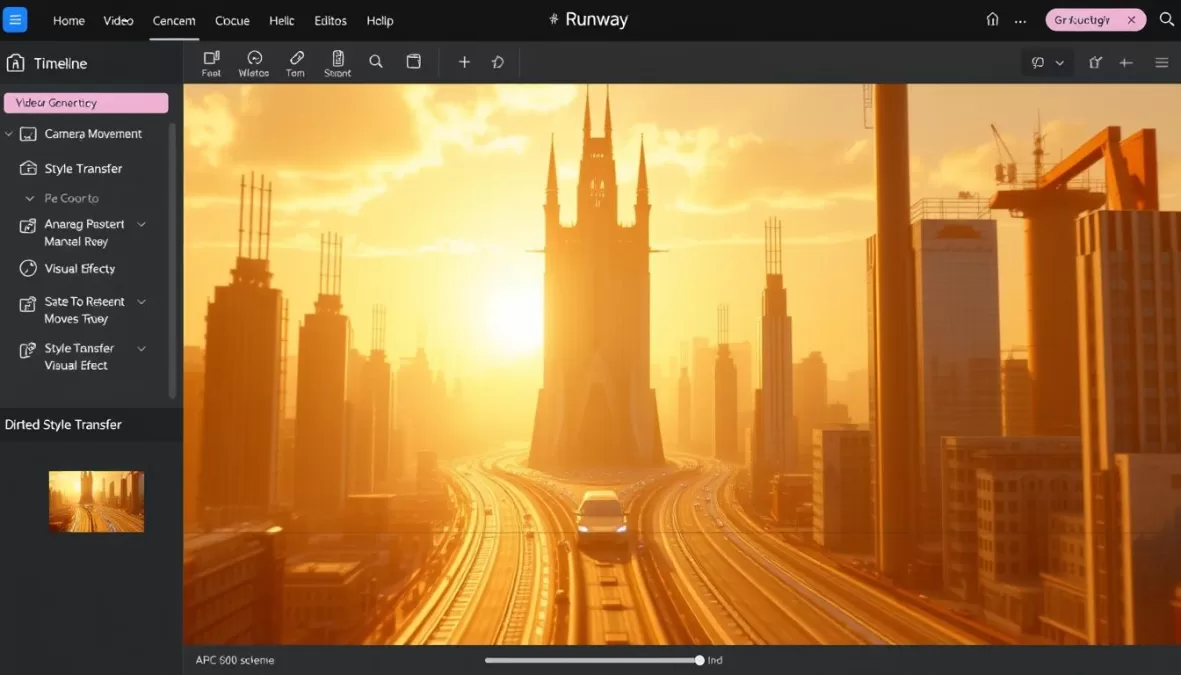
Runway has established itself as the industry leader in AI video generation, with its Gen-4 model representing the cutting edge of what’s possible in 2025. This powerful platform enables creators to generate high-quality video content from text prompts, transform still images into dynamic videos, and edit existing footage with unprecedented control and flexibility.
What truly sets Runway apart is its Aleph model, which allows for remarkable editing capabilities. You can transform existing videos by changing angles, weather conditions, or even replacing objects while maintaining visual consistency. For creators who need to enhance their footage or explore creative alternatives without reshooting, this feature alone is worth the subscription price.
Pros
- Advanced AI tools for unique, high-quality results
- Comprehensive editing capabilities with the Aleph model
- Excellent learning resources through Runway Academy
- Supports both text-to-video and image-to-video workflows
Cons
Pricing
- Free Plan: 125 one-time credits, limited features
- Standard Plan: $15/month for 625 monthly credits, Gen-4 and Aleph access, no watermark
- Pro Plan: $35/month for additional credits and priority processing
Ideal User
Runway Gen-4 is perfect for professional content creators, filmmakers, and marketing teams who need high-quality AI-generated video and are willing to invest time in learning the platform’s capabilities. While beginners can use it, the tool truly shines in the hands of users with some video production experience who can leverage its advanced features.
Ready to create professional-quality AI videos?
Try Runway Gen-4 today and unlock advanced video generation capabilities with 625 monthly credits.
2. Google Veo 3: Best for End-to-End Video Creation
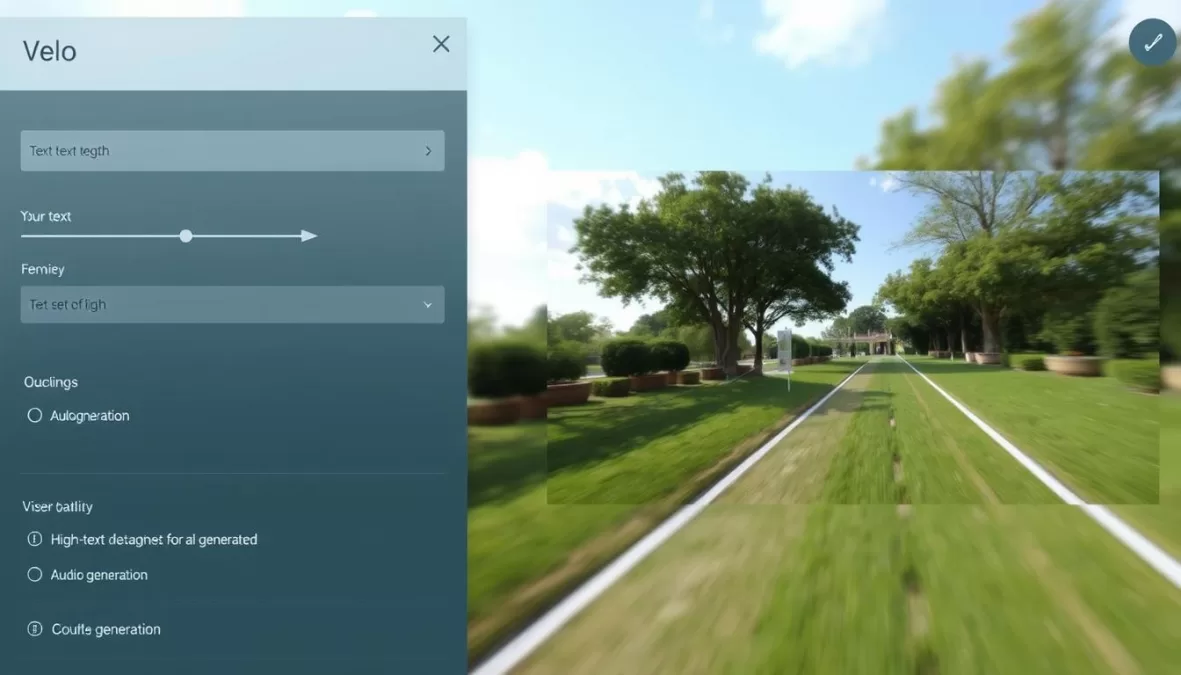
Google Veo 3 represents Google’s powerful entry into the AI video generation space, offering some of the most realistic and coherent video outputs available in 2025. What makes Veo 3 stand out is its ability to handle the entire video creation process, from generating high-quality visuals to adding synchronized audio and voiceovers with impressive lip-syncing capabilities.
The platform excels at creating videos with realistic physics and consistent subjects, areas where many AI video generators still struggle. With support for 4K resolution and videos up to 120 seconds in length, Veo 3 provides creators with substantial creative flexibility. The intuitive Flow editor simplifies the process of stitching multiple generations together, allowing for longer, more complex narratives.
Pros
- Superior video quality with realistic physics and movements
- Native audio generation with excellent lip-sync capabilities
- Supports 4K resolution (highest in the market)
- Intuitive controls requiring minimal technical expertise
Cons
- Expensive to remove watermark (requires Ultra plan)
- Strict content moderation limits creative flexibility
- Limited editing features compared to dedicated editing tools
Pricing
- Google AI Pro: $19.99/month for 1,000 credits (watermarked videos)
- Google AI Ultra: $249.99/month for 12,500 credits and watermark removal
Ideal User
Google Veo 3 is ideal for marketing teams, content creators, and businesses who need high-quality, realistic videos without extensive technical knowledge. The platform is particularly valuable for those creating product demonstrations, social media content, and marketing materials where realism and quality are paramount. The high cost of watermark removal makes it better suited for professional use cases with dedicated budgets.
Create stunning AI videos with Google Veo 3
Generate realistic videos with synchronized audio and lip-syncing in just minutes.
3. Synthesia: Best for AI Avatar Videos
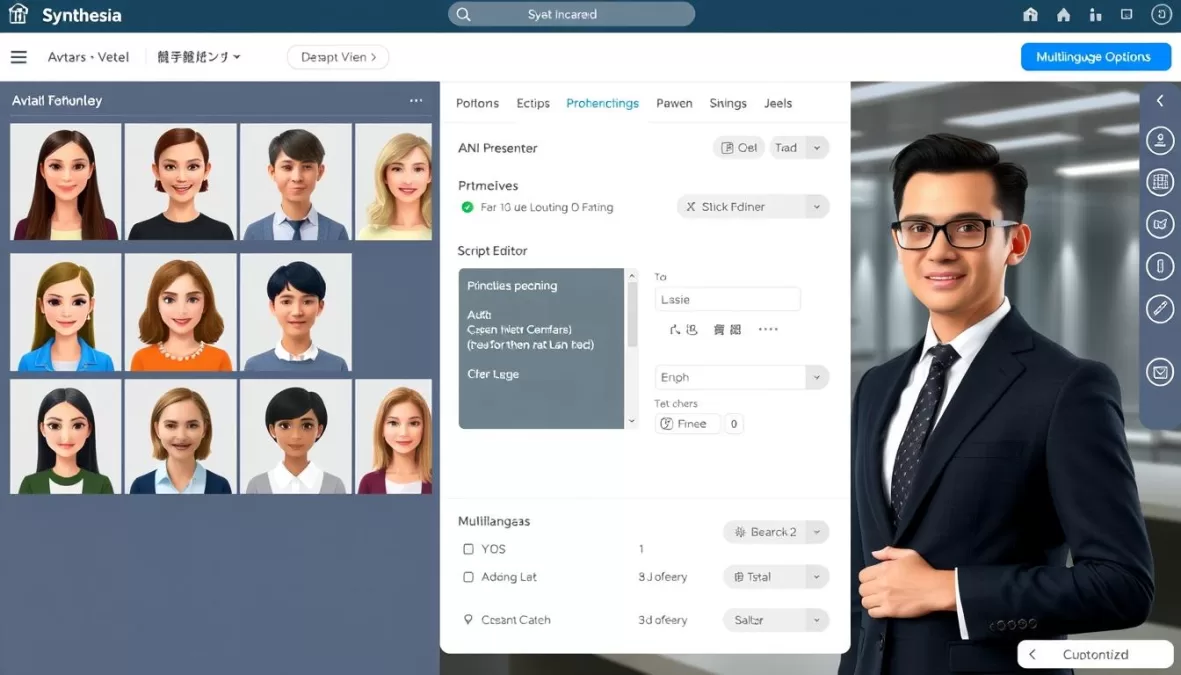
Synthesia has established itself as the go-to platform for creating professional AI avatar videos without the need for cameras, studios, or actors. With over 240 realistic digital avatars speaking 140+ languages, Synthesia enables creators to produce high-quality talking head videos simply by typing a script.
The platform excels at creating training videos, product demonstrations, and corporate communications with a polished, professional look. What sets Synthesia apart is its ease of use—you can create a complete video in minutes—and the natural appearance of its avatars, which have significantly improved in realism since earlier versions.
Pros
- Extensive library of 240+ natural-looking avatars
- Supports 140+ languages with accurate pronunciation
- Simple text-to-video workflow requires no technical skills
- Customizable templates for quick video creation
Cons
- Limited to talking head formats (not for cinematic content)
- Less creative flexibility than generative video tools
- Higher starting price than some competitors
Pricing
- Free Plan: Up to 36 minutes of video per year (3 minutes per month)
- Starter Plan: $29/month for 120 minutes of video per year
- Enterprise: Custom pricing with advanced features and support
Ideal User
Synthesia is perfect for learning and development teams, marketers, and businesses that need to create professional instructional or informational videos at scale. It’s particularly valuable for organizations with global audiences thanks to its multilingual capabilities. The platform is designed for users who prioritize efficiency and professional presentation over artistic creativity.
Create professional AI videos in minutes
Turn your text into engaging videos with lifelike AI avatars speaking in 140+ languages.
4. OpenAI Sora: Best for Community-Driven Inspiration
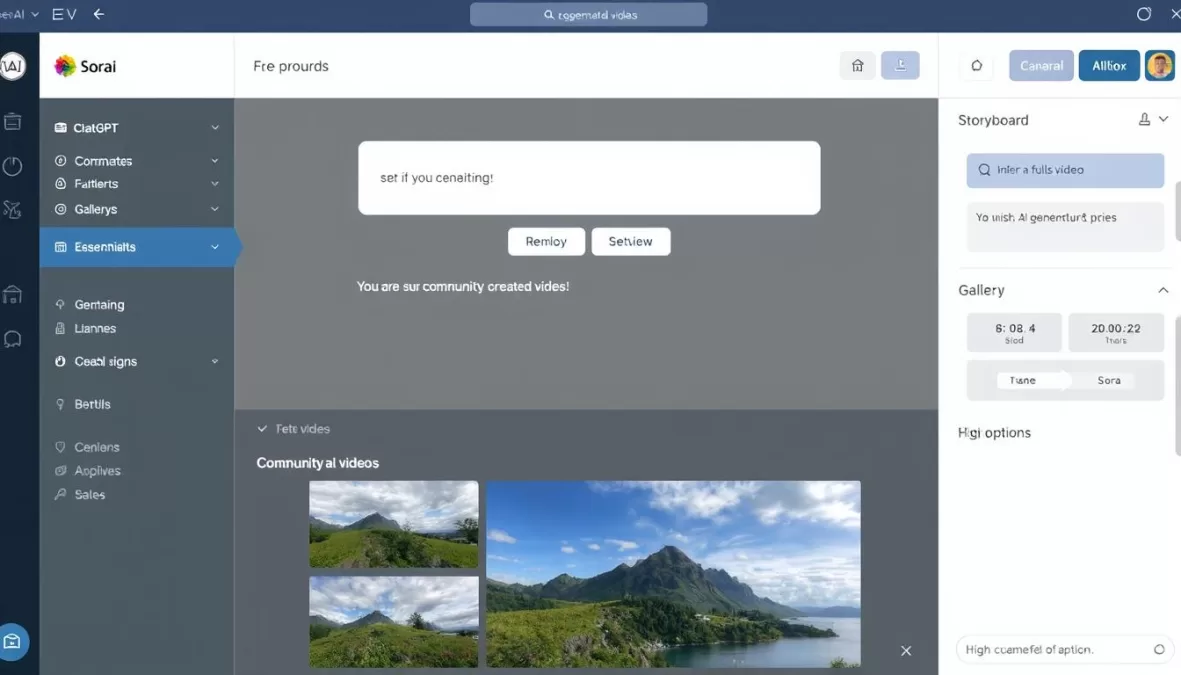
OpenAI’s Sora, accessible through ChatGPT, has evolved into a powerful text-to-video generator with unique community-driven features. While it initially made headlines for its impressive visual quality, Sora has developed into a platform that excels at creative collaboration and inspiration through its remixing capabilities.
The Storyboard feature sets Sora apart, allowing users to create sequential scenes with different prompts while maintaining visual consistency across cuts. This makes it possible to create longer narrative videos without relying on external editing tools. The community aspect is equally valuable, as you can browse, like, and remix other creators’ work, providing endless inspiration and starting points.
Pros
- Storyboard feature for creating multi-scene narratives
- Community gallery for inspiration and remixing
- High-quality visual output, especially for landscapes
- Integrated with ChatGPT’s other AI capabilities
Cons
- Struggles with object permanence and dynamic movements
- No free trial (requires ChatGPT Plus subscription)
- Watermark on videos with Plus plan (removed with Pro)
Pricing
- ChatGPT Plus: $20/month for 720p watermarked videos up to 10 seconds
- ChatGPT Pro: $200/month for 1080p unwatermarked videos up to 20 seconds
Ideal User
Sora is ideal for creative professionals, social media content creators, and artists looking for inspiration and unique visual styles. It’s particularly well-suited for dreamlike, stylized content rather than realistic human interactions. The platform works best for users who value creative exploration and are willing to experiment with prompts to achieve desired results.
Unlock your creative potential with OpenAI Sora
Generate stunning videos from text and remix community creations with ChatGPT Plus.
5. HeyGen: Best for Interactive AI Avatars
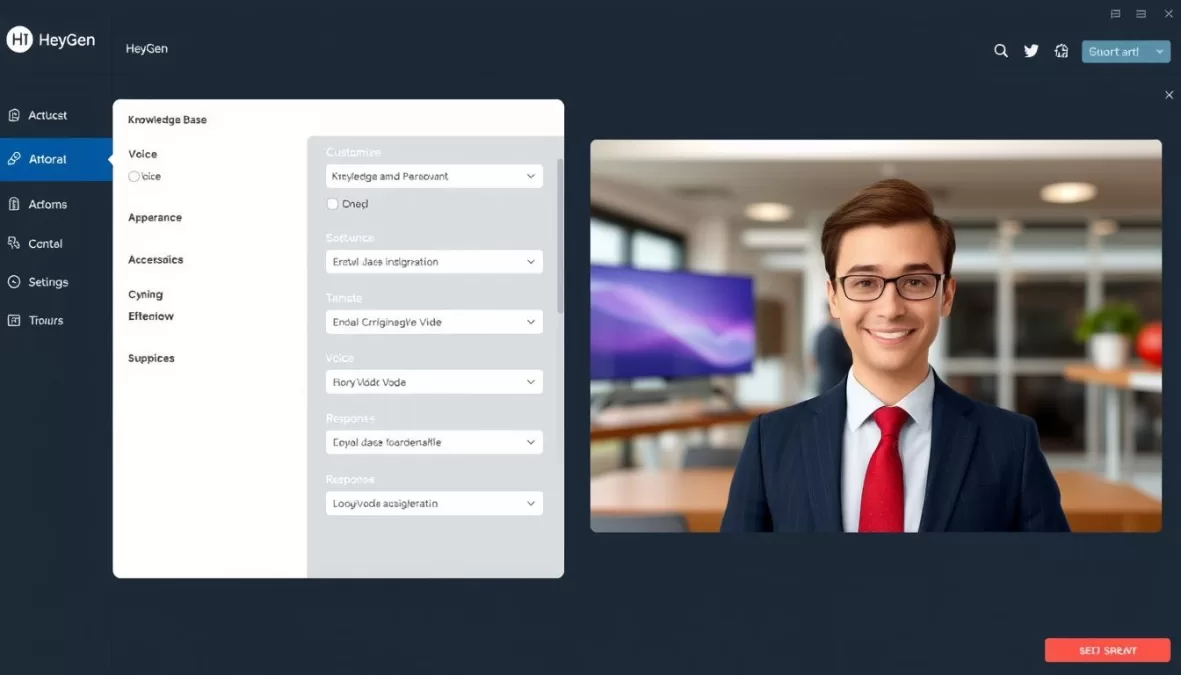
HeyGen has carved out a unique niche in the AI video space by focusing on interactive AI avatars that can respond to user input in real-time. This innovative approach allows for personalized video experiences that go beyond traditional linear content, making it a powerful tool for customer engagement, sales, and education.
What makes HeyGen stand out is the natural quality of its avatars—the facial expressions, body movements, and speech patterns feel remarkably human. The platform allows you to create custom avatars with your own likeness and voice, then train them on your knowledge base to accurately represent your brand or expertise in interactive conversations.
Pros
- Real-time interactive AI avatars with natural responses
- Excellent lip-sync and natural facial expressions
- Customizable knowledge base for accurate responses
- Auto-translation into 175+ languages and dialects
Cons
- Costs can escalate quickly as usage grows
- Complex setup process for custom avatars
- Limited to talking head format videos
Pricing
- Free Plan: Three 3-minute videos at 720p (no interactive avatars)
- Creator: $29/month for unlimited videos up to 30 minutes, 1080p export, 1 interactive avatar
- Pro: $79/month with additional features and multiple interactive avatars
Ideal User
HeyGen is ideal for businesses focused on customer engagement, sales teams creating personalized outreach, and educators developing interactive learning experiences. The platform is particularly valuable for companies looking to scale personalized video communication without increasing headcount. While it has a learning curve, the results are worth the investment for organizations prioritizing engagement and interactivity.
Create interactive AI video experiences
Build responsive AI avatars that engage with your audience in real-time.
6. Kling AI: Best Value for High-Quality AI Generation
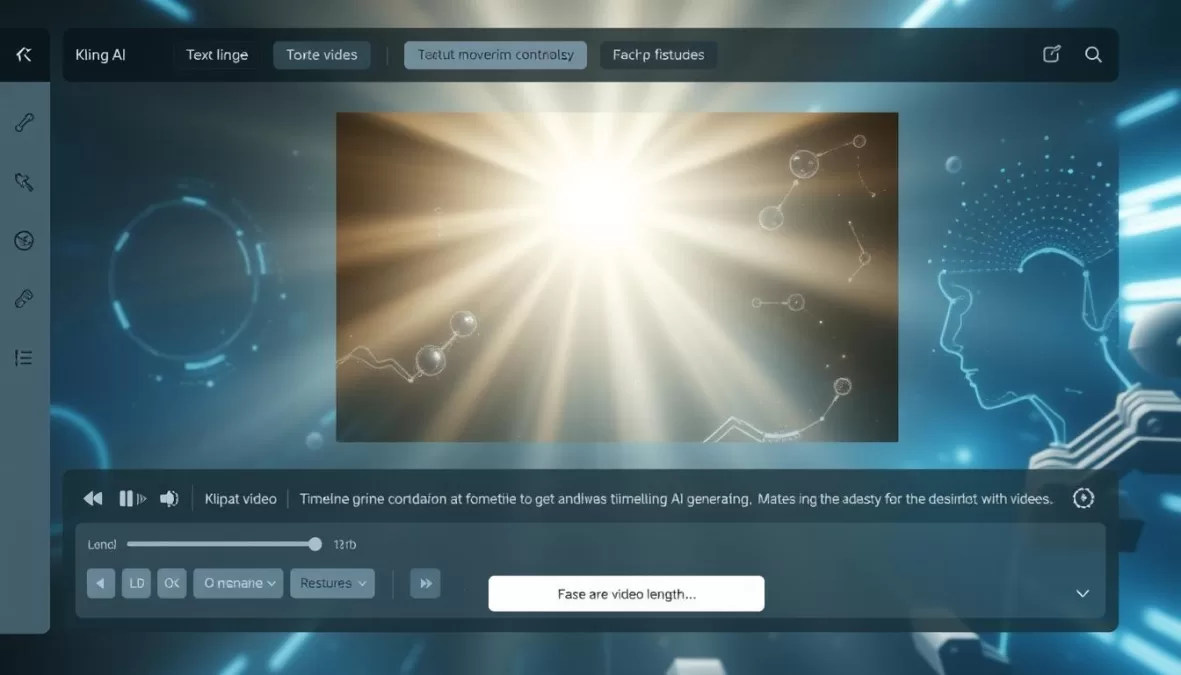
Kling AI has rapidly gained popularity among creators for offering exceptional value in the AI video generation space. With high-quality outputs rivaling more expensive platforms but at a significantly lower price point, Kling has become the go-to option for creators seeking professional results without breaking the bank.
The platform’s standout feature is its ‘Elements’ tool, which gives users unprecedented control over AI-generated videos. You can upload images of specific objects, people, or clothing items and incorporate them into your generated videos, creating a level of customization that most other platforms can’t match. Kling also excels at lip-syncing, offering some of the most realistic mouth movements in the industry.
Pros
- Exceptional value for high-quality output
- Superior lip-sync capabilities
- ‘Elements’ feature for custom object integration
- Ability to extend shots up to three minutes
Cons
- Slower generation times (5-30 minutes per video)
- Limited built-in video editing features
- Occasional server congestion during peak times
Pricing
- Free Plan: Limited generations with Kling 1.6 model
- Basic Plan: $10/month for Kling 2.0 model access and professional mode
- Pro Plan: $25/month with additional features and priority processing
Ideal User
Kling AI is perfect for independent content creators, small marketing teams, and businesses looking for high-quality AI video generation on a budget. It’s particularly well-suited for those who can plan ahead and aren’t constrained by tight deadlines, given the longer generation times. The platform rewards users who are willing to experiment with prompts and settings to achieve optimal results.
Premium AI video quality at an affordable price
Create stunning AI videos with Kling’s powerful generation engine starting at just $10/month.
7. Descript: Best for Text-Based Video Editing
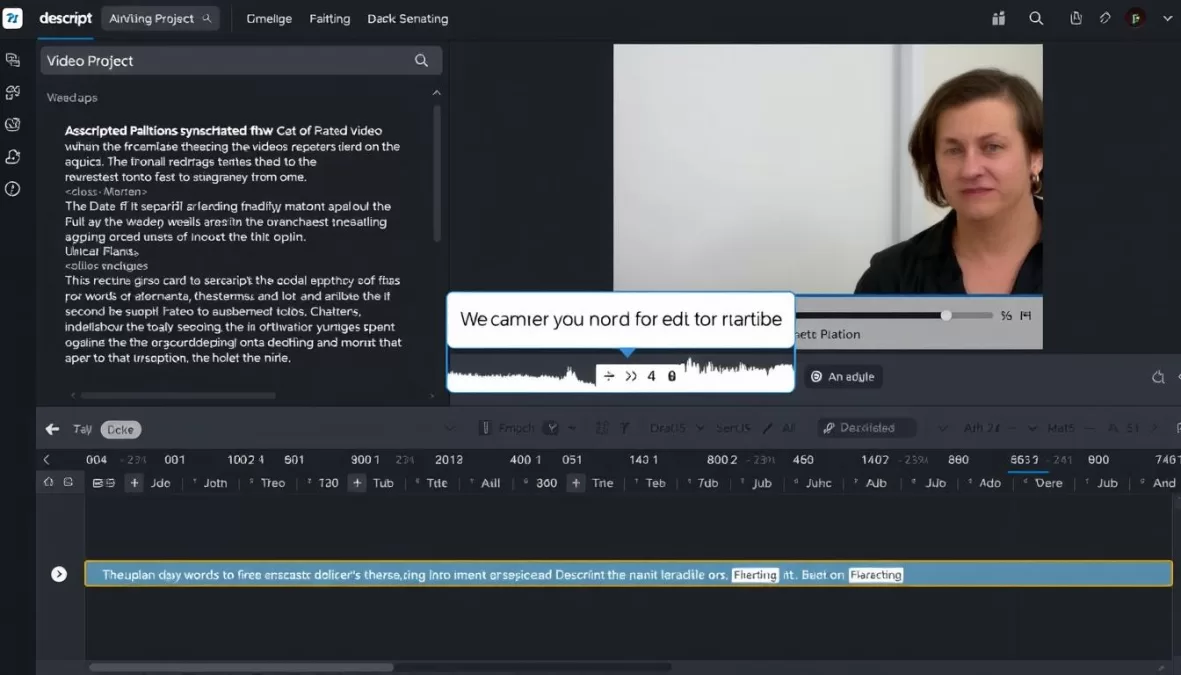
Descript takes a unique approach to video editing by allowing you to edit your video by editing the transcript. This revolutionary workflow transforms the traditionally time-consuming editing process into something as simple as word processing, making it accessible to creators without technical editing expertise.
The platform automatically generates a transcript of your video and organizes it into scenes. You can then edit the video by highlighting and removing unwanted text, rearranging sections, or adding markers for B-roll. This approach is particularly valuable for content with a lot of dialogue, such as interviews, tutorials, and presentations, where traditional timeline editing can be cumbersome.
Pros
- Intuitive text-based editing saves significant time
- Seamless integration with stock media libraries
- AI tools for audio enhancement and filler word removal
- Automatic highlight generation for social media clips
Cons
- Transcription occasionally contains inaccuracies
- Less suitable for visually-driven content with minimal dialogue
- Limited advanced visual effects compared to traditional editors
Pricing
- Free Plan: Up to 1 hour of transcription with watermarked exports
- Hobbyist: $24/user/month for 10 hours of transcription, no watermark, 1080p exports
- Pro: $48/user/month with additional features and higher limits
Ideal User
Descript is ideal for content creators who work with dialogue-heavy videos, such as podcasters, educators, and corporate communicators. It’s particularly valuable for those who find traditional video editing intimidating or time-consuming. The platform is designed for users who prioritize efficiency and content over complex visual effects, making it perfect for regular content producers who need to maintain a consistent publishing schedule.
Edit video as easily as editing text
Transform your video editing workflow with Descript’s innovative text-based approach.
8. InVideo AI: Best for Social Media Videos
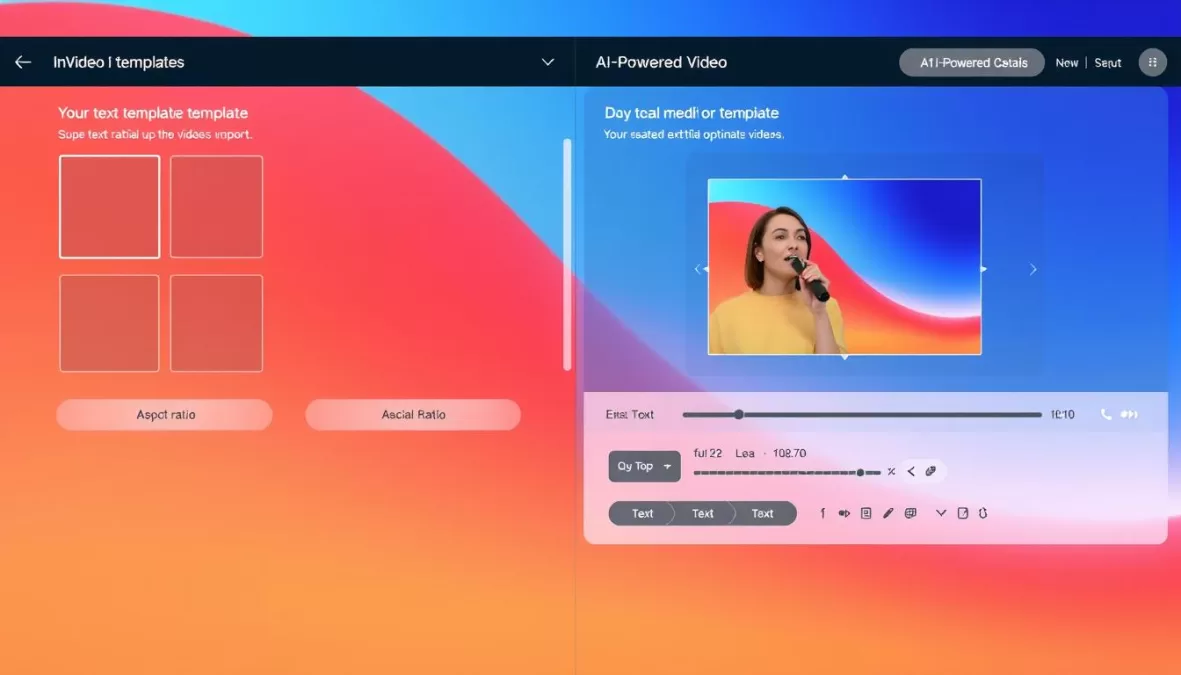
InVideo AI has established itself as a powerful solution for creating engaging social media videos with minimal effort. The platform’s strength lies in its ability to transform a simple text prompt into a complete video, handling everything from script development to footage selection, voiceover generation, and visual styling.
What sets InVideo apart is its focus on social media optimization. The platform offers templates and aspect ratios specifically designed for different platforms like Instagram, TikTok, and YouTube, ensuring your content looks professional wherever it’s published. The text-based editing feature is particularly impressive, allowing you to make changes by typing simple commands like “add subtitles” or “change music.”
Pros
- Text-prompt-to-video generation streamlines creation
- Platform-specific templates and aspect ratios
- Text-based editing for quick adjustments
- AI avatar integration for personalized content
Cons
- Interface can be confusing for new users
- Limited stock footage variety on lower-tier plans
- Generation times can be lengthy
Pricing
- Free Plan: 10 minutes of generated video per week, 4 exports with watermark
- Plus Plan: $35/month for 50 minutes/month, iStock footage access, unlimited exports
- Pro Plan: $60/month with additional features and higher limits
Ideal User
InVideo AI is perfect for social media managers, digital marketers, and content creators who need to produce engaging videos across multiple platforms. It’s particularly valuable for businesses looking to maintain a consistent social media presence without dedicating extensive resources to video production. The platform is designed for users who prioritize efficiency and engagement over cinematic quality.
Create scroll-stopping social videos
Transform your ideas into platform-optimized videos with just a text prompt.
9. Pika: Best for Image-to-Video Conversion
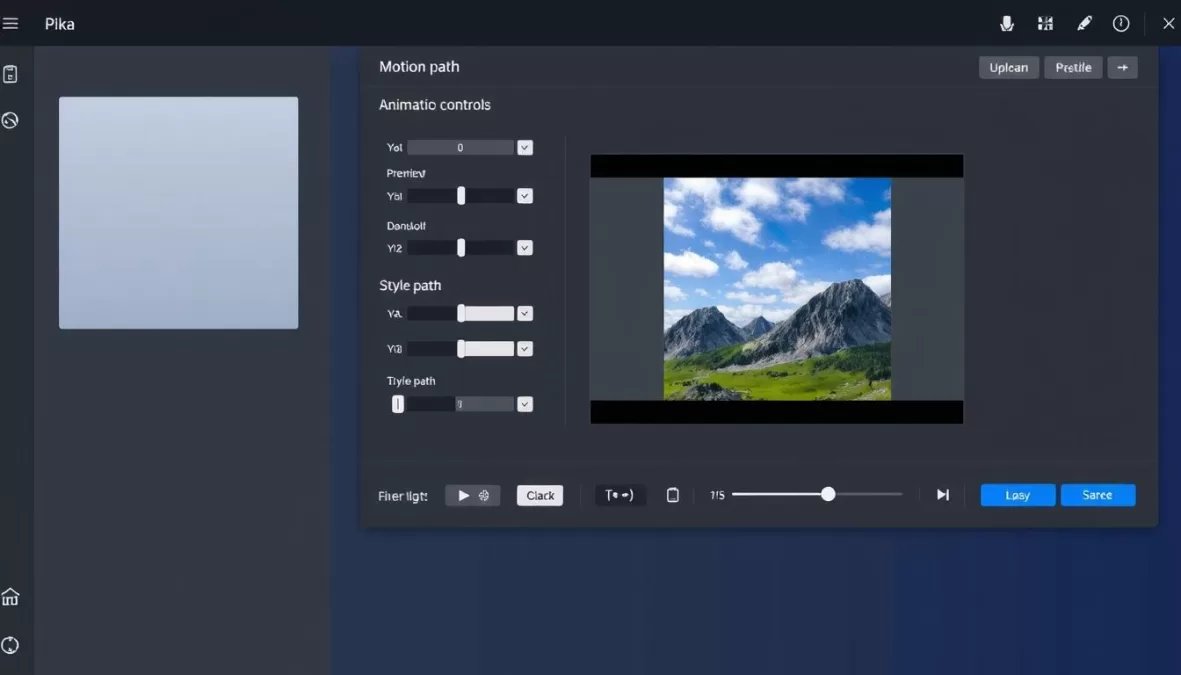
Pika has carved out a specialized niche in the AI video landscape by excelling at image-to-video conversion. While it offers text-to-video capabilities like many competitors, Pika truly shines when transforming static images into dynamic, animated content with natural movement and realistic physics.
The platform’s PikaFrames feature is particularly innovative, allowing users to supply two frames and have the AI intelligently morph between them. This creates smooth transitions that would be difficult to achieve manually. Similarly, PikaAdditions lets you specify elements to add to existing shots, providing creative flexibility without starting from scratch.
Pros
- Superior image-to-video conversion quality
- Innovative features like PikaFrames and PikaAdditions
- Social media-ready aspect ratios built in
- Longer maximum video length (16 seconds)
Cons
- Higher price point than some competitors
- Occasional visual artifacts in complex scenes
- Generation can be slow during high-demand periods
Pricing
- Free Plan: Limited generations with Pika 1.5 model
- Standard Plan: $35/month for Pika 2.2 model access and advanced features
- Pro Plan: $70/month with priority processing and higher usage limits
Ideal User
Pika is ideal for designers, photographers, and marketers who already have high-quality images they want to bring to life. It’s particularly valuable for e-commerce businesses showcasing products, real estate professionals creating property tours, and social media creators looking to add movement to their static content. The platform rewards users with strong visual design skills who can provide quality source images.
Bring your images to life with Pika
Transform static photos into dynamic videos with natural movement and realistic physics.
10. Luma Dream Machine: Best for Creative Brainstorming
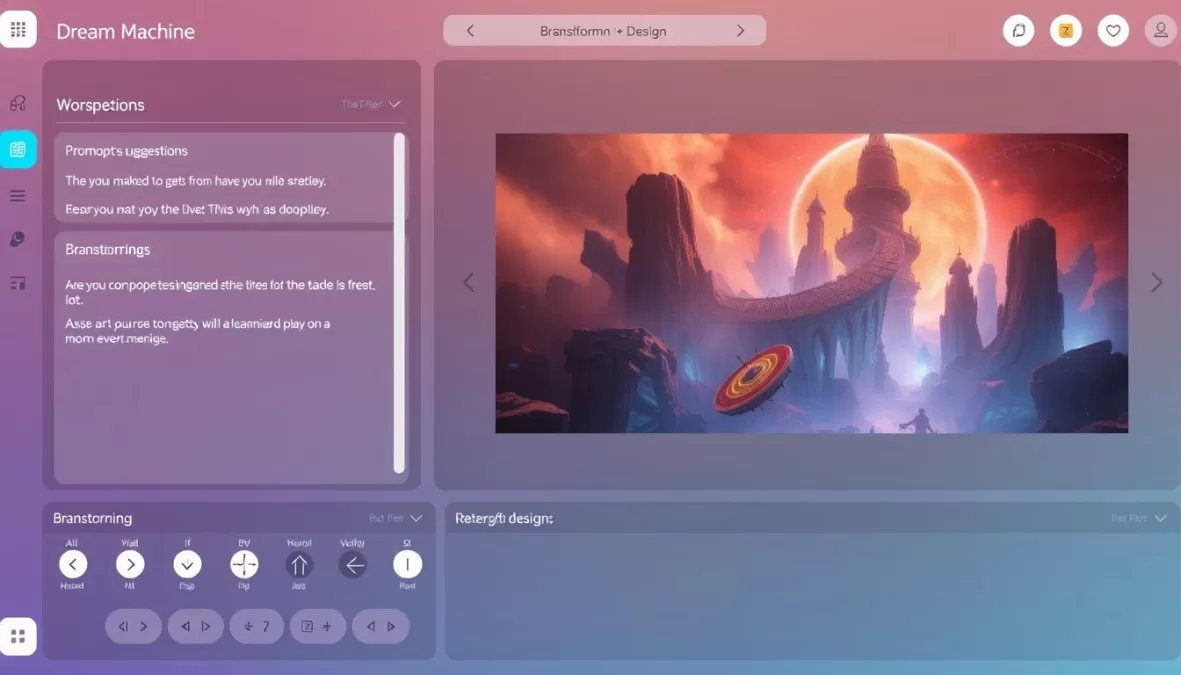
Luma Dream Machine takes a unique approach to AI video creation by focusing on the ideation and exploration process. Rather than simply generating videos from prompts, Luma turns AI video generation into an interactive brainstorming session, helping creators discover new ideas and directions they might not have considered otherwise.
The platform’s interface is designed around iteration and exploration. When starting a new project (called a “board”), you enter a prompt to generate a starting image. From there, you can transform it into video, explore variations, or refine your concept with suggested prompts. The experience feels collaborative, with the platform actively helping you develop your creative vision.
Pros
- Intuitive, creativity-focused user experience
- Excellent for brainstorming and concept development
- Dynamic prompt suggestions and variations
- Strong performance with stylized and 3D content
Cons
- Video quality doesn’t match top-tier generators
- Free plan limited to image generation only
- Less suitable for production-ready content
Pricing
- Free Plan: Image generation only with limited usage
- Lite Plan: $9.99/month for video generation up to 1080p, 3,200 monthly credits
- Pro Plan: $19.99/month with additional features and higher limits
Ideal User
Luma Dream Machine is perfect for creative professionals in the early stages of ideation, including directors, designers, and content strategists. It’s particularly valuable for brainstorming sessions, mood board development, and concept exploration. While not the best choice for final production videos, it excels as a tool for discovering creative directions and visualizing concepts before moving to more production-focused platforms.
Unlock your creative potential
Discover new ideas and visualize concepts with Luma’s interactive AI brainstorming tools.
Feature Comparison: Finding the Right AI Video Tool for Your Needs
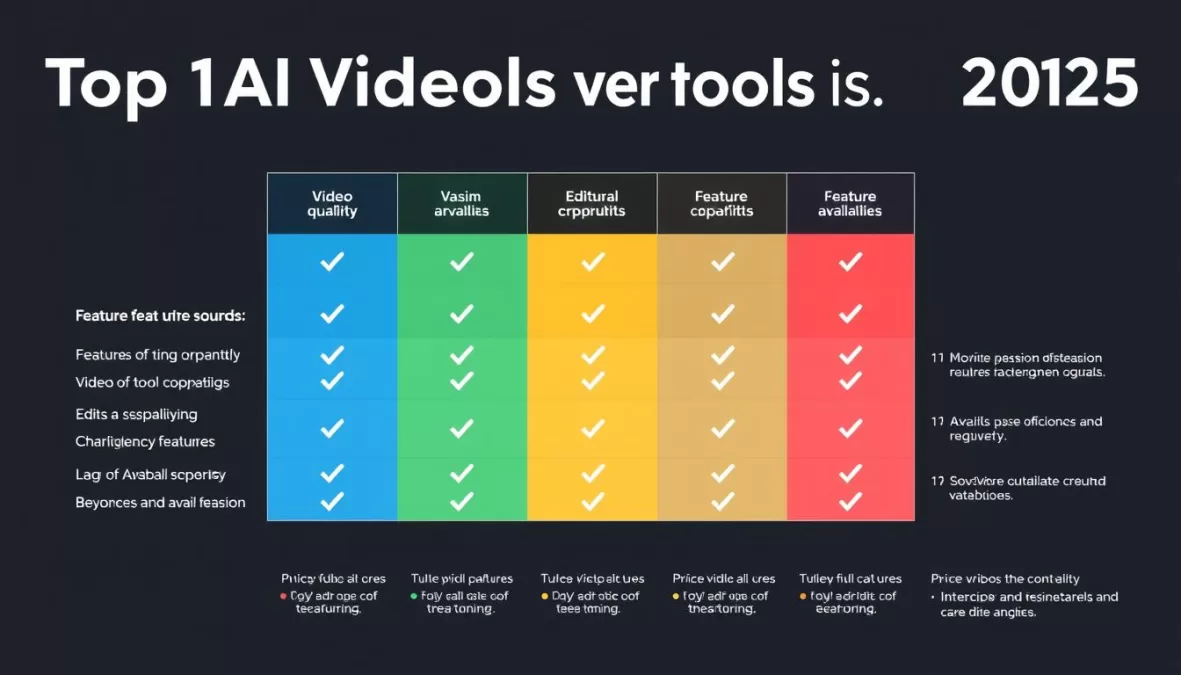
| Feature | Runway | Google Veo | Synthesia | Sora | HeyGen | Kling AI | Descript | InVideo | Pika | Luma |
| Text-to-Video | ✓ | ✓ | ✓ | ✓ | ✓ | ✓ | ✗ | ✓ | ✓ | ✓ |
| Image-to-Video | ✓ | ✗ | ✗ | ✓ | ✗ | ✓ | ✗ | ✓ | ✓ | ✓ |
| AI Avatars | ✓ | ✓ | ✓ | ✗ | ✓ | ✓ | ✗ | ✓ | ✗ | ✗ |
| Lip Sync | ✓ | ✓ | ✓ | ✗ | ✓ | ✓ | ✗ | ✓ | ✗ | ✗ |
| Camera Controls | ✓ | ✓ | ✗ | ✗ | ✗ | ✓ | ✗ | ✗ | ✗ | ✗ |
| Audio Generation | ✗ | ✓ | ✓ | ✗ | ✓ | ✗ | ✓ | ✓ | ✗ | ✓ |
| Edit Existing Videos | ✓ | ✓ | ✓ | ✓ | ✗ | ✓ | ✓ | ✓ | ✓ | ✗ |
| 4K Support | ✗ | ✓ | ✗ | ✗ | ✗ | ✗ | ✗ | ✗ | ✗ | ✗ |
| Free Plan | ✓ | ✗ | ✓ | ✗ | ✓ | ✓ | ✓ | ✓ | ✓ | ✓ |
Recommendations Based on Creator Needs
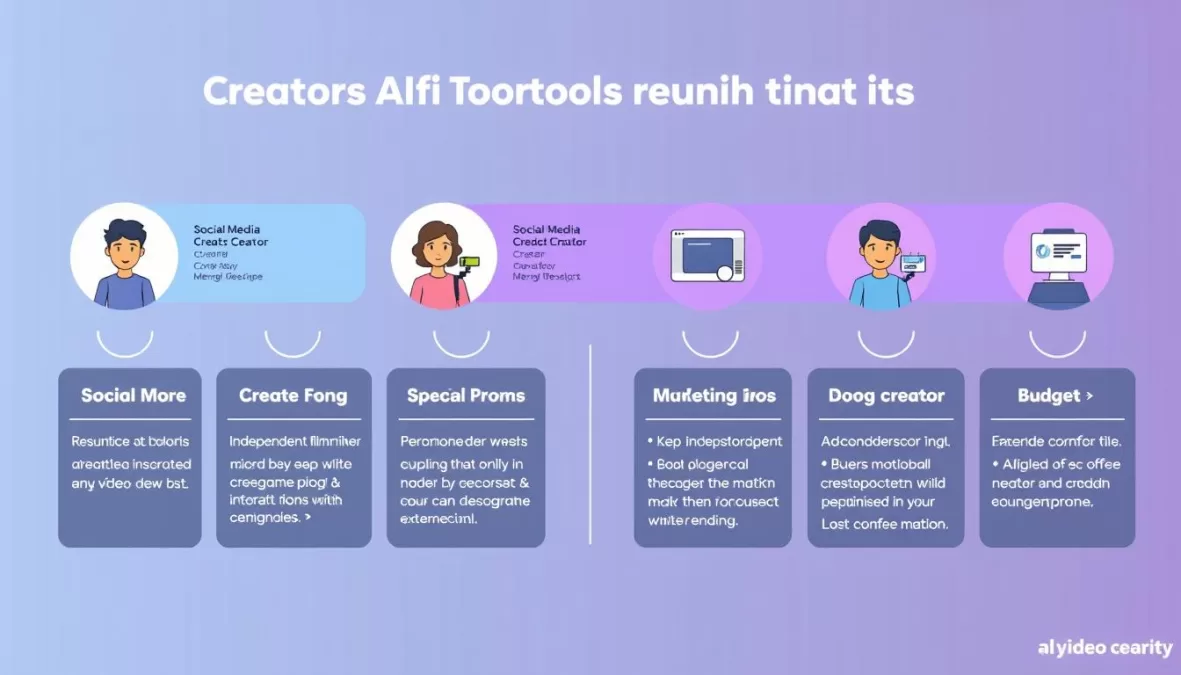
For Social Media Creators
If you’re focused on creating engaging content for social platforms, prioritize tools that optimize for different aspect ratios and quick turnaround times.
- Best Choice: InVideo AI
- Runner-Up: Pika
- Budget Option: Kling AI
These tools excel at creating attention-grabbing content optimized for social feeds, with templates designed specifically for platforms like TikTok, Instagram, and YouTube.
For Corporate Training
When creating instructional or training content, prioritize clarity, professionalism, and multilingual capabilities.
- Best Choice: Synthesia
- Runner-Up: HeyGen
- Budget Option: Descript
These platforms excel at creating clear, professional videos with AI avatars and voiceovers that can be easily translated for global teams, making them ideal for corporate training and onboarding.
For Cinematic Content
If you’re creating more artistic or cinematic content, prioritize visual quality and creative control.
- Best Choice: Runway Gen-4
- Runner-Up: Google Veo 3
- Budget Option: Kling AI
These tools offer the highest visual quality and most advanced controls for creating cinematic scenes, special effects, and artistic visuals that stand out from typical AI-generated content.
For Marketing Teams
Marketing teams need versatile tools that can create various content types while maintaining brand consistency.
- Best Choice: Google Veo 3
- Runner-Up: InVideo AI
- Budget Option: Descript
These platforms offer the flexibility to create different types of marketing content—from product demos to social ads—while providing templates and brand controls to ensure consistency.
For Beginners
If you’re new to video creation, prioritize ease of use and guided workflows over advanced features.
- Best Choice: Synthesia
- Runner-Up: InVideo AI
- Budget Option: Luma Dream Machine
These tools offer intuitive interfaces with templates and guided processes that help beginners create professional-looking videos without technical expertise or steep learning curves.
For Budget-Conscious Creators
If you’re working with limited resources, these options provide the best value without compromising quality.
- Best Choice: Kling AI ($10/month)
- Runner-Up: Luma Dream Machine ($9.99/month)
- Free Option: Runway Free Plan
These affordable options deliver impressive results without breaking the bank, making them ideal for independent creators, small businesses, and startups with limited budgets.
Future Trends in AI Video Technology

As we look beyond 2025, several emerging trends are poised to reshape the AI video landscape. Understanding these developments can help creators stay ahead of the curve and prepare for the next generation of tools and capabilities.
Real-Time Generation
The next frontier in AI video is real-time generation, eliminating the waiting period currently required for processing. This will enable live AI video creation for streaming, interactive experiences, and on-the-fly content adaptation. Creators who master prompt engineering will be able to direct AI-generated scenes in real-time, similar to traditional film directors.
Interactive Narratives
AI video tools are beginning to support branching narratives and interactive storytelling, allowing viewers to influence the direction of content. This convergence of gaming and video content will create new engagement opportunities for creators and brands. Early experiments with this technology are already showing promising results in education and marketing.
Neural Cinematography
Advanced AI models are developing an understanding of cinematic language, enabling more sophisticated camera movements, lighting, and composition. Future tools will offer intelligent cinematography suggestions based on content and emotional tone, helping creators achieve professional-quality visuals without extensive technical knowledge.
Personalized Video at Scale
AI will enable true one-to-one video personalization at scale, with content dynamically adapting to individual viewers. This will revolutionize marketing, education, and entertainment by delivering tailored experiences that resonate with specific audience segments or even individual users.
Ethical AI and Watermarking
As AI-generated content becomes more prevalent, expect to see stronger emphasis on ethical guidelines, content provenance, and digital watermarking. Leading platforms will integrate transparent disclosure mechanisms to maintain trust and combat misinformation, while still enabling creative expression.
Human-AI Collaboration
The most successful creators will be those who develop workflows that combine AI efficiency with human creativity and oversight. Rather than replacing human creators, AI tools will evolve to become more collaborative, augmenting human capabilities while preserving the unique perspective and emotional intelligence that only humans can provide.
How to Stay Ahead: To remain competitive in the rapidly evolving AI video landscape, creators should regularly experiment with new tools, join communities focused on AI creativity, and develop a hybrid workflow that leverages both AI efficiency and human creative direction. The most successful creators will be those who view AI as a collaborative partner rather than a replacement for human creativity.
Conclusion: Choosing the Right AI Video Tool for Your Creative Journey
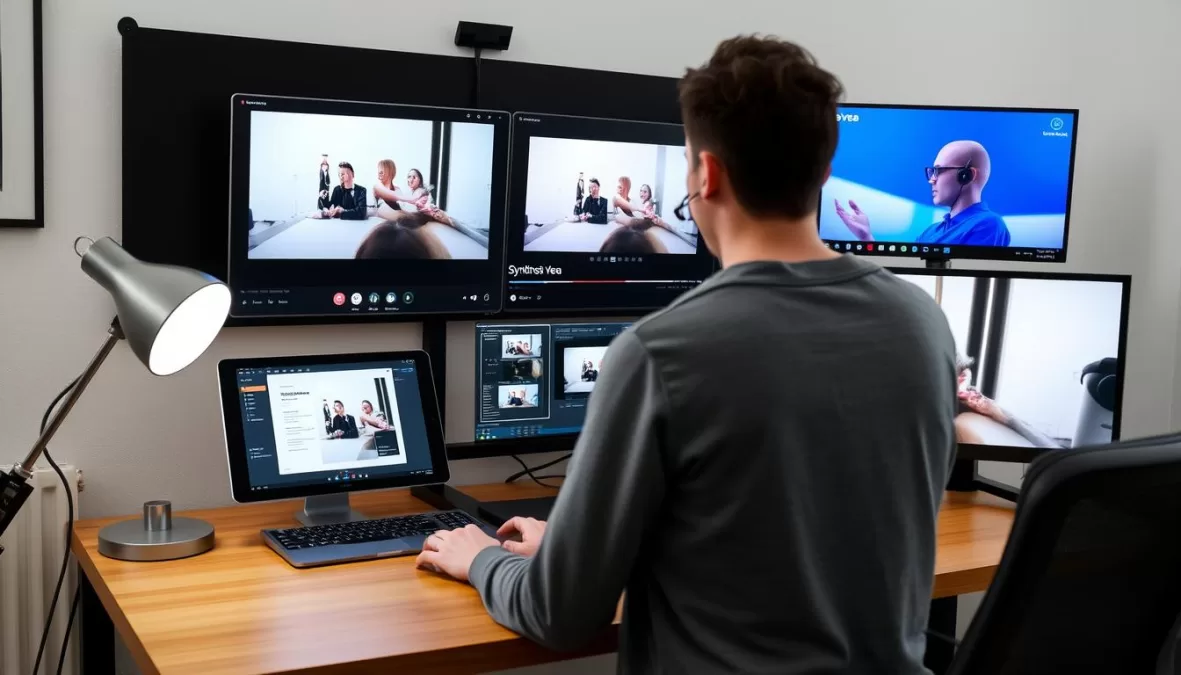
The AI video landscape of 2025 offers unprecedented opportunities for creators at all levels. From generating cinematic scenes with Runway Gen-4 to creating professional AI avatars with Synthesia, these tools are democratizing video production and enabling new forms of creative expression. As we’ve seen throughout this guide, each platform has its unique strengths and ideal use cases, making it important to align your choice with your specific needs, budget, and creative goals.
Rather than viewing these tools as competing options, consider how they might complement each other in your creative workflow. Many professional creators use multiple AI video platforms, leveraging each for its strengths—perhaps using Luma Dream Machine for initial concept exploration, Runway for generating high-quality scenes, and Descript for efficient editing and finalization. By understanding the capabilities and limitations of each tool, you can develop a workflow that maximizes efficiency while maintaining creative control.
As AI video technology continues to evolve at a rapid pace, staying adaptable and experimental will be key to success. The tools available today will likely look quite different a year from now, with new capabilities, improved quality, and novel creative possibilities emerging regularly. By embracing this spirit of exploration and focusing on the creative outcomes rather than the technology itself, you’ll be well-positioned to leverage AI as a powerful ally in your content creation journey.
Ready to transform your video creation process?
Start with our top recommendation, Runway Gen-4, and experience the future of AI-powered video creation today.
Frequently Asked Questions About AI Video Tools
What is the best AI video tool for beginners in 2025?
For beginners, Synthesia offers the most user-friendly experience with its simple text-to-video interface and extensive template library. InVideo AI is also an excellent choice for beginners, particularly those focused on social media content, as it provides guided workflows and platform-specific templates. Both tools require minimal technical knowledge while still producing professional-quality results.
Are AI video tools replacing traditional video production?
AI video tools are complementing rather than replacing traditional video production. While they excel at certain tasks—like generating quick social media content, creating talking head videos without filming, or visualizing concepts—they still have limitations with complex narratives, emotional nuance, and highly specific creative visions. Most professional creators use AI tools alongside traditional methods, leveraging each for their strengths in a hybrid workflow.
Which AI video tool offers the best value for money in 2025?
Kling AI offers exceptional value at just /month, delivering video quality that rivals much more expensive platforms. For those with slightly higher budgets, Runway’s Standard plan at /month provides access to industry-leading generation capabilities and the innovative Aleph editing model. For teams needing AI avatars, Synthesia’s Starter plan at /month offers excellent value with its extensive avatar library and multilingual support.
Can AI video tools generate content in languages other than English?
Yes, many AI video tools support multiple languages. Synthesia leads in this area with support for over 140 languages, while HeyGen offers translation into 175+ languages and dialects. Most text-to-video generators can work with non-English prompts, though the quality may vary depending on the language. For global businesses, these multilingual capabilities provide significant value by enabling content localization without additional production costs.
What are the limitations of current AI video tools?
Despite their impressive capabilities, current AI video tools still face several limitations. These include challenges with object permanence (keeping objects consistent throughout a scene), realistic human movement and interactions, precise creative control, and longer video durations. Most tools also struggle with highly specific or niche content that isn’t well-represented in their training data. Additionally, ethical considerations around deepfakes, copyright, and content authenticity remain important concerns when using these technologies.

Priyanka Pandey
Senior Research Editor · Top10Sense
Priyanka specializes in tech, consumer products, and digital trends. She combines hands-on testing, vendor interviews, and database research to create trustworthy “Top 10” rankings. Her work has been referenced by industry blogs and brand report pages.