
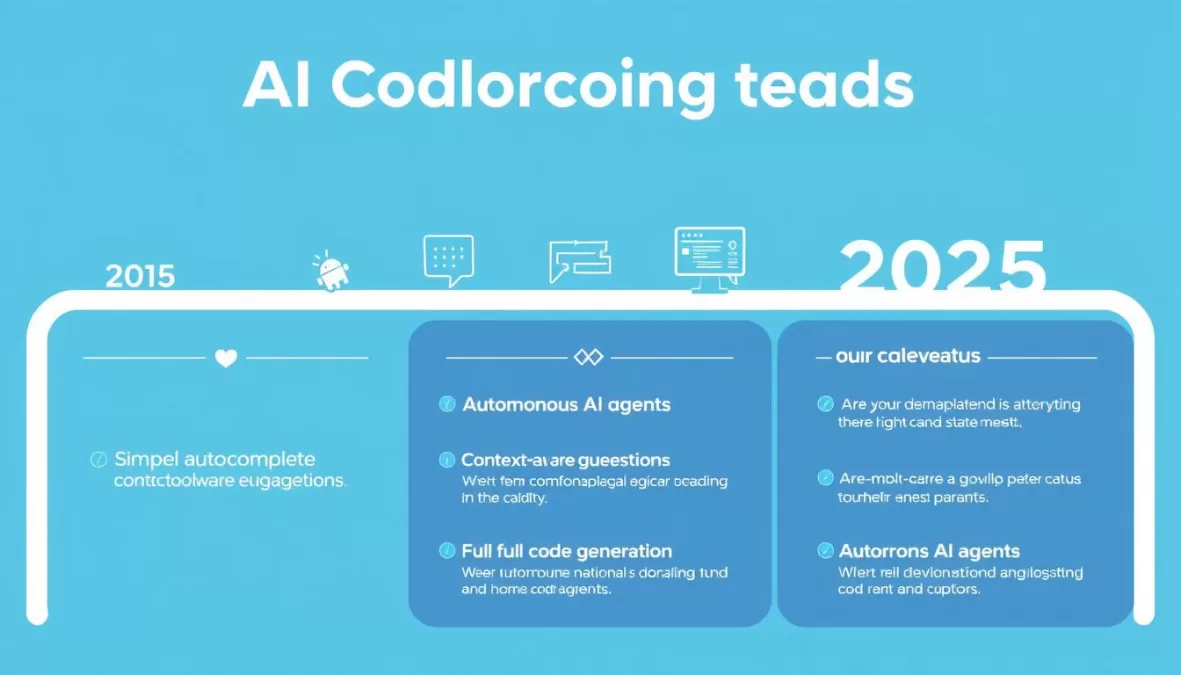
The landscape of software development has been revolutionized by artificial intelligence. What began as simple code completion tools has evolved into sophisticated AI coding assistants capable of generating entire functions, debugging complex issues, and even architecting complete applications. As we move through 2025, these AI tools have become indispensable for developers seeking to boost productivity, reduce repetitive tasks, and focus on creative problem-solving.
In this comprehensive guide, we’ll explore the top 10 best AI for coding in 2025, analyzing their capabilities, supported programming languages, integration options, pricing structures, and ideal use cases. Whether you’re a seasoned developer looking to streamline your workflow or a tech lead evaluating options for your team, this guide will help you navigate the increasingly sophisticated world of AI coding assistants.
The Evolution of AI in Software Development
The journey of AI in software development has been remarkable. Early tools offered basic syntax highlighting and simple autocomplete functionality. By 2020, we saw the emergence of more sophisticated code suggestions based on context. Now in 2025, AI coding assistants have evolved into powerful development partners capable of understanding project architecture, generating complex code blocks, and even autonomously solving programming challenges.
This evolution has been driven by several key advancements:
- Larger context windows – Modern AI models can now process and understand entire codebases, not just individual files
- Multimodal capabilities – Today’s tools can interpret images, diagrams, and natural language to generate appropriate code
- Agent-based architecture – Advanced AI coding assistants now function as autonomous agents that can plan, execute, and refine coding tasks
- Specialized training – AI models trained specifically on programming tasks and high-quality code repositories
- Integration with development environments – Seamless incorporation into popular IDEs and workflow tools
2025 represents a pivotal year for AI coding tools as they’ve crossed the threshold from helpful assistants to essential productivity multipliers. The tools we’ll examine in this guide represent the cutting edge of what’s possible when artificial intelligence meets software development.
AI Coding Assistants: At a Glance
Before diving into detailed reviews, let’s compare the top 10 AI coding assistants of 2025 side by side. This table highlights key features, pricing, and ideal use cases to help you quickly identify which tools might best suit your needs.
| AI Tool | Key Features | Supported Languages | IDE Integration | Free Tier | Starting Price | Best For |
| GitHub Copilot | Code generation, Agent mode, PR reviews | 14+ languages | VS Code, JetBrains, Neovim | Limited | $10/month | Professional developers |
| Qodo | Test generation, code review, quality focus | 10+ languages | VS Code, JetBrains | Yes | $38/month | Enterprise teams |
| Claude Code | Context-aware, multi-file editing | 12+ languages | CLI, VS Code | Yes | Token-based | Complex projects |
| Cursor | AI-native editor, chat, debugging | 15+ languages | Standalone (VS Code fork) | Yes | $20/month | Individual developers |
| Aider | Terminal-based, voice coding, Git integration | 100+ languages | Terminal | Yes (BYOK) | API costs only | CLI enthusiasts |
| Windsurf | Agentic IDE, Cascade technology | 12+ languages | Standalone (VS Code fork) | Yes | $15/month | Flow-state coding |
| Tabnine | Privacy-focused, on-premise option | 20+ languages | VS Code, JetBrains, more | Yes | $9/month | Security-conscious teams |
| Jules | Autonomous agent, background operation | 10+ languages | GitHub integration | Yes (Beta) | Free (currently) | Asynchronous development |
| JetBrains AI | Deep IDE integration, coding agent | All JetBrains-supported | JetBrains IDEs | Yes | €10/month | JetBrains users |
| Bolt.new | Browser-based, full-stack, deployment | Web technologies | Browser | Yes | $20/month | Web developers, prototyping |
Ready to boost your coding productivity?
Compare these top AI coding tools side-by-side and find the perfect match for your development workflow.
Detailed Reviews of the Top 10 AI Coding Assistants in 2025
Let’s dive deeper into each of these powerful AI coding tools to understand their unique capabilities, strengths, and potential limitations. We’ll examine real-world use cases, integration options, and pricing structures to help you make an informed decision.
1. GitHub Copilot

GitHub Copilot, developed through a collaboration between GitHub, OpenAI, and Microsoft, has maintained its position as a leading AI coding assistant in 2025. Trained on billions of lines of public code, Copilot offers intelligent code suggestions directly within your development environment.
Key Features
- Advanced Code Generation: Suggests entire functions and code blocks based on comments and context
- Agent Mode: Autonomous capability to handle complex, multi-step coding tasks with minimal guidance
- Pull Request Reviews: Automatically analyzes PRs and suggests improvements
- Multi-language Support: Works with JavaScript, Python, TypeScript, Ruby, Go, C#, and many more
- IDE Integration: Seamlessly works with Visual Studio Code, JetBrains IDEs, Neovim, and more
Pricing Structure
- Free: Limited completions and agent chat interactions
- Pro: $10/month or $100/year for unlimited completions (free for verified students, teachers, and open-source maintainers)
- Pro+: $39/month or $390/year for access to all models and coding agent
- Business: $19/user/month for team management features
- Enterprise: $39/user/month for advanced security and compliance features
Pros
- Extensive language support
- Deep GitHub ecosystem integration
- Highly accurate suggestions
- Powerful agent capabilities
- Strong community and support
Cons
- Premium features require subscription
- Quality varies by programming language
- May suggest code that matches public repositories
- Agent mode consumes premium requests
Real-World Use Case
A development team at a fintech startup used GitHub Copilot to accelerate the creation of a new payment processing system. The team reported a 35% reduction in development time, with Copilot generating complex validation functions, API integrations, and test cases. The agent mode was particularly valuable for refactoring legacy code, automatically updating deprecated methods across multiple files while maintaining functionality.
Experience GitHub Copilot
Join millions of developers using GitHub Copilot to write better code faster. Free for students and open-source contributors.
2. Qodo (formerly Codium)
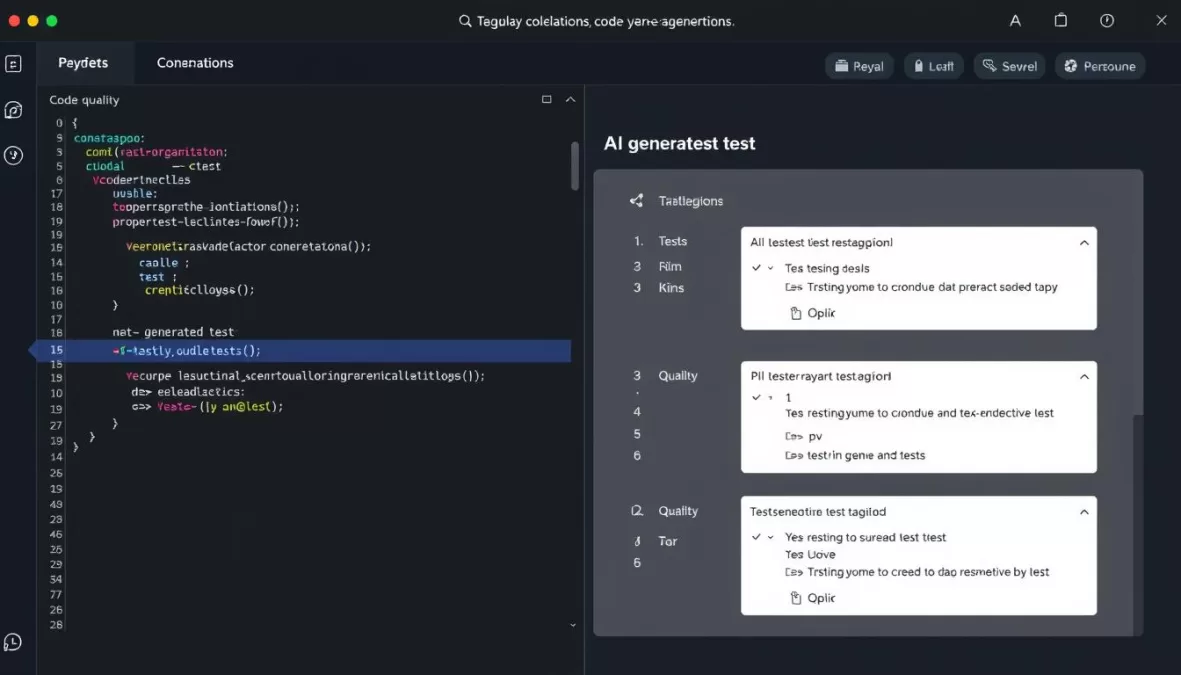
Qodo (previously known as Codium) has distinguished itself in the AI coding assistant market with its quality-first approach. Unlike tools that primarily focus on code generation, Qodo emphasizes code integrity, testing, and review, making it particularly valuable for enterprise development teams prioritizing code quality and security.
Key Features
- Qodo Gen: IDE plugin for intelligent code completion, generation, and chat
- Qodo Merge: Git agent for automated code reviews and PR descriptions
- Comprehensive Test Generation: Creates unit and component tests with behavior analysis
- Code Review Automation: Identifies issues, suggests improvements, and enhances code quality
- Context-Aware Suggestions: Understands your codebase for relevant recommendations
Pricing Structure
- Developer: Free tier with repository context chat, code review, and test generation
- Teams: $38/user/month with PR automation and enhanced privacy
- Enterprise: $45/user/month with multi-repo awareness, self-hosting, and SSO
Pros
- Superior test generation capabilities
- Strong focus on code quality
- Excellent PR review automation
- Multiple deployment options (SaaS, on-premise)
- Strong security and privacy features
Cons
- Higher price point for teams
- Less focus on rapid code generation
- Steeper learning curve for full utilization
- Advanced features require paid tiers
Real-World Use Case
A healthcare software company implemented Qodo to ensure their patient management system met strict quality and compliance standards. The automated test generation increased test coverage from 65% to 92%, while the PR review process caught several potential security vulnerabilities before they reached production. The team reported that Qodo’s context-aware suggestions significantly improved code consistency across their microservices architecture.
Elevate Your Code Quality with Qodo
Start writing more reliable, compliant, and production-ready code with Qodo’s AI-powered platform.
3. Claude Code
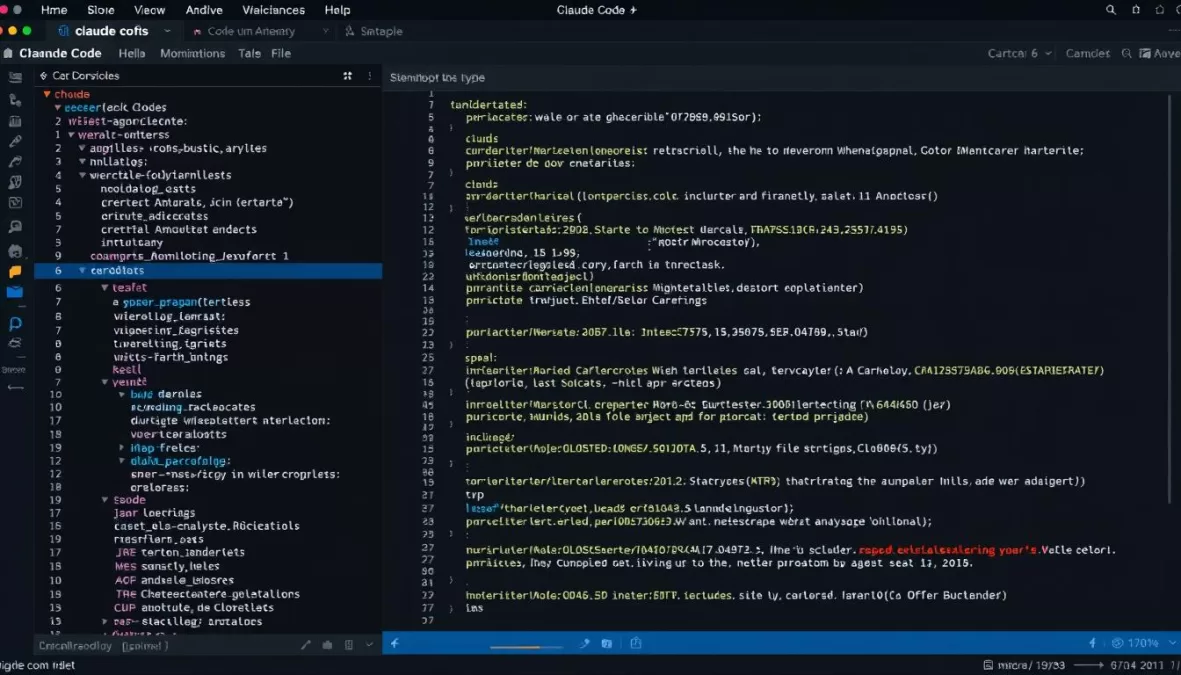
Claude Code, developed by Anthropic, has emerged as a powerful contender in the AI coding assistant space. Built on Anthropic’s Claude 3.5 Sonnet model, Claude Code excels at understanding entire codebases and making surgical changes across multiple files. Its context-aware capabilities and reasoning make it particularly valuable for complex projects and refactoring tasks.
Key Features
- Deep Code Understanding: Comprehends entire projects and their architecture
- Multi-file Editing: Makes coordinated changes across multiple files
- Scriptable Workflows: Automates common development tasks
- IDE-Agnostic Design: Works with various development environments
- Multimodal Capabilities: Processes text, images, and other inputs
Pricing Structure
- Token-based pricing: Pay for what you use
- Privacy-first options: Models not trained on your data by default
- Zero-data retention mode available for sensitive projects
Pros
- Exceptional project-wide understanding
- Powerful reasoning capabilities
- Strong privacy protections
- Excellent for complex refactoring
- Supports parallel processing
Cons
- Token-based pricing can be unpredictable
- Steeper learning curve for CLI interface
- Less intuitive than some IDE-integrated options
- Newer to market than some competitors
Real-World Use Case
A development team working on a large-scale microservices application used Claude Code to migrate from REST to GraphQL. The tool analyzed the entire codebase, identified all affected components, and generated a comprehensive migration plan. It then executed the changes across dozens of files while maintaining consistency and backward compatibility. The team estimated that Claude Code reduced the migration time by 60% compared to manual refactoring.
Unlock the Power of Claude Code
Experience AI that understands your entire codebase and makes precise, coordinated changes across multiple files.
4. Cursor
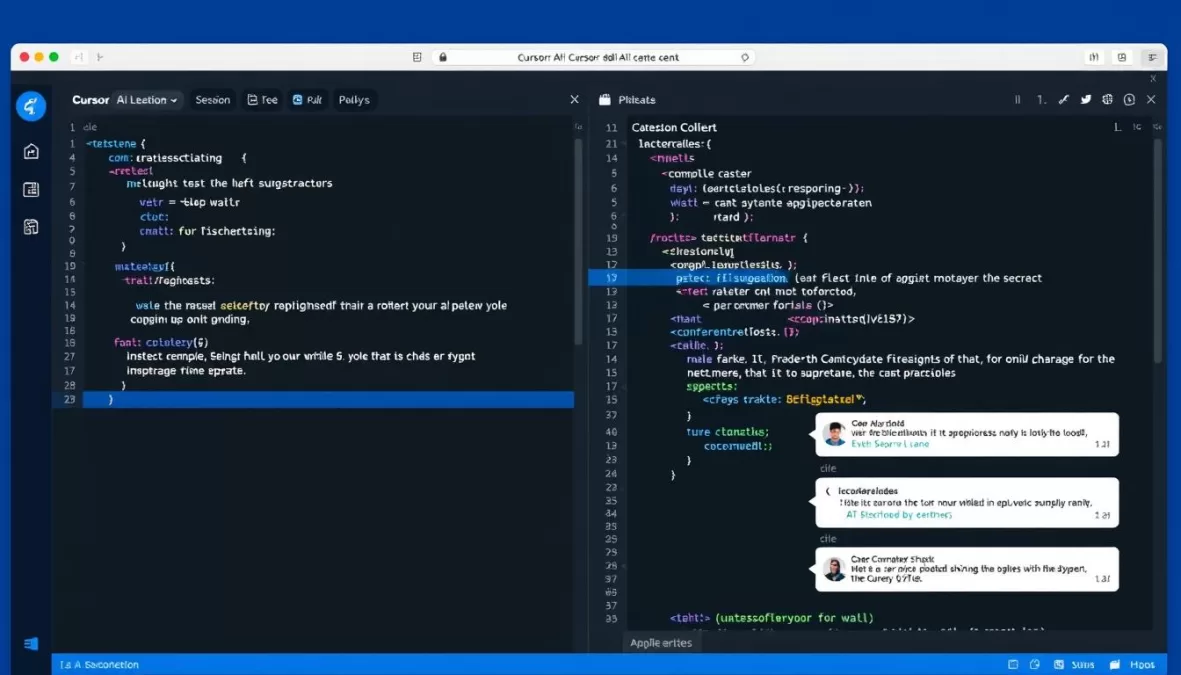
Cursor has established itself as a leading AI-native code editor, built as a fork of Visual Studio Code with deep AI integration. It offers a seamless experience that combines familiar IDE functionality with powerful AI assistance, making it particularly popular among developers who want AI capabilities without changing their workflow significantly.
Key Features
- AI-Native Editor: Built from the ground up for AI-assisted development
- Integrated AI Chat: Context-aware chat that understands your code
- Auto-Debug: Suggests fixes for issues directly in the terminal
- Provider-Agnostic: Works with multiple AI models (OpenAI, Anthropic, etc.)
- Image Support: Process visual inputs for complex coding queries
Pricing Structure
- Hobby: Free tier with limited interactions
- Pro: $20/month for unlimited completions
- Business: $40/user/month with team billing, administration, and privacy mode
Pros
- Familiar VS Code interface
- Powerful AI chat integration
- Strong debugging capabilities
- Support for multiple AI models
- Excellent documentation lookup
Cons
- Higher resource usage than standard VS Code
- Unlimited features require subscription
- Some features require external API keys
- Occasional stability issues with large projects
Real-World Use Case
A freelance developer working on a React Native application used Cursor to accelerate development of complex UI components. The integrated AI chat helped troubleshoot performance issues by analyzing the component lifecycle and suggesting optimizations. The developer reported that Cursor’s ability to understand the entire project context allowed it to generate precisely tailored components that matched the application’s existing style and patterns, reducing development time by approximately 40%.
Code Smarter with Cursor
Experience the future of coding with an AI-native editor that understands your code and helps you build faster.
5. Aider
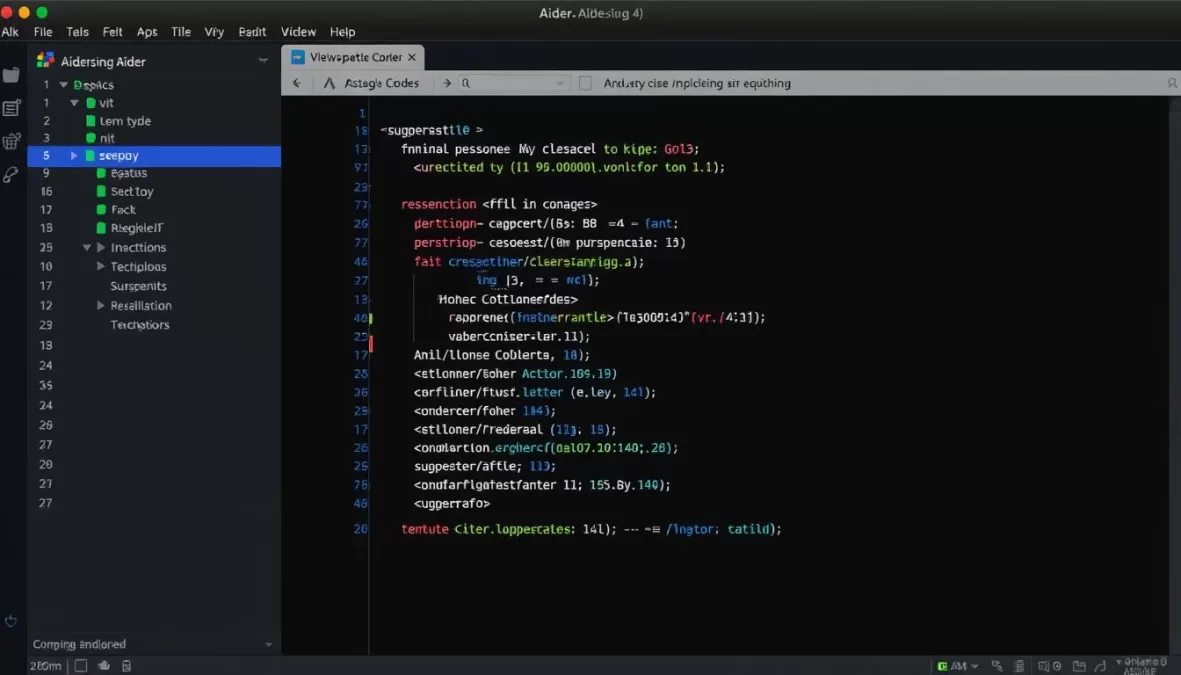
Aider has carved out a unique niche as a terminal-based AI pair programming tool. It operates directly in your command line interface, integrating with Git repositories and allowing developers to collaborate with AI through natural language. Its flexibility and “bring your own key” model have made it particularly popular among developers who prefer terminal-based workflows.
Key Features
- Terminal-Based Interface: Works directly in your command line
- Git Integration: Seamlessly works with your local repositories
- Voice Coding: Supports voice commands for hands-free coding
- Model Flexibility: Connect to various LLMs (Claude, GPT-4, Gemini, local models)
- Automated Commits: Creates sensible commit messages automatically
Pricing Structure
- Free Tool: Aider itself is free of charge
- BYOK Model: You pay for the usage of connected LLMs based on their pricing
- Local Models: Use with Ollama for completely free operation
Pros
- Lightweight and efficient
- Excellent Git workflow integration
- Model flexibility and privacy
- Voice coding capabilities
- Works with local models
Cons
- Terminal interface may not appeal to all developers
- Requires external API keys for premium models
- Less visual feedback than GUI alternatives
- Steeper learning curve for CLI commands
Real-World Use Case
A backend developer working on a Node.js microservices project used Aider to implement new API endpoints and database models. Using voice commands while reviewing documentation, the developer was able to describe the required functionality verbally while Aider generated the code and tests. The Git integration automatically committed changes with descriptive messages, maintaining a clean project history. The developer particularly valued the ability to switch between different LLMs for different tasks, using Claude for architecture decisions and GPT-4 for specific implementation details.
Experience Terminal-Based AI Pair Programming
Transform your command line into a powerful AI coding environment with Git integration and voice commands.
6. Windsurf (formerly Codeium)
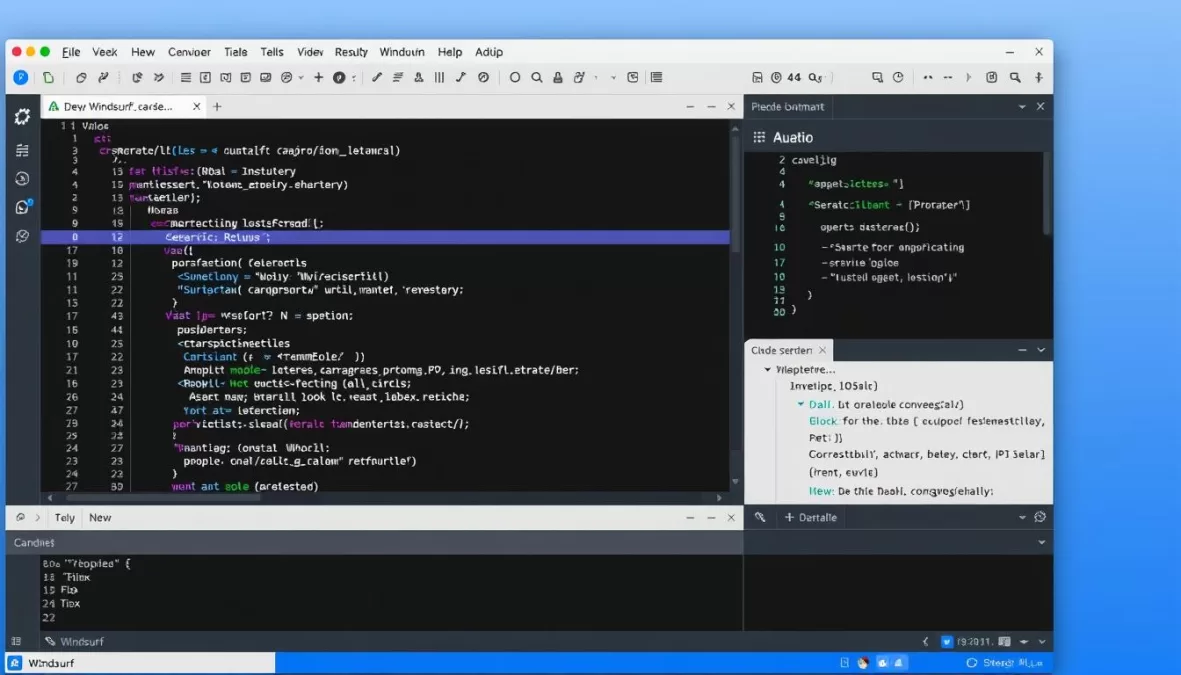
Windsurf, previously known as Codeium, has evolved into what it calls the “world’s first agentic IDE.” Built on a fork of Visual Studio Code, Windsurf combines traditional copilot-style assistance with autonomous agent capabilities, creating a development environment designed to keep developers in a flow state by anticipating needs and proactively solving problems.
Key Features
- Cascade Technology: Autonomous agent that understands your entire codebase
- Windsurf Tab: Context-aware code suggestions based on command history
- Integrated Workflows: Build, iterate, and deploy within a single environment
- Model Flexibility: Powered by Claude 3.5 Sonnet and other advanced models
- Familiar Interface: Based on VS Code for minimal learning curve
Pricing Structure
- Free: 100 GPT prompts per month
- Pro: $15/month for 2000 GPT prompts and additional credits
- Teams: $30/user/month with reviews, analytics, and SSO
- Enterprise: $60/user/month with 4000 GPT prompts, SSO, and priority support
Pros
- Powerful autonomous coding capabilities
- Maintains context throughout development sessions
- Familiar VS Code-based interface
- Strong support for full-stack development
- Excellent for maintaining flow state
Cons
- Higher resource requirements than standard VS Code
- Limited GPT prompts on free tier
- Higher pricing for team features
- Newer platform with some evolving features
Real-World Use Case
A full-stack developer working on a SaaS application used Windsurf’s Cascade feature to rapidly prototype new features. The developer described the desired functionality in natural language, and Cascade autonomously generated the necessary frontend components, backend APIs, and database models. The system maintained consistency with the existing codebase and followed established patterns. The developer estimated that Windsurf reduced feature development time by 50-60%, particularly for standard CRUD operations and UI components.
Enter the Flow State with Windsurf
Experience the world’s first agentic IDE that anticipates your needs and helps you build faster.
7. Tabnine
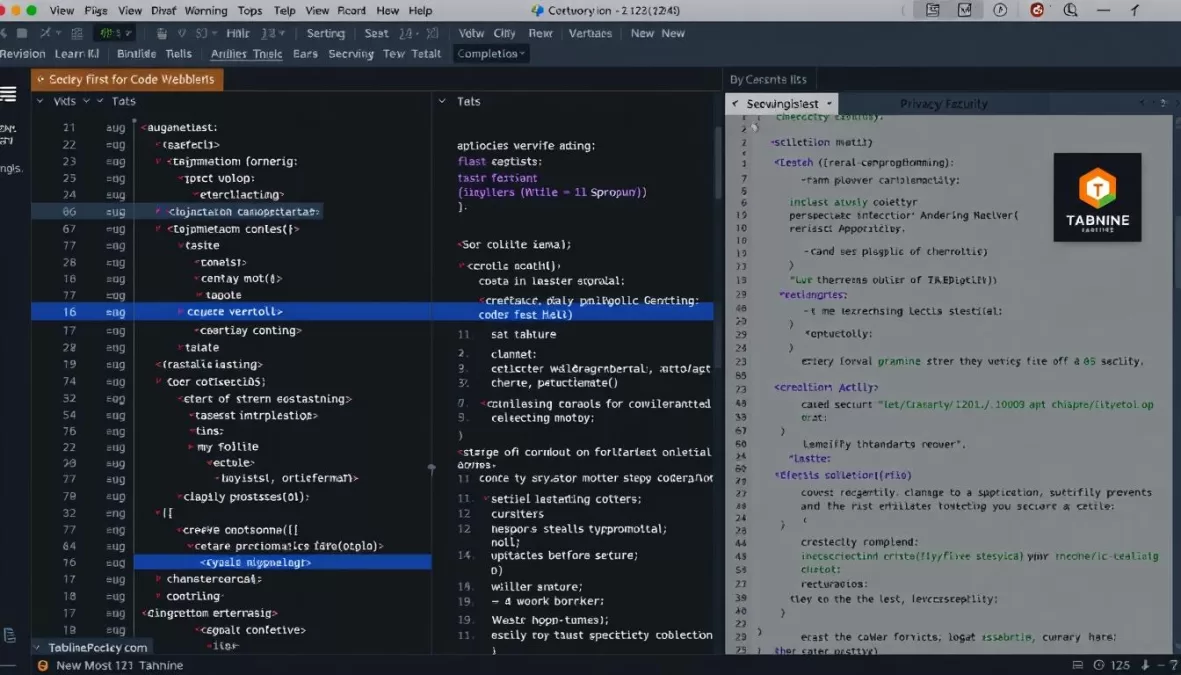
Tabnine has established itself as the privacy-focused option in the AI coding assistant market. With its emphasis on data security and intellectual property protection, Tabnine offers a compelling solution for enterprises and developers working with sensitive codebases. It adapts to your coding style and project patterns without exposing proprietary code.
Key Features
- Privacy-First Design: Trained on permissive open-source code only
- Flexible Deployment: SaaS, on-premises, or VPC options
- Automated Documentation: Generates comprehensive code documentation
- Extensive IDE Support: Works with VS Code, JetBrains, Neovim, and more
- Language Coverage: Supports 20+ programming languages
Pricing Structure
- Pro: $9/month for individual developers
- Enterprise: $39/user/month with advanced AI agents, premium support, and private deployment
Pros
- Superior privacy and security
- SOC-2 compliance
- No training on your code without consent
- Wide IDE integration options
- Adapts to your coding style
Cons
- Sometimes less accurate than competitors
- Limited free tier capabilities
- Fewer advanced features than some alternatives
- Enterprise features require premium subscription
Real-World Use Case
A financial services company with strict data security requirements implemented Tabnine in their on-premises development environment. The team was able to benefit from AI-assisted coding without exposing sensitive financial algorithms or customer data processing logic to external services. Developers reported that Tabnine quickly adapted to their internal coding standards and patterns, providing increasingly relevant suggestions over time. The security team appreciated the transparent data handling and compliance features.
Code Securely with Tabnine
Experience AI-powered code completion that respects your privacy and protects your intellectual property.
8. Jules
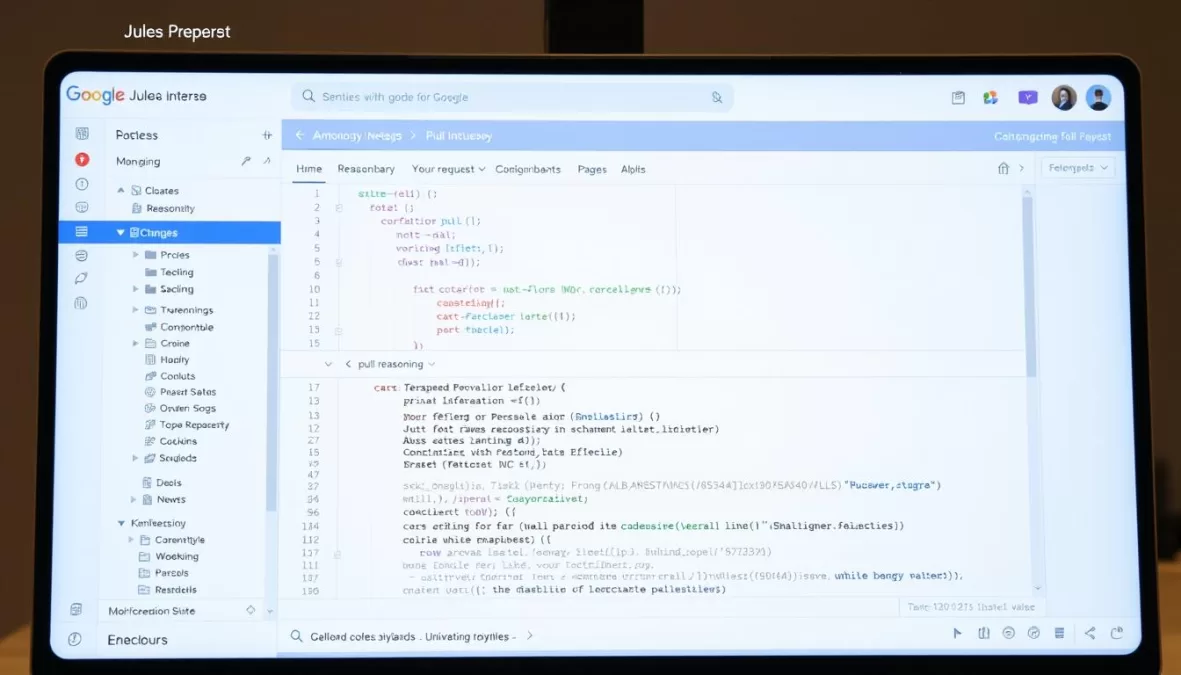
Google Jules represents a significant advancement in autonomous AI coding agents. Unlike traditional assistants that offer real-time suggestions, Jules operates asynchronously, allowing developers to assign complex tasks and focus on other work while the agent operates in the background. It integrates directly with GitHub repositories and works within a secure Google Cloud environment.
Key Features
- Autonomous Operation: Handles complex coding tasks independently
- GitHub Integration: Works directly with your repositories
- Secure Environment: Operates in isolated Google Cloud VMs
- Comprehensive Capabilities: Writes code, fixes bugs, refactors, updates dependencies
- Detailed Documentation: Provides reasoning and explanations for changes
Pricing Structure
- Free Beta: Currently available at no cost during public beta
- Future Pricing: May be subject to Gemini model pricing
Pros
- Truly autonomous operation
- Powered by advanced Gemini 2.5 Pro model
- Seamless GitHub workflow integration
- Detailed explanations and reasoning
- Privacy-focused design
Cons
- Currently in beta with potential limitations
- Future pricing structure uncertain
- Requires GitHub integration
- Less interactive than real-time assistants
Real-World Use Case
A development team working on a complex data processing application used Jules to update their codebase from Python 3.8 to 3.11, taking advantage of new language features. The team assigned the task to Jules, which analyzed the entire repository, identified compatibility issues, and implemented the necessary changes across hundreds of files. Jules created a comprehensive pull request with detailed explanations of each modification, allowing the team to review and approve the changes. The team estimated that Jules saved them several days of tedious migration work.
Let Jules Handle the Heavy Lifting
Experience Google’s autonomous AI coding agent that works in the background while you focus on what matters.
9. JetBrains AI Assistant
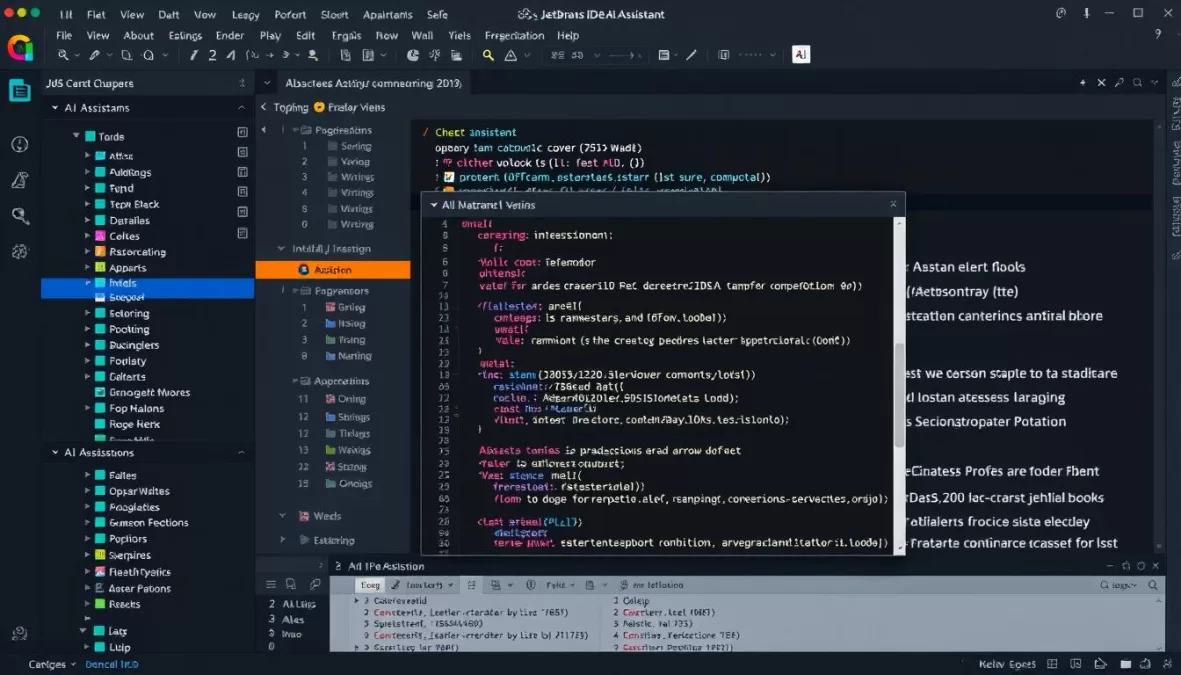
JetBrains AI Assistant brings powerful AI capabilities directly into the popular suite of JetBrains IDEs, including IntelliJ IDEA, PyCharm, WebStorm, and Android Studio. With its deep integration into these development environments, it offers a seamless experience for developers already working within the JetBrains ecosystem.
Key Features
- Native IDE Integration: Seamlessly works within JetBrains products
- AI-Powered Chat: Context-aware assistance for coding questions
- Code Generation: Creates code from natural language descriptions
- Automated Documentation: Generates comprehensive documentation
- Coding Agent: Autonomous capabilities for complex tasks
Pricing Structure
- Free: Basic features with limited cloud credits
- AI Pro: €10/month with more cloud credits (included in All Products Pack)
- AI Ultimate: €20/month with additional cloud credits
Pros
- Seamless integration with JetBrains IDEs
- Consistent experience across different languages
- Contextual awareness of project structure
- Included in existing JetBrains subscriptions
- Regular updates and improvements
Cons
- Limited to JetBrains ecosystem
- Advanced features require subscription
- Cloud credit system can be confusing
- Some features still in development
Real-World Use Case
A Java development team working on a Spring Boot application used JetBrains AI Assistant to accelerate the implementation of new API endpoints and service layers. The team particularly valued the assistant’s ability to understand the existing project structure and generate code that followed their established patterns and naming conventions. The AI chat feature helped junior developers understand complex aspects of the Spring framework, while the documentation generation saved significant time during code reviews and knowledge transfer.
Enhance Your JetBrains Experience
Add powerful AI capabilities to your favorite JetBrains IDEs and accelerate your development workflow.
10. Bolt.new
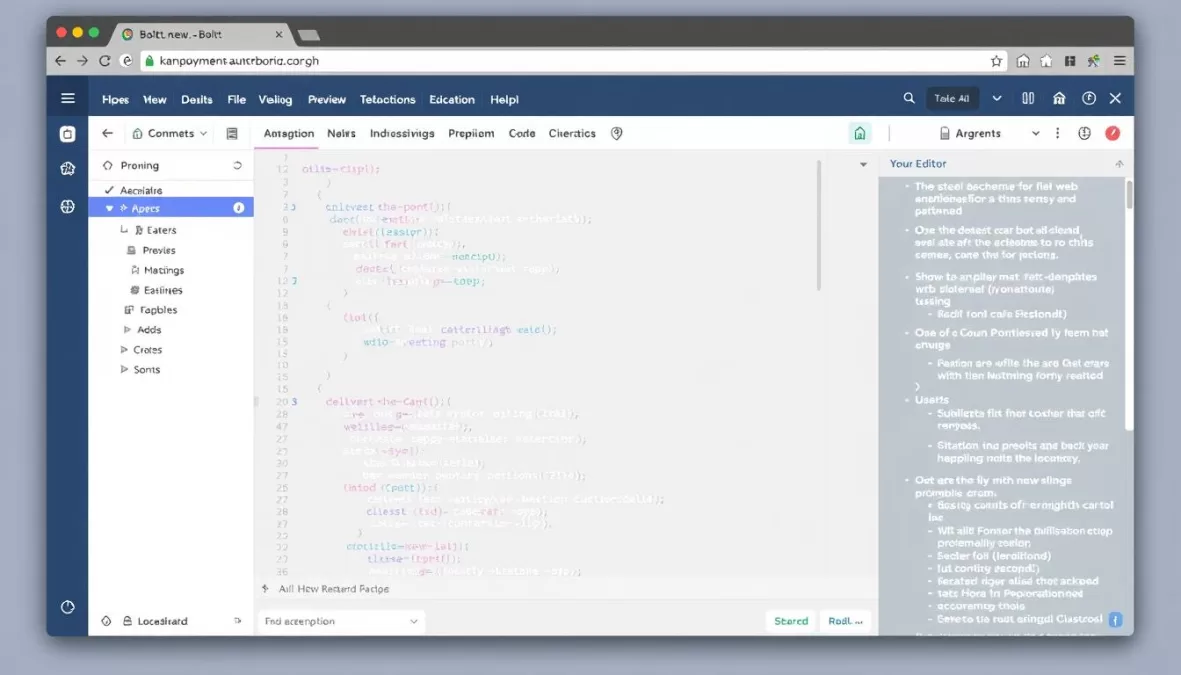
Bolt.new represents a revolutionary approach to web development, offering a browser-based environment where developers can prompt, run, edit, and deploy complete applications without any local setup. Developed by the StackBlitz team, Bolt.new gives large language models direct control over the entire development environment, creating a powerful platform for rapid prototyping and full-stack web development.
Key Features
- Browser-Based Development: No local setup required
- Natural Language to Code: Generates full-stack applications from descriptions
- WebContainers Technology: Runs Node.js directly in the browser
- Visual Editor: Refine designs and logic visually
- Deployment Integration: Push to production directly from the interface
Pricing Structure
- Free: 1M tokens per month, up to 150K per day
- Pro: $20/month for 10M tokens per month
- Teams: $30/user/month with role-based access
Pros
- Zero setup required
- Rapid prototyping capabilities
- Full-stack development in one environment
- Powered by advanced LLMs
- No vendor lock-in (downloadable code)
Cons
- Limited to web technologies
- Token limits on free tier
- Less suitable for large-scale applications
- Browser-based limitations for complex projects
Real-World Use Case
A UX designer with limited coding experience used Bolt.new to rapidly prototype a customer feedback portal. Using natural language descriptions of the desired functionality, they were able to generate a complete application with user authentication, feedback submission forms, and an admin dashboard. The visual editor allowed them to refine the interface design without writing additional code. Once the prototype was approved, a developer was able to download the source code and integrate it into the company’s existing systems, significantly accelerating the development process.
Build Web Apps in Minutes
Experience the future of web development with AI-powered, browser-based application creation and deployment.
Future Trends in AI Coding Tools: Beyond 2025
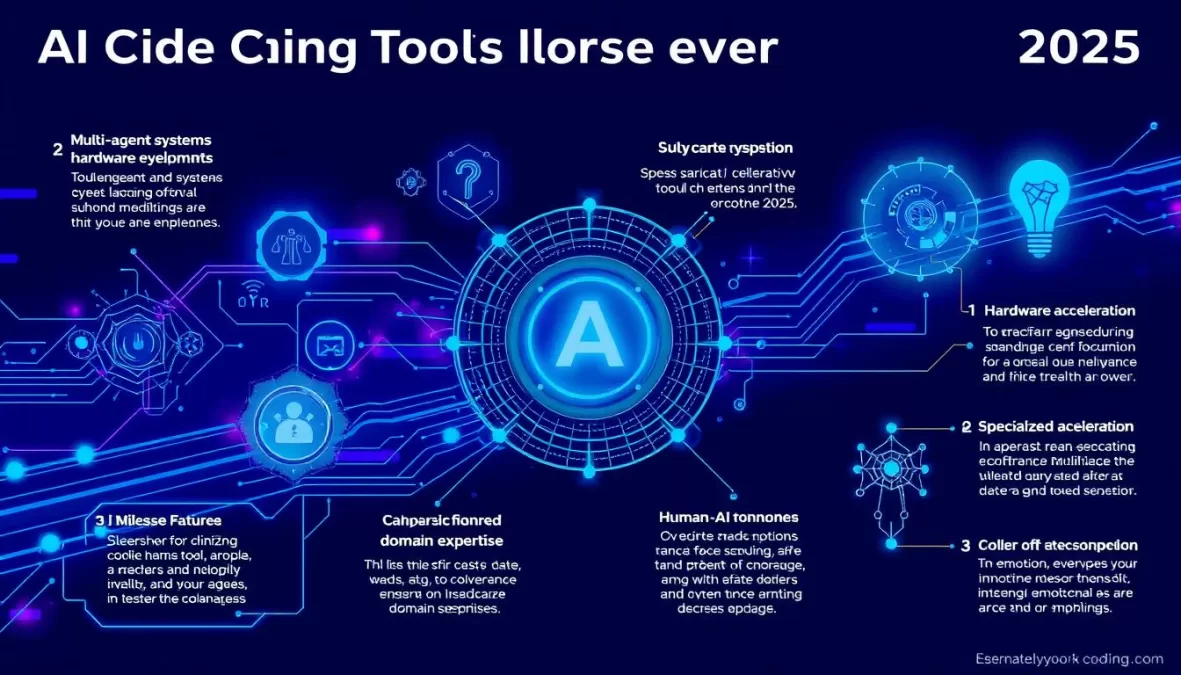
As we look beyond 2025, several emerging trends are poised to reshape how developers interact with AI coding assistants. These advancements will further blur the line between human and AI contributions to software development.
Multi-Agent Systems
The future of AI coding lies in specialized agent teams working together. Rather than a single AI assistant handling all tasks, we’ll see specialized agents collaborating: one generating code, another reviewing it, a third writing tests, and yet another handling documentation. These agents will communicate with each other, creating a more comprehensive development ecosystem.
Hardware-Accelerated Development
As specialized AI hardware becomes more accessible, we’ll see coding assistants that can run locally with performance rivaling cloud-based solutions. This will address privacy concerns while enabling real-time, high-quality code generation even for complex tasks. Custom silicon designed specifically for AI coding tasks will further accelerate this trend.
Domain-Specific Expertise
Future AI coding tools will offer specialized knowledge in specific domains like healthcare, finance, or IoT development. These tools will understand not just programming languages but also industry regulations, best practices, and common patterns, providing truly contextual assistance for specialized development tasks.
Autonomous Development Pipelines
The line between coding assistants and autonomous development systems will continue to blur. Future tools will be capable of taking high-level requirements and autonomously designing, implementing, testing, and deploying entire applications with minimal human intervention, fundamentally changing the role of human developers.
Enhanced Human-AI Collaboration
Rather than replacing developers, the most successful future tools will focus on enhancing human-AI collaboration. This includes better explanation capabilities, more intuitive interfaces, and systems that learn individual developer preferences and styles to create truly personalized coding experiences.
“The future of software development isn’t about AI replacing developers—it’s about creating a new kind of developer who knows how to collaborate effectively with AI systems. The most successful developers will be those who learn to be great AI collaborators.”
How to Choose the Right AI Coding Assistant for Your Needs
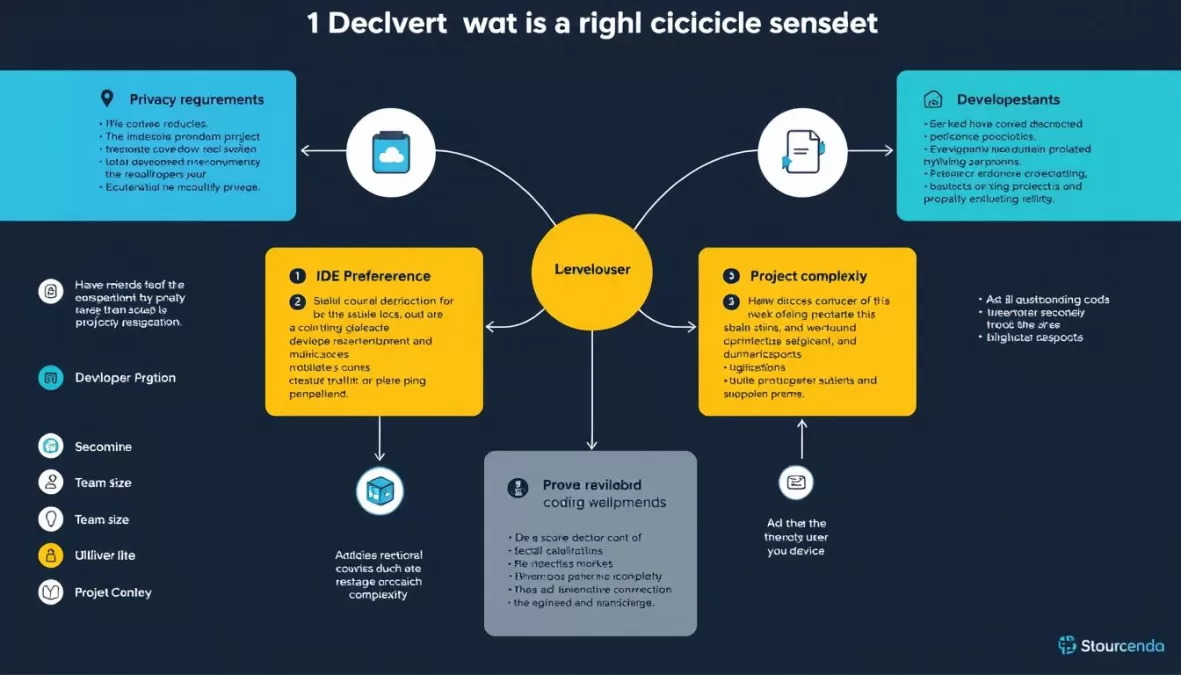
With so many powerful AI coding assistants available, choosing the right one for your specific needs can be challenging. Here’s a practical framework to help you make an informed decision:
Assess Your Development Environment
- IDE Preference: If you’re committed to a specific IDE, prioritize tools with deep integration (JetBrains AI for JetBrains IDEs, GitHub Copilot for VS Code)
- Workflow Style: Terminal-centric developers might prefer Aider, while those wanting a complete environment might choose Cursor or Windsurf
- Team Collaboration: Consider tools with strong Git integration and team features if you work in a collaborative environment
Consider Your Privacy and Security Requirements
- Sensitive Code: For proprietary or regulated codebases, prioritize tools like Tabnine with strong privacy features
- Deployment Options: Some environments require on-premise solutions or air-gapped installations
- Data Retention: Check each tool’s data retention policies and whether they train on your code
Evaluate Technical Requirements
- Language Support: Ensure the tool supports your primary programming languages
- Project Complexity: For large, complex projects, tools with better context understanding like Claude Code may be preferable
- Specific Features: Prioritize tools with strengths in areas important to you (test generation, documentation, refactoring)
Consider Budget Constraints
- Free Options: Several tools offer free tiers with varying limitations
- Pricing Models: Consider whether subscription-based or token-based pricing works better for your usage patterns
- Team Licensing: For teams, evaluate the cost scaling and available enterprise features
Try Before Committing
Most AI coding assistants offer free trials or limited free tiers. Take advantage of these to test multiple tools in your actual development environment before making a decision. Pay attention to:
- Quality of suggestions for your specific codebase
- Integration smoothness with your workflow
- Performance impact on your development environment
- Learning curve and team adoption potential
Pro Tip: Many developers find value in using multiple AI coding tools for different purposes. For example, you might use GitHub Copilot for day-to-day coding, Qodo for test generation, and Bolt.new for rapid prototyping. Consider how different tools can complement each other in your workflow.
Conclusion: The State of AI Coding Tools in 2025
The landscape of AI coding assistants has evolved dramatically, transforming from simple code completion tools to sophisticated development partners capable of understanding entire codebases, generating complex functionality, and even working autonomously on challenging tasks. The top tools of 2025 represent a diverse ecosystem catering to different developer preferences, workflows, and requirements.
GitHub Copilot continues to lead with its broad language support and deep GitHub integration, while specialized tools like Qodo excel in quality-focused areas like testing and code review. Newcomers like Claude Code and Jules are pushing the boundaries of what’s possible with autonomous coding agents, while privacy-focused options like Tabnine address the growing concerns around data security and intellectual property.
As these tools continue to evolve, they’re not replacing developers but rather changing the nature of development work—shifting focus from routine coding tasks to higher-level design, architecture, and problem-solving. The most successful developers will be those who learn to effectively collaborate with these AI systems, leveraging their strengths while providing the creative direction and domain expertise that remains uniquely human.
Whether you’re an individual developer looking to boost productivity, a team lead evaluating options for your organization, or a coding enthusiast exploring the cutting edge of technology, there’s never been a more exciting time to incorporate AI into your development workflow. The tools highlighted in this guide represent the current state of the art, but the field continues to advance rapidly—stay curious, keep experimenting, and find the AI coding partners that best complement your unique development style.
Start Your AI Coding Journey Today
Explore the top AI coding assistants of 2025 and transform your development workflow with the power of artificial intelligence.
Frequently Asked Questions
Can AI coding assistants replace human developers?
No, AI coding assistants cannot fully replace human developers. While these tools have become increasingly sophisticated at generating code, understanding requirements, and solving problems, they still lack the creative problem-solving, architectural vision, and business domain understanding that human developers provide. AI coding tools are best viewed as powerful collaborators that handle routine tasks and boost productivity, allowing human developers to focus on higher-level concerns like system design, user experience, and business logic.
Are AI-generated code suggestions secure and reliable?
AI-generated code requires human review for security and reliability. While modern AI coding assistants produce increasingly high-quality code, they can still generate solutions with security vulnerabilities, performance issues, or logical errors. Best practices include thoroughly reviewing all AI suggestions, running security scanners on generated code, and maintaining comprehensive test coverage. Some tools like Qodo specifically focus on code quality and security, but human oversight remains essential regardless of which tool you use.
Which programming languages are best supported by AI coding tools?
Popular languages like Python, JavaScript, TypeScript, Java, and C# typically receive the best support from AI coding tools due to their prevalence in training data. However, most leading tools now support dozens of languages with varying degrees of proficiency. GitHub Copilot supports over 14 languages, while Aider claims support for over 100. Language-specific quality can vary significantly between tools, so it’s worth testing multiple options with your specific programming language if that’s a priority.
How do AI coding assistants impact intellectual property rights?
The intellectual property implications of AI-generated code remain complex. Generally, code you create with AI assistance belongs to you or your organization, but some tools’ terms of service may include clauses about training on your code. Privacy-focused tools like Tabnine explicitly avoid training on private code. For sensitive projects, consider tools with clear data policies, on-premise deployment options, or zero-data retention modes. Always review the terms of service for any AI coding assistant you use, especially in commercial or proprietary contexts.
What’s the difference between AI coding assistants and autonomous coding agents?
AI coding assistants primarily offer suggestions and completions as you code, functioning as intelligent autocomplete tools that respond to your inputs. Autonomous coding agents, like Jules or Claude Code in agent mode, can independently plan and execute complex, multi-step coding tasks with minimal human guidance. They can analyze requirements, design solutions, implement code across multiple files, and even test their work. While traditional assistants augment your coding in real-time, agents can work asynchronously on entire features or refactoring tasks, often presenting their work as pull requests for human review.

Priyanka Pandey
Senior Research Editor · Top10Sense
Priyanka specializes in tech, consumer products, and digital trends. She combines hands-on testing, vendor interviews, and database research to create trustworthy “Top 10” rankings. Her work has been referenced by industry blogs and brand report pages.